搜索插件、代码仓与 APP 分类

image_pixels 封面
插件详情v4.0.2

image_pixels

让您扩展图像的背景颜色,或者构建任何依赖于图像宽度/高度或像素颜色的控件。

AndroidiOSWebmacOSWindowsLinux
近 30 天下载
3750
喜欢数
102
Pub 分数
150

安装插件

flutter pub add image_pixels

插件介绍

基于插件公开信息、社区数据与项目使用情况整理的选型参考。

image_pixels 包使开发者能够扩展图像的背景颜色,或创建依赖于图像尺寸和像素颜色的控件。它提供了在像素级别分析和操作图像的工具,非常适合自定义视觉效果、动态背景以及基于图像内容的响应式 UI。该包支持 Android、iOS、Web、macOS、Windows 和 Linux 等多个平台,确保广泛的兼容性。专注于性能和简洁性,它可通过 pub.dev 无缝集成到 Flutter 项目中。

适合场景

  • 动态背景颜色扩展
  • 基于图像尺寸创建小部件
  • 像素级图像分析
  • 带有图像数据的响应式 UI
  • 自定义视觉效果
  • 基于图像的布局调整

主要特点

  • 扩展图像的背景颜色
  • 分析像素颜色
  • 支持图像宽度/高度依赖
  • 跨平台兼容性
  • 轻便高效
  • 与 Flutter 的轻松集成

适合对象

  • 开发图像驱动的用户界面的开发者
  • 需要像素级精确布局的设计师
  • 需要动态图像背景的应用程序
  • 具有响应式图像组件的项目
  • Flutter 应用针对多个平台

使用建议

  • 需要在像素分析之前加载图像
  • 大图像的性能影响
  • 仅限静态图像处理
  • 不适用于实时视频
  • 最好与预加载的图像一起使用
  • 可能需要额外缓存以供重复使用

原始 README

以下为关联源码仓库的 README 原文快照,最新内容请访问源码仓库。

Pub popularity Pub Version GitHub stars GitHub repo size PRs Welcome Developed by Marcelo Glasberg Glasberg.dev on pub.dev Platforms

Sponsor

image_pixels

This package allows you to build a widget that depends on, or uses the values of:

  • The width and height of some image, or
  • The colors of your image pixels

Try running the Example.

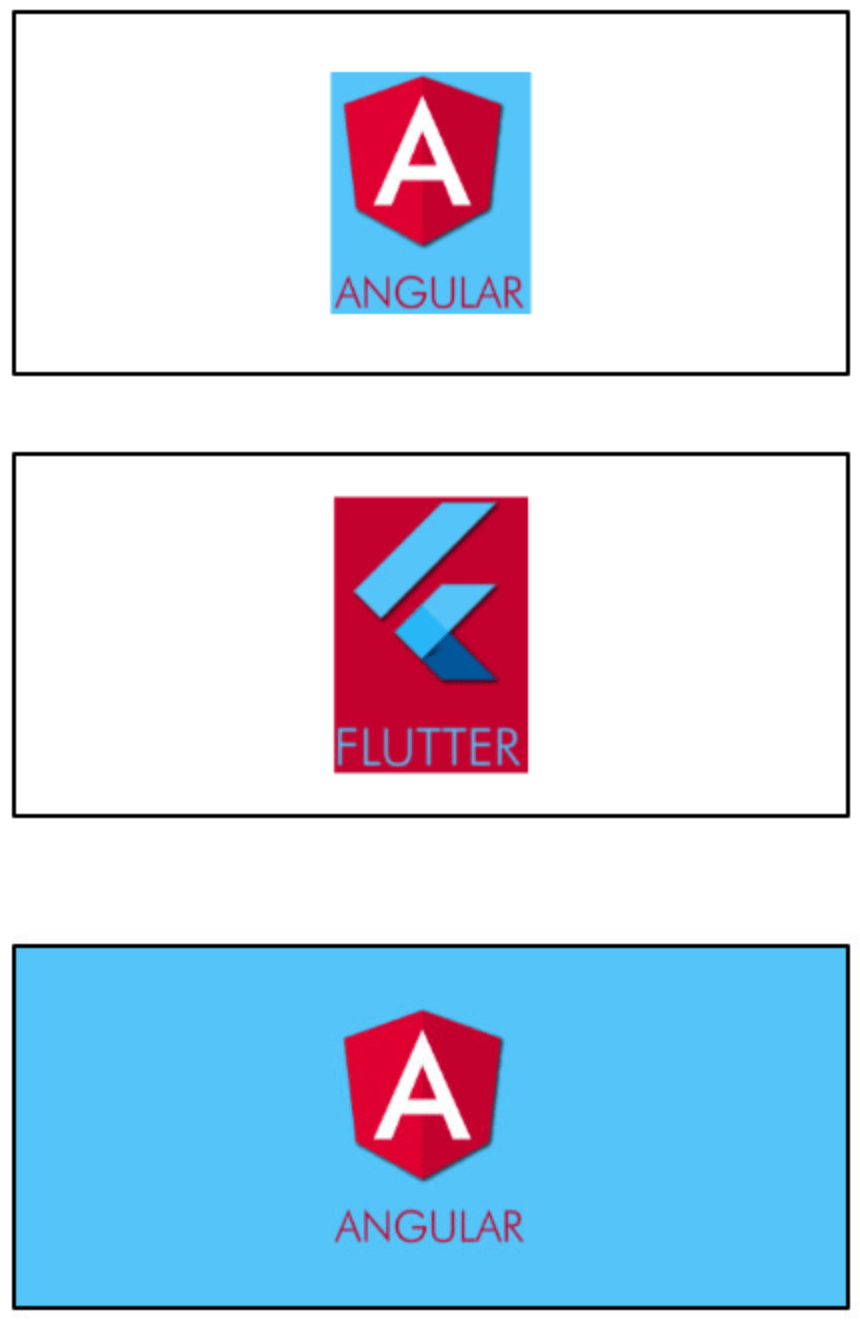
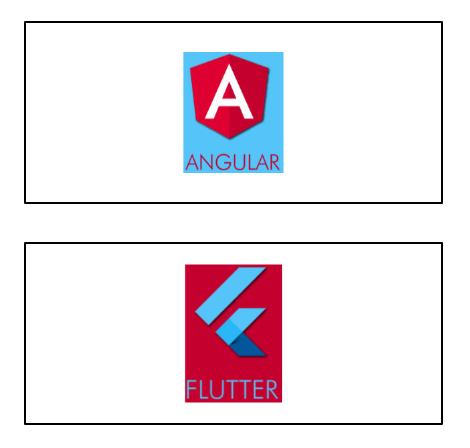
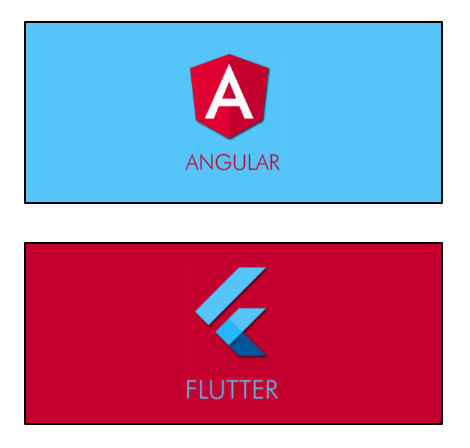
Extend the background-color of an image

The ImagePixels.container() constructor adds a background-color that is the same color as the image pixel at the colorAlignment position.

For example, suppose you put an image inside a Container, like this:

Container(
    width: 250,
    height: 100,                           
    alignment: Alignment.center,
    child: 
        Container(    
            width: 40.0, 
            height: 60.0, 
            child: Image(image: myImageProvider),
        ),
);


Now, if you wrap it with an ImagePixels.container:

ImagePixels.container(
    imageProvider: myImageProvider,    
    colorAlignment: Alignment.topLeft,
    child: 
        Container(
            width: 250,
            height: 100,                           
            alignment: Alignment.center,
            child: 
                Container(    
                    width: 40.0, 
                    height: 60.0, 
                    child: Image(image: myImageProvider),
                ),
        );
);


Using a builder

The ImagePixels constructor lets you define an image through an imageProvider, and then use a builder to build a child widget that depends on the image dimensions and the color of its pixels.

The default constructor lets you provide the imageProvider, the builder, as well as a defaultColor to be used when reading pixels outside the image bounds or while the image is still downloading.

For example, this will display the size of the image as a Text widget:

ImagePixels(
    imageProvider: imageProvider,
    defaultColor: Colors.grey,
    builder: (context, img) => Text("Img size is: ${img.width} × ${img.height}"),
    );

Builder parameters

The builder function gives you access to an img parameter of type ImgDetails, with the following information:

  • If the image is already available, img.hasImage is true, and img.width and img.height indicate the image dimensions.

  • While the image is not yet available, img.hasImage is false, and img.width and img.height are null.

  • The functions img.pixelColorAt() and img.pixelColorAtAlignment() can be used in the builder body to read the color of the image pixels.

  • If the coordinates point to outside the image, or if the image is not yet available (is still being downloaded or failed to download), then these functions will return the defaultColor provided in the ImagePixels constructor.

  • The img.uiImage parameter contains the image as a ui.Image type. It will be null while the image is still downloading.

  • The img.byteData parameter contains the image as a ByteData type. It will be null while the image is still downloading.


Other use cases

  • Getting the tapped pixel color: By wrapping the child of the ImagePixel with a GestureDetector you can obtain the x/y position where the user tapped the image. From this information, you can then determine the color of the tapped pixel. Try running the Example.

  • Modifying the image: The child of the ImagePixel can be a CustomPainter. Then, you can use a canvas to paint whatever you want on top of the image, or else create an entirely new image from the pixels of the original image.


By Marcelo Glasberg

glasberg.dev
github.com/marcglasberg
linkedin.com/in/marcglasberg/
twitter.com/glasbergmarcelo
stackoverflow.com/users/3411681/marcg
medium.com/@marcglasberg

My article in the official Flutter documentation:

The Flutter packages I've authored:

My Medium Articles:

image_pixels

所属分类

源码仓库

使用此插件的项目