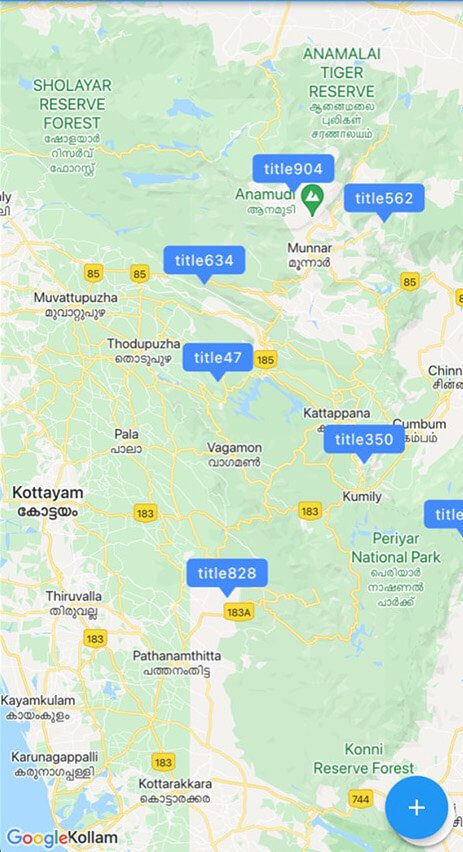
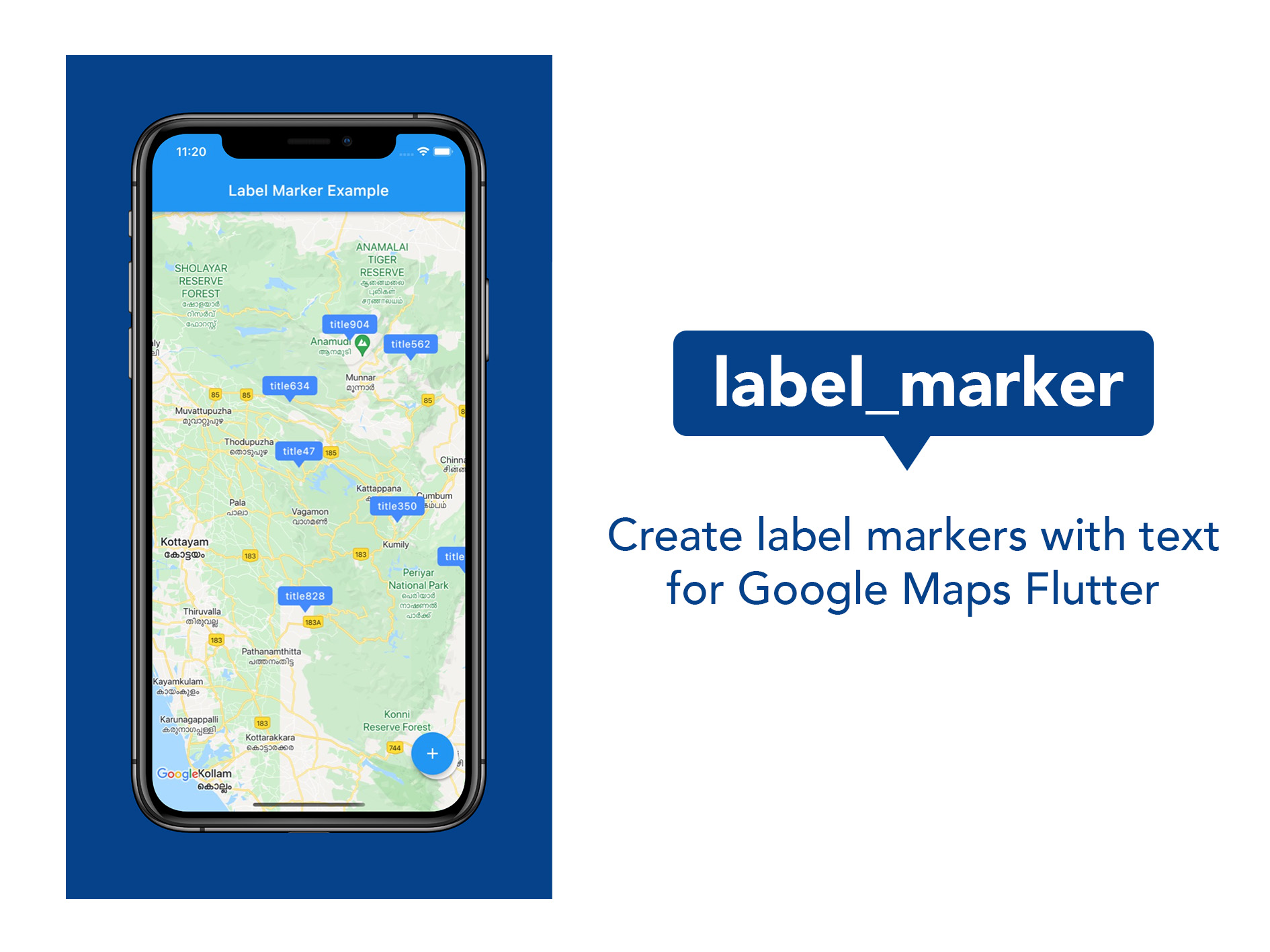
Label Marker 是一个 Flutter 包,可简化在 Google 地图上创建带有自定义标签文本的标记。它提供了一种高效且直观的方式来在地图上显示带标签的标记,提升地图可读性,而无需复杂的配置。专为寻求轻量级解决方案的开发者设计,它可与 Google Maps for Flutter 无缝集成,支持 Android、iOS 和 Web 平台。该包注重性能和易用性,非常适合需要清晰文本标记注释的应用程序。
适合场景
在地图上显示位置名称
用标签突出显示兴趣点
创建带有文本的交互式地图标记
通过可读的注释增强地图用户体验
构建导航或发现类应用
主要特点
用于带标签标记的简单 API
高效的渲染性能
支持 Google 地图集成
跨平台兼容性(Android、iOS、Web)
所需设置最少
适合对象
开发基于地图的应用程序的开发者
需要标记的项目
专注于位置可视化的应用
注重开发速度的团队
使用 Google Maps 的 Flutter 前端开发人员
使用建议
需要 Google Maps API 密钥
仅限Google地图平台
依赖于 Google Maps Flutter 插件
不适用于非谷歌地图提供商
可能需要额外的样式自定义
原始 README
以下为关联源码仓库的 README 原文快照,最新内容请访问源码仓库。
A package to create and use Google Maps marker with label text; the easiest and most efficient way.
Features
Use this package in your Flutter app to:
Include map marker with text in flutter app
Customise the background colour of the label
Customise the font style of the label
Implement any other functionality that you could do with normal markers
Getting started
Do the basic setup for having Google Maps
Create a Set of normal markers ( Set < Marker > ) and set it as markers parameter of Google Maps widget
Import this package; label_marker, and call addLabelMarker() function on the Set of markers when you want to add a label marker.
Pass a LabelMarker widget, (created by giving required parameters, ie, label, position and markerId) to the above function. (See example.)
Remember to call setState using 'then' keyword on the addLabelMarker() function.
This was done alone and contributions are absolutely welcome. Any idea or suggestion to remove the need of setState after the function manually called, would be most appreciated.