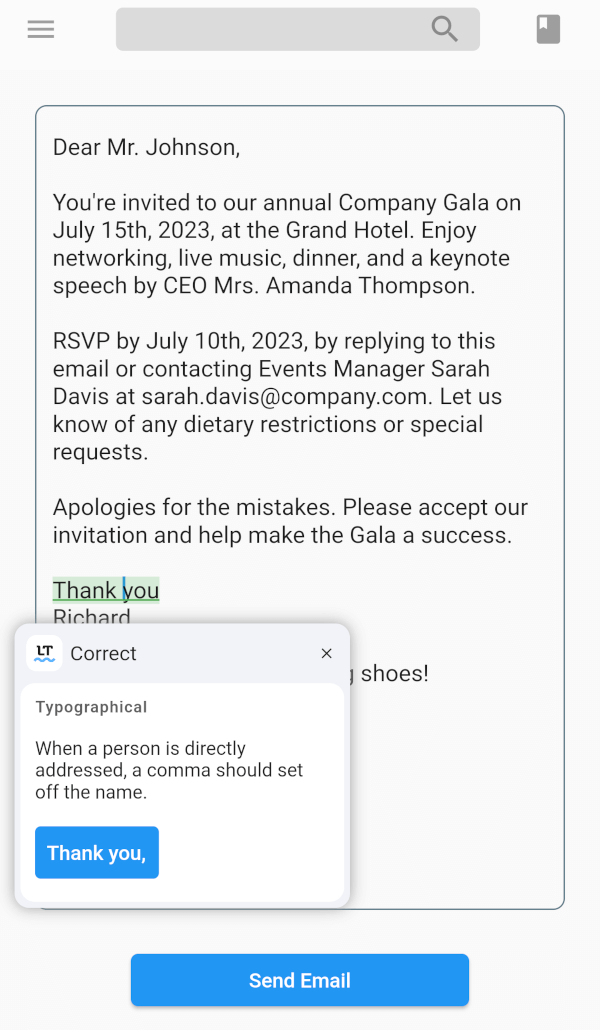
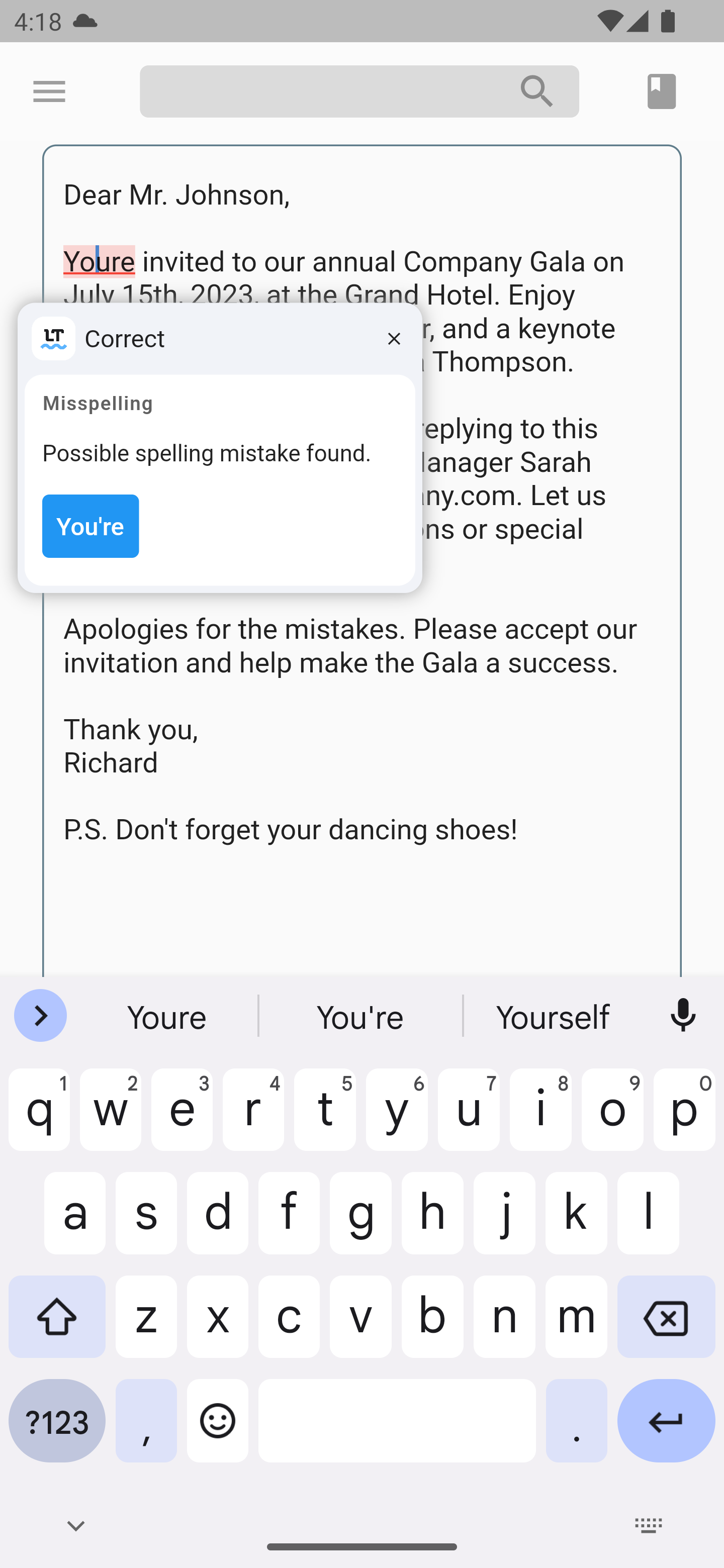
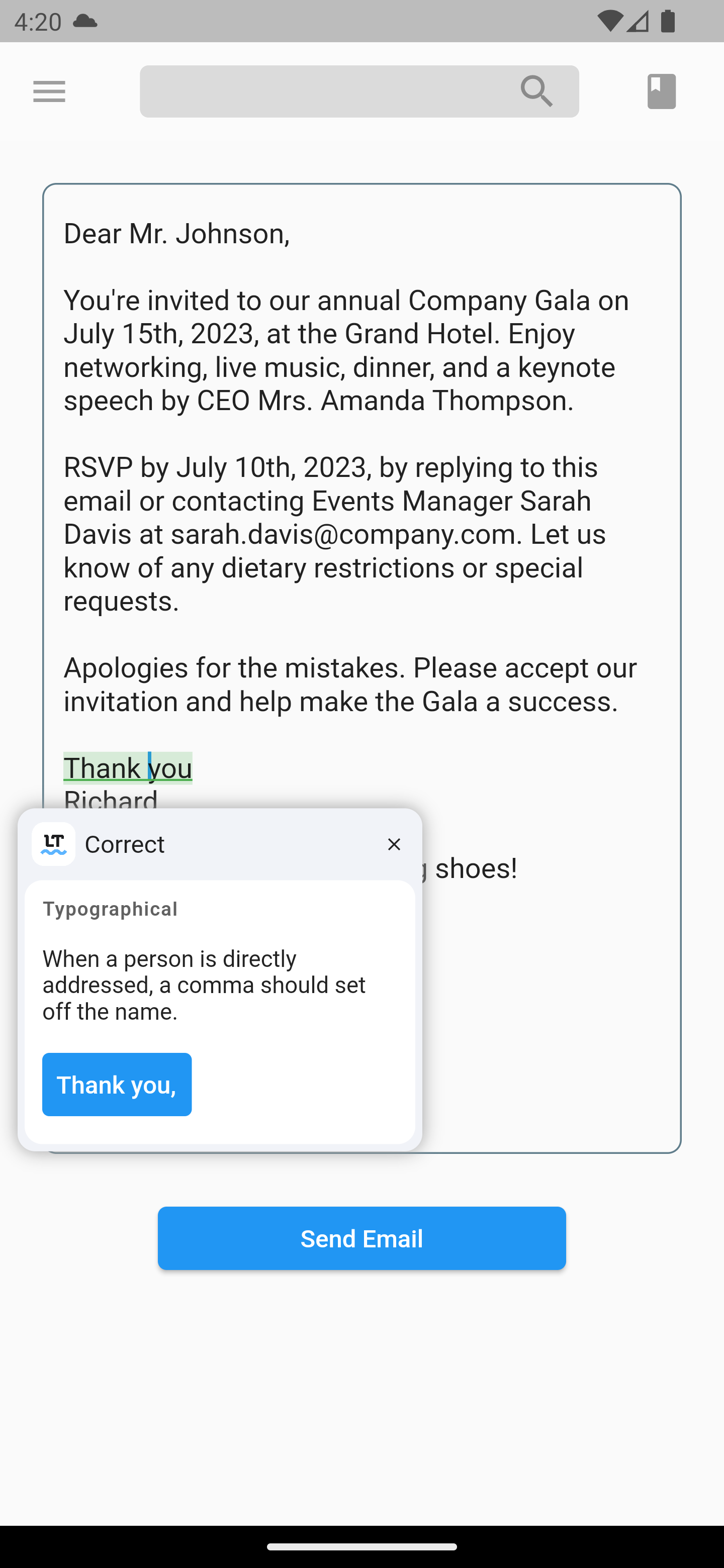
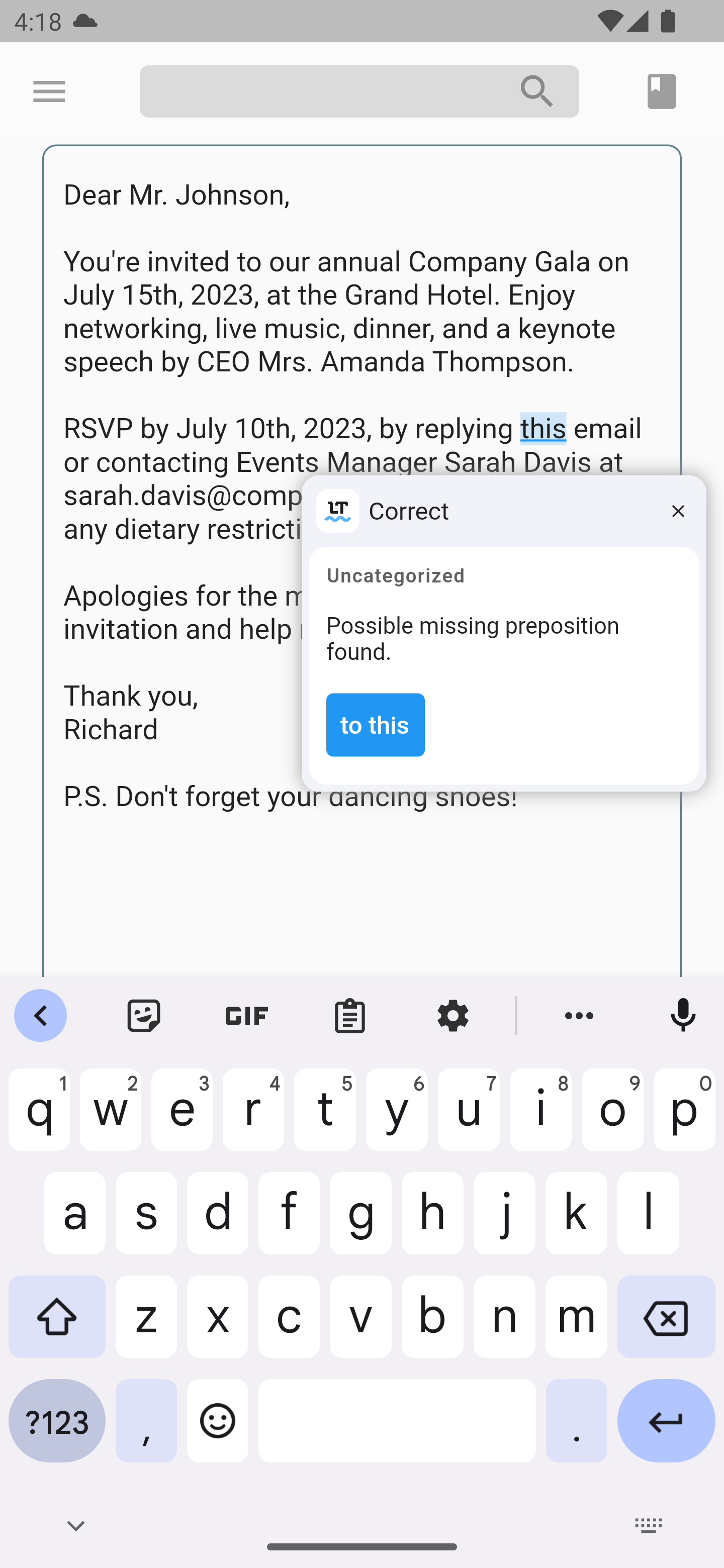
LanguageTool TextField 包为 Flutter 应用程序增强了实时拼写和语法检查功能,适用于文本输入字段。专为需要精确文本输入的应用程序(如消息传递、笔记记录和电子邮件客户端)设计,它与 LanguageTool API 无缝集成,可即时提供拼写和语法错误的反馈。该包专为 iOS 和 Web 平台打造,支持多语言文本验证,并在不干扰工作流程的情况下提升用户输入质量。该包轻量且易于通过简单的 pub add 命令实现。
适合场景
实时拼写检查在消息应用中
笔记工具中的语法验证
电子邮件编写中的错误检测
多语言文本输入验证
提高用户输入的准确性
主要特点
实时拼写和语法检查
支持多种语言
与 Flutter 的轻量级集成
跨平台(iOS 和 Web)
通过 pub.dev 简单设置
基于API的错误检测
适合对象
开发文本密集型 Flutter 应用的开发者
需要高输入精度的应用程序
教育或写作导向的应用程序
多语言支持需要
团队优先考虑文本输入的用户体验
使用建议
需要互联网连接以访问API
可能因网络速度而产生延迟
错误建议的自定义有限
依赖第三方 LanguageTool 服务
敏感文本的潜在数据隐私考虑
原始 README
以下为关联源码仓库的 README 原文快照,最新内容请访问源码仓库。
LanguageTool TextField
Providing powerful spell-checking and grammar correction capabilities.
Features
The LanguageTool TextField package is a spell-checker designed for Flutter apps. It integrates with the LanguageTool API to offer real-time spell-checking capabilities. This package will enhance text input accuracy by automatically detecting and highlighting spelling errors as users type.
It's particularly useful for apps that require precise text input, like chat or note-taking apps. By using the LanguageTool TextField package, developers can improve the user experience by providing an intuitive and reliable spell-checking feature.
To start using the plugin, copy this code or follow the example project in 'languagetool_textfield/example'
// Create a text controller for the Widgetfinal _controller = LanguageToolController();
// Use the text field widget in your layout
child: LanguageToolTextField(
controller: _controller,
// A language code like en-US, de-DE, fr, or auto to guess// the language automatically.// language = 'auto' by default.
language: 'en-US',
);
// Don't forget to dispose the controller
_controller.dispose();
Using Debounce and Throttle in LanguageTool TextField
To incorporate the debounce or throttle functionality into the LanguageTool TextField, follow these:
Create a LanguageToolController and provide the desired debounce/throttle delay duration and delay type:
final _controller = LanguageToolController(
  // If the delay value is [Duration.zero], no delay is applied.
  delay: Duration(milliseconds: 500), // Set the debounce/throttle delay duration here
  delayType: DelayType.debouncing, // Choose either DelayType.debouncing or DelayType.throttling
);
DelayType.debouncing - Calls a function when a user hasn't carried out the event in a specific amount of time.
DelayType.throttling - Calls a function at intervals of a specified amount of time while the user is carrying out the event.
Legal
This is an unofficial plugin. We are not affiliated with LanguageTool.
All logos are of their respected owners.