搜索插件、代码仓与 APP 分类

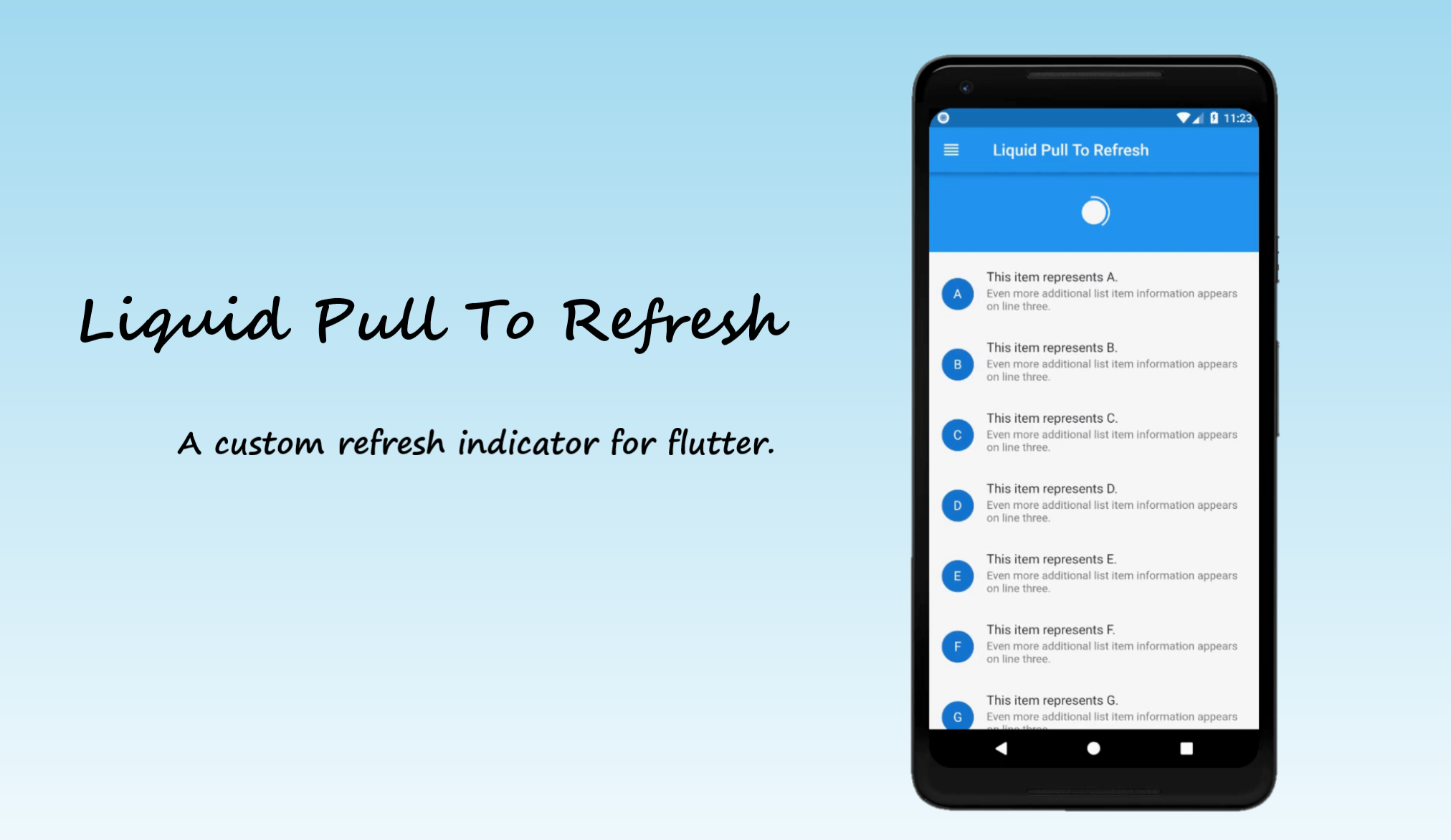
liquid_pull_to_refresh 封面
插件详情v3.0.1

liquid_pull_to_refresh

一个美观且可自定义的刷新指示器,带有酷炫的动画和过渡效果,适用于 Flutter。

AndroidiOSWebmacOSWindowsLinux
近 30 天下载
2.6万
喜欢数
826
Pub 分数
150

安装插件

flutter pub add liquid_pull_to_refresh

插件介绍

基于插件公开信息、社区数据与项目使用情况整理的选型参考。

LiquidPullToRefresh 是一个视觉上引人注目的 Flutter 包,通过流畅的动画和顺滑的过渡效果增强了标准的下拉刷新功能。它提供了一个现代化的液态式刷新指示器,能够动态响应用户手势,在所有平台上提供引人入胜的用户体验。非常适合希望以最少设置获得精致、交互式刷新机制的应用程序。该包支持 Android、iOS、Web、macOS、Windows 和 Linux,具有高度的通用性。其可自定义的设计使开发者能够根据应用的美学风格调整外观和行为。

适合场景

  • 通过动画刷新指示器增强列表视图
  • 在移动应用和网页应用中创建沉浸式用户体验
  • 向数据加载状态添加动态反馈
  • 在内容密集型应用中提升用户界面的精致度
  • 实现带有视觉效果的基于手势的交互

主要特点

  • 流畅的液态动画效果
  • 可自定义的刷新指示器外观
  • 跨平台兼容性
  • 与 ListView 及其他可滚动控件轻松集成
  • 支持下拉刷新和手动刷新触发
  • 可配置的动画持续时间和缓动

适合对象

  • 寻求现代 UI 增强功能的开发人员
  • 频繁更新数据的应用
  • 注重设计的 Flutter 项目
  • 交互式列表或信息流界面
  • 注重用户参与和反馈的团队

使用建议

  • 由于动画效果,可能会影响低端设备的性能
  • 需要仔细调整动画参数以获得最佳用户体验
  • 与完全自定义解决方案相比,定制选项有限
  • 不太适合简单的极简刷新需求
  • 与其他滚动物理效果或自定义指示器的潜在冲突

原始 README

以下为关联源码仓库的 README 原文快照,最新内容请访问源码仓库。

Liquid Pull To Refresh

A beautiful and custom refresh indicator for flutter highly inspired from Ramotion Pull Down to Refresh. Try out our live example app.


Table of contents

Installing

1. Depend on it

Add this to your package's pubspec.yaml file:

dependencies:
  liquid_pull_to_refresh: ^3.0.1
2. Install it

You can install packages from the command line:

with pub:

$ pub get

with Flutter:

$ flutter packages get
3. Import it

Now in your Dart code, you can use:

import 'package:liquid_pull_to_refresh/liquid_pull_to_refresh.dart';

Usage

For adding this custom refresh indicator in your flutter app, you have to simply wrap ListView or GridView inside LiquidPullToRefresh. Also you have provide the value of onRefresh parameter which is a refresh callback.

Note - LiquidPullToRefresh can only be used with a vertical scroll view.

For example:

LiquidPullToRefresh(
        key: _refreshIndicatorKey,	// key if you want to add
        onRefresh: _handleRefresh,	// refresh callback
        child: ListView(),		// scroll view
      );

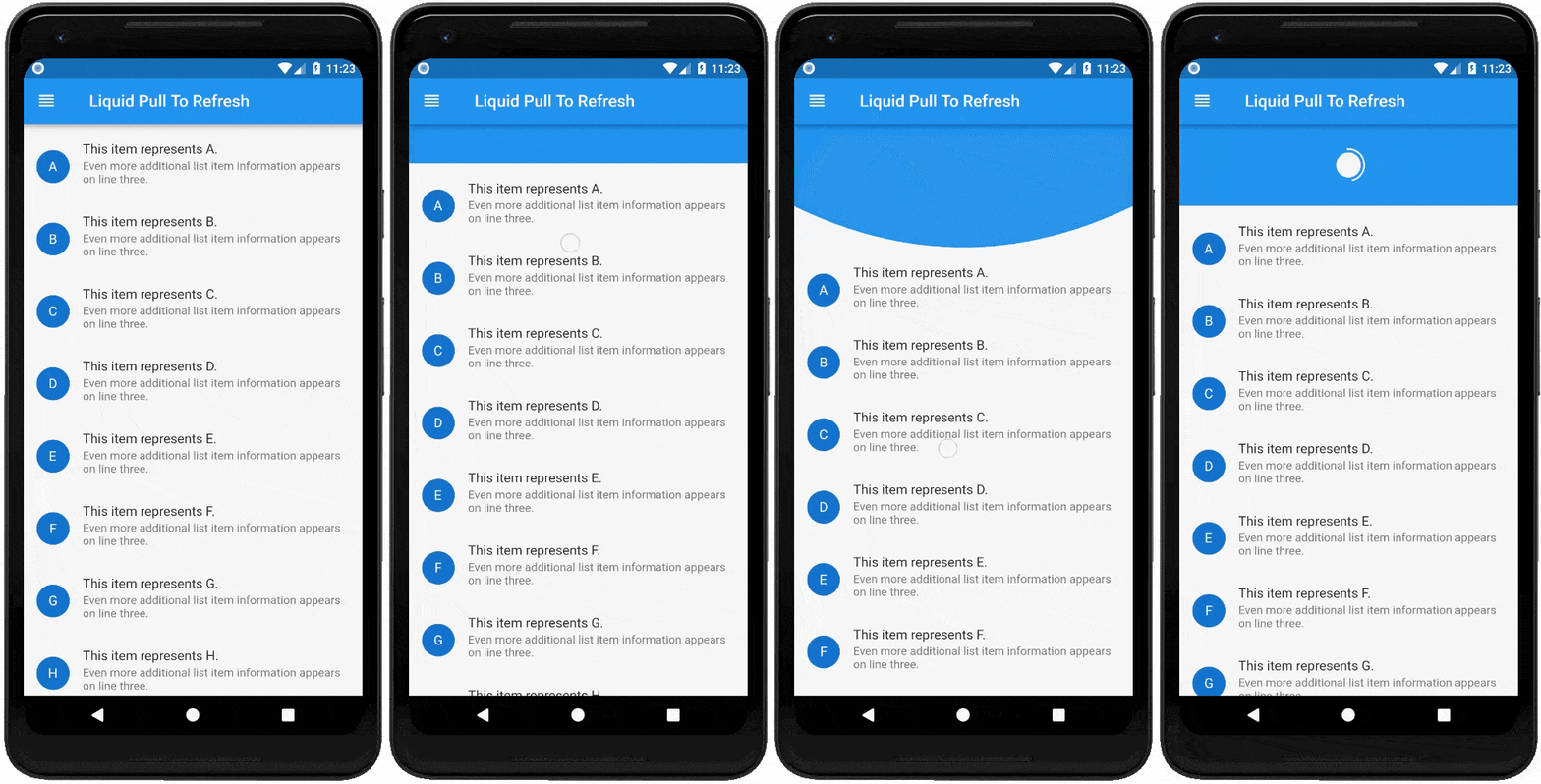
If you do not want the opacity transition of child then set showChildOpacityTransition: false. Preview regarding the both form of this widget is follows :-

showChildOpacityTransition: true showChildOpacityTransition: false

Documentation

LiquidPullToRefresh Class
Dart attribute Datatype Description Default Value
child ScrollView The widget below this widget in the tree. @required
onRefresh RefreshCallback A function that's called when the refreshing of page takes place. @required
height double The distance from the child's top or bottom edge to where the box will settle after the spring effect. 100.0
springAnimationDurationInMilliseconds int Duration in milliseconds of springy effect that occurs when we leave dragging after full drag. 1000
borderWidth double Border width of progressing circle in Progressing Indicator. 2.0
showChildOpacityTransition bool Whether to show child opacity transition or not. true
color Color The progress indicator's foreground color. ColorScheme.secondary
backgroundColor Color The progress indicator's background color. ThemeData.canvasColor
animSpeedFactor double Controls the speed of the animation after refresh. Used to fasten the ending animation. 1.0

For help on editing package code, view the flutter documentation.

Bugs or Requests

If you encounter any problems feel free to open an issue. If you feel the library is missing a feature, please raise a ticket on GitHub and I'll look into it. Pull request are also welcome.

See Contributing.md.

Donate

If you found this project helpful or you learned something from the source code and want to thank me, consider buying me a cup of :coffee:

Contributors

Thanks goes to these wonderful people (emoji key):


opannapo

💻

Anthony Taormina

📖

Erzhan

⚠️

Puttipong Wongrak

🐛

Aayush Malhotra

🐛

benja8151

📦 🚧

Remco Schrijver

📦 🚧

This project follows the all-contributors specification. Contributions of any kind welcome! See Contributing.md.

License

Liquid-Pull-To-Refresh is licensed under MIT license. View license.

所属分类

源码仓库

使用此插件的项目