搜索插件、代码仓与 APP 分类

loading_overlay 封面
插件详情v0.5.0

loading_overlay

一个淡入淡出的模态进度指示器小部件。将其包裹在另一个小部件周围,以在异步调用期间阻止对小部件的访问。

AndroidiOSWebmacOSWindowsLinux
近 30 天下载
2万
喜欢数
192
Pub 分数
150

安装插件

flutter pub add loading_overlay

插件介绍

基于插件公开信息、社区数据与项目使用情况整理的选型参考。

一个 Flutter 包,提供了一个模态进度指示器小部件,可平滑地淡入淡出。它可包裹任何小部件,在异步操作(如 API 调用或数据处理)期间临时阻止用户交互。非常适合在不中断 UI 流程的情况下显示加载状态。该覆盖层可通过程序控制,为跨多个平台的持续任务提供一种简洁且可自定义的指示方式。

适合场景

  • 在 API 请求期间显示加载状态
  • 在数据处理期间阻止UI
  • 改进异步操作期间的用户体验
  • 在表单中提供视觉反馈
  • 在应用程序中管理后台任务
  • 增强网页和移动应用的响应能力

主要特点

  • 平滑的淡入/淡出动画
  • 可编程叠加层控制
  • 支持所有主要平台
  • 与现有控件的轻松集成
  • 可自定义外观
  • 非阻塞的父级 widget 在非活动状态下的交互

适合对象

  • 开发响应式 Flutter 应用的开发者
  • 注重用户体验的团队
  • 需要清晰加载指示器的应用程序
  • 跨平台应用程序
  • UI密集型应用
  • 使用异步工作流的项目

使用建议

  • 可能需要仔细的状态管理
  • 叠加层可见性必须手动切换
  • 对复杂UI的性能影响
  • 高级样式的自定义选项有限
  • 不适用于持续加载状态
  • 依赖于正确的控件树结构

原始 README

以下为关联源码仓库的 README 原文快照,最新内容请访问源码仓库。

loading_overlay

A simple widget wrapper to enable modal progress HUD (a modal progress indicator, HUD = Heads Up Display).

Started as a fork of modal_progress_hud Inspired by this article.

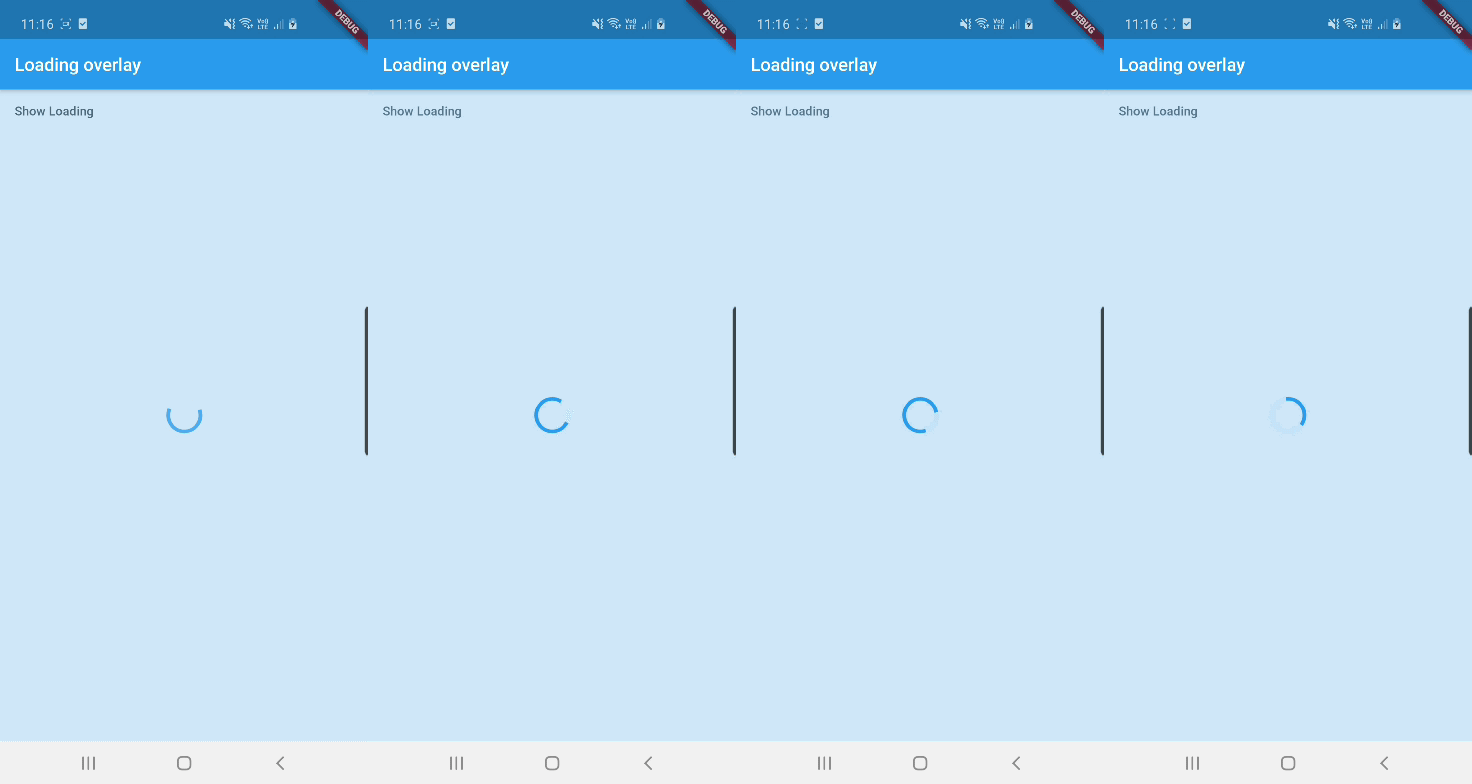
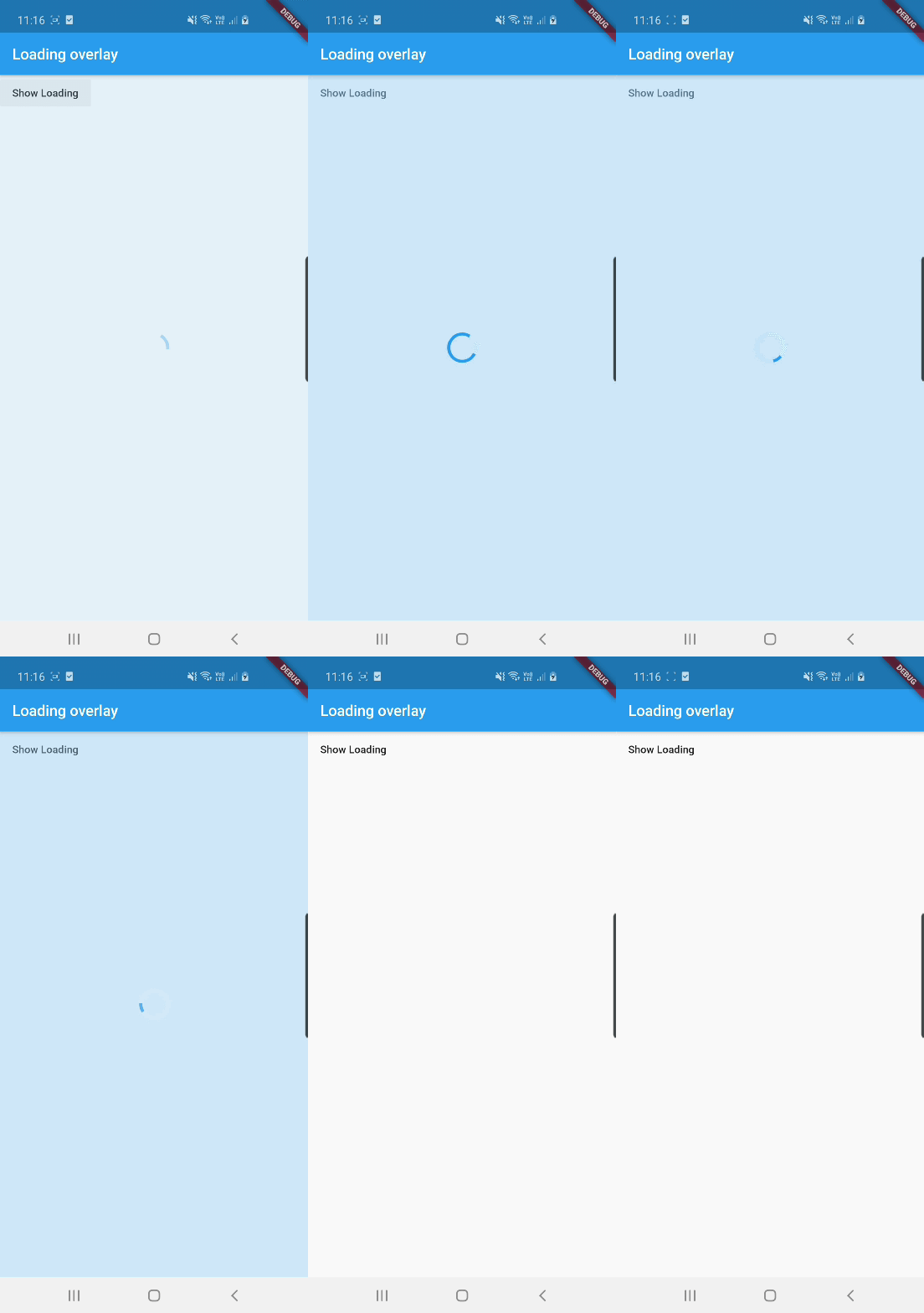
Demo

Demo

See example for details

Usage

Add the package to your pubspec.yml file.

dependencies:
  loading_overlay: ^0.4.0

Next, import the library into your widget.

import 'package:loading_overlay/loading_overlay.dart';

Now, all you have to do is simply wrap your widget as a child of LoadingOverlay, typically a form, together with a boolean that is maintained in local state.

...
bool _isSaving_ = false
...

@override
Widget build(BuildContext context) {
  return Scaffold(
     body: LoadingOverlay(
      color: Colors.black.withOpacity(0.5),
      child: Container(
       Form(...)
      ),
      isLoading: _isSaving_
      ),
  );
}

Alternatively, show the overlay until a Future completes (non-breaking new feature):

// Start an async operation
final saveFuture = _saveFormAsync();

return LoadingOverlay.withFuture(
  future: saveFuture,
  color: Colors.black.withOpacity(0.5),
  child: Form(...),
);

Options

The current parameters are customizable in the constructor

LoadingOverlay({
  required bool isLoading,
  required Widget child,
  Widget progressIndicator = const CircularProgressIndicator(),
  Color? color,
});

// New: show overlay until a Future completes
LoadingOverlay.withFuture({
  required Future<void> future,
  required Widget child,
  Widget progressIndicator = const CircularProgressIndicator(),
  Color? color,
});

Update: See this article on Medium about async form validation

See the example application source for a complete sample app using the modal progress HUD. Included in the example is a method for using a form's validators while making async calls (see flutter/issues/9688 for details).

Issues and feedback

Please file issues to send feedback or report a bug. Thank you!

所属分类

源码仓库

使用此插件的项目