搜索插件、代码仓与 APP 分类

loop_page_view 封面
插件详情v1.2.5

loop_page_view

一个简单的 Flutter PageView 构造函数包装器,允许双向无限滚动。

AndroidiOSWebmacOSWindowsLinux
近 30 天下载
1.6万
喜欢数
80
Pub 分数
150

安装插件

flutter pub add loop_page_view

插件介绍

基于插件公开信息、社区数据与项目使用情况整理的选型参考。

LoopPageView 是一个 Flutter 包,扩展了 PageView 的功能,可在两个方向上实现无缝、无限滚动。它封装了标准的 PageView 构造函数,允许用户创建无限滚动列表而无需手动管理索引。非常适合用于轮播图、图片画廊或任何需要连续导航的 UI。该包支持所有主要平台,并通过最少的设置简化了实现。

适合场景

  • 无限图像滑块
  • 连续式产品转盘
  • 无尽的内容推送
  • 交互式入门屏幕
  • 动态数据展示

主要特点

  • 双向无限滚动
  • 简单构建者模式集成
  • 跨平台支持
  • 最小化样板代码
  • 自动索引处理

适合对象

  • 开发无限滚动界面的开发者
  • 需要流畅过渡的UI设计师
  • 重复内容布局的应用程序
  • 需要流畅导航的移动和网页应用

使用建议

  • 可能会影响使用大量小部件时的性能
  • 需要仔细的内存管理
  • 对于未经优化的超大数据集来说并不理想
  • 超出基本循环之外的自定义功能有限

原始 README

以下为关联源码仓库的 README 原文快照,最新内容请访问源码仓库。

loop_page_view

LoopPageView is an enhanced PageView builder for Flutter, enabling infinite scrolling in both directions. It utilizes a customLoopPageController that supports direct animated jumps between pages and configurable scrolling and looping behavior. You can set the scrolling direction and control the start of infinite looping for precise customization

Usage

Import the package into your code:

import 'package:loop_page_view/loop_page_view.dart';

LoopPageView operates exactly like a PageView builder constructor, but it always requires an item count, as well as a LoopPageController as its controller. The LoopPageController functions similarly to a PageController, but it correctly handles the endless scrolling of LoopPageView.

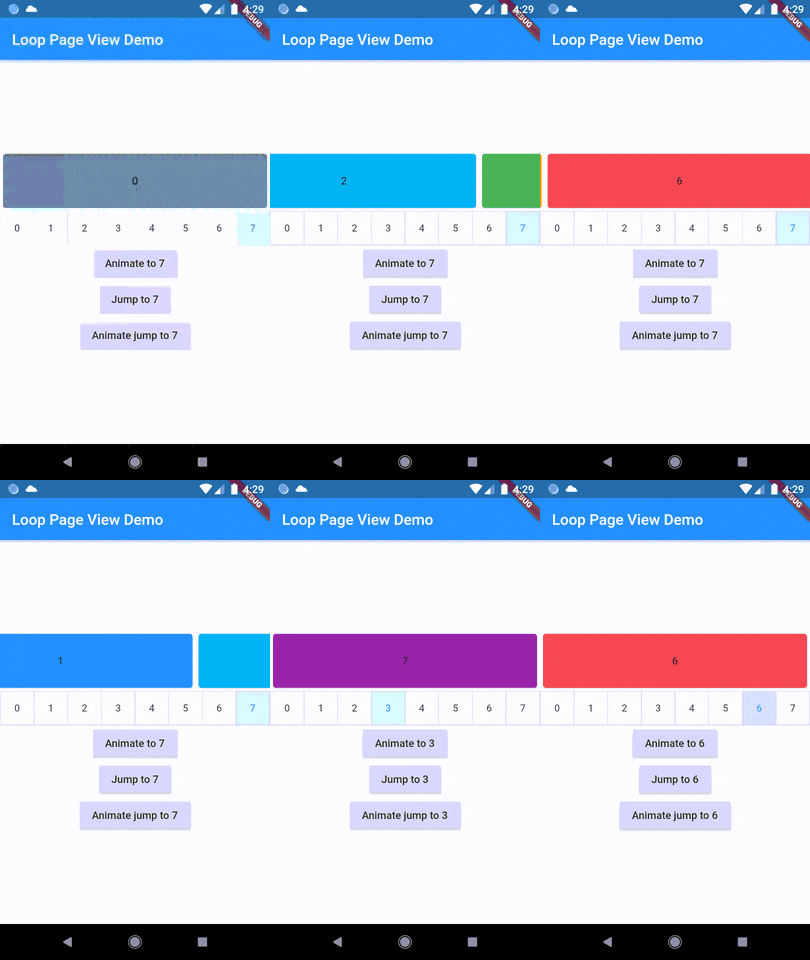
A new method, animateJumpToPage, has been added to LoopPageController. This allows it to animate a jump to any page without having to build the intervening pages, provided that viewportFraction is set to 1.0.

The direction to which the LoopPageViewController animates can be set by updating LoopPageViewController.scrollMode. LoopScrollMode.shortest animates in the direction that requires the least amount of steps. On the other hand, LoopScrollMode.forwards always animates forwards, and LoopScrollMode.backwards always animates backwards.

You can set when the infinite looping starts setting LoopPageViewContoller' LoopActivationMode with the following modes:

  • LoopActivationMode.immediate: This mode triggers infinite looping right from the first page, immediately after the LoopPageView is launched.
  • LoopActivationMode.afterFirstLoop: In this mode, infinite looping is only triggered after the first complete forward loop is performed.
  • LoopActivationMode.forwardOnly: This mode enables only forward infinite scrolling, preventing backward looping.

Installation

dependencies:
  loop_page_view: ^1.2.5

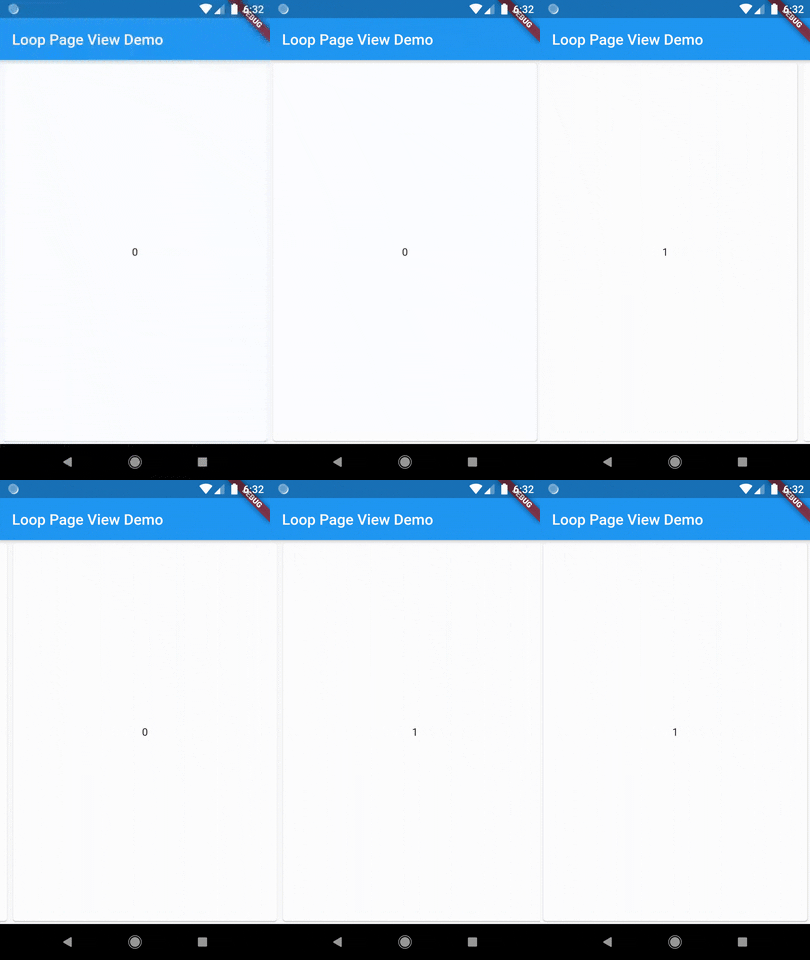
Example

import 'package:flutter/material.dart';
import 'package:loop_page_view/loop_page_view.dart';

void main() {
  runApp(MyApp());
}

class MyApp extends StatelessWidget {
  @override
  Widget build(BuildContext context) {
    return MaterialApp(
      home: Scaffold(
        appBar: AppBar(
          title: Text('Loop Page View Demo'),
        ),
        body: Center(
          child: LoopPageView.builder(
            itemCount: 2,
            itemBuilder: (_, index) {
              return Card(
                child: Center(
                  child: Text('$index'),
                ),
              );
            },
          ),
        ),
      ),
    );
  }
}

LoopPageView widget is designed to be used similarly to Flutter's built-in PageView.

To extend its functionality and allow mouse drag gestures in a web context, you can use it together with a ScrollConfiguration widget.

Here's how you could do it:

import 'package:flutter/material.dart';
import 'package:flutter/gestures.dart';
import 'package:loop_page_view/loop_page_view.dart';

void main() {
  runApp(MyApp());
}

class MyApp extends StatelessWidget {
  @override
  Widget build(BuildContext context) {
    return MaterialApp(
      title: 'ScrollConfiguration Demo',
      home: MyHomePage(),
    );
  }
}

class MyHomePage extends StatelessWidget {
  @override
  Widget build(BuildContext context) {
    return Scaffold(
      body: ScrollConfiguration(
        behavior: ScrollConfiguration.of(context).copyWith(
          dragDevices: {PointerDeviceKind.touch, PointerDeviceKind.mouse},
        ),
        child: LoopPageView.builder(
          itemCount: 5,
          itemBuilder: (context, index) {
            return Center(
              child: Text('Page $index'),
            );
          },
        ),
      ),
    );
  }
}

Demo

Author

Wellington Soares Junior

License

BSD

所属分类

源码仓库

使用此插件的项目

暂无相关数据。