搜索插件、代码仓与 APP 分类

motion_tab_bar 封面
插件详情v2.0.4

motion_tab_bar

适用于 Flutter 应用的动画底部导航栏,图标会动态进入位置,颜色可自定义。

AndroidiOSWebmacOSWindowsLinux
近 30 天下载
725
喜欢数
261
Pub 分数
140

安装插件

flutter pub add motion_tab_bar

插件介绍

基于插件公开信息、社区数据与项目使用情况整理的选型参考。

Motion Tab Bar 是一个为 Flutter 设计的动画底部导航栏,具有平滑的图标过渡效果和可自定义的颜色。它通过动态动画增强用户体验,在切换标签时使导航更具视觉吸引力。该包支持 Android、iOS、Web、macOS、Windows 和 Linux 多个平台,确保在不同设备上保持一致的设计。开发者可以使用简单命令轻松将其集成到应用中。其轻量级特性和灵活的样式选项使其非常适合现代交互式用户界面。

适合场景

  • 动画应用导航
  • 现代移动和网络界面
  • 可自定义的底部导航
  • 增强的用户参与度
  • 跨平台应用
  • 交互式 UI 组件

主要特点

  • 平滑图标动画
  • 可自定义颜色
  • 跨平台支持
  • 轻松集成
  • 轻量化设计
  • 响应式过渡

适合对象

  • 寻求动画导航的Flutter开发者
  • 需要视觉反馈的应用程序
  • 注重设计的应用程序
  • 跨平台项目
  • UI/UX优化工作
  • 移动和网页应用开发者

使用建议

  • 可能会影响低端设备的性能
  • 除了颜色和动画之外,自定义选项有限
  • 需要在所有目标平台上进行仔细测试
  • 不适合极简设计
  • 动画可能会在过度使用时分散用户的注意力
  • 依赖第三方依赖项以实现完整功能

原始 README

以下为关联源码仓库的 README 原文快照,最新内容请访问源码仓库。

Motion Tab Bar compatible with Flutter 3 and RTL support

pub package likes popularity pub points

A beautiful animated widget for your Flutter apps

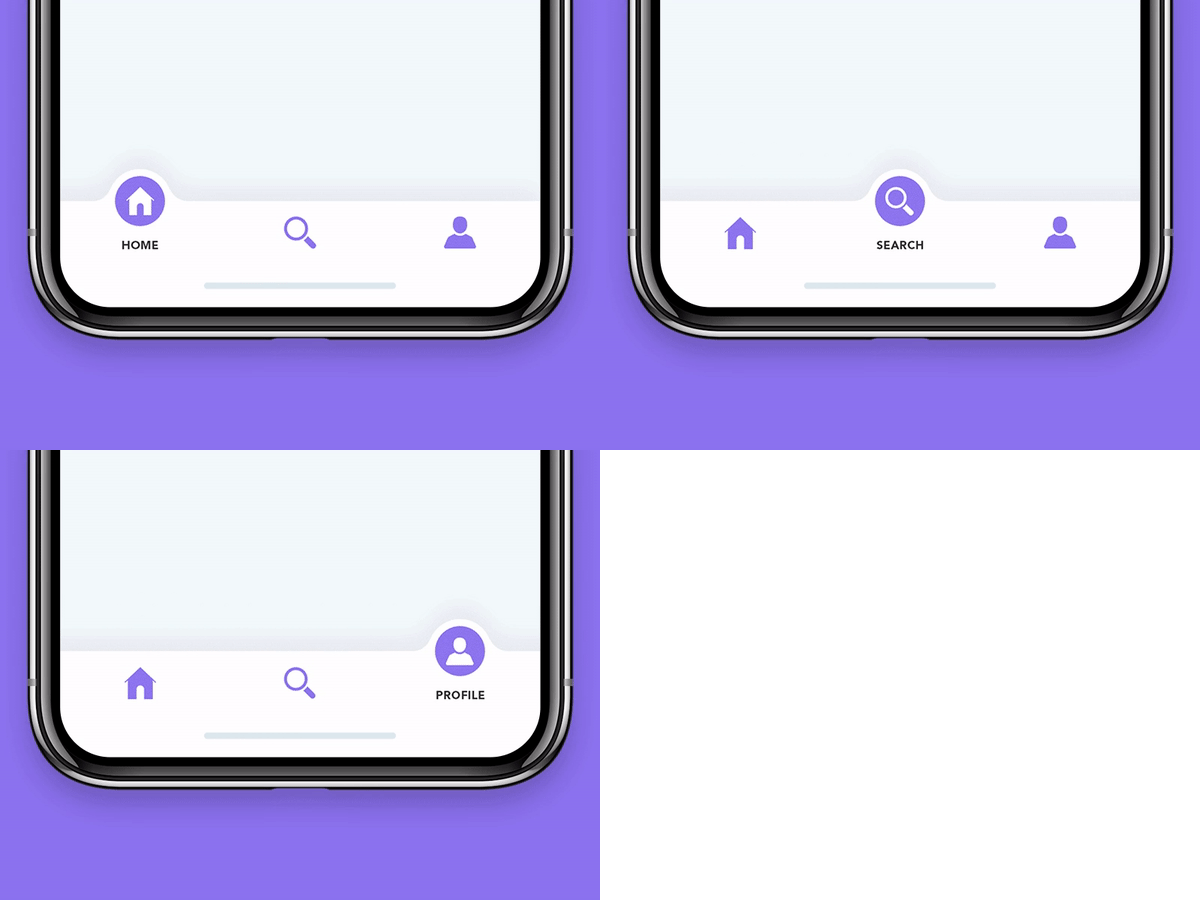
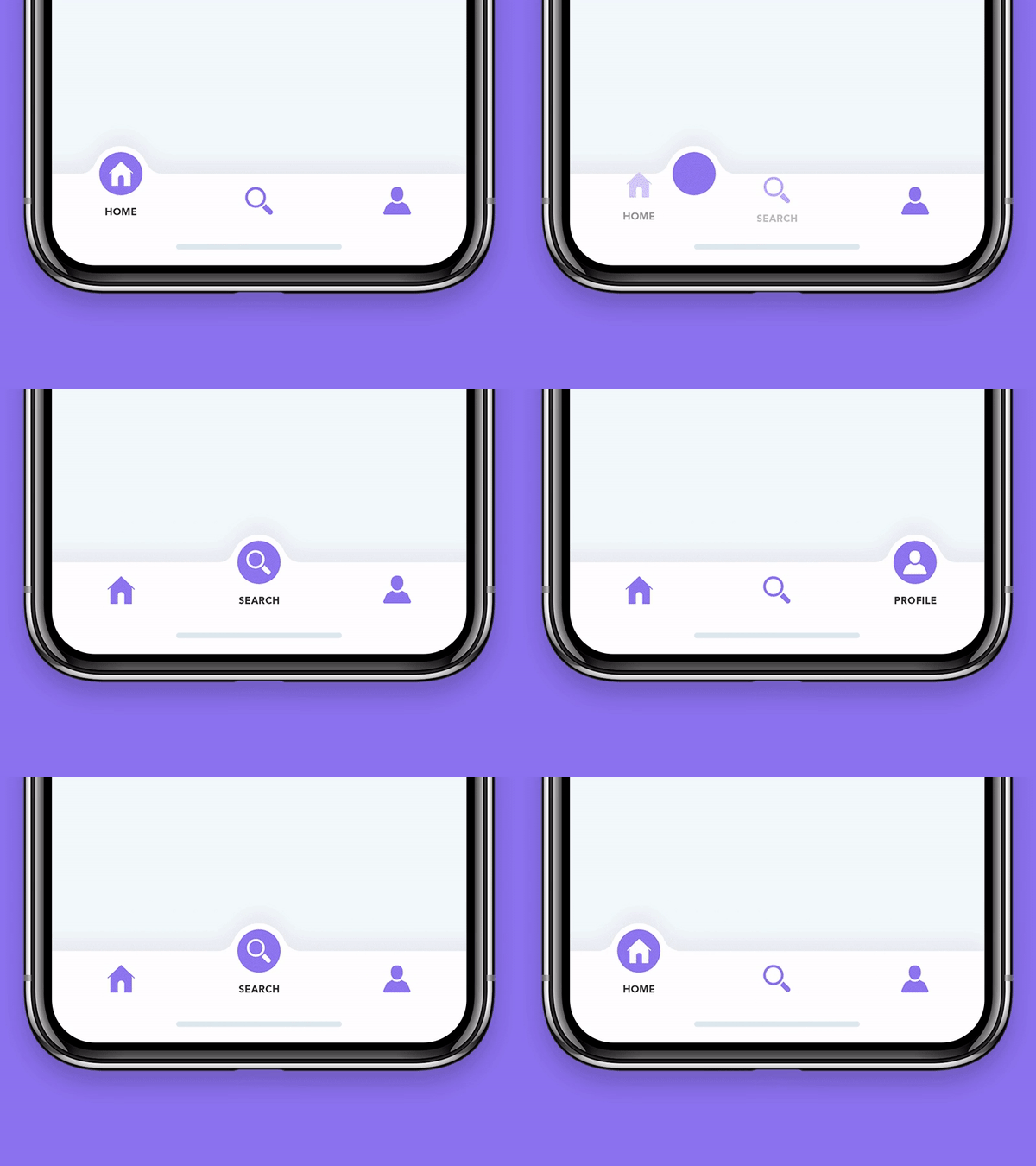
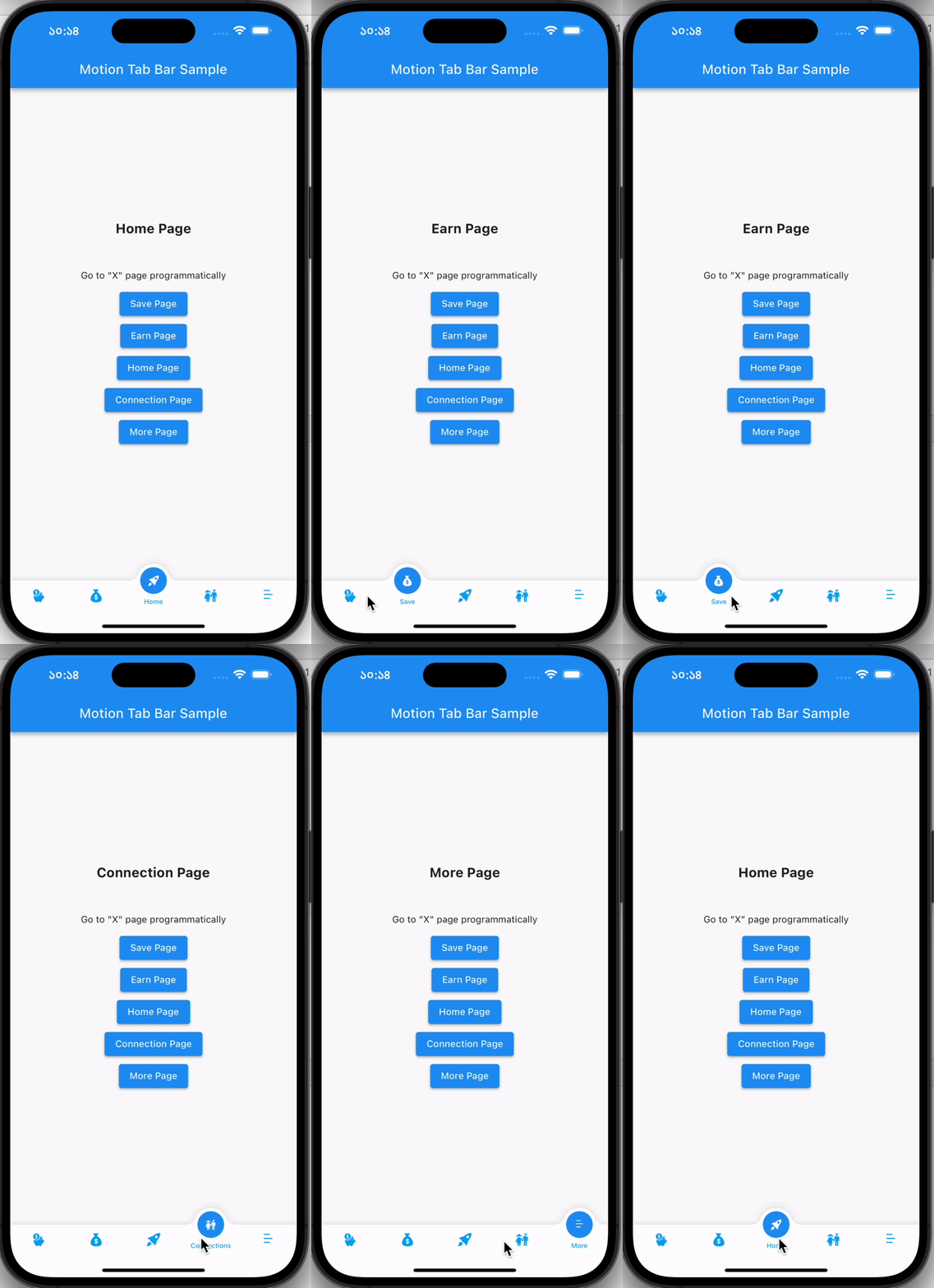
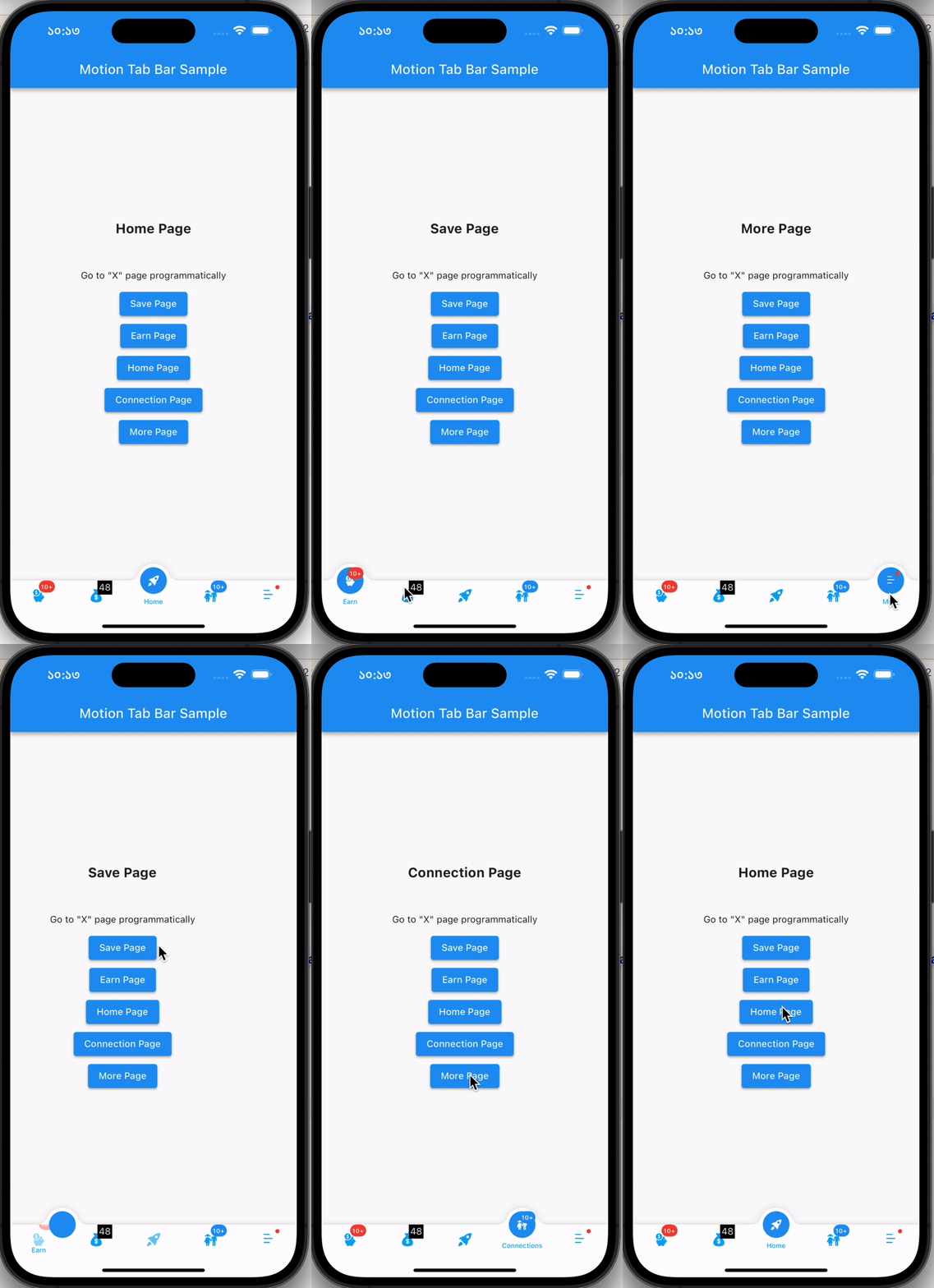
MotionTabBar Gif

Without Badge With Badge
MotionTabBar Gif MotionTabBar Gif

Getting Started

Add the plugin:

dependencies:
  motion_tab_bar: ^2.0.4

Basic Usage

Use default TabController or MotionTabBarController:
  // TabController _tabController;
  MotionTabBarController? _motionTabBarController;

  @override
  void initState() {
    super.initState();
    
    //// Use normal tab controller
    // _tabController = TabController(
    //   initialIndex: 1,
    //   length: 4,
    //   vsync: this,
    // );

    //// use "MotionTabBarController" to replace with "TabController", if you need to programmatically change the tab
    _motionTabBarController = MotionTabBarController(
      initialIndex: 1,
      length: 4,
      vsync: this,
    );
  }

  @override
  void dispose() {
    super.dispose();

    // _tabController.dispose();
    _motionTabBarController!.dispose();
  }
Add Motion Tab Bar to Scaffold bottomNavigationBar:
  bottomNavigationBar: MotionTabBar(
    controller: _motionTabBarController, // ADD THIS if you need to change your tab programmatically
    initialSelectedTab: "Home",
    labels: const ["Dashboard", "Home", "Profile", "Settings"],
    icons: const [Icons.dashboard, Icons.home, Icons.people_alt, Icons.settings],

    // optional badges, length must be same with labels
    badges: [
      // Default Motion Badge Widget
      const MotionBadgeWidget(
        text: '10+',
        textColor: Colors.white, // optional, default to Colors.white
        color: Colors.red, // optional, default to Colors.red
        size: 18, // optional, default to 18
      ),

      // custom badge Widget
      Container(
        color: Colors.black,
        padding: const EdgeInsets.all(2),
        child: const Text(
          '11',
          style: TextStyle(
            fontSize: 14,
            color: Colors.white,
          ),
        ),
      ),

      // allow null
      null,

      // Default Motion Badge Widget with indicator only
      const MotionBadgeWidget(
        isIndicator: true,
        color: Colors.blue, // optional, default to Colors.red
        size: 5, // optional, default to 5,
        show: true, // true / false
      ),
    ],
    tabSize: 50,
    tabBarHeight: 55,
    textStyle: const TextStyle(
      fontSize: 12,
      color: Colors.black,
      fontWeight: FontWeight.w500,
    ),
    tabIconColor: Colors.blue[600],
    tabIconSize: 28.0,
    tabIconSelectedSize: 26.0,
    tabSelectedColor: Colors.blue[900],
    tabIconSelectedColor: Colors.white,
    tabBarColor: Colors.white,
    onTabItemSelected: (int value) {
      setState(() {
        // _tabController!.index = value;
        _motionTabBarController!.index = value;
      });
    },
  ),
add TabBarView to Scaffold body
  body: TabBarView(
    physics: NeverScrollableScrollPhysics(), // swipe navigation handling is not supported
    // controller: _tabController,
    controller: _motionTabBarController,
    children: <Widget>[
      const Center(
        child: Text("Dashboard"),
      ),
      const Center(
        child: Text("Home"),
      ),
      const Center(
        child: Text("Profile"),
      ),
      const Center(
        child: Text("Settings"),
      ),
    ],
  ),
to change tabs programmatically
...

ElevatedButton(
  // set MotionTabBarController index to new tab index
  onPressed: () => _motionTabBarController.index = 0,
  child: const Text('Dashboard Page'),
),
ElevatedButton(
  // set MotionTabBarController index to new tab index
  onPressed: () => _motionTabBarController.index = 1,
  child: const Text('Home Page'),
),

...

Catch me up on LinkedIn @Rezaul Islam

💙 to Code👨🏽‍💻 Flutter Expert • Dart Kotlin Swift Node Js • Android • Full Stack Developer

所属分类

依赖

依赖清单 1 项

源码仓库

使用此插件的项目

暂无相关数据。