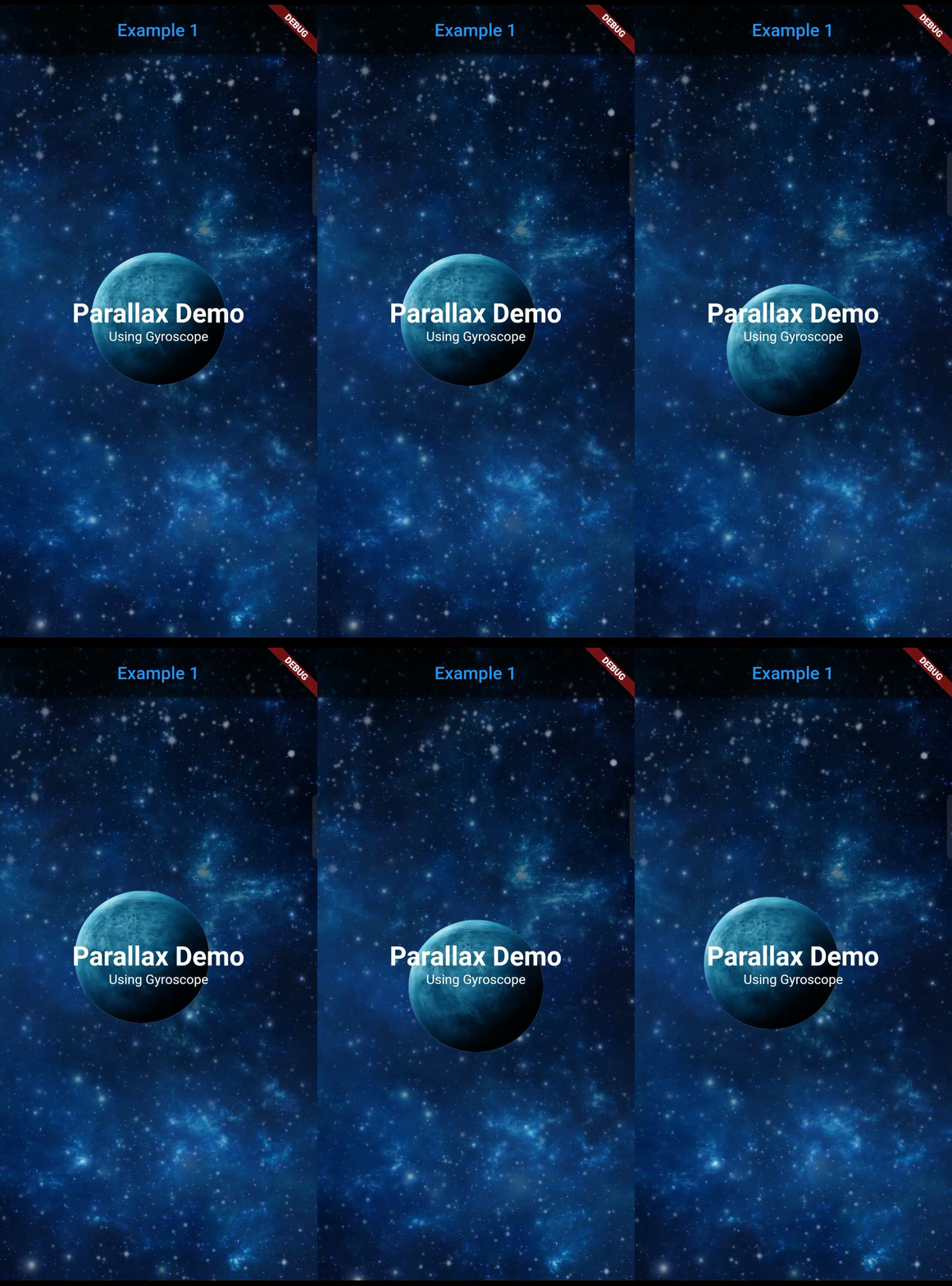
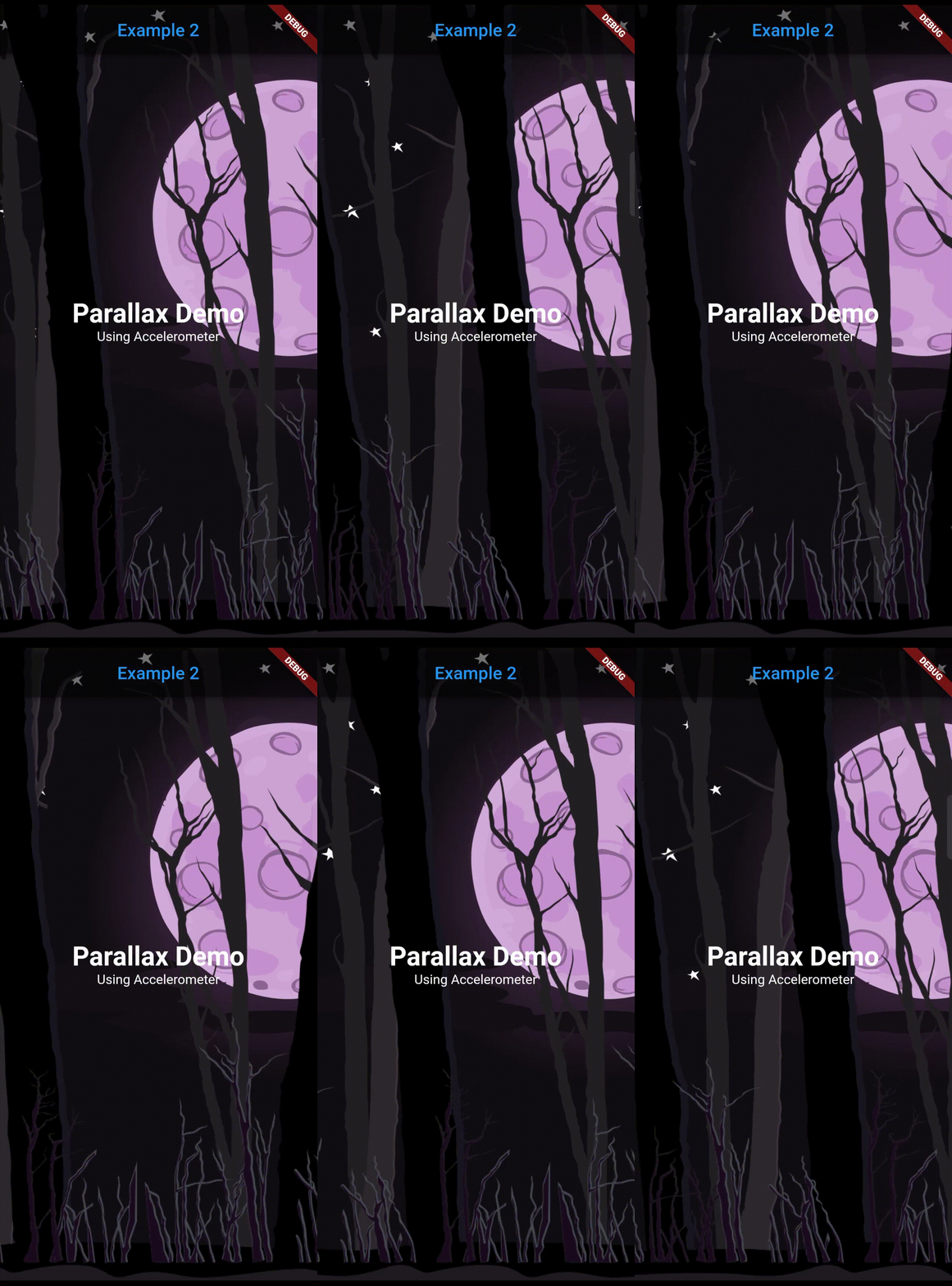
Get a parallax effect in the background of a page that responds to a corresponding sensor
detection (Accelerometer, Gyroscope, User accelerometer, Magnetometer)
Note: Accelerometer is preferred over other sensors.
Features
Supports 4 sensors: Accelerometer, User Accelerometer, Gyroscope, Magnetometer.
Simplified use of image.
Predefined filters for image: Blur and darken.
Any widgets can be used as a layer.
Can lock or reverse the movement of any axis.
Many parameters for precise customization.
Getting started
Add dependency in pubspec.yaml and run flutter pub get
Type of the sensor whose detected values will be used for parallax movement. (accelerometer, userAccelerometer, gyroscope, magnetometer).
layers
List<Layer>
required
Individual layers for the parallax effect. The declaration of the layers sequentially are positioned from bottom to top (Farthest to nearest from parallax perspective).
reverseVerticalAxis
bool
false
Reverses the movement of vertical axis.
reverseHorizontalAxis
bool
false
Reverses the movement of horizontal axis.
lockVerticalAxis
bool
false
Stops the movement of vertical axis.
lockHorizontalAxis
bool
false
Stops the movement of horizontal axis.
animationDuration
int
300
The duration in milliseconds it takes for the movement change to complete. Ideal value is from 200 to 400.
child
Widget?
null
The fixed body of the page, above the parallax layer.
Layer class arguments:
Argument
Type
Default
Description
sensitivity
double
required
Moving sensitivity of the layer.
offset
Offset?
null
Position of the layer from the center.
image
ImageProvider<Object>?
null
Image that the layer will show. By default, the image will take the size of the screen.
imageFit
BoxFit
BoxFit.cover
BoxFit type of the image.
imageHeight
double?
null
Height of the image.
imageWidth
double?
null
Width of the image.
preventCrop
bool
false
If set to true, it will ignore the imageHeight and imageWidth if given and will set the height and width of the image slightly more than the screen size such that it doesn't get cropped even at the extreme value of the sensor.
imageBlurValue
double?
null
Blurs the image. Value can be any positive fractional number.