Generate secure passwords, check for exposed passwords, get visual feedback for password strength or get form validation with a minimum password strength required.
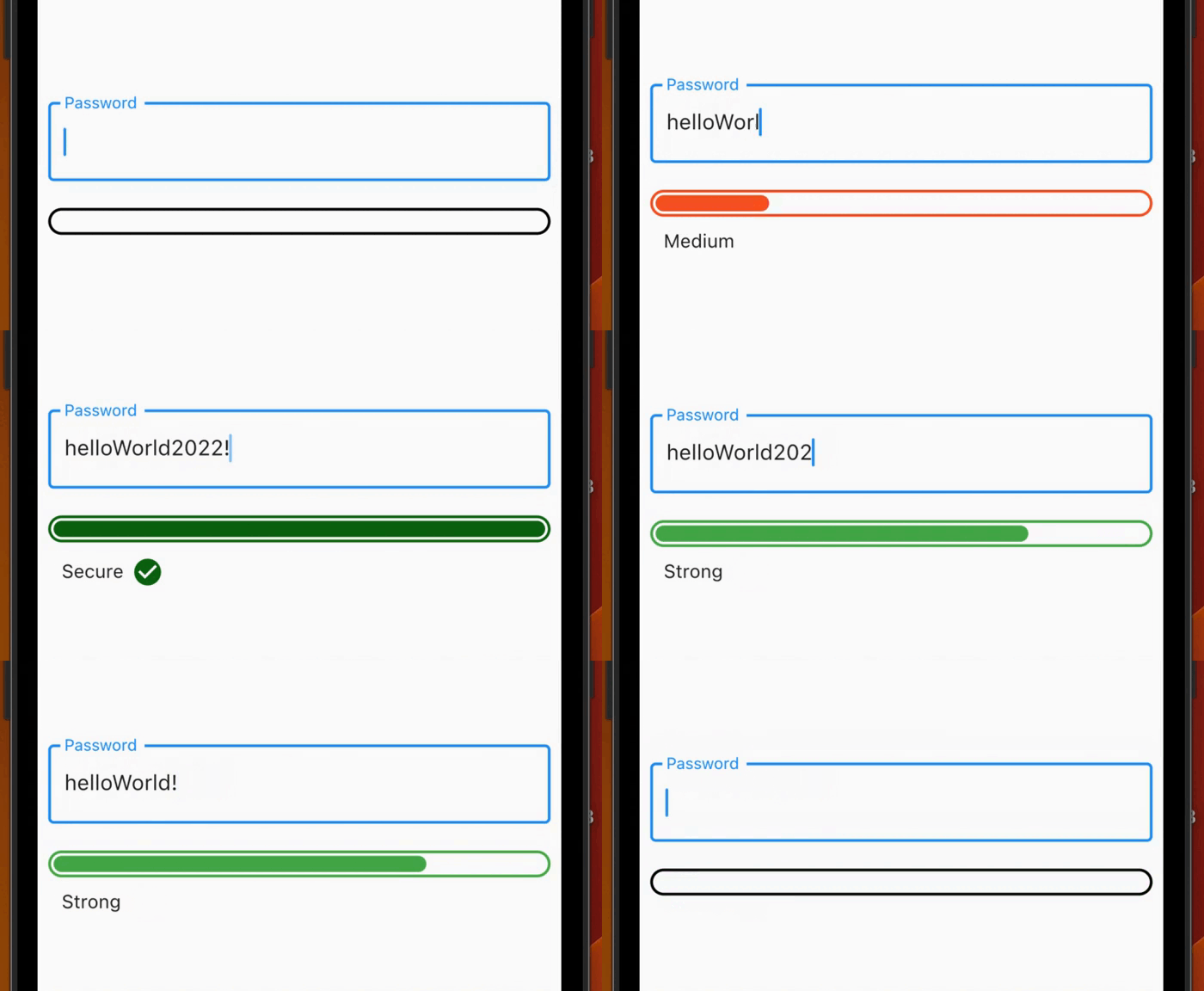
Check the strength of the password in a visual way, with an animation when the strength changes according to the settings given by the user.
Use it also inside a Form to get form validation!
Features
Check for exposed common password using the commonDictionary, a map with 10,000 leaked passwords!
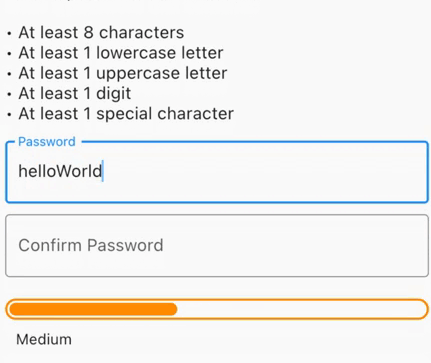
Use the PasswordStrengthChecker to have a visual feedback.
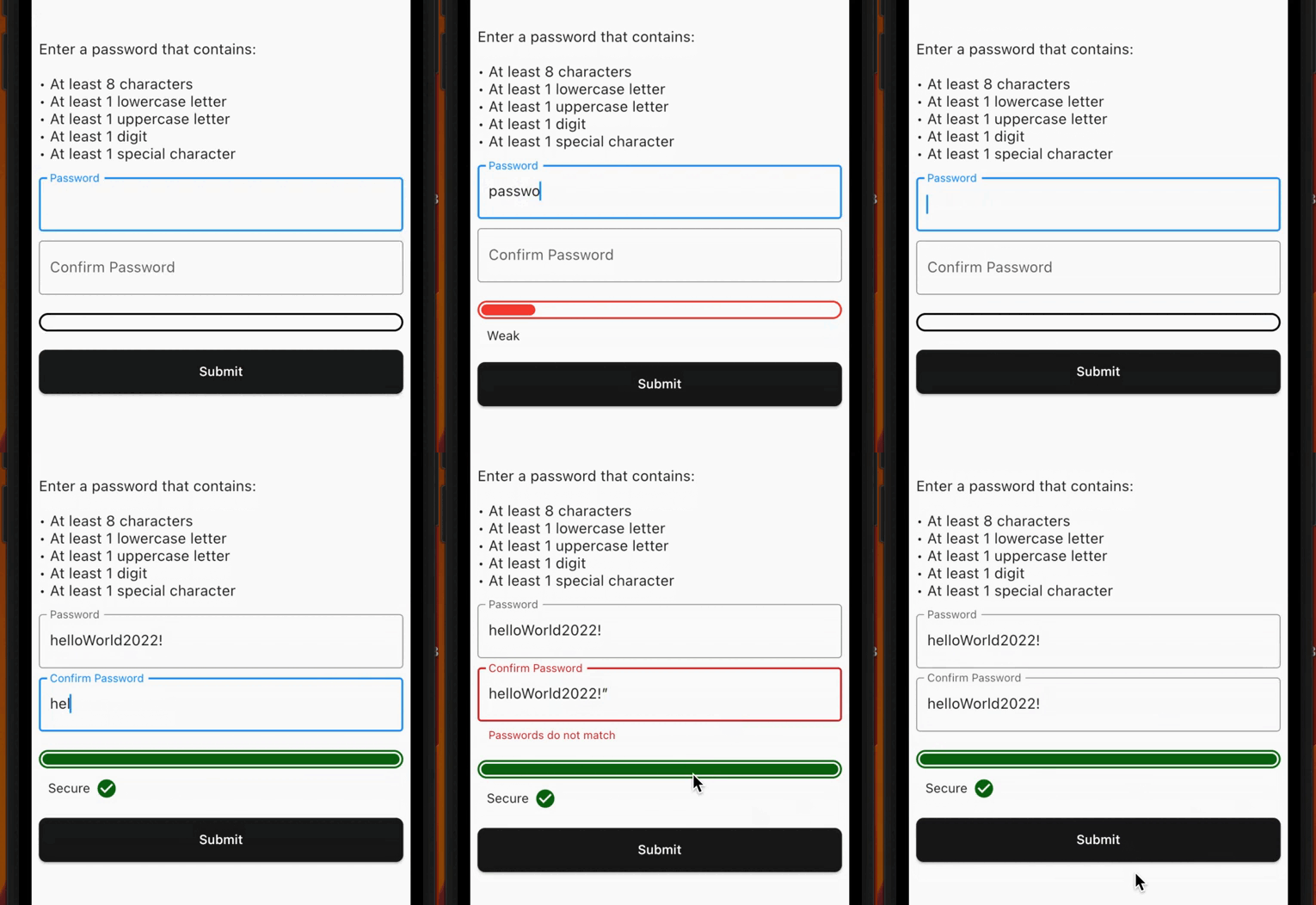
Use the PasswordStrengthFormChecker to have a built-in TextFormField inside the widget and get form validation using a minimumStrengthRequired.
Use the PasswordGenerator class to generate a secure random password based on the input configurations (PasswordGeneratorConfiguration).
Create your custom strength to create your own rules or use the PasswordStrength default enum (see Custom Strength).
Demo
Getting started
PasswordStrengthChecker
You can use the PasswordStrengthChecker to only have a visual feedback, for example:
final passNotifier = ValueNotifier<PasswordStrength?>(null);
// ...PasswordStrengthChecker(
strength: passNotifier,
),
You can use the PasswordStrengthFormChecker to have a built-in TextFormField inside the widget and get form validation using a minimumStrengthRequired. For example:
You can use the default PasswordStrength enum to set the strength of the password, or you can create your own enum that implements PasswordStrengthItem and use it. For example:
enumCustomPassStrengthimplementsPasswordStrengthItem {
weak,
medium,
strong;
@overrideColorget statusColor => switch (this) {
CustomPassStrength.weak => Colors.red,
CustomPassStrength.medium => Colors.orange,
CustomPassStrength.strong => Colors.green,
};
@overrideWidget? get statusWidget => switch (this) {
CustomPassStrength.weak => constText('Weak'),
CustomPassStrength.medium => constText('Medium'),
CustomPassStrength.strong => constText('Strong'),
};
@overridedoubleget widthPerc => switch (this) {
CustomPassStrength.weak => 0.15,
CustomPassStrength.medium => 0.4,
CustomPassStrength.strong => 0.75,
};
staticCustomPassStrength? calculate({requiredString text}) {
// Implement your custom logic hereif (text.isEmpty) {
returnnull;
}
// Use the [commonDictionary] to see if a password// is in 10,000 common exposed password list.if (commonDictionary[text] == true) {
returnCustomPassStrength.weak;
}
if (text.length < 6) {
returnCustomPassStrength.weak;
} elseif (text.length < 10) {
returnCustomPassStrength.medium;
} else {
returnCustomPassStrength.strong;
}
}
}
Contribution
The project is open source and you can contribute to it here -> repository link