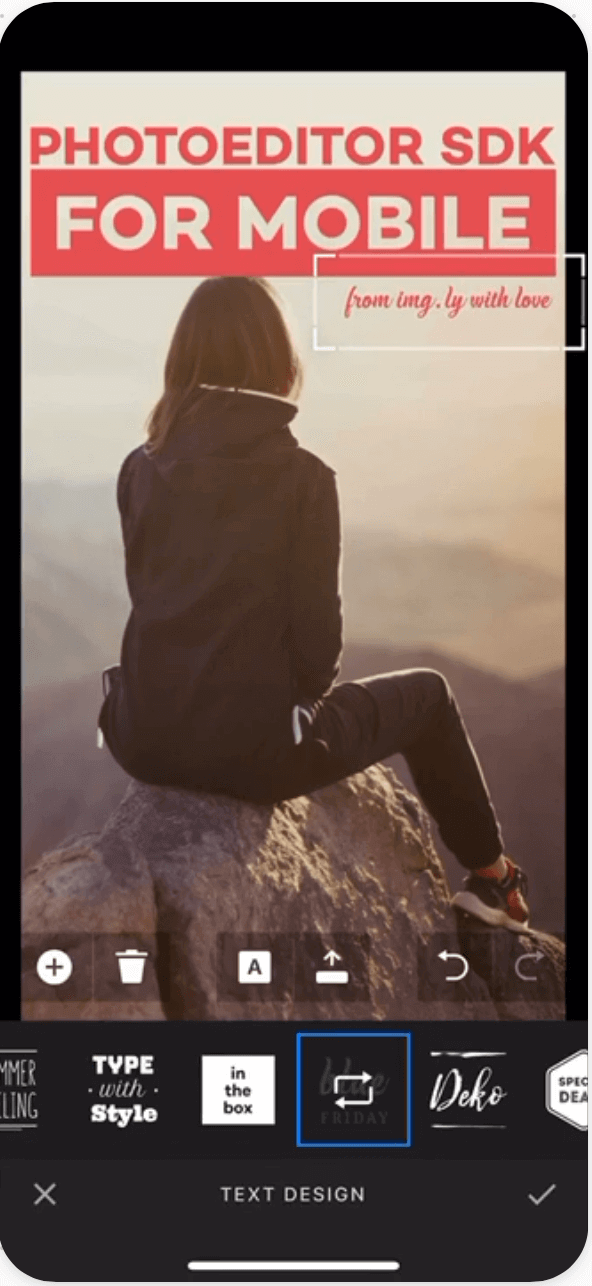
Flutter plugin for PhotoEditor SDK
System requirements
- Flutter: 1.20.0
- Dart: 2.12.0
- iOS: 13
- Android: 5 (SDK 21)
Getting started
Add the plugin package to the pubspec.yaml file in your project:
dependencies:
  photo_editor_sdk: ^3.3.0
Install the new dependency:
flutter pub get
Android
-
Add the IMG.LY repository and plugin by opening the android/build.gradle file (not android/app/build.gradle) and changing the following block:
buildscript {
-   ext.kotlin_version = '1.3.50'
+   ext.kotlin_version = '2.1.0'
    repositories {
        ...
        mavenCentral()
+       maven { url "https://artifactory.img.ly/artifactory/imgly" }
        ...
    }
    dependencies {
        ...
+       classpath 'com.google.devtools.ksp:com.google.devtools.ksp.gradle.plugin:1.7.21-1.0.8' // Depending on your `kotlin_version` version.
+       classpath 'ly.img.android.sdk:plugin:10.9.0'
        ...
    }
}
The KSP version depends on the Kotlin version that you are using. In order to find the correct version, please visit the official KSP release page.
In order to update PhotoEditor SDK for Android replace the version string 10.9.0 with a newer release.
-
Still in the android/build.gradle file (not android/app/build.gradle), add these lines at the bottom:
allprojects {
    repositories {
        maven { url 'https://artifactory.img.ly/artifactory/imgly' }
    }
}
-
In the android/app/build.gradle file (not android/build.gradle) you will need to modify the minSdkVersion to at least 21 depending on the version of Flutter that you are using. We also recommend to update the buildToolsVersion to 35.0.0 as well as the compileSdkVersion to 35:
android {
-   compileSdkVersion flutter.compileSdkVersion
+   compileSdkVersion 35
+   buildToolsVersion "35.0.0"
    ...
    defaultConfig {
        ...
-       minSdkVersion flutter.minSdkVersion
+       minSdkVersion 21
        ...
    }
    ...
}
Depending on your stable Flutter SDK version (<= 2.5.0), your android/app/build.gradle file might look a bit different. In this case, please modify it in the following way:
android {
-   compileSdkVersion 30
+   compileSdkVersion 35
+   buildToolsVersion "35.0.0"
    ...
    defaultConfig {
        ...
-       minSdkVersion 16
+       minSdkVersion 21
        ...
    }
    ...
}
-
In the same file, configure PhotoEditor SDK for Android by adding the following lines under apply plugin: "com.android.application":
apply plugin: 'ly.img.android.sdk'
apply plugin: 'kotlin-android'

// Comment out the modules you don't need, to save size.
IMGLY.configure {
    modules {
        include 'ui:text'
        include 'ui:focus'
        include 'ui:frame'
        include 'ui:brush'
        include 'ui:filter'
        include 'ui:sticker'
        include 'ui:overlay'
        include 'ui:transform'
        include 'ui:adjustment'
        include 'ui:text-design'

        // This module is big, remove the serializer if you don't need that feature.
        include 'backend:serializer'

        // Remove the asset packs you don't need, these are also big in size.
        include 'assets:font-basic'
        include 'assets:frame-basic'
        include 'assets:filter-basic'
        include 'assets:overlay-basic'
        include 'assets:sticker-shapes'
        include 'assets:sticker-emoticons'

        include 'backend:sticker-smart'
        include 'backend:background-removal'
    }
}
Usage
Import the packages in your main.dart:
import 'package:photo_editor_sdk/photo_editor_sdk.dart';
import 'package:imgly_sdk/imgly_sdk.dart';
Each platform requires a separate license file. Unlock PhotoEditor SDK with a single line of code for both platforms via platform-specific file extensions.
Rename your license files:
- Android license:
pesdk_license.android
- iOS license:
pesdk_license.ios
The licenses should be located on a project level. We recommend putting them into the {PROJECT_ROOT}/assets/ folder.
Pass the relative file path (based on the project root) without the extension to the unlockWithLicense function to unlock both iOS and Android:
PESDK.unlockWithLicense("assets/pesdk_license");
Open the editor with an image:
PESDK.openEditor(image: "assets/image.jpg");
Please see the API documentation for more details and additional customization and configuration options.
Example
Please see our example project which demonstrates how to use the Flutter plugin for PhotoEditor SDK.
License Terms
Make sure you have a commercial license for PhotoEditor SDK before releasing your app.
A commercial license is required for any app or service that has any form of monetization: This includes free apps with in-app purchases or ad supported applications. Please contact us if you want to purchase the commercial license.
Support and License
Use our service desk for bug reports or support requests. To request a commercial license, please use the license request form on our website.