The callbacks onTileClicked, onTileAdded and onTileRemovedmust be defined as top-level functions.
⚠️ They should also be annotated with @pragma("vm:entry-point") to avoid being tree-shaken by the Dart compiler in release mode.
See more details here.
After being setup, these callbacks will be called even if your app is not running.
If none of them is provided, your Tile and its associated service are disabled.
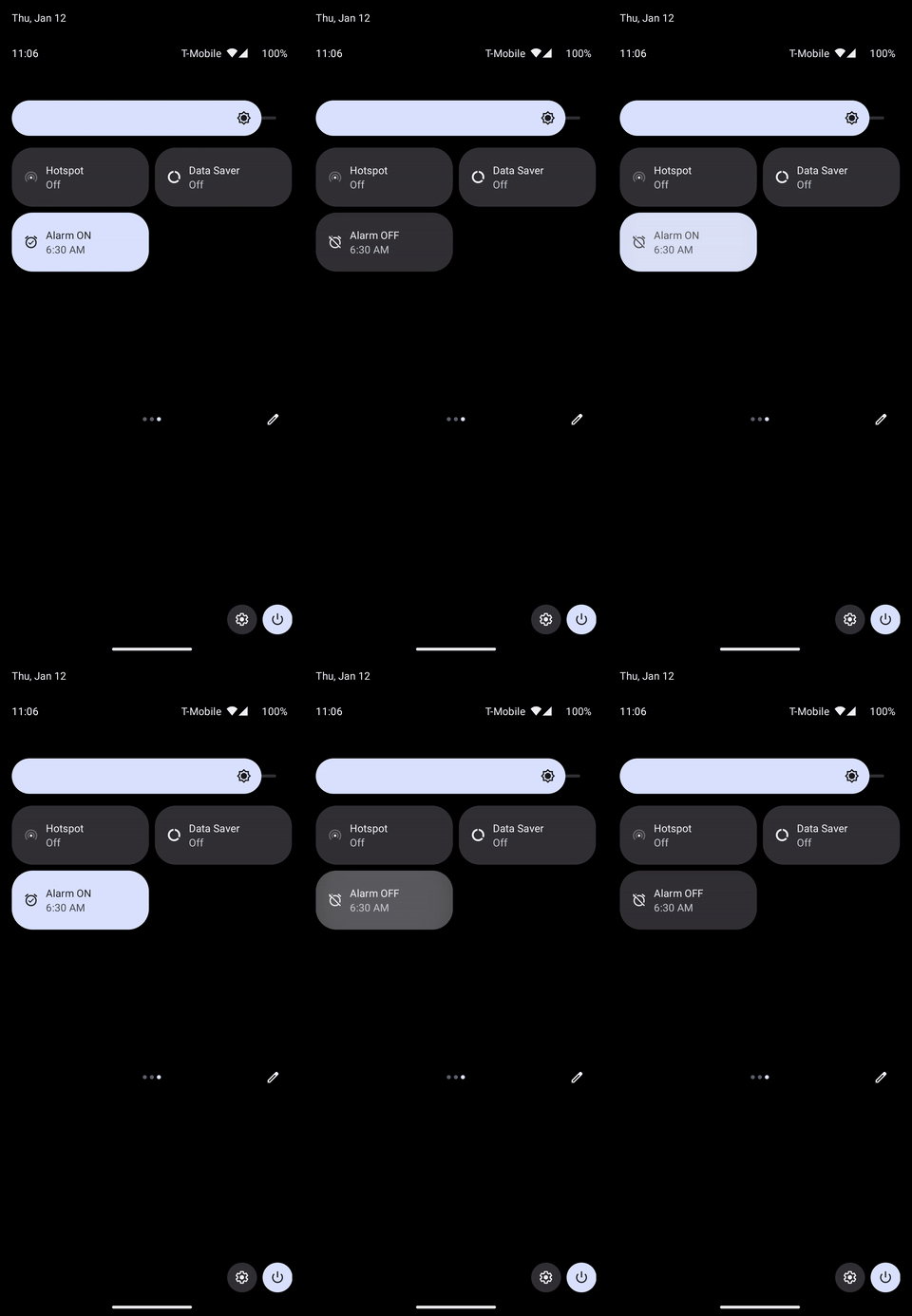
onTileClicked is triggered when your tile is clicked:
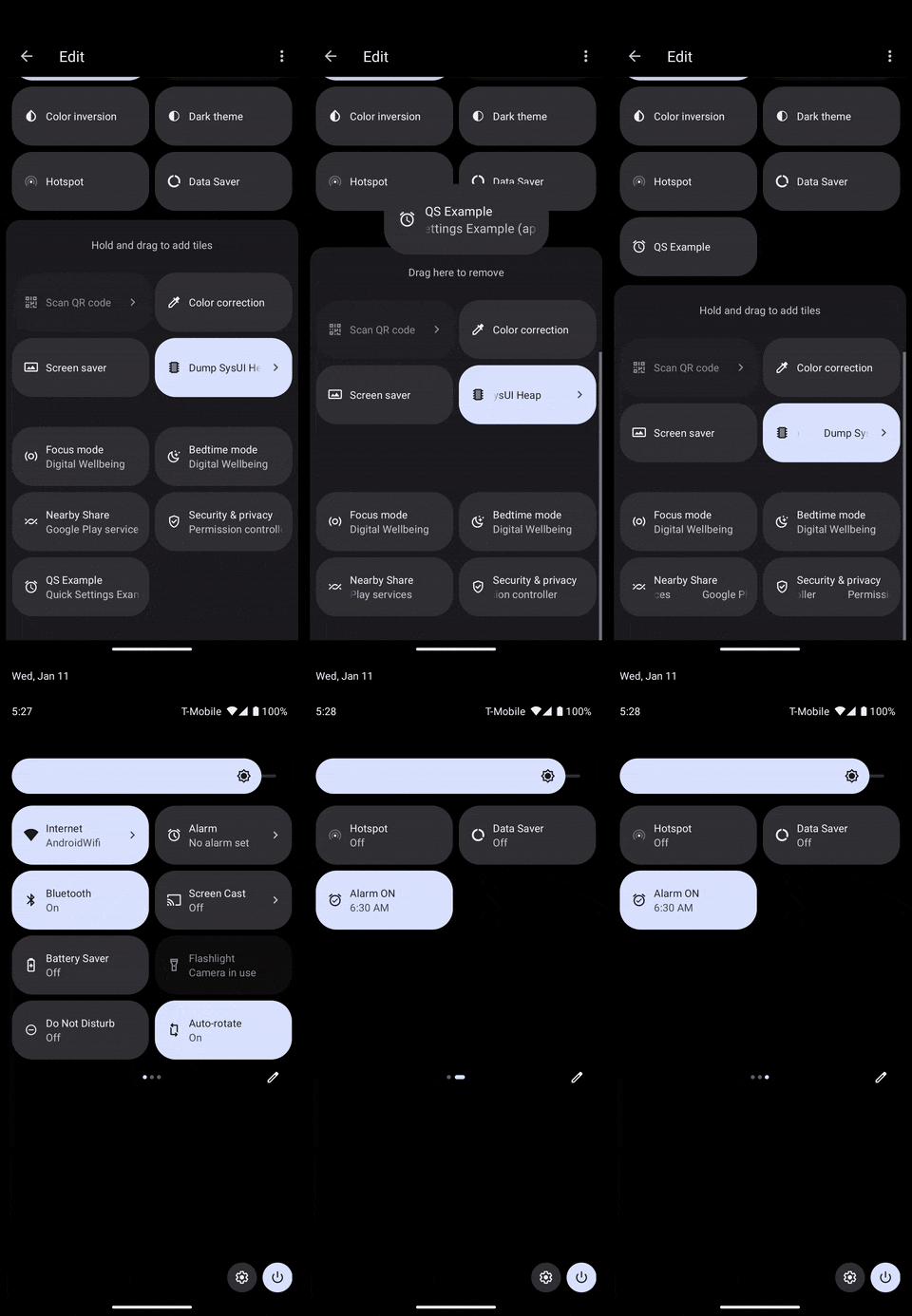
onTileAdded is triggered when your tile is added to the active Quick Settings tiles:
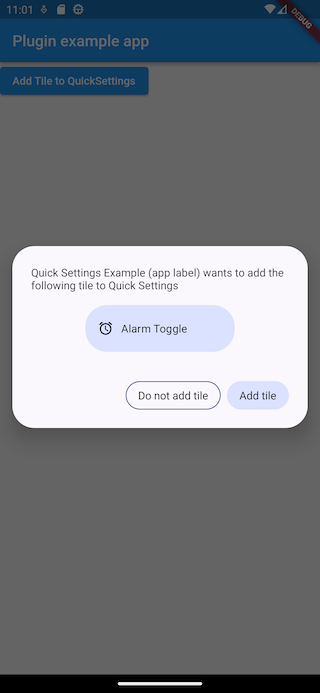
It can either be triggered by the user when they interact with the system UI like above, or from a call to QuickSettings.addTileToQuickSettings() in your app.
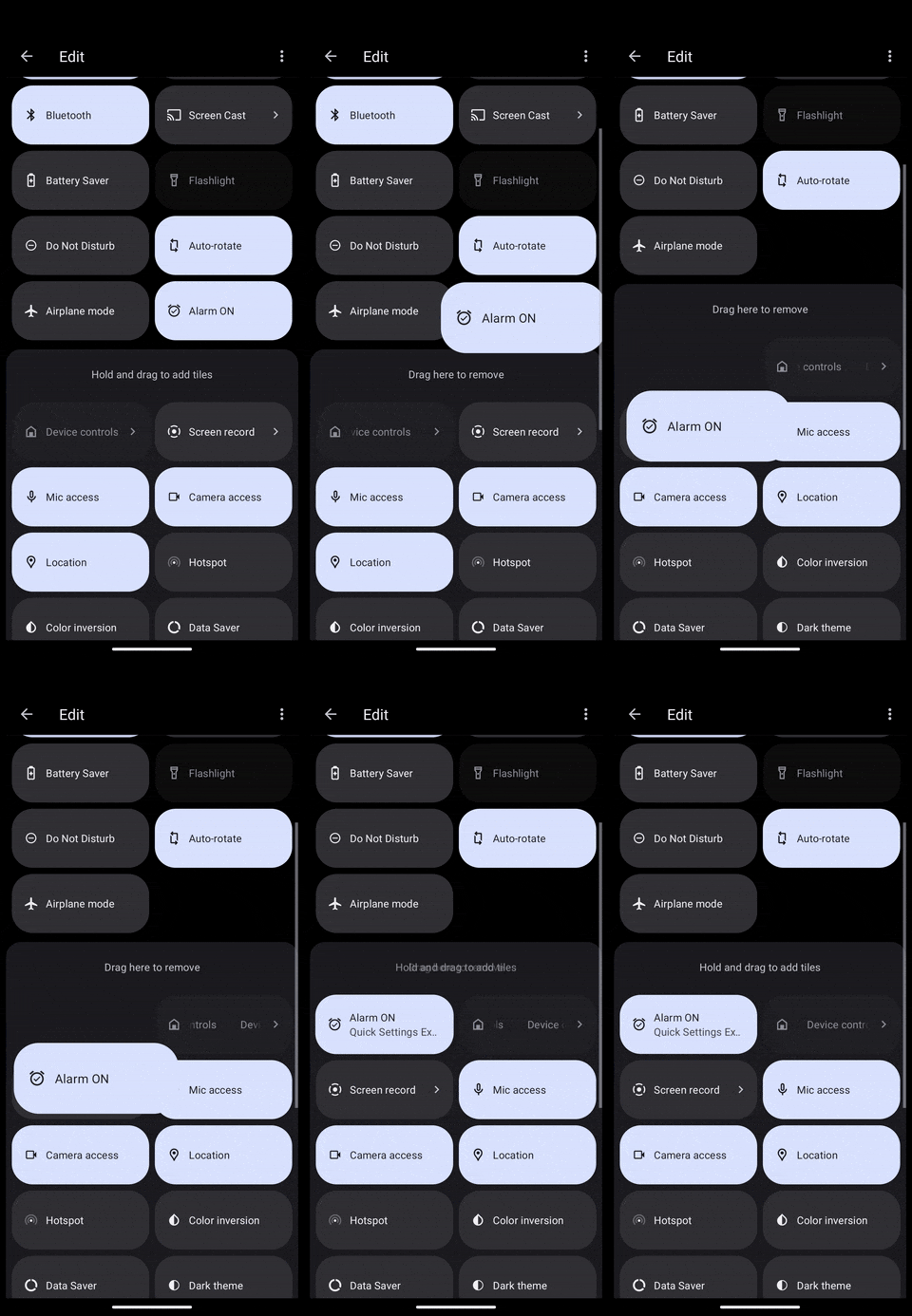
onTileRemoved is triggered when your tile is removed from the active Quick Settings tiles:
Let's see details on each of these callbacks.
Tile clicks
Clicks are handled with an OnTileClicked callback defined as below:
typedefOnTileClicked = Tile? Function(Tile tile);
The tile passed as parameter can let you decide what action to do depending on its TileStatus for instance.
Here is a concrete implementation:
In a more realistic scenario, you would probably fetch the current status of the alarm and update the Tile with either an active status if it is set or an inactive status otherwise.
You could also display the current hour of the alarm.
⚠️ onTileAdded should be a top-level function annotated with @pragma("vm:entry-point").
Tile removed
You also get an occasion to react to Tile removal. However, you can't return an updated Tile as with the other callbacks since it can't be updated at that moment.
Here is the callback definition:
If the user already has the Tile, this method has no effect.
The system might automatically deny if the user has already denied it several times.
Before Android 13, this has no effect.
QuickSettings.addTileToQuickSettings() returns an AddTileResult with a success parameter, but it is not reliable since the Android implementation's callback is not.
It will be mostly useful to know if your drawable has been correctly parsed by the plugin or not.
Customizing the default tile in the system UI
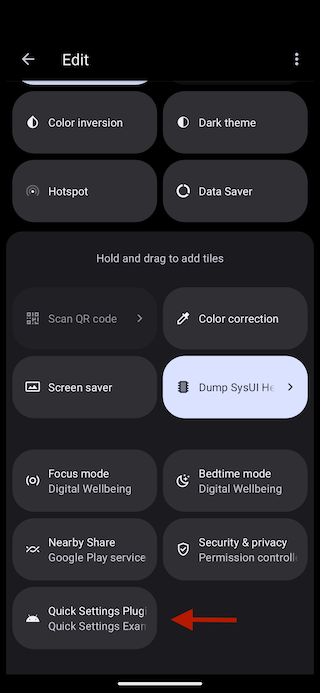
Your Tile will appear in the list of Quick Settings tiles with the following default appearance:
There are 3 elements displayed: a title, a subtitle and an icon.
To customize the title, you must override quick_settings_base_label in your Android resources.
If you don't have one, create the file /android/app/src/main/res/values/strings.xml and add the quick_settings_base_label String:
<?xml version="1.0" encoding="utf-8"?><resources><!-- Other resources --><stringname="quick_settings_base_label">QS Example</string></resources>
The subtitle is the android:label from your application's manifest.
You can find it at /android/app/src/main/AndroidManifest.xml.
<manifestxmlns:android="http://schemas.android.com/apk/res/android"package="io.apparence.quick_settings_example"><applicationandroid:label="Quick Settings Example (app label)"android:name="${applicationName}"android:icon="@mipmap/ic_launcher"><!-- Other elements --></application></manifest>
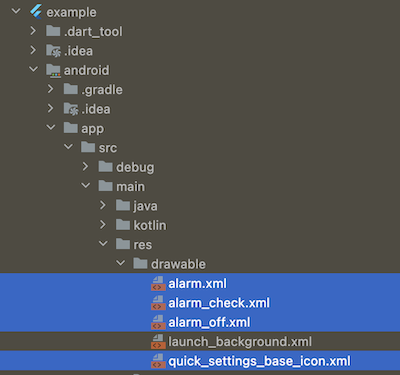
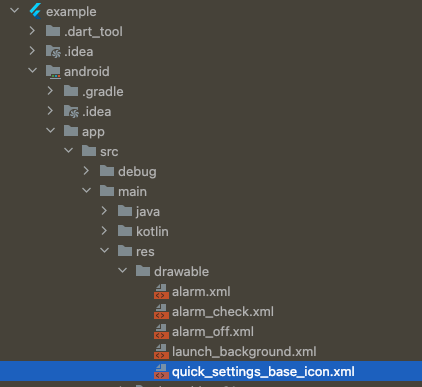
The default icon can also be overridden by providing your own drawable with the name quick_settings_base_icon.xml as it is done in the example project.
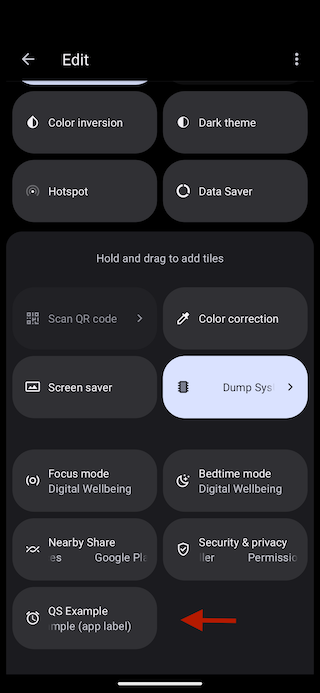
Here is the customized appearance:
Roadmap
If you are using this plugin and would like something added, please create an issue.