搜索插件、代码仓与 APP 分类

read_pdf_text 封面
插件详情v0.3.1

read_pdf_text

这是一个从PDF文档中解析字符串的插件。它使用Apache PDFBox和PDFKit来解析PDF文档。只有三个函数,因此使用起来非常简单。

AndroidiOS
近 30 天下载
6380
喜欢数
52
Pub 分数
140

安装插件

flutter pub add read_pdf_text

插件介绍

基于插件公开信息、社区数据与项目使用情况整理的选型参考。

read_pdf_text 包是一个简单的 Flutter 插件,用于从 PDF 文档中提取文本。它在底层利用 Apache PDFBox 和 PDFKit 来高效解析 PDF 内容。仅需三个简单函数,即可为需要基本文本提取功能的开发者提供易于使用的接口。适用于那些需要从 PDF 中读取或处理文本但无需复杂格式的 App。该插件支持 Android 和 iOS 平台。

适合场景

  • 从扫描的PDF中提取文本
  • 在应用程序中读取文档内容
  • 解析用户上传的PDF文件
  • 简单的PDF文本分析
  • 将PDF内容集成到基于文本的功能中

主要特点

  • 仅包含三个函数的最小 API
  • 使用可靠的PDF解析库
  • 跨平台支持(Android 和 iOS)
  • 轻量且易于集成
  • 从PDF快速提取文本

适合对象

  • 开发文档阅读器的开发者
  • 需要基本PDF文本提取的应用程序
  • PDF处理需求有限的项目
  • 处理用户提交的PDF的移动应用
  • 需要快速访问PDF文本的原型

使用建议

  • 仅限文本提取
  • 不支持图像或高级PDF功能
  • 依赖于底层 PDFBox/PDFKit 的性能
  • 可能难以处理高度加密或扫描的PDF文件
  • 不支持 PDF 编辑或渲染

原始 README

以下为关联源码仓库的 README 原文快照,最新内容请访问源码仓库。

read_pdf_text

This package parses text out of PDF document and returns it as a string.

Android

On Android the plugin uses PDFbox open source library modified by Tom Roush.

iOS

The iOS plugin uses PDFKit to parse the text out of PDF documents. It requires iOS version 11 or higher.

For error like: "Could not find or use auto-linked library 'swiftObjectiveC'"

Solution can be found here: https://stackoverflow.com/a/54586937/2881394

Getting Started

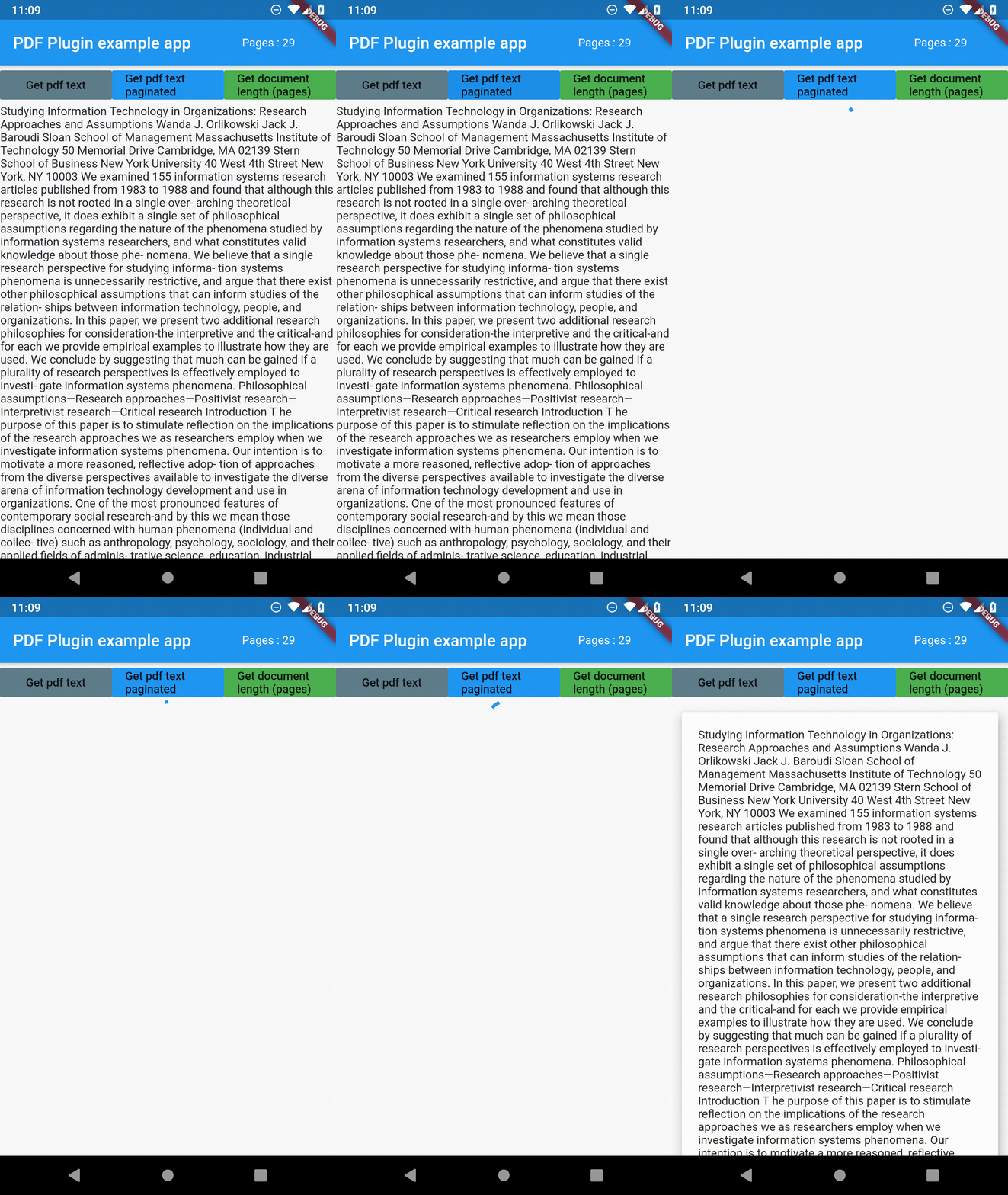
The package only has three functions getPDFtext(path), getPDFtextPaginated(path) and getPDFlength(path). Path is the file path to the PDF file you want to parse. I used file_picker package in the example to get the path of the PDF file.

Check the example for more details.

Example

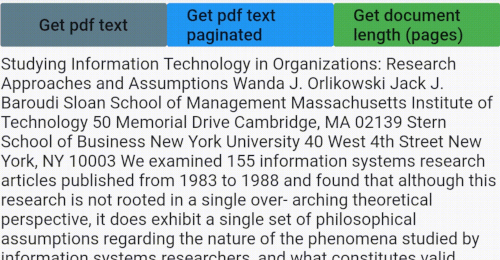
read_pdf_text.gif

getPDFtext(String path)

Returns text from PDF file as a String.

    Future<String> getPDFtext(String path) async {
    String text = "";
    try {
      text = await ReadPdfText.getPDFtext(path);
    } on PlatformException {
      print('Failed to get PDF text.');
    }
    return text;
  }

getPDFtextPaginated(String path)

Returns text from PDF but in a String list, where each item is a page of the PDF file.

  Future<List<String>> getPDFtextPaginated(String path) async {
    List<String> textList = List<String>();
    try {
      textList = await ReadPdfText.getPDFtextPaginated(path);
    } on PlatformException {
      print('Failed to get PDF text.');
    }
    return textList;
  }

getPDFlength(String path)

Returns length of the document as an integer.

  Future<int> getPDFlength(String path) async {
    int length = 0;
    try {
      length = await ReadPdfText.getPDFlength(path);
    } on PlatformException {
      print('Failed to get PDF length';)
    }
    return length;
  }

I wrote an article about developing package for Flutter check it out

How to write Flutter plugin --1

所属分类

源码仓库

使用此插件的项目

暂无相关数据。