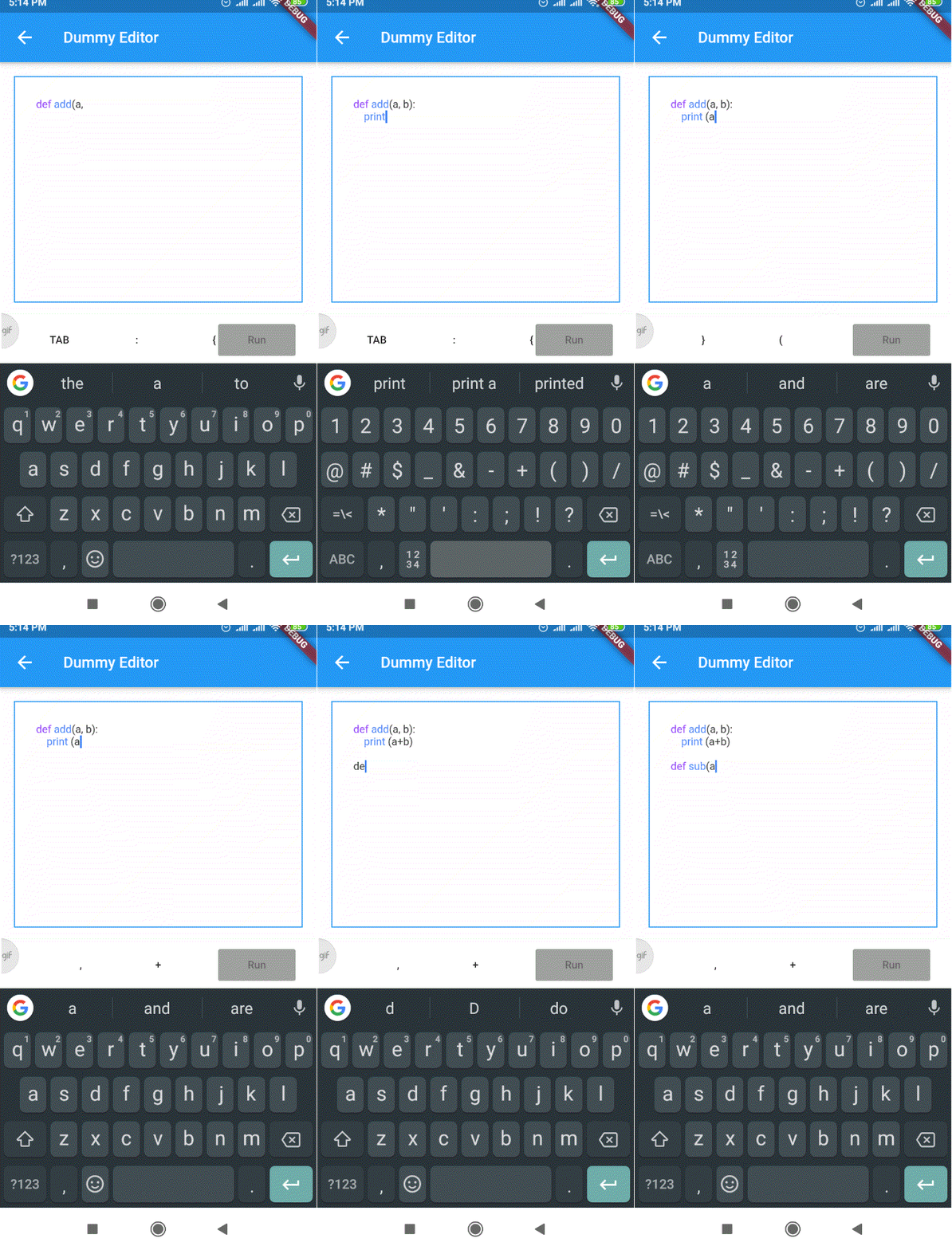
rich_code_editor 包使开发者能够在 Flutter 应用中构建自定义的、功能丰富的代码编辑器,具备内置语法高亮功能。它为创建支持多种编程语言的交互式编码环境提供了灵活的基础。该包专为集成到教育工具、IDE 或开发者仪表板而设计,支持实时代码输入和视觉反馈。该包轻量且可扩展,非常适合需要代码编辑功能但又无需完整 IDE 复杂性的项目。
适合场景
交互式编码教程
轻量级集成开发环境
代码片段查看器
实时协作工具
开发者仪表板
主要特点
语法高亮
可自定义的主题
可扩展的架构
实时输入处理
对多种语言的支持
适合对象
教育类应用
开发者工具
代码共享平台
内部管理界面
原型代码编辑器
使用建议
仅限基本编辑功能
无内置自动完成
需要手动配置才能实现高级功能
未针对大文件优化
无原生移动键盘集成
原始 README
以下为关联源码仓库的 README 原文快照,最新内容请访问源码仓库。
rich_code_editor
A simple package that supports creating code editors in Flutter.
Flutter version supported: Flutter 1.22.5
Getting Started
There are two main components of the rich code editor:
Editor
Syntax Highlighter
The editor is a text area which is identical to Flutter's TextField widget. However, unlike a regular TextField the editor uses an instance of syntax highlighter object to parse and highlight code syntax.
Since the editor itself is independent of the syntax highlighting rules, the same editor can be used for any other programming langugages. Only the syntax highlighter implementation needs to be created separately for each new programming language.
The example demo uses a dummy syntax highlighter implementation DummySyntaxHighlighter.
Get Started by creating your own implementation for SyntaxHighlighterBase class.
The syntax highlight logic part is not much implemented in this package as that will change as per the choice of programming language.