搜索插件、代码仓与 APP 分类

roller_list 封面
插件详情v1.0.4

roller_list

一个列表小部件,其工作方式类似于滚轮:在有限的项目集合上无限滚动。

AndroidiOSWebmacOSWindowsLinux
近 30 天下载
970
喜欢数
31
Pub 分数
160

安装插件

flutter pub add roller_list

插件介绍

基于插件公开信息、社区数据与项目使用情况整理的选型参考。

RollerList 是一个 Flutter 小部件,模拟物理滚轮的行为,允许在有限的项目集合中实现无限滚动。它非常适合创建引人入胜、交互性强的界面,例如抽奖轮盘或数字旋转器。该小部件可平滑地动画化项目过渡,并支持自定义样式和事件回调。专为跨平台使用而设计,在 Android、iOS、Web、macOS、Windows 和 Linux 上均可无缝运行。非常适合游戏化体验和奖励系统。

适合场景

  • 游戏化用户界面
  • 奖品轮盘实现
  • 数字或项目旋转器
  • 互动奖励系统
  • 数字老虎机
  • 动画选择器

主要特点

  • 有限项目中的无限滚动
  • 平滑的动画过渡
  • 跨平台兼容性
  • 可自定义项目外观
  • 选择事件回调
  • 支持多个平台

适合对象

  • 游戏开发者
  • 奖励应用创作者
  • 交互式UI设计工具
  • Flutter 初学者探索动画
  • 需要引人入胜的选择机制的应用程序

使用建议

  • 最适合小型到中型项目集
  • 对于大型数据集,可能需要进行性能调优
  • 局限于视觉吸引力,而非复杂的数据处理
  • 不适合标准列表导航
  • 需要仔细设计以确保可访问性

原始 README

以下为关联源码仓库的 README 原文快照,最新内容请访问源码仓库。

Codemagic build status

roller_list package

This widget is a list of values distributed in a circle. The main rules of the list are: a user could scroll it in one direction endlessly, list values are limited and repeated in the same order over and over again. Possible usage scheme: -time selection -piano notes selection -choice of any limited number of items, where it is not important what should go first and what should go last.

Example

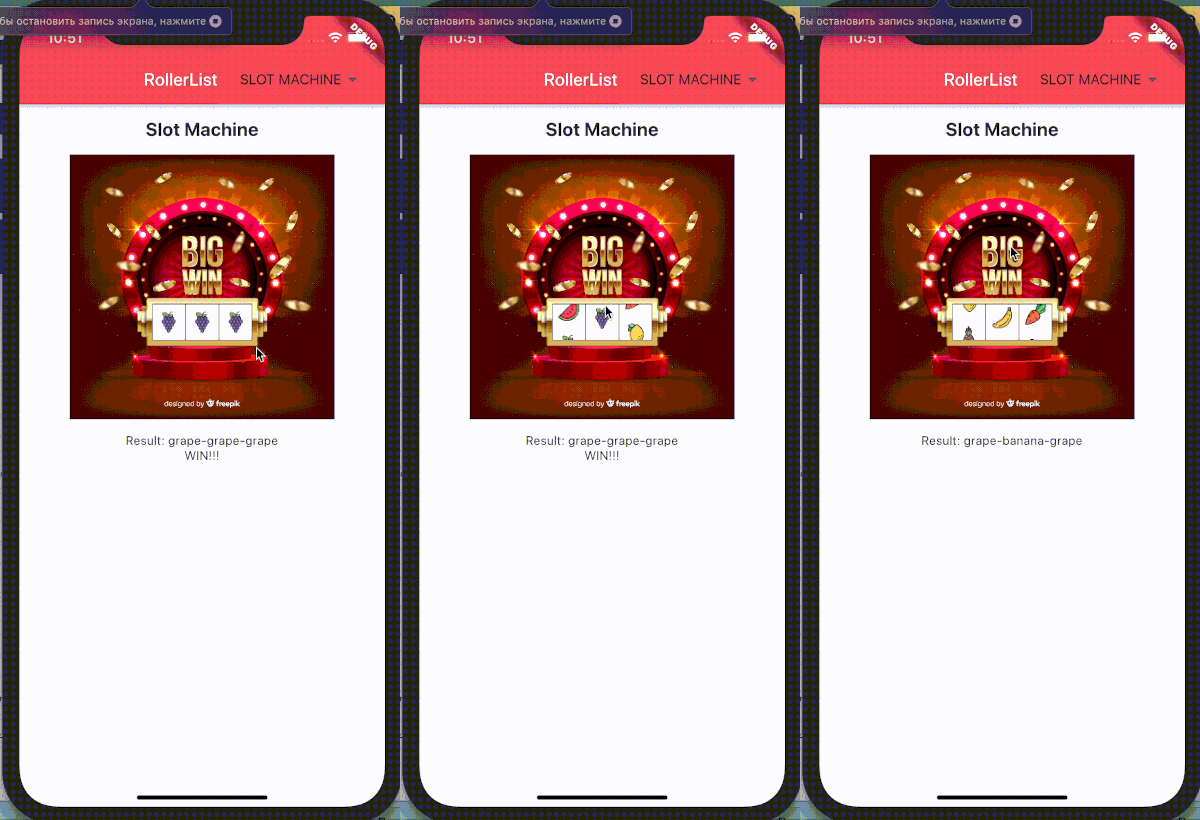
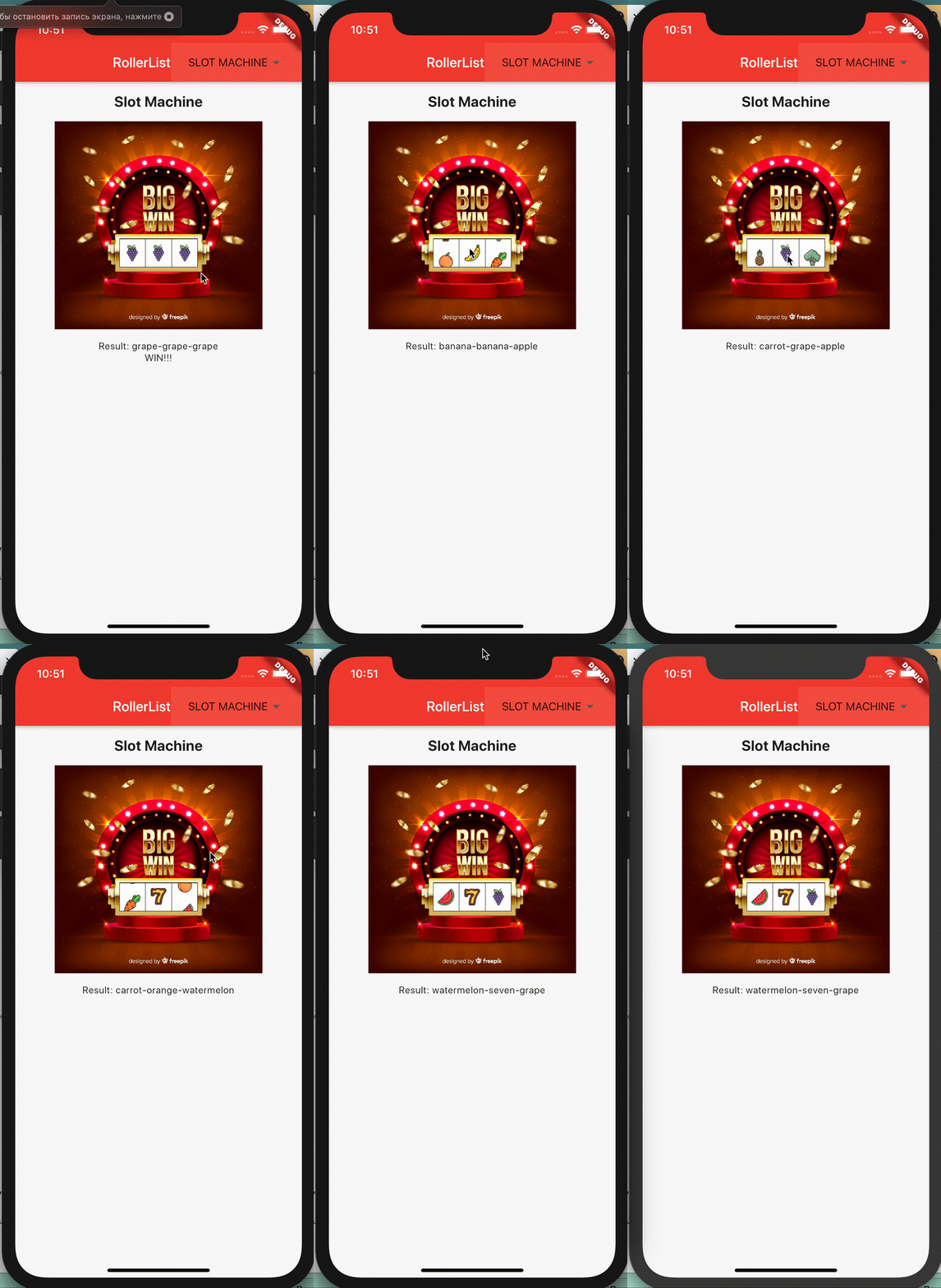
You can check Flutter for web build here Or see how it looks like on iphone:

How to use

In the dependencies: section of your pubspec.yaml, add the following line:

roller_list: <latest version>

Then import this class:

import 'package:roller_list/roller_list.dart';

And add your list like this (with only programmatical scroll):

RollerList(
 items: slots,
 enabled: false,
 key: leftRoller,
)

Or like this (with enabled scroll):

RollerList(
  items: months,
  onSelectedIndexChanged: _changeMonths,
  initialIndex: 1,
)

where months is a list of widgets:

static const MONTHS = {
    "January": 31,
    "February": 29,
    "March": 31,
    "April": 30,
    "May": 31,
    "June": 30,
    "July": 31,
    "August": 31,
    "September": 30,
    "October": 31,
    "November": 30,
    "December": 31
  };

final List<Widget> months = MONTHS.keys
  .map((month) => Padding(
        padding: EdgeInsets.all(12.0),
        child: Text(
          month,
          textScaleFactor: 1.3,
          textAlign: TextAlign.center,
        ),
      ))
  .toList();

and _changeMonths will show the selection result somewhere in the widget tree:

void _changeMonths(int value) {
    setState(() {
      selectedMonth = MONTHS.keys.toList()[value];
    });
}

所属分类

依赖

依赖清单 1 项

源码仓库

使用此插件的项目

暂无相关数据。