搜索插件、代码仓与 APP 分类

插件详情v2.1.0

rubber

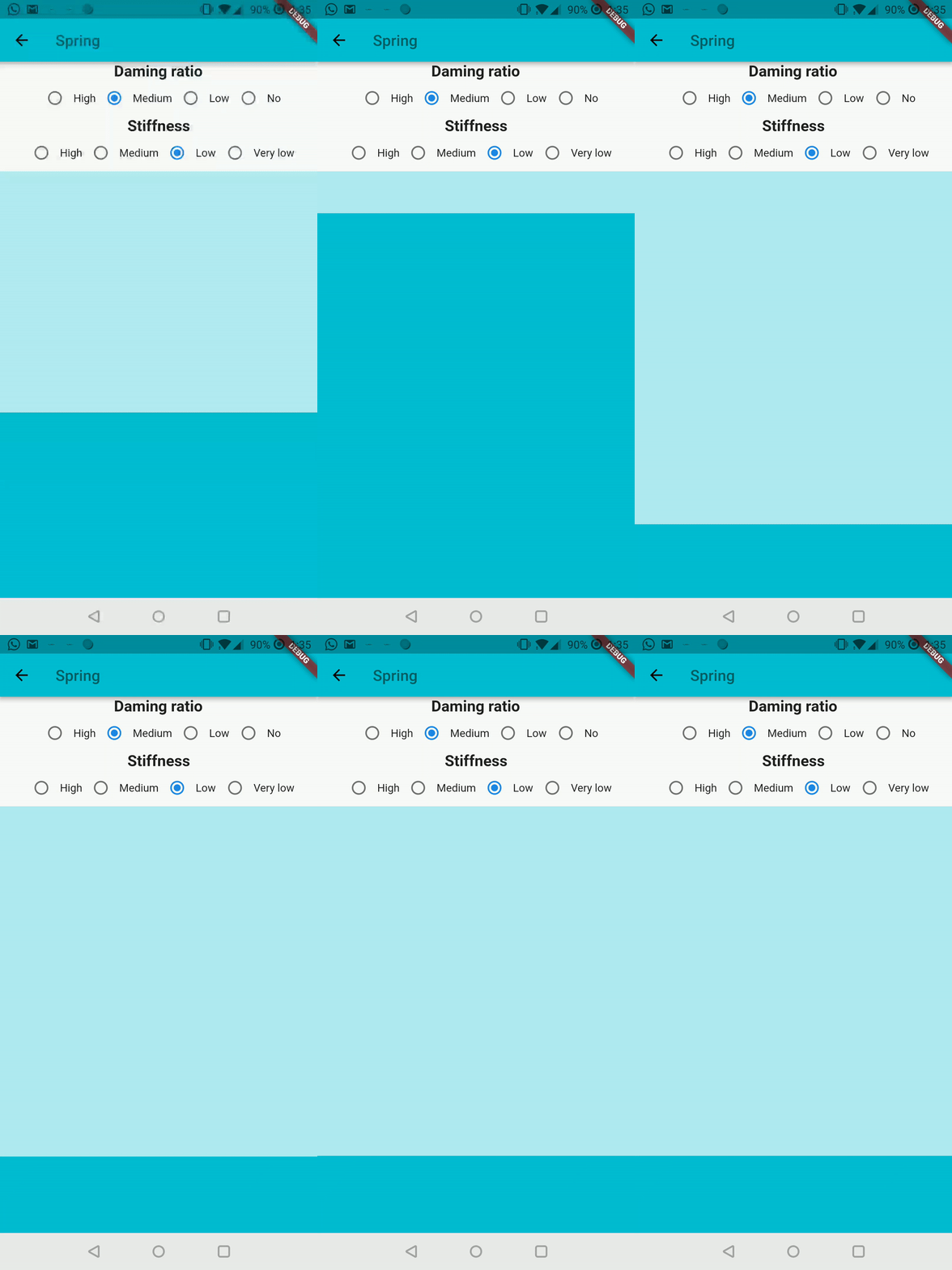
橡胶是一种具有可定制材料弹簧动画的弹性底部表单小部件。

AndroidiOSWebmacOSWindowsLinux
近 30 天下载
1.1万
喜欢数
356
Pub 分数
160

安装插件

flutter pub add rubber

插件介绍

基于插件公开信息、社区数据与项目使用情况整理的选型参考。

Rubber 是一个适用于 Flutter 的灵活底部面板小部件,提供可自定义的材料风格弹簧动画。它在展开或收起时能够实现平滑、弹性的过渡效果,增强用户交互体验,带来响应迅速且流畅的行为。非常适合用于模态框、抽屉或其他需要动态从下往上呈现的 UI 元素。Rubber 支持所有主要平台,包括 Android、iOS、Web、macOS、Windows 和 Linux。其动画系统基于 Flutter 的物理引擎,允许开发者精细调整弹跳效果和响应性。该包轻量且能无缝集成到现有的 Flutter 应用中。

适合场景

  • 模态对话框
  • 互动抽屉
  • 底部导航面板
  • 表单叠加
  • 动态内容展开器

主要特点

  • 可自定义的弹簧动画
  • 弹性拖动行为
  • 跨平台支持
  • 平滑过渡物理效果
  • 与现有小部件的轻松集成
  • 可配置的反弹阻力

适合对象

  • 寻求动画底部表单的开发者
  • 具有交互式 UI 组件的应用程序
  • 希望采用材料启发式动效的设计人员
  • 针对多个平台的项目
  • Flutter 物理动画的用户

使用建议

  • 可能需要调整以获得最佳弹簧手感
  • 不适合静态或非交互式表单
  • 性能取决于动画的复杂程度
  • 仅限底部弹出面板使用场景
  • 需要理解物理参数

原始 README

以下为关联源码仓库的 README 原文快照,最新内容请访问源码仓库。

Awesome Flutter

An elastic material bottom sheet implementation for Flutter.

Requires Flutter 3.44 or later and Dart 3.12 or later.

This is still an early preview, some behaviors can change or being removed. Every feedback, bug report or feature request is welcome, please send it at the issue tracker

Follow the Quick Start to add it to your project. Is also available the complete example in the repository to preview the library on your device.

Common interaction options can be configured directly on the sheet:

RubberBottomSheet(
  animationController: controller,
  lowerLayer: const MyBackground(),
  upperLayer: const MySheetContent(),
  draggable: true,
  snapThreshold: 0.4,
  minFlingVelocity: 700,
  completeFlingVelocity: 5000,
  scrimColor: Colors.black54,
  onScrimTap: controller.collapse,
);

Use strict bounds when the elastic overscroll effect is not appropriate:

final controller = RubberAnimationController(
  vsync: this,
  duration: const Duration(milliseconds: 250),
  boundsBehavior: RubberAnimationBoundsBehavior.strict,
);

Use controller.addListener(...) to observe the position continuously. Status listeners report direction and boundary transitions (forward, reverse, completed, and dismissed). Pixel bounds are automatically recalculated after size and orientation changes.

所属分类

源码仓库

使用此插件的项目