搜索插件、代码仓与 APP 分类

scaled_app 封面
插件详情v2.3.2

scaled_app

按比例缩放整个UI设计,当您的UI设计具有固定宽度时非常有用。

AndroidiOSWebmacOSWindowsLinux
近 30 天下载
5.5万
喜欢数
96
Pub 分数
160

安装插件

flutter pub add scaled_app

插件介绍

基于插件公开信息、社区数据与项目使用情况整理的选型参考。

Scaled_App 是一个 Flutter 包,可根据参考设计宽度实现整个 UI 的比例缩放。它通过动态缩放控件,确保在不同屏幕尺寸上布局和排版的一致性。适用于具有固定宽度基础的设计,无需手动调整即可保持视觉保真度。该包支持所有主要平台,包括移动设备、网页和桌面端,非常适合需要精确 UI 控制的跨平台应用。

适合场景

  • 固定宽度设计适应
  • 跨平台 UI 一致性
  • 响应式布局缩放
  • 设计系统实施
  • 跨设备的UI精度

主要特点

  • 比例用户界面缩放
  • 参考设计宽度支持
  • 跨平台兼容性
  • 自动小部件调整大小
  • 最小配置要求

适合对象

  • 具有固定宽度设计规范的开发人员
  • 使用设计系统的团队
  • 针对多种屏幕尺寸的应用
  • 需要像素级UI复刻的项目
  • 具有严格设计约束的Flutter应用

使用建议

  • 最适合固定宽度设计工作流程
  • 可能需要初始设置参考宽度
  • 不适合流体或动态布局
  • 性能影响可以忽略不计,但取决于复杂性
  • 需要在目标设备上进行仔细测试

原始 README

以下为关联源码仓库的 README 原文快照,最新内容请访问源码仓库。

Scale the entire UI design proportionally.

Button, image, font, every widget is scaled simultaneously.

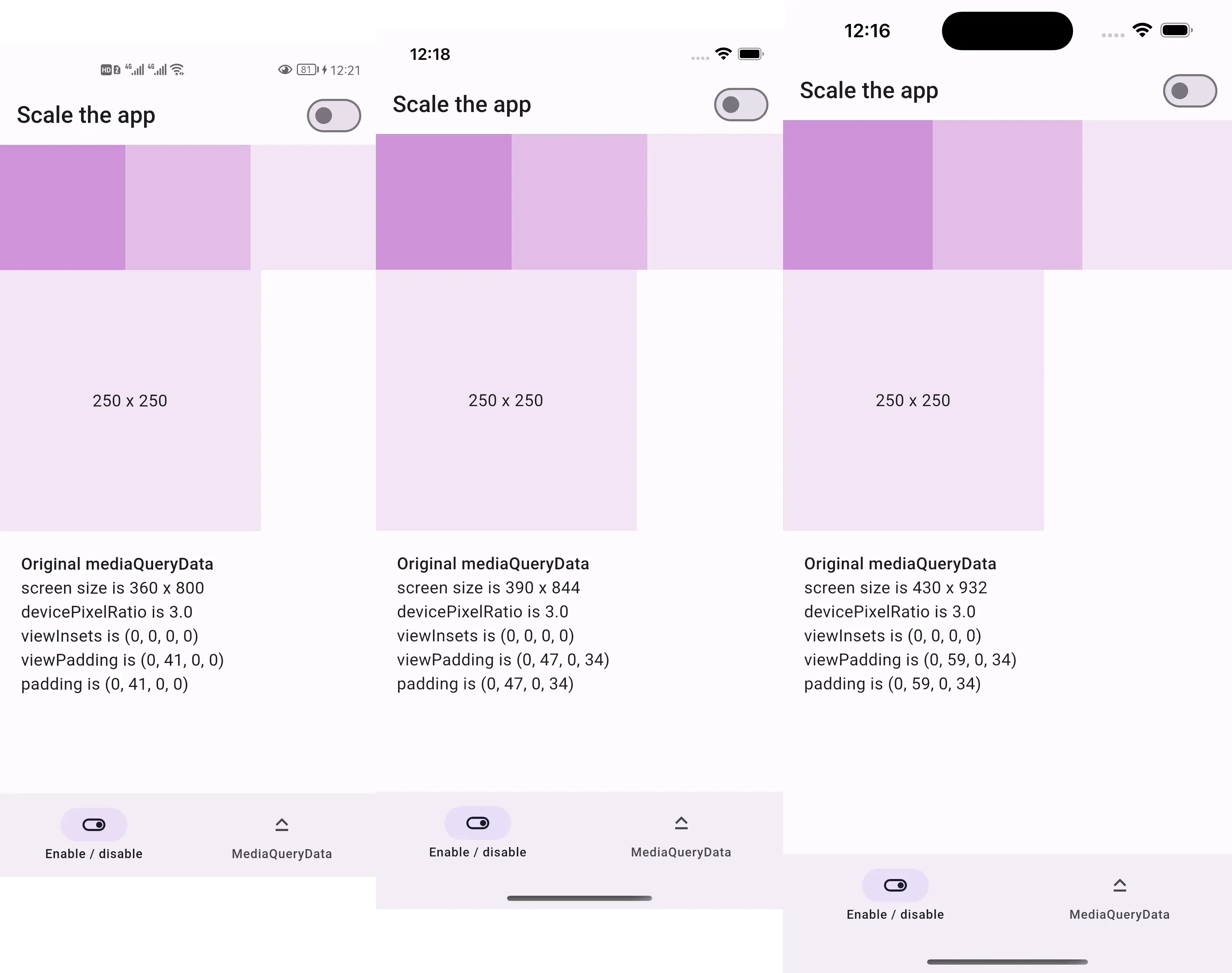
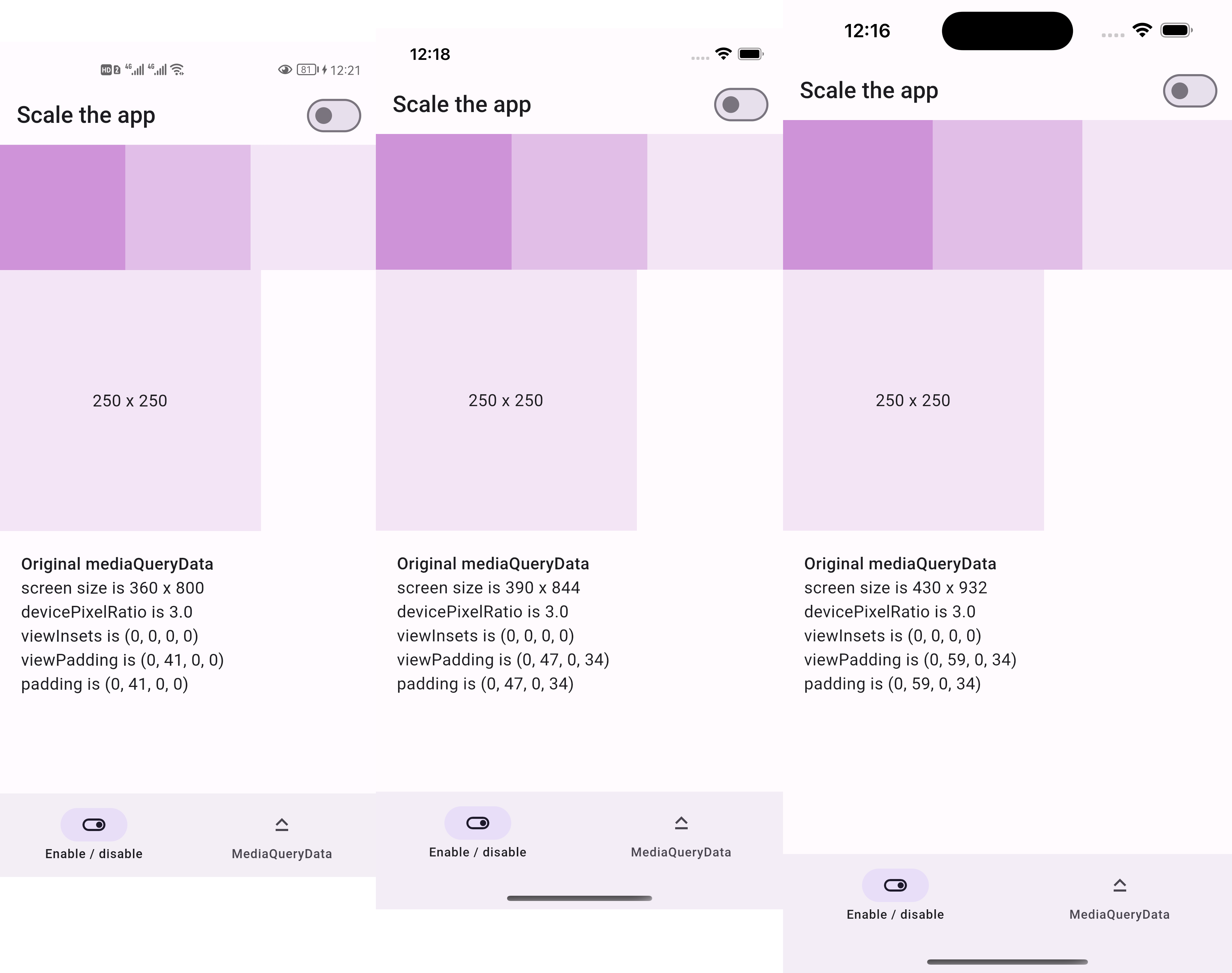
Before:

  • 250x250 square is the same size across devices

Screenshots of the same design before scaling

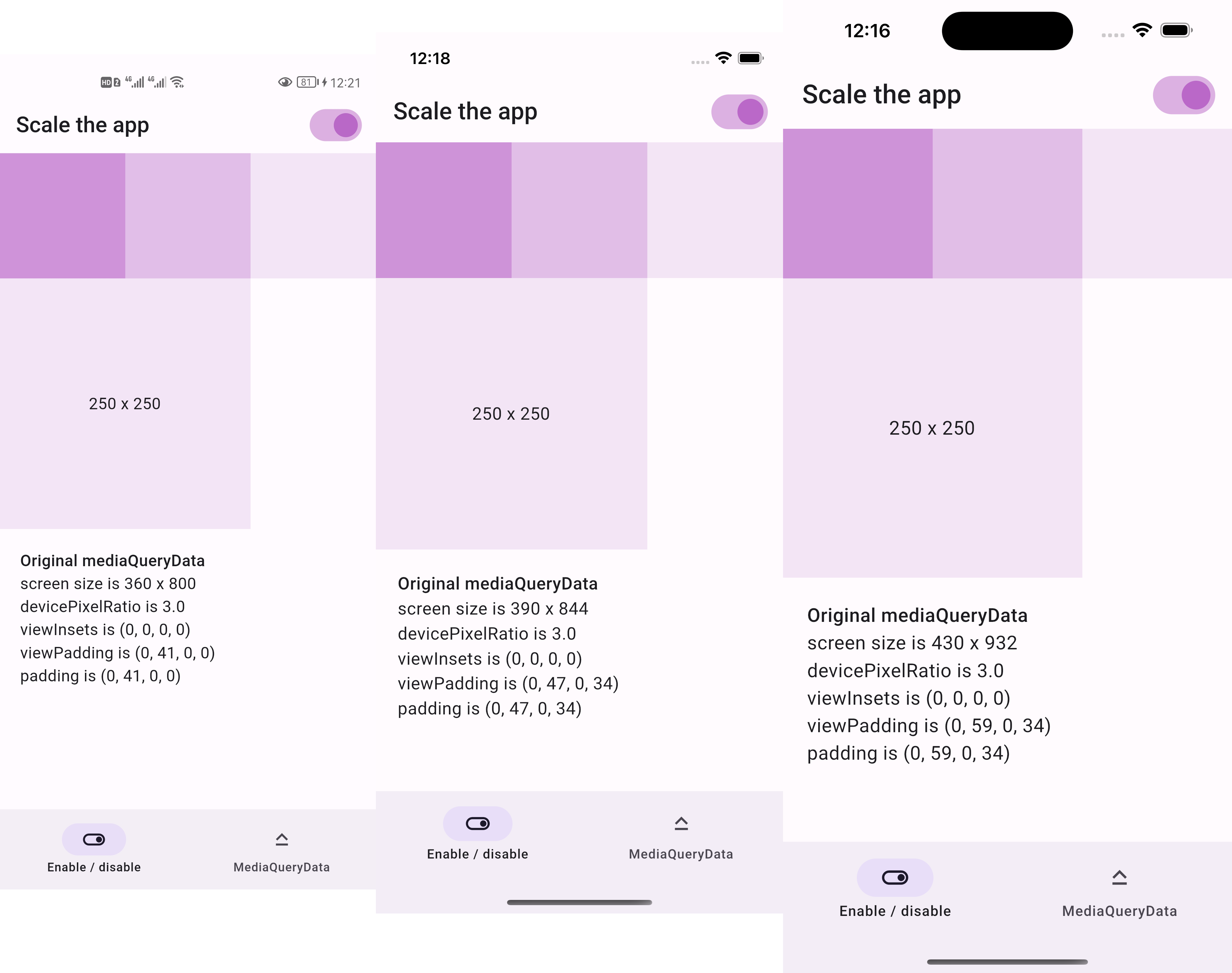
After:

  • 250x250 square is two thirds the screen width across devices

Screenshots of the same design after scaling

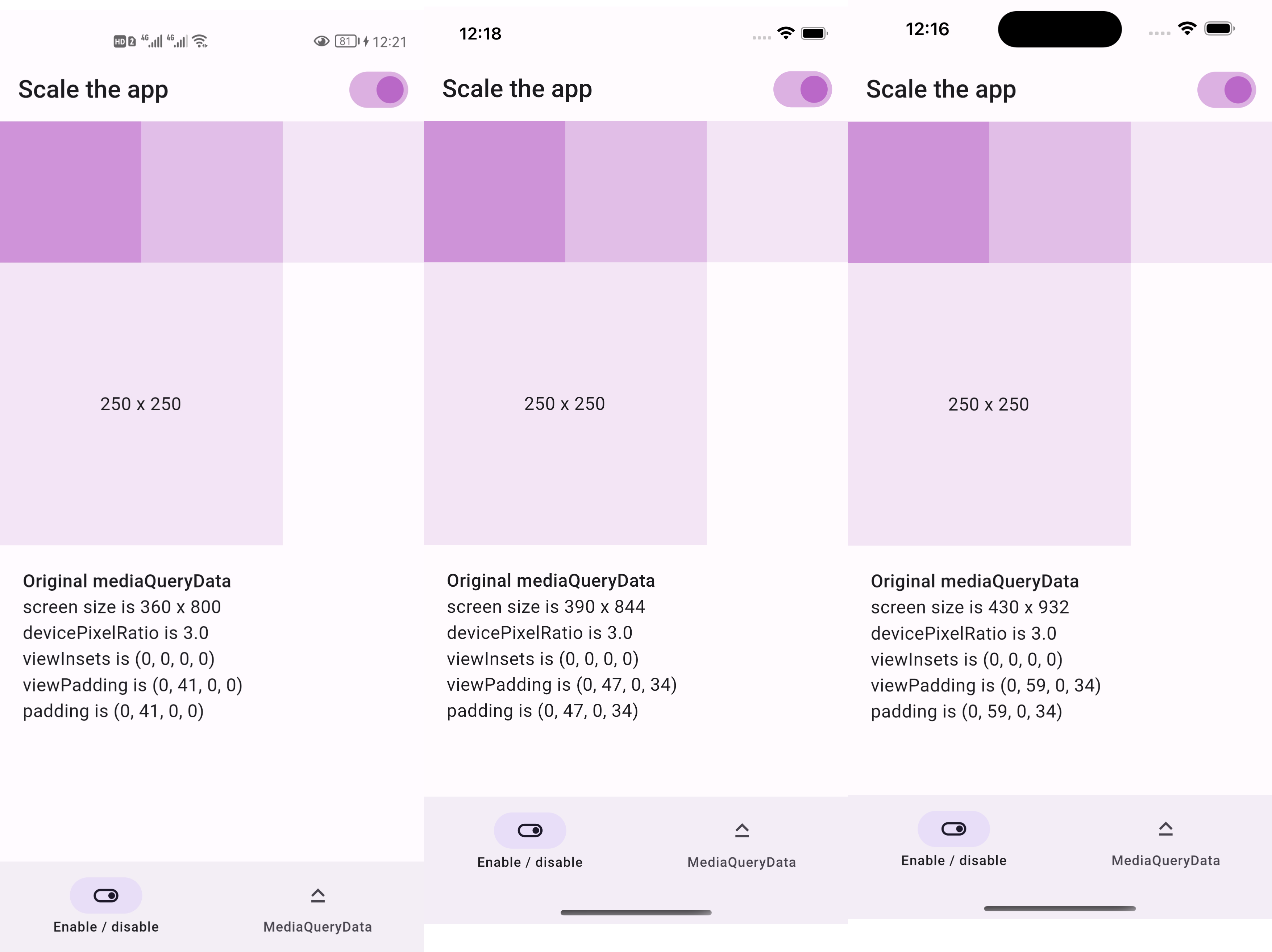
  • if we resize the screenshots above to be the same width
  • then everything appears the same size as below

Resized screenshots of the same design after scaling

Sponsor

庞征博引 — 想学的,慢慢都会

This package is sponsored by 庞征博引, which breaks complex subjects into 5–10 minute reads you work through, and ask questions about, at your own pace.

Live demo

https://lastmonopoly.github.io/flutter_web_app/scaled_app_demo/

Features

Use this package in your Flutter app when:

  • your UI design is fixed-width
  • you want to scale the entire UI, not just part of it

Usage

Firstly, replace runApp with runAppScaled

void main() {
  // 1st way to use this package
  runAppScaled(const MyApp(), scaleFactor: (deviceSize) {
    // screen width used in your UI design
    const double widthOfDesign = 375;
    return deviceSize.width / widthOfDesign;
  });
}

Or, replace WidgetsFlutterBinding with ScaledWidgetsFlutterBinding

void main() {
  // 2nd way to use this package
  // Scaling will be applied based on [scaleFactor] callback.
  ScaledWidgetsFlutterBinding.ensureInitialized(
    scaleFactor: (deviceSize) {
      // screen width used in your UI design
      const double widthOfDesign = 375;
      return deviceSize.width / widthOfDesign;
    },
  );
  runApp(const MyApp());
}

Then, use MediaQueryData.scale to scale size, viewInsets, viewPadding, etc.

class PageRoute extends StatelessWidget {
  const PageRoute({Key? key}) : super(key: key);

  @override
  Widget build(BuildContext context) {
    return MediaQuery(
      data: MediaQuery.of(context).scale(),
      child: const Scaffold(...),
    );
  }
}

Optionally, update ScaledWidgetsFlutterBinding.instance.scaleFactor to enable / disable scaling on demand.

Reference

https://juejin.cn/post/7078816723666731021

所属分类

源码仓库

使用此插件的项目

所在榜单