搜索插件、代码仓与 APP 分类

smooth_video_progress 封面
插件详情v0.0.4

smooth_video_progress

用于 video_player 控制器的插值进度构建器

AndroidiOSWebmacOS
近 30 天下载
4170
喜欢数
39
Pub 分数
140

安装插件

flutter pub add smooth_video_progress

插件介绍

基于插件公开信息、社区数据与项目使用情况整理的选型参考。

一个 Flutter 包,为 video_player 控制器提供插值进度构建器,可在视频播放界面中实现平滑且视觉上吸引人的进度更新。它通过在进度状态之间提供流畅的过渡来提升用户体验,非常适合自定义视频播放器 UI。该包可与标准的 video_player 插件无缝集成,并支持 Android、iOS、Web 和 macOS 等多个平台。专为希望对进度指示器进行精细控制而无需复杂手动动画处理的开发者设计。

适合场景

  • 自定义视频播放器 UI
  • 平滑的进度条动画
  • 增强的视频播放反馈
  • 跨平台视频应用
  • 实时进度可视化

主要特点

  • 插值进度更新
  • 与 video_player 的无缝集成
  • 平台无关的支持
  • 所需设置最少
  • 高性能渲染

适合对象

  • 以用户界面为重点的视频应用
  • 希望实现流畅动画的开发者
  • 需要精确进度控制的应用程序
  • 跨平台视频项目
  • 设计实现精美的媒体播放器

使用建议

  • 需要 video_player 依赖项
  • 仅限进度显示
  • 无内置控件
  • 最好与自定义播放器 UI 配合使用
  • 可能需要额外的样式设置才能实现完全自定义

原始 README

以下为关联源码仓库的 README 原文快照,最新内容请访问源码仓库。

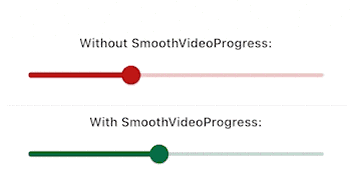
Have you been here before: you created a video player using video_player, but the progress bar updates way to infrequently and makes your UX look choppy?

Look no further than this package. It will make your video progress bars look smooooth ✨

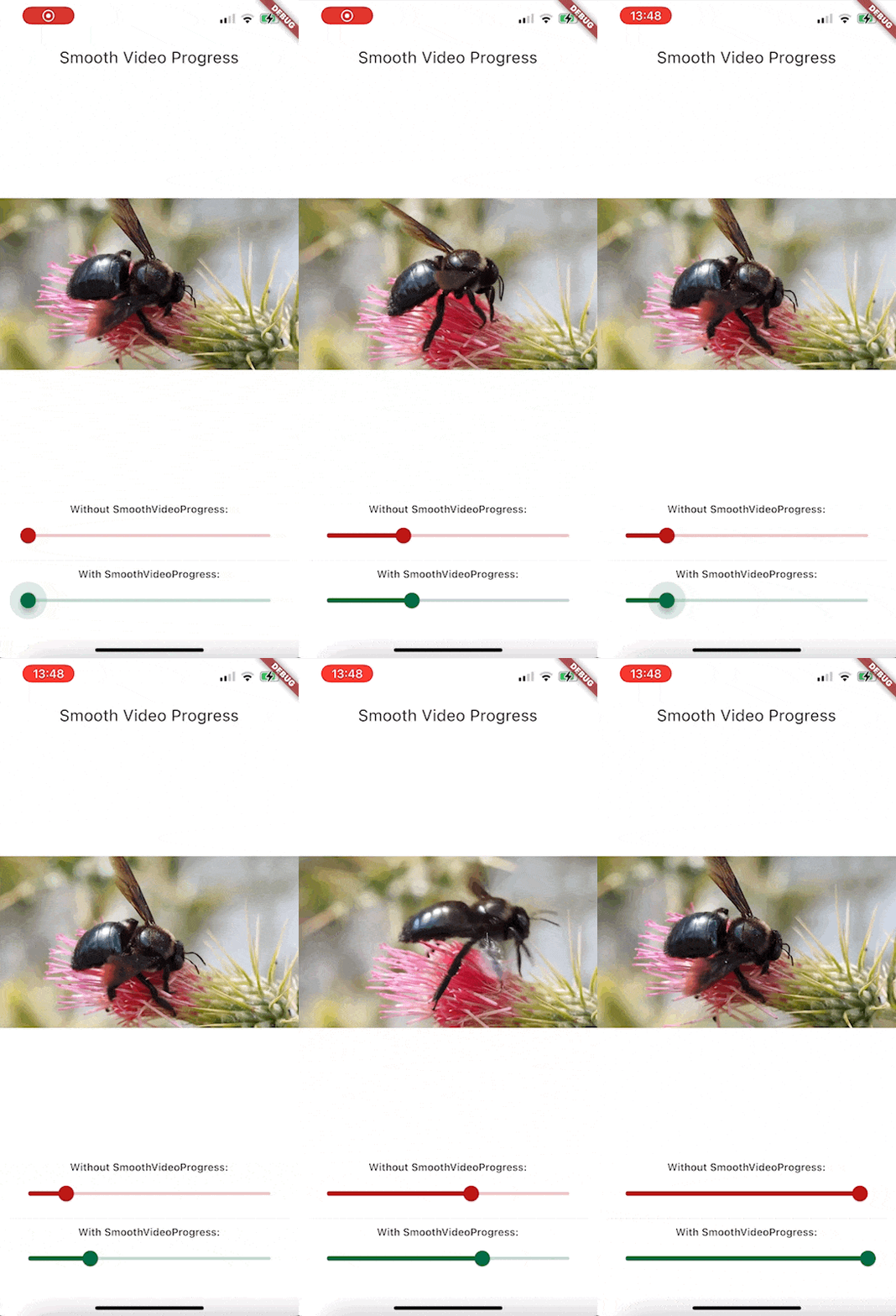
Demo GIF

Since this is a GIF, the framerate is reduced, but rest assured that the bottom slider animates at the same framerate as your app.

Features

  • Build a smoothly interpolated progress bar for video_player's VideoPlayerController instances.
  • Completely unopinianeted, build whatever you want design-wise
  • Use it for progress bars, spinners, more accurate time displays, ...

Getting started

Install the package. This package depends on flutter_hooks, because I use it for everything anyway, check out the package if you don't know it, it makes life so much easier.

Usage

Here is how you would build a simple slider for example:

Widget build(BuildContext context) {
  SmoothVideoProgress(
    controller: controller,
    builder: (context, position, duration, child) => Slider(
      onChangeStart: (_) => controller.pause(),
      onChangeEnd: (_) => controller.play(),
      onChanged: (value) =>
          controller.seekTo(Duration(milliseconds: value.toInt())),
      value: position.inMilliseconds.toDouble(),
      min: 0,
      max: duration.inMilliseconds.toDouble(),
    ),
  );
}

Example Project

To take a look at the example (seen on the GIF above)

  1. Open example folder
  2. Run flutter create .
  3. flutter run on the iOS, android or web
  4. You might have to do additional setup steps for video_player to work, check their documentation for details

所属分类

依赖

依赖清单 2 项

源码仓库

使用此插件的项目