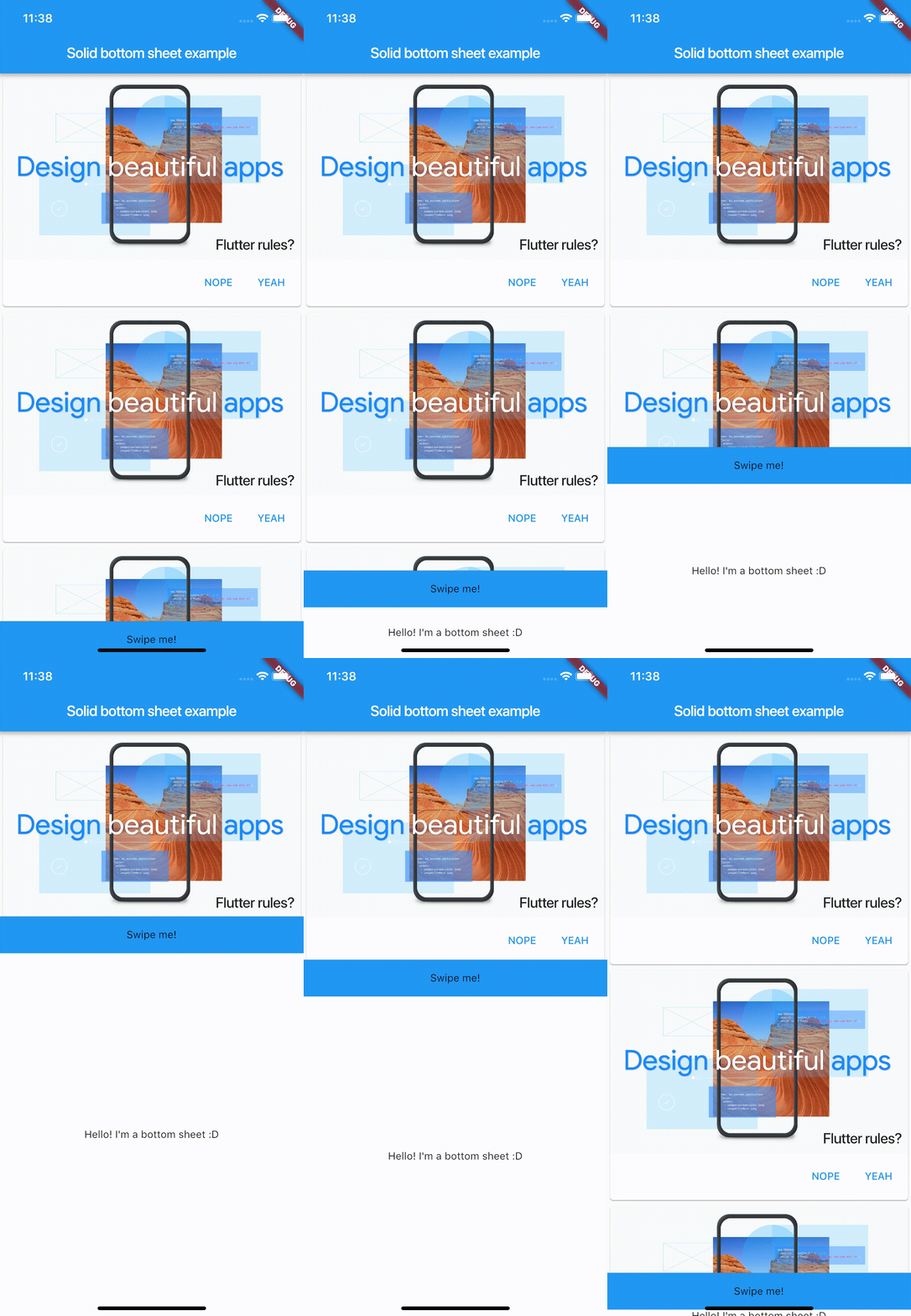
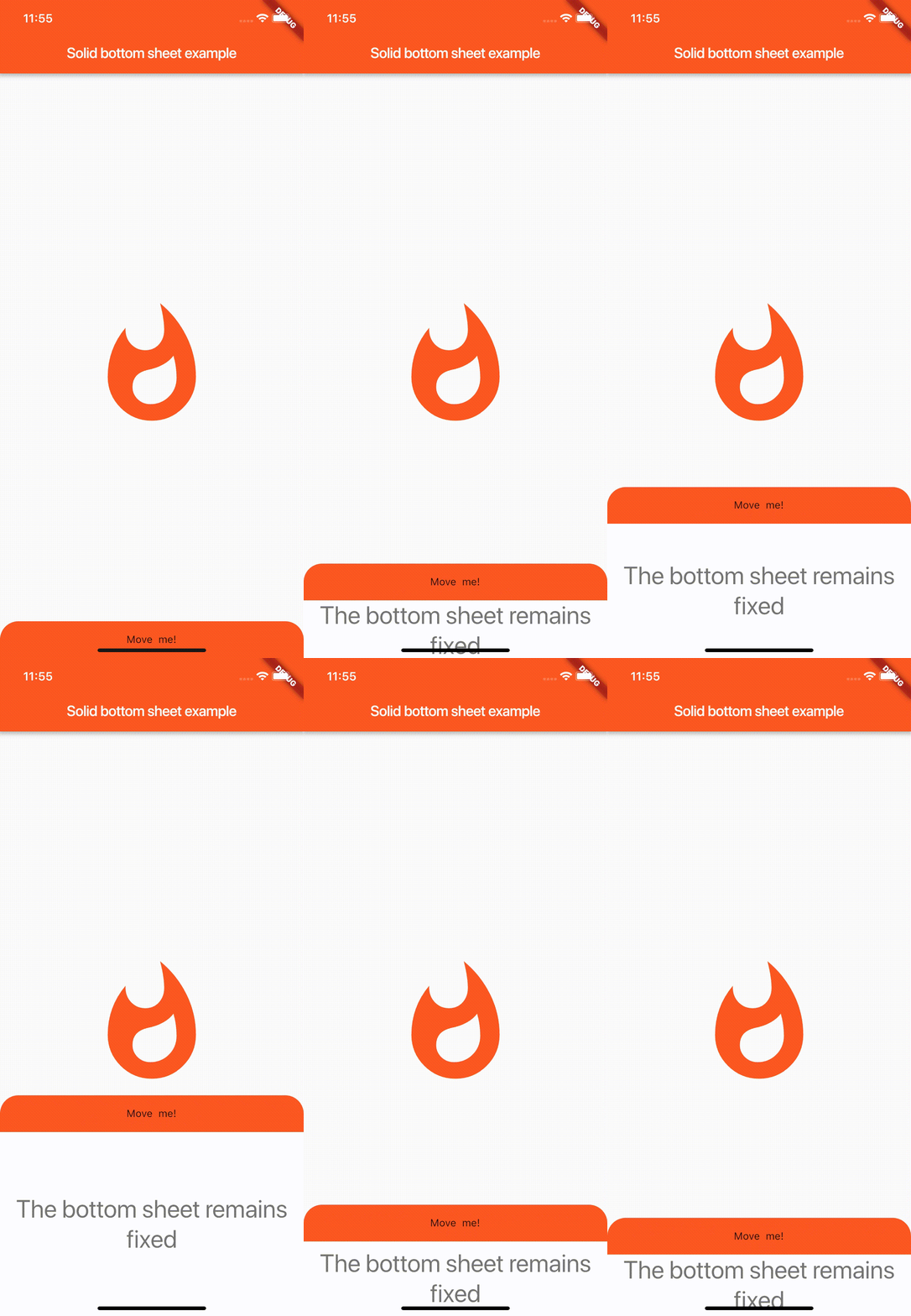
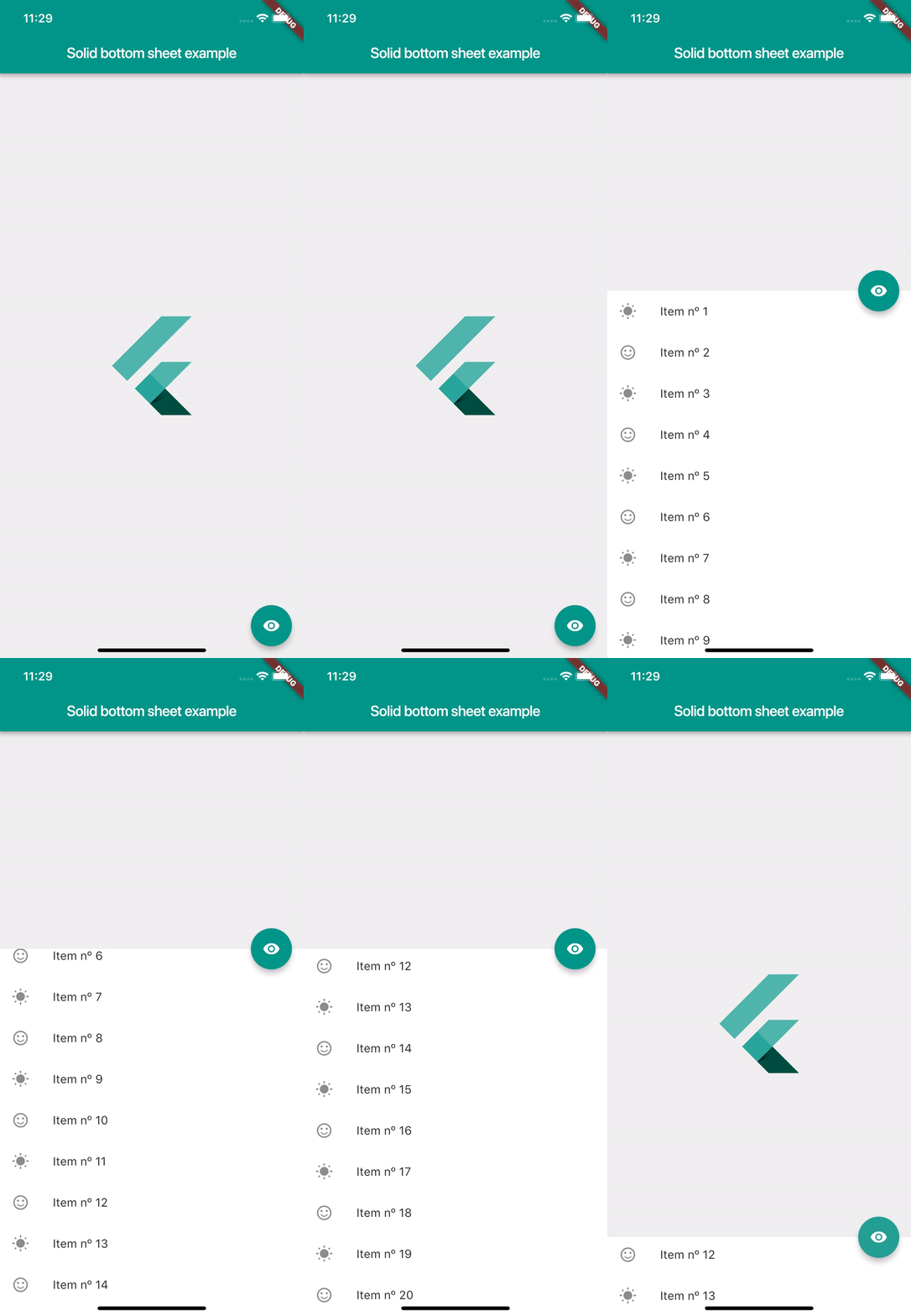
A full customizable bottom sheet easy to implement. Just put it on your bottomSheet property on your Scaffold widget and see the magic. For more details see the README.md. Feel free to contribute. This package is open to recieve pull request on github. Enjoy! :D
Screenshots
Usage
SolidBottomSheet(
        headerBar: Container(), // Your header here
        body: Container(), // Your body here
      ),
Properties
// This controls the minimum height of the body. Must be greater or equal of 0.// By default is 0finaldouble minHeight;
// This controls the minimum height of the body. By default is 500finaldouble maxHeight;
// This is the content that will be hided of your bottomSheet. You can fit any// widget. This parameter is requiredfinalWidget body;
// This is the header of your bottomSheet. This widget is the swipeable area// where user will interact. This parameter is requiredfinalWidget headerBar;
// This flag is used to enable the automatic swipe of the bar. If it's true// the bottomSheet will automatically appear or disappear when user stops// swiping, but if it's false, it will stay at the last user finger position.// By default is truefinalbool autoSwiped;
// This flag enable that the user can toggle the visibility with just tapping on// the header bar. By default is falsefinalbool toggleVisibilityOnTap;
// This flag enable that users can swipe the body and hide or show the// solid bottom sheet. Turn on false if you don't want to let the user// interact with the solid bottom sheet. By default is false.finalbool draggableBody;
// This flag enable that users can swipe the header and hide or show the // solid bottom sheet. Turn on false if you don't want to let the user // interact with the solid bottom sheet. By default is true. finalbool canUserSwipe;
// This property defines how 'smooth' or fast will be the animation. Low is// the slowest velocity and high is the fastest. By default is medium.finalSmoothness smoothness;
// This property is the elevation of the bottomSheet. Must be greater or equal// to 0. By default is 0.finaldouble elevation;
// This flag controls if the body is shown to the user by default. If it's// true, the body will be shown. If it's false the body will be hided. By// default it's false.finalbool showOnAppear;
// This object used to control behavior internally// from the app and don't depend of user's interaction.// can hide and show methods plus have isOpened variable// to check widget visibility on a screenfinalSolidController controller;
// This method will be executed when the solid bottom sheet is completely// opened.finalFunction onShow;
// This method will be executed when the solid bottom sheet is completely// closed.finalFunction onHide;
Controller
// This is the current smoothness of the bottomSheetSmoothness smoothness;
// Returns the value of the height as streamStream<double> heightStream;
// Returns the value of the visibility as streamStream<bool> isOpenStream;
// Returns the value of the heightdouble height;
// Returns if the solid bottom sheet is opened or notbool isOpened;
// This method sets the value of the height using streamsvoidheight(double value);
// Updates the visibility value to falsevoidhide();
// Updates the visibility value to truevoidshow();