Status Alert for Flutter


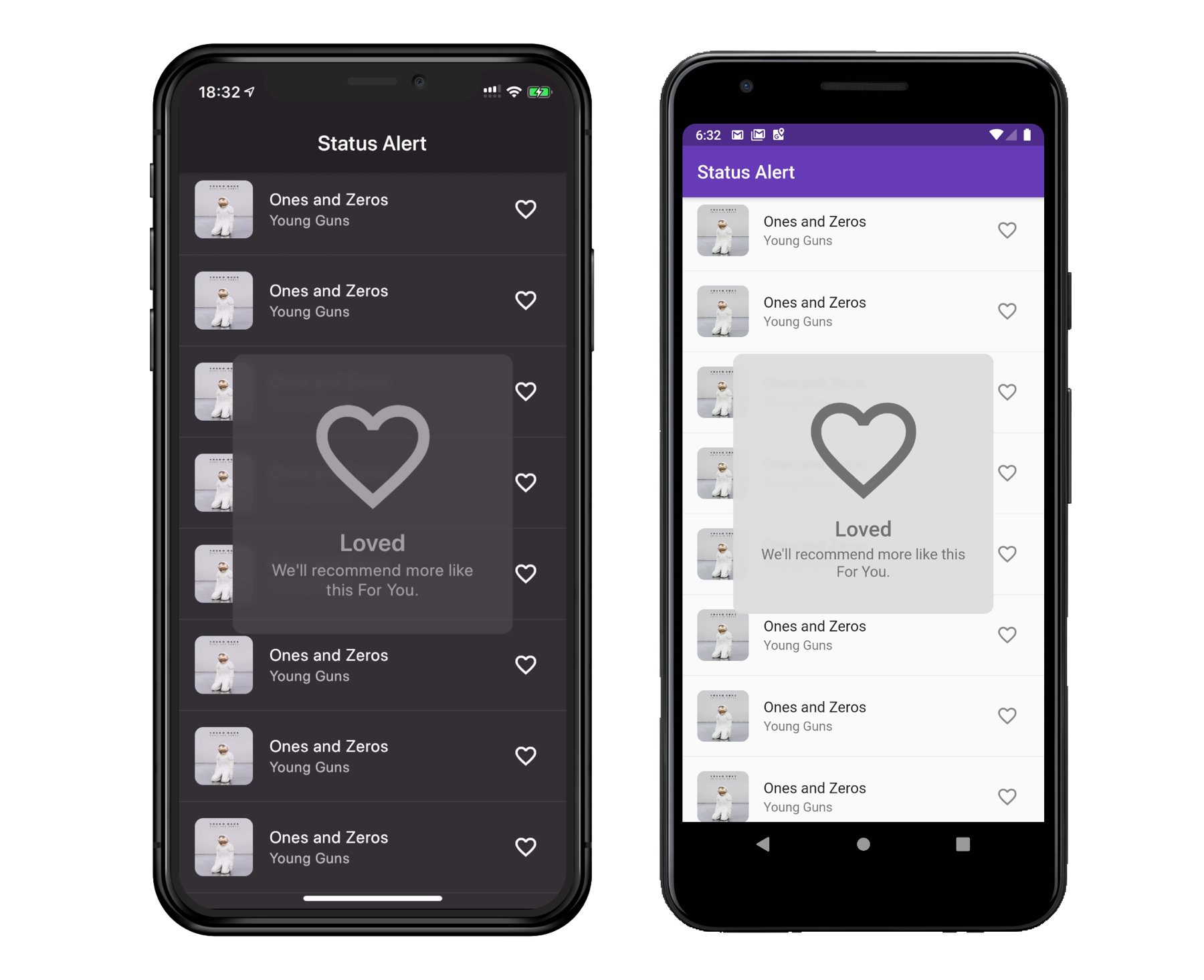
Display Apple system-like self-hiding status alerts. Well suited for notifying users without interrupting their flow.
Installing
dependencies:
  status_alert: ^2.0.0
import 'package:status_alert/status_alert.dart';
Basic Usage
StatusAlert.show(
  context,
  duration: Duration(seconds: 2),
  title: 'Subscribed',
  subtitle: 'You will be notified of new posts',
  configuration: IconConfiguration(icon: Icons.done),
  maxWidth: 260,
);
Parameters
| Parameter |
Type |
Default |
Description |
title |
String? |
null |
Main text |
subtitle |
String? |
null |
Secondary text |
configuration |
PopupMediaConfiguration? |
null |
Icon or custom widget |
duration |
Duration |
1300ms |
How long the alert stays visible |
backgroundColor |
Color? |
Theme-based |
Alert background |
blurPower |
double |
2.0 |
Background blur sigma |
maxWidth |
double? |
null |
Max width on large screens |
alignment |
Alignment |
center |
Alert position on screen |
margin |
EdgeInsets |
all(40) |
Outer spacing |
padding |
EdgeInsets |
all(30) |
Inner spacing |
borderRadius |
BorderRadius |
circular(10) |
Corner radius |
dismissOnBackgroundTap |
bool |
false |
Dismiss when background is tapped |
onComplete |
VoidCallback? |
null |
Called after dismiss animation ends |
titleOptions |
StatusAlertTextConfiguration? |
null |
Title text styling |
subtitleOptions |
StatusAlertTextConfiguration? |
null |
Subtitle text styling |
Media Configurations
Icon
StatusAlert.show(
  context,
  title: 'Done',
  configuration: IconConfiguration(
    icon: Icons.check_circle,
    color: Colors.green,
    size: 60,
  ),
);
Custom Widget (e.g. Rive animation)
StatusAlert.show(
  context,
  title: 'Loading',
  configuration: WidgetConfiguration(
    widget: RiveAnimation.asset('assets/animation.riv'),
  ),
);
Programmatic Control
StatusAlert.show(context, title: 'Saved');
StatusAlert.hide();
if (StatusAlert.isVisible) { ... }
onComplete Callback
Called after the alert finishes its dismiss animation:
StatusAlert.show(
  context,
  title: 'Uploaded',
  onComplete: () => Navigator.push(context, ...),
);
Migration from 1.x
| 1.x |
2.x |
FlareConfiguration |
Use WidgetConfiguration with a Rive widget |
textScaleFactor in StatusAlertTextConfiguration |
Use textScaler |
Dart SDK <3.0.0 |
Requires Dart >=3.0.0 |
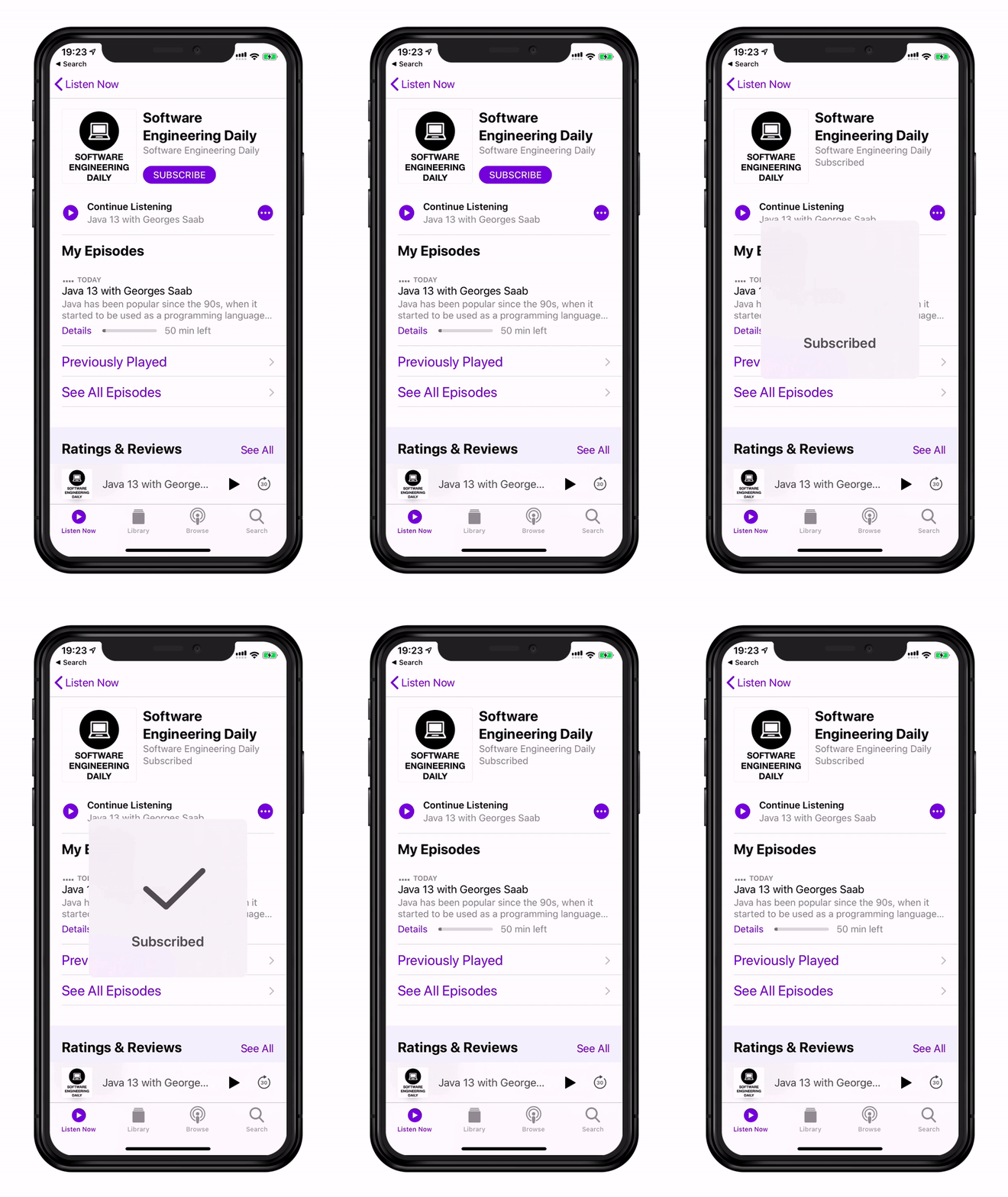
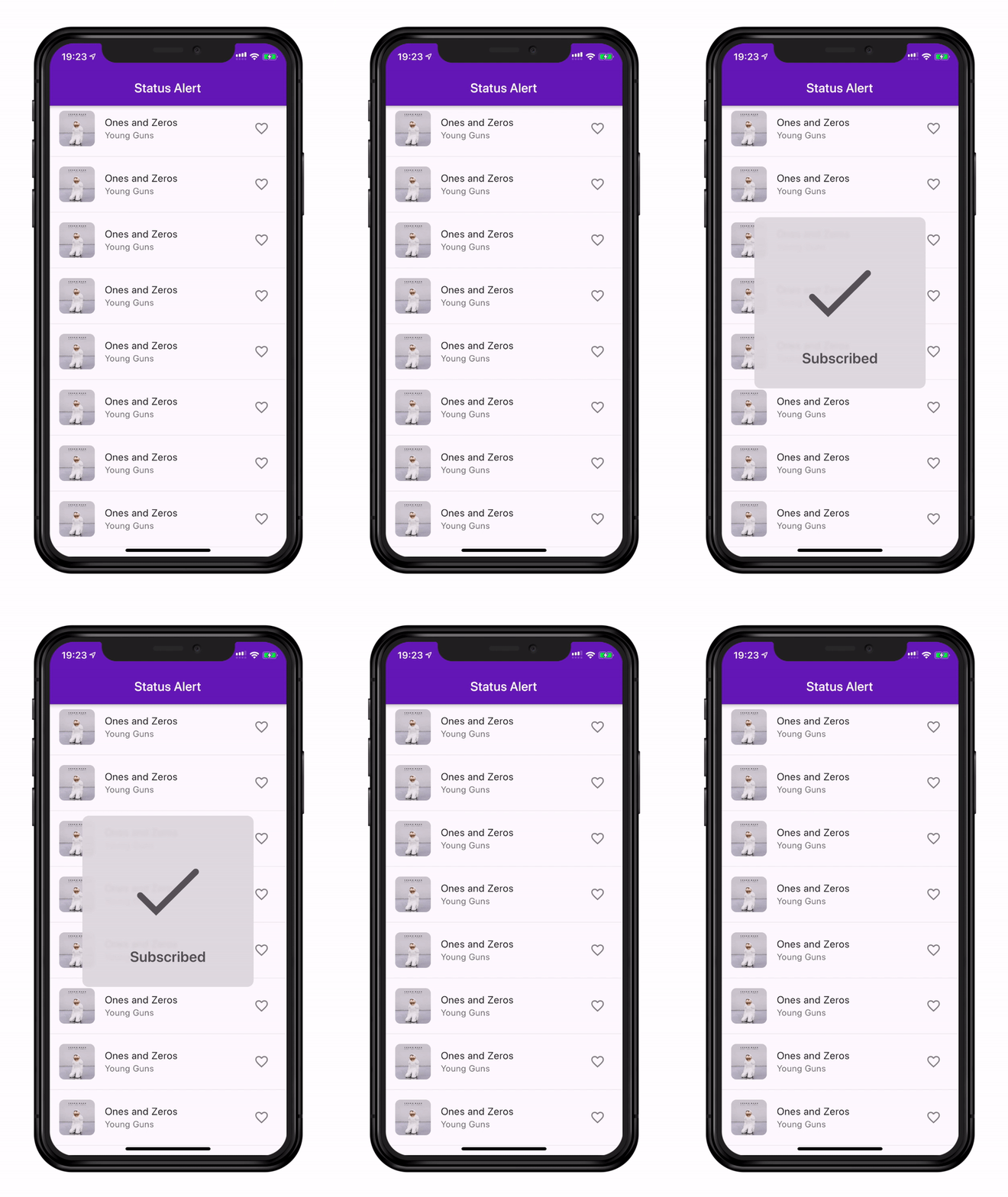
Apple Podcasts vs Status Alert
License
This project is licensed under the Apache License 2.0 — see the LICENSE file for details.

