First run the initialization which is asynchronous so you will need to change the return type of your main() method from void to Future<void>:
Future<void> main() async {
/// ensure widgets are initializedWidgetsFlutterBinding.ensureInitialized();
/// initialize theme mode builderawaitThemeModeBuilderConfig.ensureInitialized();
/// Runs the app :)runApp(MyCoolApp());
}
Then just wrap your MaterialApp widget with the ThemeModeBuilder and return the MaterialApp widget from the builder.
The builder gives you two arguments, builder: (BuildContext context, ThemeMode themeMode) {}.
Pass the themeMode to themeMode on your MaterialApp.
Now this code below explains better than I do 🙈🚀😂:
import"package:flutter/material.dart";
import"package:theme_mode_builder/theme_mode_builder.dart";
classMyCoolAppextendsStatelessWidget{
@overrideWidgetbuild(BuildContext context) {
returnThemeModeBuilder(
builder: (BuildContext context, ThemeMode themeMode) {
returnMaterialApp(
title: "My Cool App",
/// here is the `themeMode` passed form the `builder`
themeMode: themeMode,
theme: ThemeData(
colorScheme: ColorScheme.fromSeed(
brightness: Brightness.light,
seedColor: Colors.red,
),
/// put your light theme data here
),
darkTheme: ThemeData(
colorScheme: ColorScheme.fromSeed(
brightness: Brightness.dark,
seedColor: Colors.deepPurple,
),
/// put your dark theme data here
),
home: Home(),
);
},
);
}
}
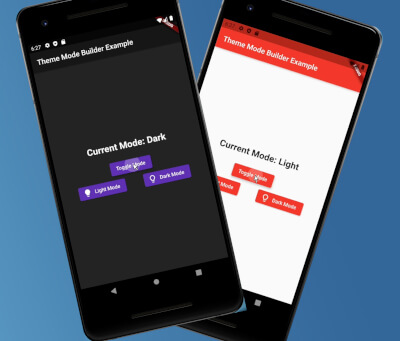
If you want to change the themeMode you just call:
awaitThemeModeBuilderConfig.toggleTheme();
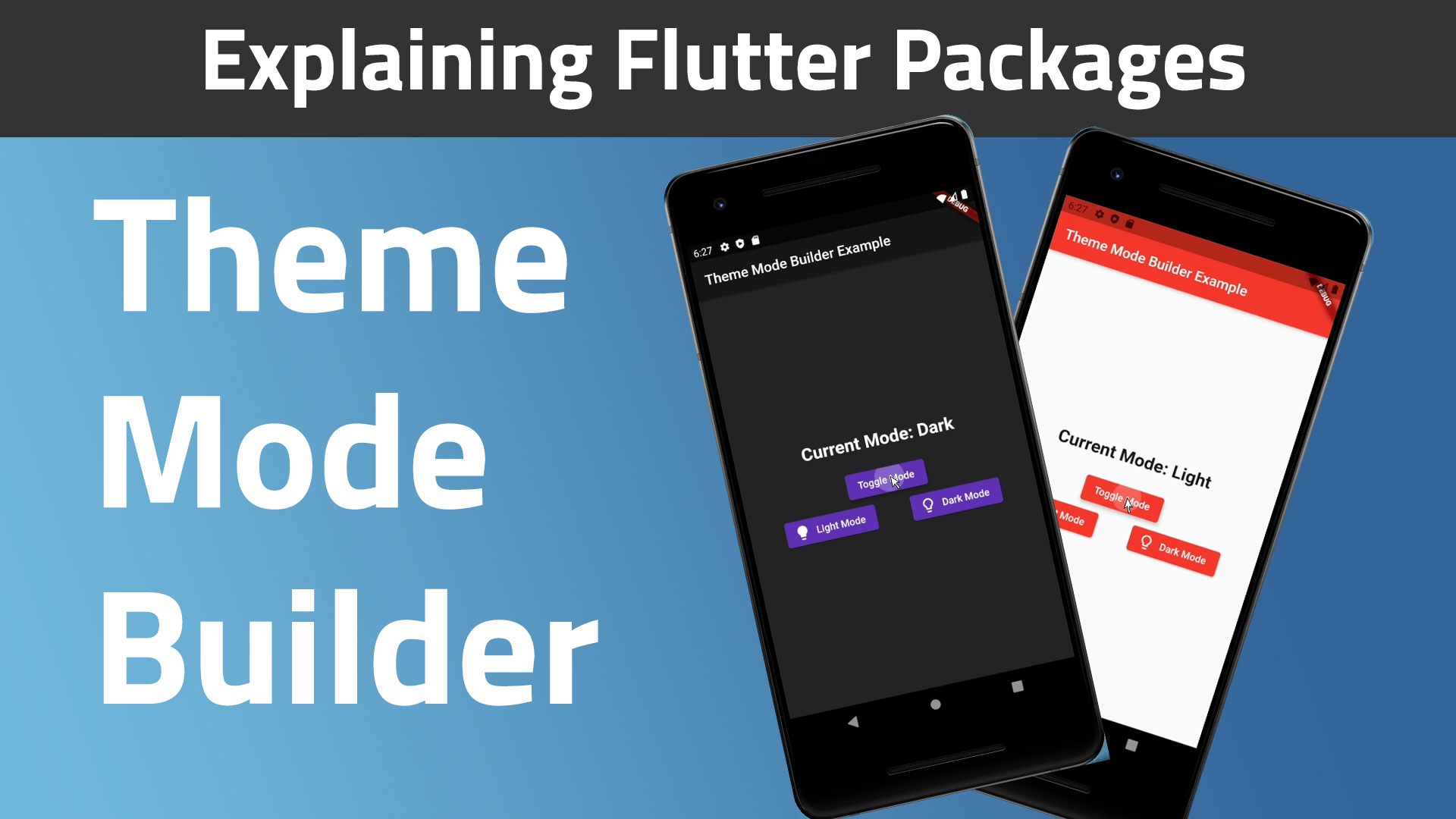
And the theme will change instantly given you followed the steps above correctly 🎉.