
A package to check for the custom in-app updates for Flutter.
⭐ Installing
dependencies:
    updater: ^0.2.5
⚡ Import
import 'package:updater/updater.dart';
|
Android |
IOS |
| Supported |
✔️ |
❌ |
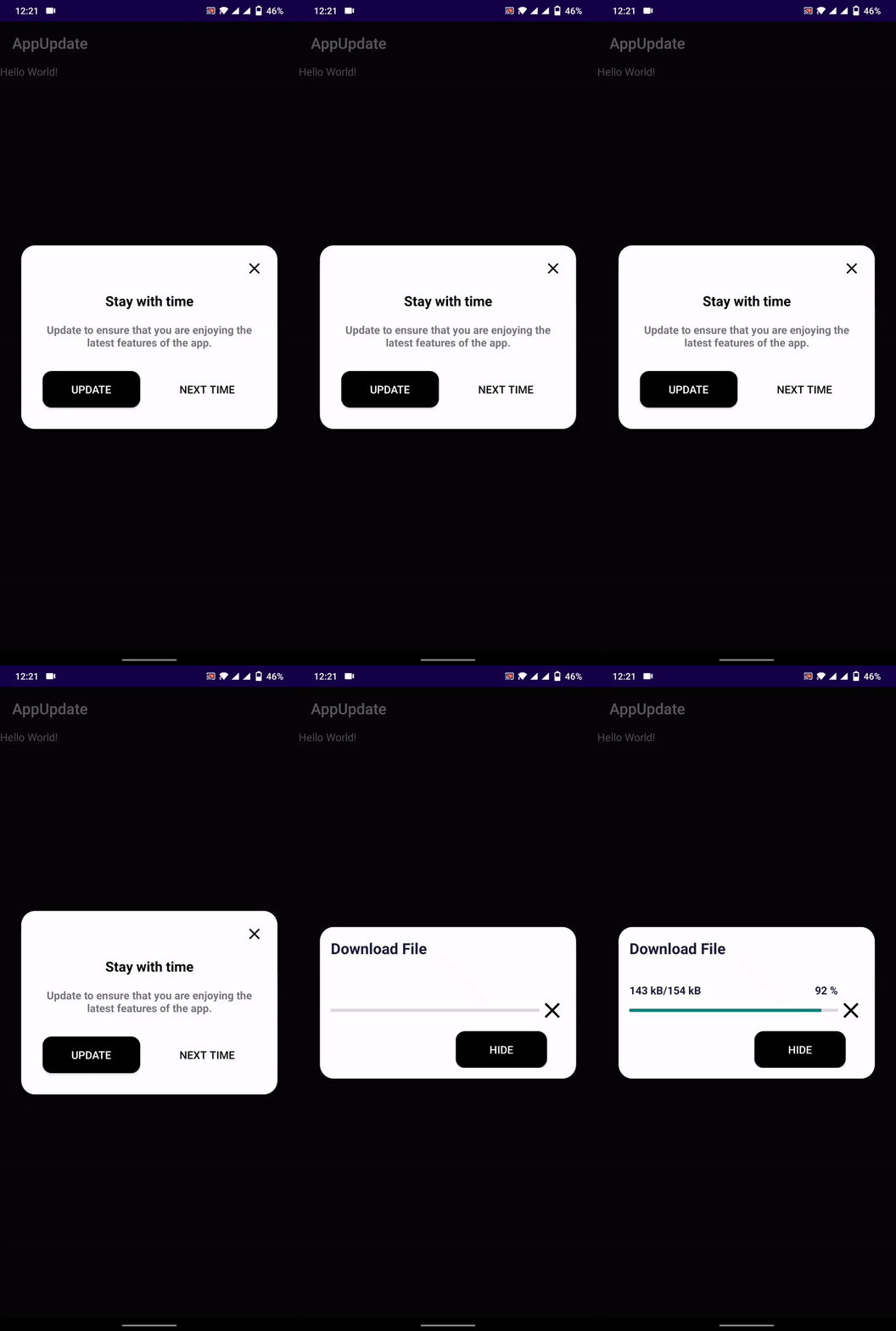
Properties
context → BuildContext
url → String
titleText → String
contentText → String
confirmText → String
cancelText → String
elevation → double
rootNavigator → bool
allowSkip → bool
backgroundDownload → bool
callBack → Function(String, int, String, int String)
controller → UpdaterController
delay → Duration
enableResume → bool
UpdateStatus
UpdateStatus.Checking
UpdateStatus.Pending
UpdateStatus.Available
UpdateStatus.Dowloading
UpdateStatus.Paused
UpdateStatus.Resume
UpdateStatus.Cancelled
UpdateStatus.Completed
UpdateStatus.DialogDismissed
UpdateStatus.Failed
Json Structure
versionCode → int
versionName → String
minSupport → int
contentText → String
url → String
{
  "versionCode":3,
  "versionName":"1.0.0",
  "contentText":"Please update your app",
  "minSupport":2,
  "url":"/*App Download Url*/"
}
versionCode:
versionName:
minSuppor:
contentText:
url:
⚙ Setup
Android
- Add
REQUEST_INSTALL_PACKAGES permission to open and install apk file
<uses-permission android:name="android.permission.REQUEST_INSTALL_PACKAGES" />
📙 How To Use
Inside pubspec.yaml file
version: 1.0.0+1
UpdaterController controller = UpdaterController(
listener: (UpdateStatus status) {
print('Listener: $status');
},
onChecked: (bool isAvailable) {
print(isAvailable);
},
progress: (current, total) {
print('Progress: $current -- $total');
},
onError: (status) {
print('Error: $status');
},
);
Updater updater = Updater(
context: context,
controller: controller,
url: 'JSON_FILE_URL',
titleText: 'Update available',
contentText:
'Update your app to the latest version to enjoy new feature.',
callBack: (UpdateModel model) {
print(model.versionName);
print(model.versionCode);
print(model.contentText);
},
enableResume: false,
);
updater.check();

