搜索插件、代码仓与 APP 分类

water_bottle 封面
插件详情v0.0.8

water_bottle

此库向您的屏幕添加了一个瓶子小部件。您可以将其用作加载指示器、进度跟踪器,或任何适合您需求的测量工具。

AndroidiOSWebmacOSWindowsLinux
近 30 天下载
30
喜欢数
42
Pub 分数
150

安装插件

flutter pub add water_bottle

插件介绍

基于插件公开信息、社区数据与项目使用情况整理的选型参考。

water_bottle 包为 Flutter 应用程序提供了一个可自定义的瓶状小部件。它可以作为视觉上引人注目的加载指示器、进度跟踪器或任何其他度量可视化工具。该小部件设计直观且适应性强,非常适合以有趣而动态的方式显示百分比、等级或完成状态。支持所有主要平台,可无缝集成到面向移动、网页和桌面环境的应用中。

适合场景

  • 加载指示器
  • 进度跟踪
  • 可视化完成程度
  • 交互式 UI 元素
  • 仪表板中的数据表示

主要特点

  • 瓶状视觉设计
  • 可自定义填充级别
  • 跨平台兼容性
  • 简单 API 集成
  • 支持动画

适合对象

  • 寻求独特加载视觉效果的应用开发者
  • 想要趣味性用户界面组件的设计人员
  • 需要百分比进度显示的项目
  • 教育类或游戏化应用
  • 仪表板和分析界面

使用建议

  • 仅限视觉表示
  • 不适合复杂数据图表
  • 可能需要对深色模式进行样式调整
  • 最适合简单的线性进度
  • 高频更新带来的性能影响

原始 README

以下为关联源码仓库的 README 原文快照,最新内容请访问源码仓库。

Water Bottle

Features

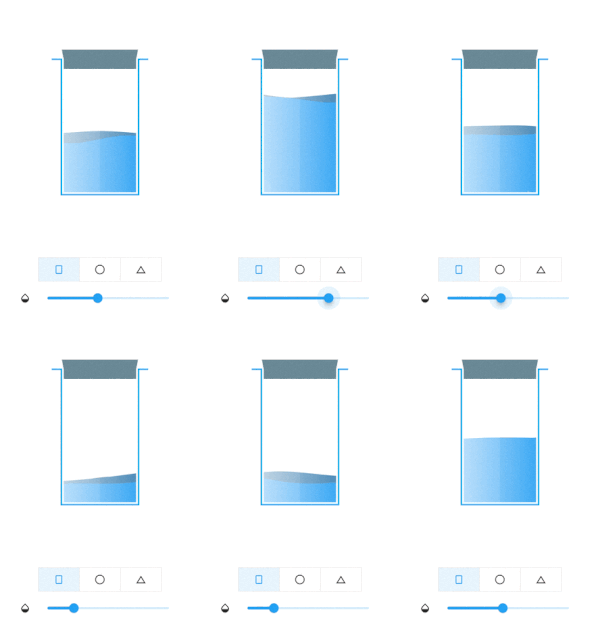
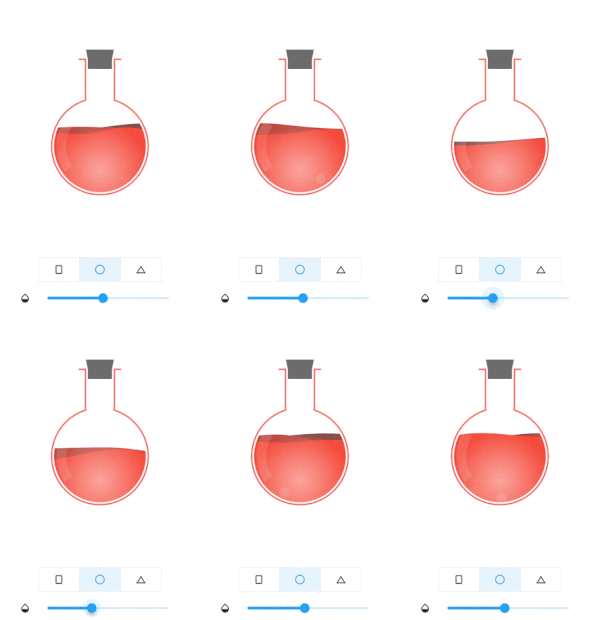
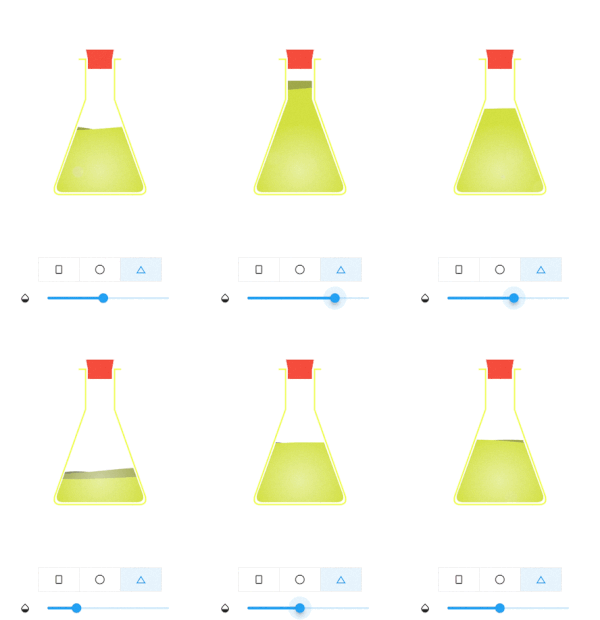
This library add a bottle widget to your screen. You can use it as a loading indicator, a progress tracker, or any kind of measurement suits your needs.

Plain Sphere Triangle

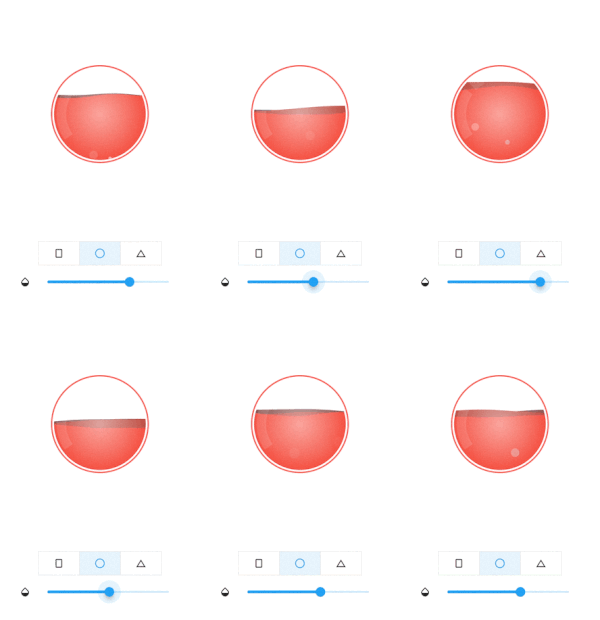
Sphere bottle get reduced to a ball when aspect ratio smaller than 1

Responsive Sphere

Usage

To use this library, add water_bottle as a dependency in your pubspec.yaml file.

Import it where you need

import 'package:water_bottle/water_bottle.dart';

Build bottle widget

final plainBottleRef = GlobalKey<WaterBottleState>();
WaterBottle(
    key: plainBottleRef, 
    waterColor: Colors.blue, 
    bottleColor: Colors.lightBlue,
    capColor: Colors.blueGrey
)

Update widget

plainBottleRef.currentState?.waterLevel = 0.5;// 0.0~1.0

For more please refer /example folder

Additional information

For more information, or contribution, please refer to the original github

所属分类

依赖

依赖清单 1 项

源码仓库

使用此插件的项目

暂无相关数据。