搜索插件、代码仓与 APP 分类

waterfall_flow 封面
插件详情v3.1.1

waterfall_flow

一个快速构建瀑布流布局的 Flutter 网格视图。

AndroidiOSWebmacOSWindowsLinux
近 30 天下载
2.2万
喜欢数
233
Pub 分数
140

安装插件

flutter pub add waterfall_flow

插件介绍

基于插件公开信息、社区数据与项目使用情况整理的选型参考。

一个 Flutter 包,可帮助开发者快速创建瀑布流布局,这是一种将项目按不同高度排列在列中的网格视图。非常适合以动态且视觉上吸引人的方式显示图片或内容,类似于 Pinterest。该包支持所有主要平台,包括 Android、iOS、Web、macOS、Windows 和 Linux,确保跨平台一致性。它提供可自定义的列数、间距和滚动行为,适用于各种 UI 需求。

适合场景

  • 显示图像画廊
  • 创建 Pinterest 风格的动态
  • 构建动态内容网格
  • 显示产品列表
  • 实现响应式布局

主要特点

  • 通过最少的代码实现快速设置
  • 支持可变项高度
  • 可自定义的列数和间距
  • 跨平台兼容性
  • 平滑滚动性能
  • 灵活项目构建器

适合对象

  • 开发社交媒体动态的开发者
  • 设计人员创建视觉内容显示
  • 需要响应式网格布局的应用程序
  • 包含动态或不规则内容大小的项目
  • 面向多个平台的团队

使用建议

  • 可能需要针对大型数据集进行优化
  • 在项目数量非常高的情况下,性能可能会下降
  • 需要仔细处理项目尺寸,以避免布局问题
  • 不适合固定高度项的场景
  • 内置动画功能有限,仅支持基本过渡

原始 README

以下为关联源码仓库的 README 原文快照,最新内容请访问源码仓库。

waterfall_flow

pub package GitHub stars GitHub forks GitHub license GitHub issues FlutterCandies QQ 群

A Flutter grid view easy to build waterfall flow layout quickly.

Web demo for WaterfallFlow

Language: English | 中文简体

Use

  • add library to your pubspec.yaml

dependencies:
  waterfall_flow: any

  • import library in dart file

  import 'package:waterfall_flow/waterfall_flow.dart';

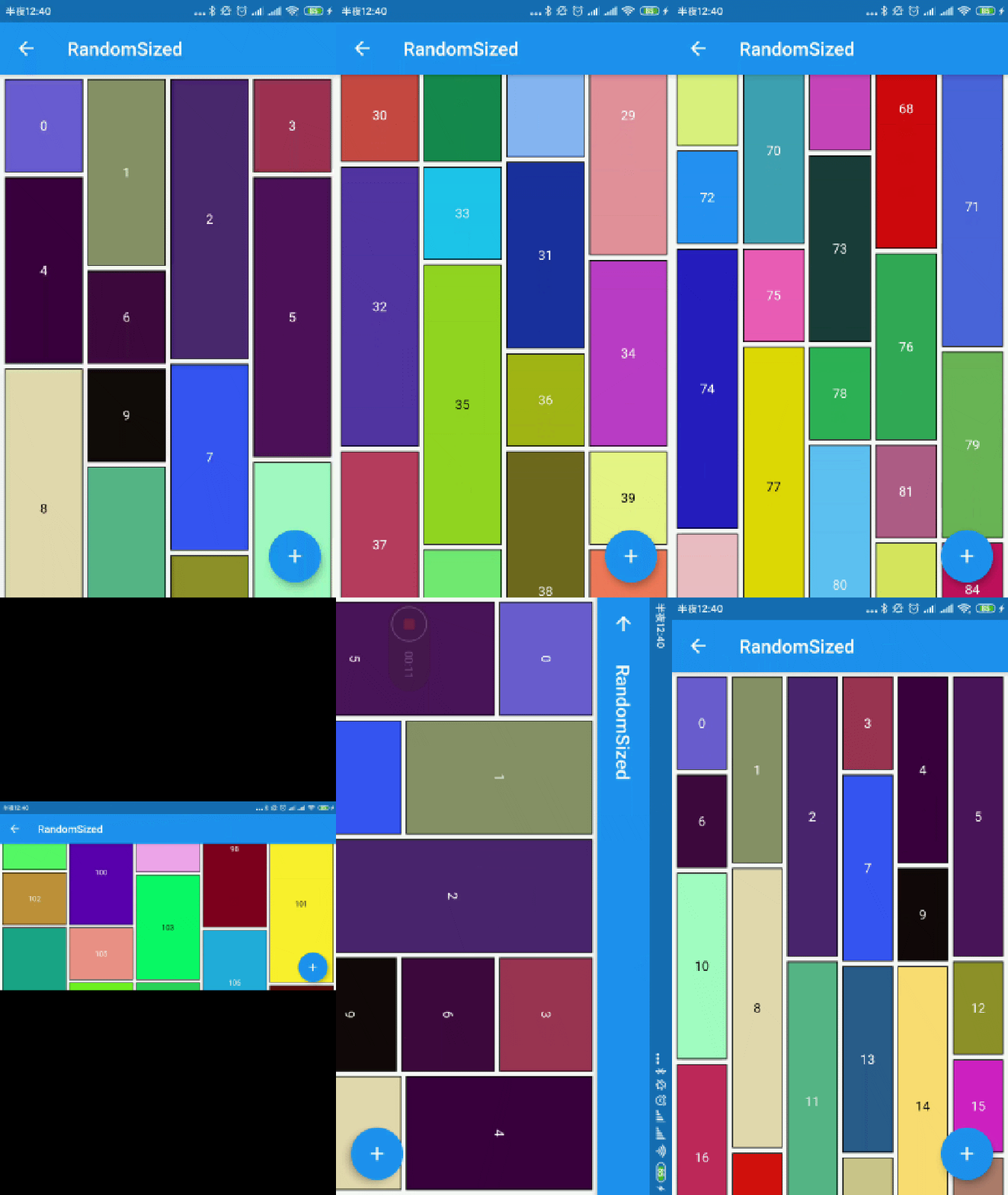
Easy to use

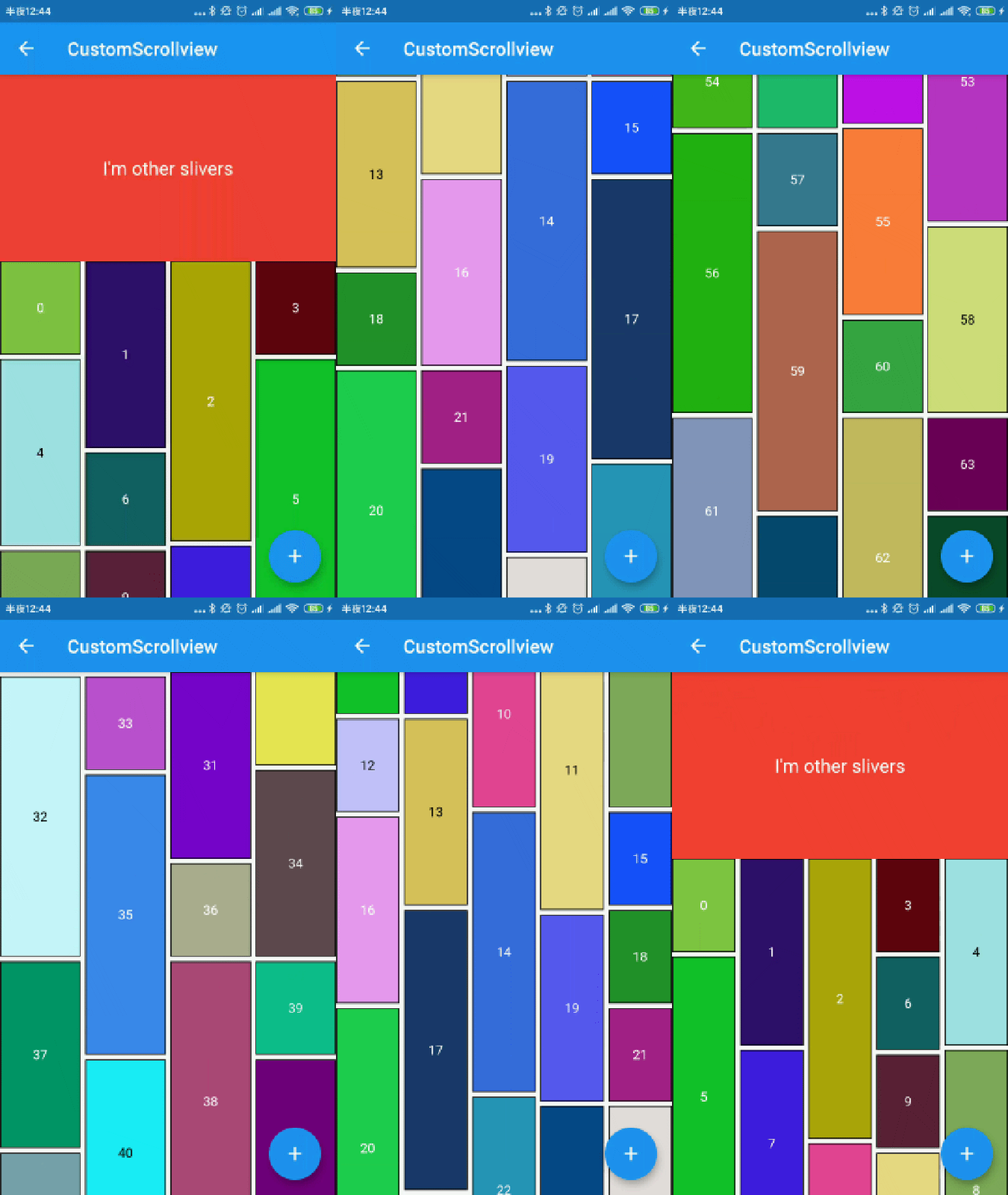
img img
img img

you can define waterfall flow layout within SliverWaterfallFlowDelegate.

  • SliverWaterfallFlowDelegateWithFixedCrossAxisCount
parameter description default
crossAxisCount The number of children in the cross axis. required
  • SliverWaterfallFlowDelegateWithMaxCrossAxisExtent
parameter description default
maxCrossAxisExtent The maximum extent of tiles in the cross axis. required
  • SliverWaterfallFlowDelegate
parameter description default
mainAxisSpacing The number of logical pixels between each child along the main axis. 0.0
crossAxisSpacing The number of logical pixels between each child along the cross axis. 0.0
collectGarbage Call when collect garbage, return indexs to collect -
lastChildLayoutTypeBuilder The builder to get layout type of last child ,Notice: it should only for last child -
viewportBuilder The builder to get indexs in viewport -
closeToTrailing Whether make layout close to trailing false
            WaterfallFlow.builder(
              //cacheExtent: 0.0,
              padding: EdgeInsets.all(5.0),
              gridDelegate: SliverWaterfallFlowDelegateWithFixedCrossAxisCount(
                  crossAxisCount: 2,
                  crossAxisSpacing: 5.0,
                  mainAxisSpacing: 5.0,
                  /// follow max child trailing layout offset and layout with full cross axis extend
                  /// last child as loadmore item/no more item in [GridView] and [WaterfallFlow]
                  /// with full cross axis extend
                  //  LastChildLayoutType.fullCrossAxisExtend,

                  /// as foot at trailing and layout with full cross axis extend
                  /// show no more item at trailing when children are not full of viewport
                  /// if children is full of viewport, it's the same as fullCrossAxisExtend
                  //  LastChildLayoutType.foot,
                  lastChildLayoutTypeBuilder: (index) => index == _list.length
                      ? LastChildLayoutType.foot
                      : LastChildLayoutType.none,
                  ),

CollectGarbage

track the indexes are collect, you can collect garbage at that monment(for example Image cache)

more detail

        WaterfallFlow.builder(
            gridDelegate: SliverWaterfallFlowDelegateWithFixedCrossAxisCount(
                collectGarbage: (List<int> garbages) {
                  ///collectGarbage
                  garbages.forEach((index) {
                    final provider = ExtendedNetworkImageProvider(
                      _list[index].imageUrl,
                    );
                    provider.evict();
                  });
                },
              ),

ViewportBuilder

track the indexes go into the viewport, it's not include cache extent.

        WaterfallFlow.builder(
            gridDelegate: SliverWaterfallFlowDelegateWithFixedCrossAxisCount(
                viewportBuilder: (int firstIndex, int lastIndex) {
                print("viewport : [$firstIndex,$lastIndex]");
                }),

LastChildLayoutTypeBuilder

build lastChild as special child in the case that it is loadmore/no more item.

        enum LastChildLayoutType {
        /// as default child
        none,

        /// follow max child trailing layout offset and layout with full cross axis extend
        /// last child as loadmore item/no more item in [ExtendedGridView] and [WaterfallFlow]
        /// with full cross axis extend
        fullCrossAxisExtend,

        /// as foot at trailing and layout with full cross axis extend
        /// show no more item at trailing when children are not full of viewport
        /// if children is full of viewport, it's the same as fullCrossAxisExtend
        foot,
        }

      WaterfallFlow.builder(
        gridDelegate: SliverWaterfallFlowDelegateWithFixedCrossAxisCount(
            lastChildLayoutTypeBuilder: (index) => index == length
                ? LastChildLayoutType.foot
                : LastChildLayoutType.none,
            ),

CloseToTrailing

when reverse property of List is true, layout is as following. it likes chat list, and new session will insert to zero index. but it's not right when items are not full of viewport.

     trailing
-----------------
|               |
|               |
|     item2     |
|     item1     |
|     item0     |
-----------------
     leading

to solve it, you could set closeToTrailing to true, layout is as following. support [ExtendedGridView],[ExtendedList],[WaterfallFlow]. and it also works when reverse is flase, layout will close to trailing.

     trailing
-----------------
|     item2     |
|     item1     |
|     item0     |
|               |
|               |
-----------------
     leading
      WaterfallFlow.builder(
        reverse: true,
        gridDelegate: SliverWaterfallFlowDelegateWithFixedCrossAxisCount(closeToTrailing: true),

所属分类

依赖

依赖清单 2 项

源码仓库

使用此插件的项目