搜索插件、代码仓与 APP 分类

zoom_widget 封面
插件详情v2.0.1

zoom_widget

可缩放画布的控件,其大小可调整,可容纳子控件。

AndroidiOSWebmacOSWindowsLinux
近 30 天下载
7390
喜欢数
215
Pub 分数
125

安装插件

flutter pub add zoom_widget

插件介绍

基于插件公开信息、社区数据与项目使用情况整理的选型参考。

zoom_widget 包提供了一个可自定义的 Flutter 小部件,可在可调节大小的画布上实现交互式缩放。它允许开发者将任何子小部件包装在缩放和拖动功能中,非常适合用于图像、地图或需要详细探索的复杂 UI 元素。该小部件支持跨多个平台的触摸手势和鼠标交互,确保在 Android、iOS、Web、macOS、Windows 和 Linux 上行为一致。它轻量级且设计用于无缝集成到现有的 Flutter 应用程序中。

适合场景

  • 交互式图像查看器
  • 数字白板
  • 地图导航接口
  • 数据可视化工具
  • 可扩展内容的教育类应用

主要特点

  • 支持捏合缩放和拖动手势
  • 可调整画布大小
  • 跨平台兼容性
  • 平滑的动画过渡
  • 可自定义的缩放范围
  • 与现有控件的轻松集成

适合对象

  • 开发交互式可视化
  • 需要可扩展内容显示的应用程序
  • 需要多点触控支持的项目
  • 跨平台应用程序,带有手势控制
  • 涉及详细图形或图表的用户界面

使用建议

  • 在非常大的画布上,性能可能会有所不同
  • 需要仔细处理子部件的大小
  • 可能需要额外的逻辑来处理溢出等边缘情况
  • 未针对高频更新进行优化
  • 最适合静态或更新频率较低的内容

原始 README

以下为关联源码仓库的 README 原文快照,最新内容请访问源码仓库。

Flutter zoom widget

With this widget you can create a customizable canvas in which you can zoom in flutter.

It is possible to customize virtually all the canvases of the canvas such as color, background color, acitvate and deactivate scrolls, change the color of scrolls, modify the sensitivity of the zoom, the initial zoom enters other aspects found in the construction of the Zoom class.

Installation

Add to pubspec.yaml:

dependencies:
zoom_widget: ^2.0.0

How to use

You only need to create an instance of the Zoom class in the child of your Scaffold or within the widget of your choice, within the child attribute, put the widget that you want to zoom in and the width and height of the canvas where it will be made zoom.

Import
import 'package:zoom_widget/zoom_widget.dart';
Simple examples

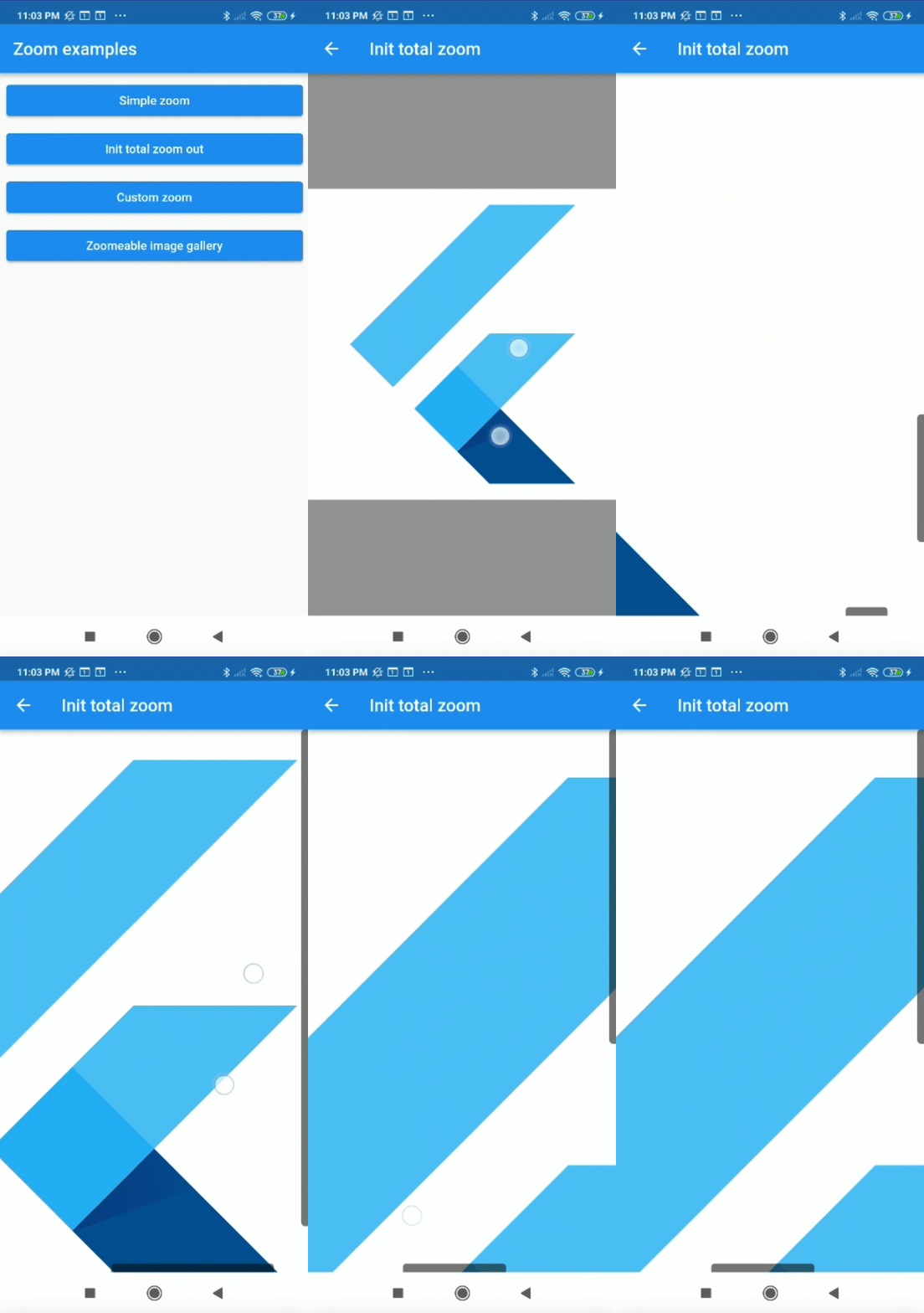
Center flutter logo using all space of view port:

 Zoom(
        initTotalZoomOut: true,
        child: Center(
          child: FlutterLogo(
            size: 1000,
          ),
        ),
      );

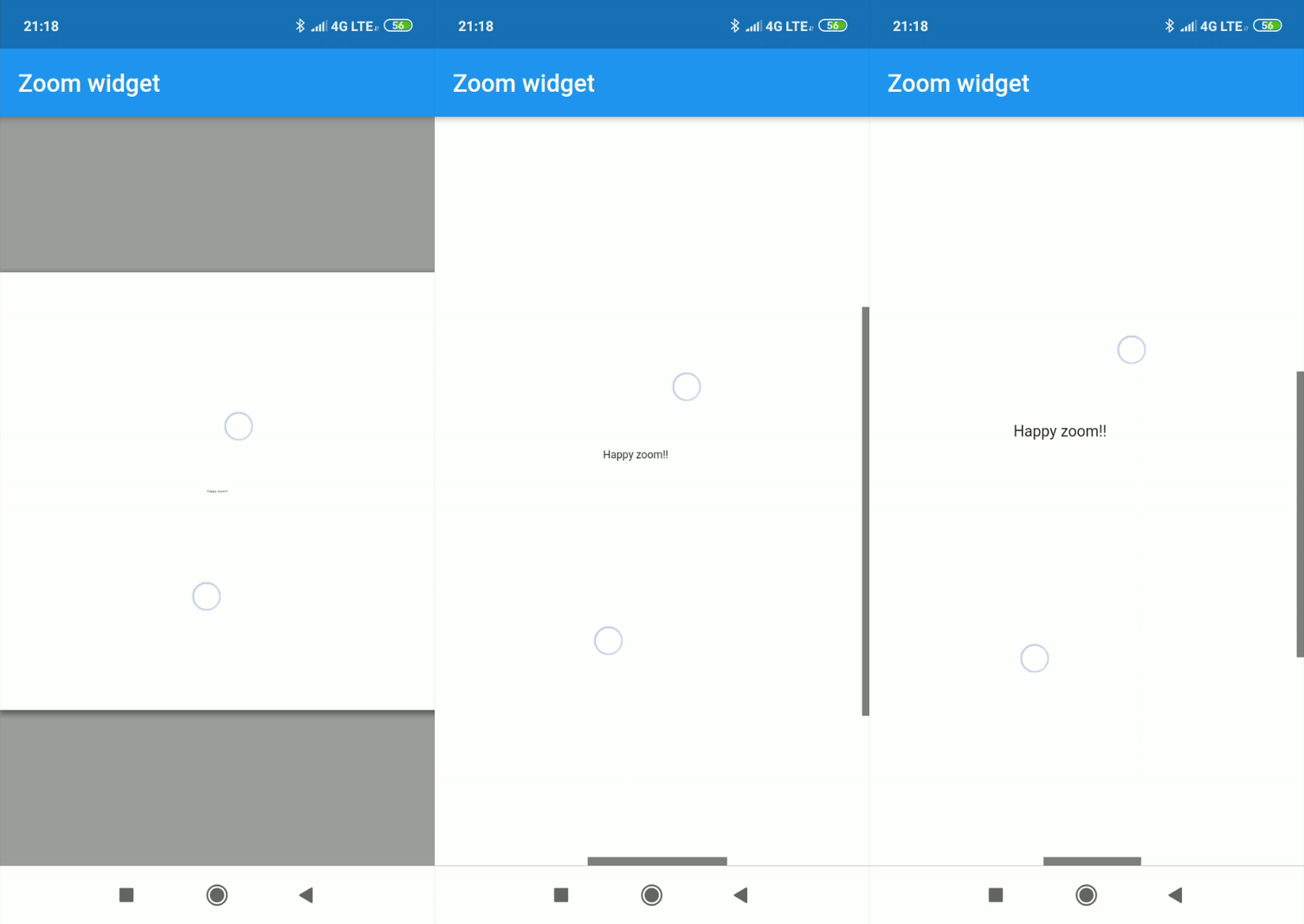
Center text with max width and max height:

Zoom(
    maxZoomWidth: 1800,
    maxZoomHeight: 1800,
    child: Center(
        child: Text("Happy zoom!!"),
    )
);
Callbacks

It is possible to obtain the x and y position of our canvas with respect to the scrolls and and the zoom and scale of our canvas using two simple callbacks in our Zoom instance.

Zoom(
    maxZoomWidth: 1800,
    maxZoomHeight: 1800,
    onTap: (){
        print("Widget clicked");
    },
    onPositionUpdate: (Offset position){
        print(position);
    },
    onScaleUpdate: (double scale,double zoom){
        print("$scale  $zoom");
    },
    child: Center(
        child: Text("Happy zoom!!"),
    )
);
Customize properties

Customizing the properties you can get amazing results.

  • width (Depreceted) double.
  • height (Depreceted) double.
  • maxZoomWidth double.
  • maxZoomHeight double.
  • backgroundColor Color.
  • canvasColor Color.
  • onPositionUpdate() Callaback.
  • onScaleUpdate() Callaback.
  • onTap() Callaback.
  • scrollWeight double.
  • opacityScrollBars double 0.0-1.0.
  • colorScrollBars Color.
  • centerOnScale bool.
  • initZoom (Depreceted) double.
  • initPosition Offset.
  • initScale double
  • enableScroll bool.
  • zoomSensibility double.
  • doubleTapZoom bool.
  • transformationController TransformationController.
  • radiusScrollBars double.
  • doubleTapScaleChange double.
  • doubleTapAnimDuration Duration.
  • initTotalZoomOut bool.
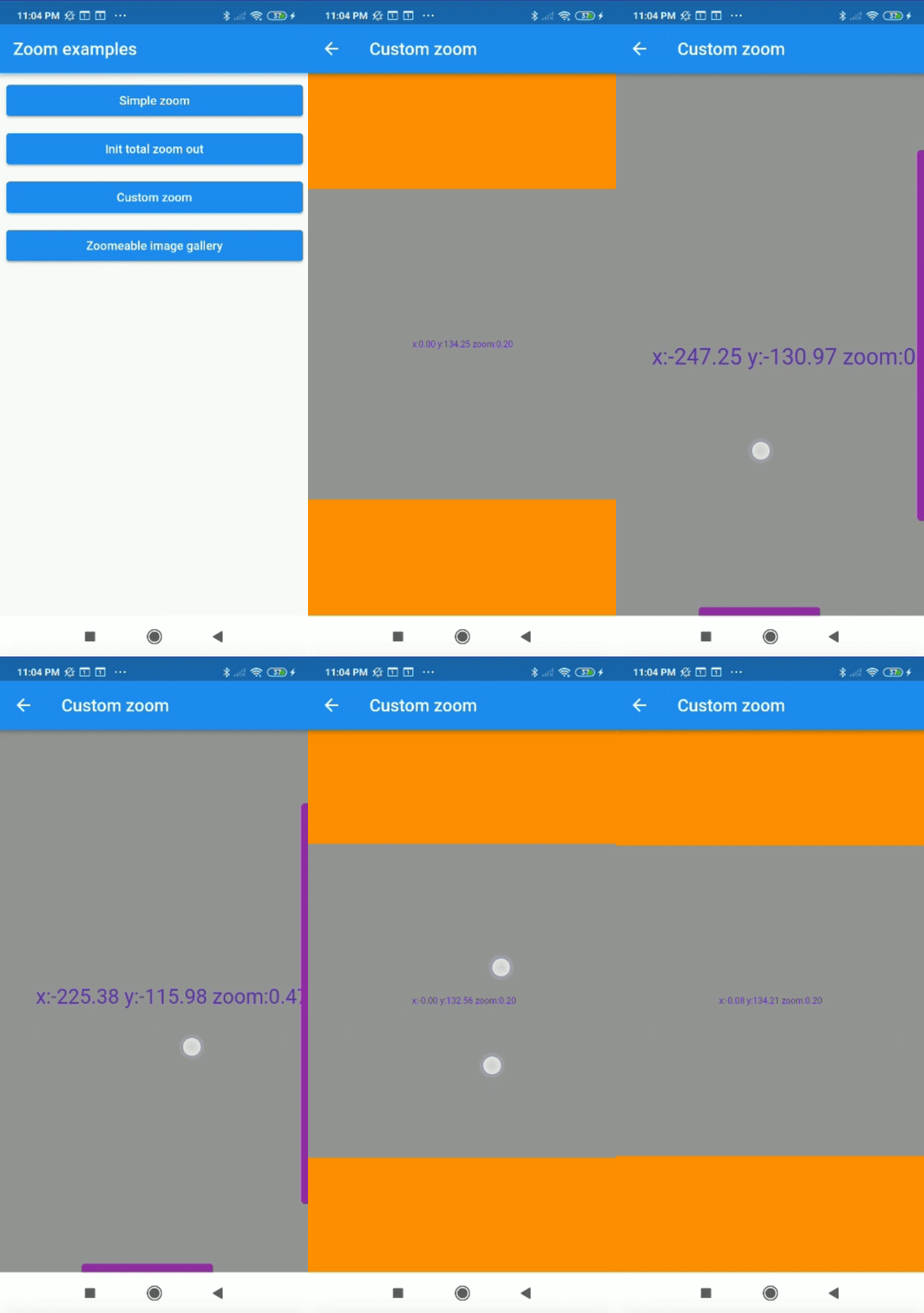
Customized properties example
Zoom(
    maxZoomWidth: 1800,
    maxZoomHeight: 1800,
    canvasColor: Colors.grey,
    backgroundColor: Colors.orange,
    colorScrollBars: Colors.purple,
    opacityScrollBars: 0.9,
    scrollWeight: 10.0,
    centerOnScale: true,
    enableScroll: true,
    doubleTapZoom: true,
    zoomSensibility: 0.05,
    onTap: (){ 
        print("Widget clicked");
    }
    onPositionUpdate: (position){
        setState(() {
            x=position.dx;
            y=position.dy;
        });
    },
    onScaleUpdate: (scale,zoom){
        setState(() {
            _zoom=zoom;
        });
    },
    child: Center(
        child: Text("x:${x.toStringAsFixed(2)} y:${y.toStringAsFixed(2)} zoom:${_zoom.toStringAsFixed(2)}",style: TextStyle(color: Colors.deepPurple,fontSize: 50),),
    ),
);
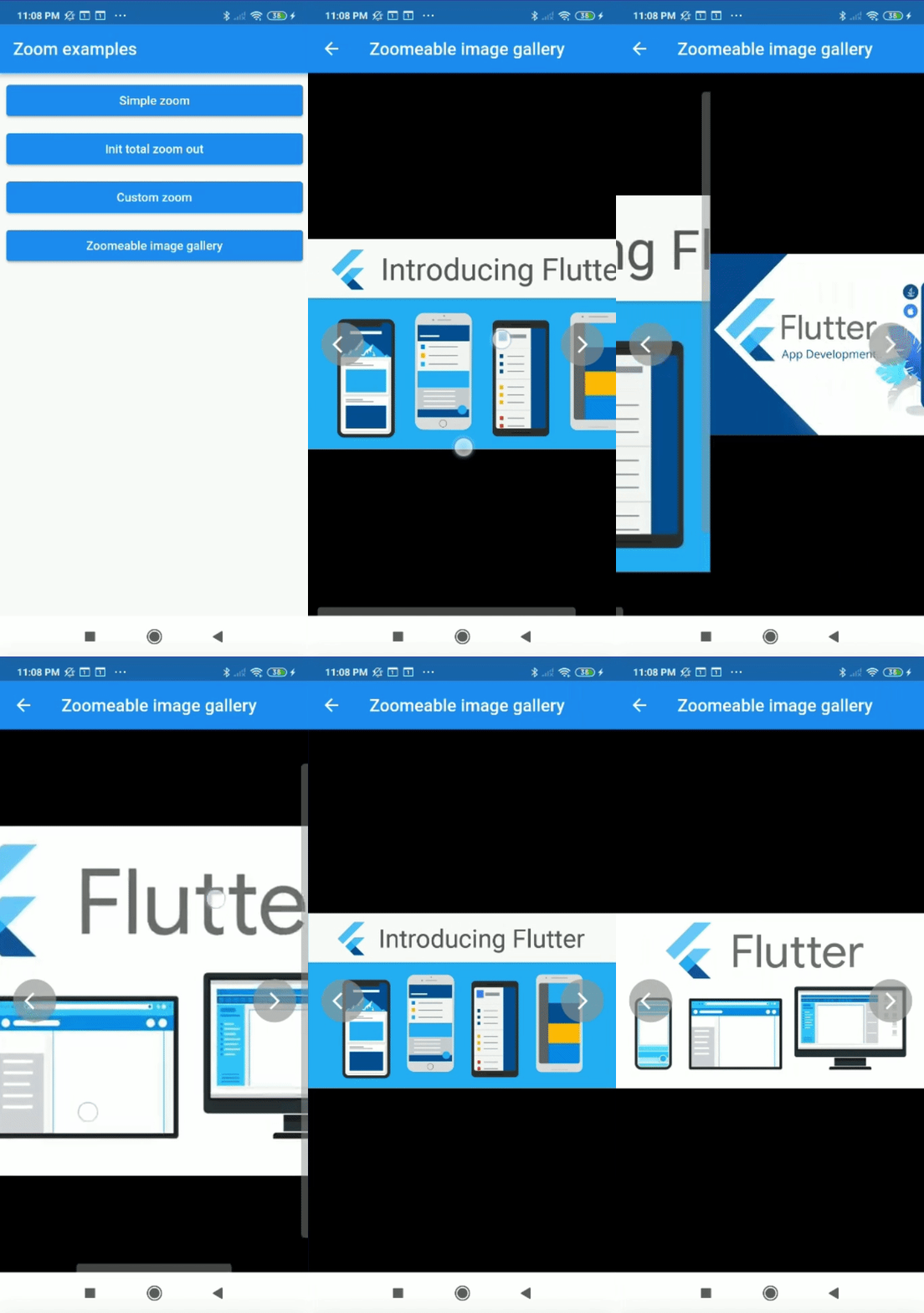
Complex example

It can be used for more complex things like an image gallery.

All examples of gifs are inside the example

所属分类

依赖

依赖清单 1 项

源码仓库

使用此插件的项目