Bottom Bar
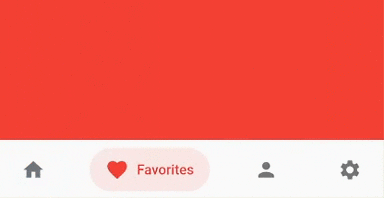
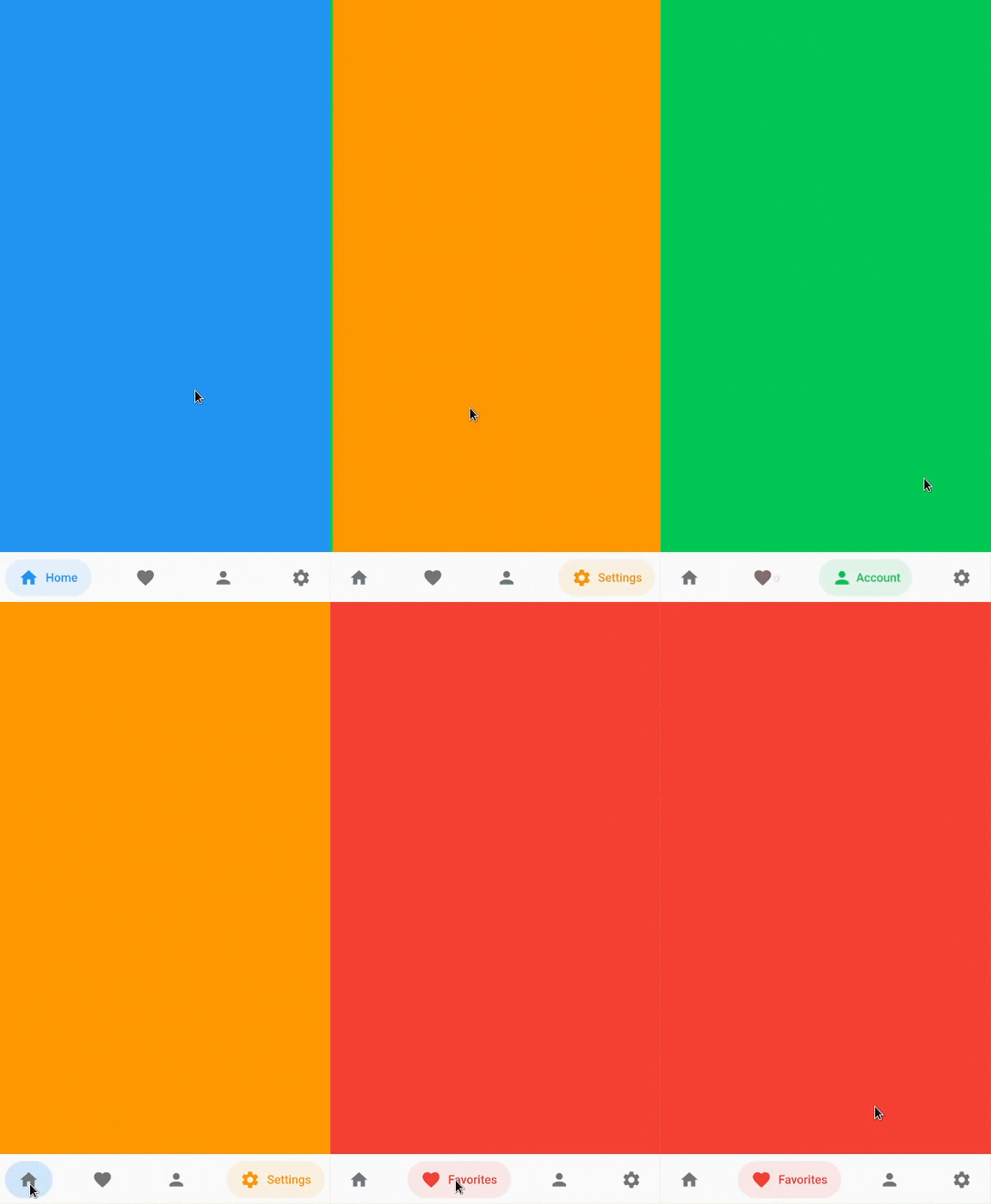
Bottom bar helps create an optimized bottom navigation bar with beautiful animations.
Content
Installation
Add bottom_bar to pubspec.yaml
dependencies:
  bottom_bar: ^2.0.5
Breaking Changes
darkActiveColor is removed to simplify the api. Instead, use PlatformBrightness to check dark mode and adjust the color accordingly
Usage
Import the Package
import 'package:bottom_bar/bottom_bar.dart';
Example
int _currentPage = 0;
final _pageController = PageController();
@override
Widget build(BuildContext context) {
return Scaffold(
body: PageView(
controller: _pageController,
children: [
Container(color: Colors.blue),
Container(color: Colors.red),
Container(color: Colors.greenAccent.shade700),
Container(color: Colors.orange),
],
onPageChanged: (index) {
setState(() => _currentPage = index);
},
),
bottomNavigationBar: BottomBar(
selectedIndex: _currentPage,
onTap: (int index) {
_pageController.jumpToPage(index);
setState(() => _currentPage = index);
},
items: <BottomBarItem>[
BottomBarItem(
icon: Icon(Icons.home),
title: Text('Home'),
activeColor: Colors.blue,
),
BottomBarItem(
icon: Icon(Icons.favorite),
title: Text('Favorites'),
activeColor: Colors.red,
),
BottomBarItem(
icon: Icon(Icons.person),
title: Text('Account'),
activeColor: Colors.greenAccent.shade700,
),
BottomBarItem(
icon: Icon(Icons.settings),
title: Text('Settings'),
activeColor: Colors.orange,
),
],
),
);
}
Parameters
BottomBar
Creates a BottomBar that displays a list of BottomBarItem
Required:
Optional:
- backgroundColor - Background Color of
BottomBar
- height - Height of
BottomBar
- padding - Padding of
BottomBar container
- mainAxisAlignment - Describes how BottomBarItems are horizontally laid out
- curve -
Curve of animation
- duration -
Duration of animation
- border - Border of BottomBarItem's background color
- boxShadow -
BoxShadow of BottomBar
- itemPadding -
Padding of BottomBarItem's background color
- textStyle -
TextStyle of title widget
- showActiveBackgroundColor - Shows the background color of a selected BottomBarItem if set to true
BottomBarItem
Contains information about the item that BottomBar has to display
Required:
- icon -
Icon of BottomBarItem
- title - Title of
BottomBarItem (Typically a Text widget)
- activeColor - Primary color of a selected
BottomBarItem
Optional:
- activeIconColor - Icon color of a selected
BottomBarItem
- activeTitleColor - Text color of a selected
BottomBarItem
- backgroundColorOpacity - Opacity of a selected
BottomBarItem background color (Defaults to 15%)
- inactiveIcon- Icon to display when
BottomBarItem is not active
- inactiveColor - Primary color of
BottomBarItem when it is NOT selected
FAQ
My phone's notch is overlapping with BottomBar. How do I fix this?
- Simply wrap BottomBar with a SafeArea widget.
How do I change the overall color of BottomBarItem when in dark mode?
@override
Widget build(BuildContext context) {
bool isDarkMode = MediaQuery.of(context).platformBrightness == Brightness.dark;
BottomBarItem(
activeColor: isDarkMode ? Colors.orange : Colors.blue,
),
}
Community Support
If you have any suggestions or issues, feel free to open an issue
If you would like to contribute, feel free to create a PR