搜索插件、代码仓与 APP 分类

direct_select_flutter 封面
插件详情v1.2.0

direct_select_flutter

受 https://dribbble.com/shots/3876250-DirectSelect-Dropdown-ux 启发的直接选择小部件实现

AndroidiOSWebmacOSWindowsLinux
近 30 天下载
440
喜欢数
321
Pub 分数
160

安装插件

flutter pub add direct_select_flutter

插件介绍

基于插件公开信息、社区数据与项目使用情况整理的选型参考。

一个 Flutter 包,实现了一个受 Dribbble 设计启发的直接选择小部件,提供直观且视觉上吸引人的下拉体验。它允许用户通过流畅的触控操作直接与选项交互,从而在移动和 Web 平台上提升用户体验。该小部件支持自定义,并可无缝集成到表单和数据输入流程中。专为现代 UI/UX 标准打造,强调在所有支持平台上清晰性和响应性。

适合场景

  • 带下拉菜单的表单输入
  • 移动应用中的增强用户体验
  • 可自定义的选择界面
  • 带视觉反馈的数据录入
  • 交互式网页和桌面表单

主要特点

  • 手势驱动的选择
  • 流畅的动画
  • 跨平台兼容性
  • 可自定义样式
  • 响应式设计
  • 与现有表单的轻松集成

适合对象

  • 寻求现代下拉菜单的开发者
  • 以用户体验为中心的应用程序设计师
  • 移动优先的应用程序开发
  • Web 和桌面 Flutter 应用
  • 需要直观输入组件的项目

使用建议

  • 可能需要额外的样式才能适应复杂主题
  • 仅限单选模式
  • 使用超大数据集时的性能影响
  • 不适合嵌套或层级选择
  • 需要仔细处理无障碍功能

原始 README

以下为关联源码仓库的 README 原文快照,最新内容请访问源码仓库。

direct-select-flutter

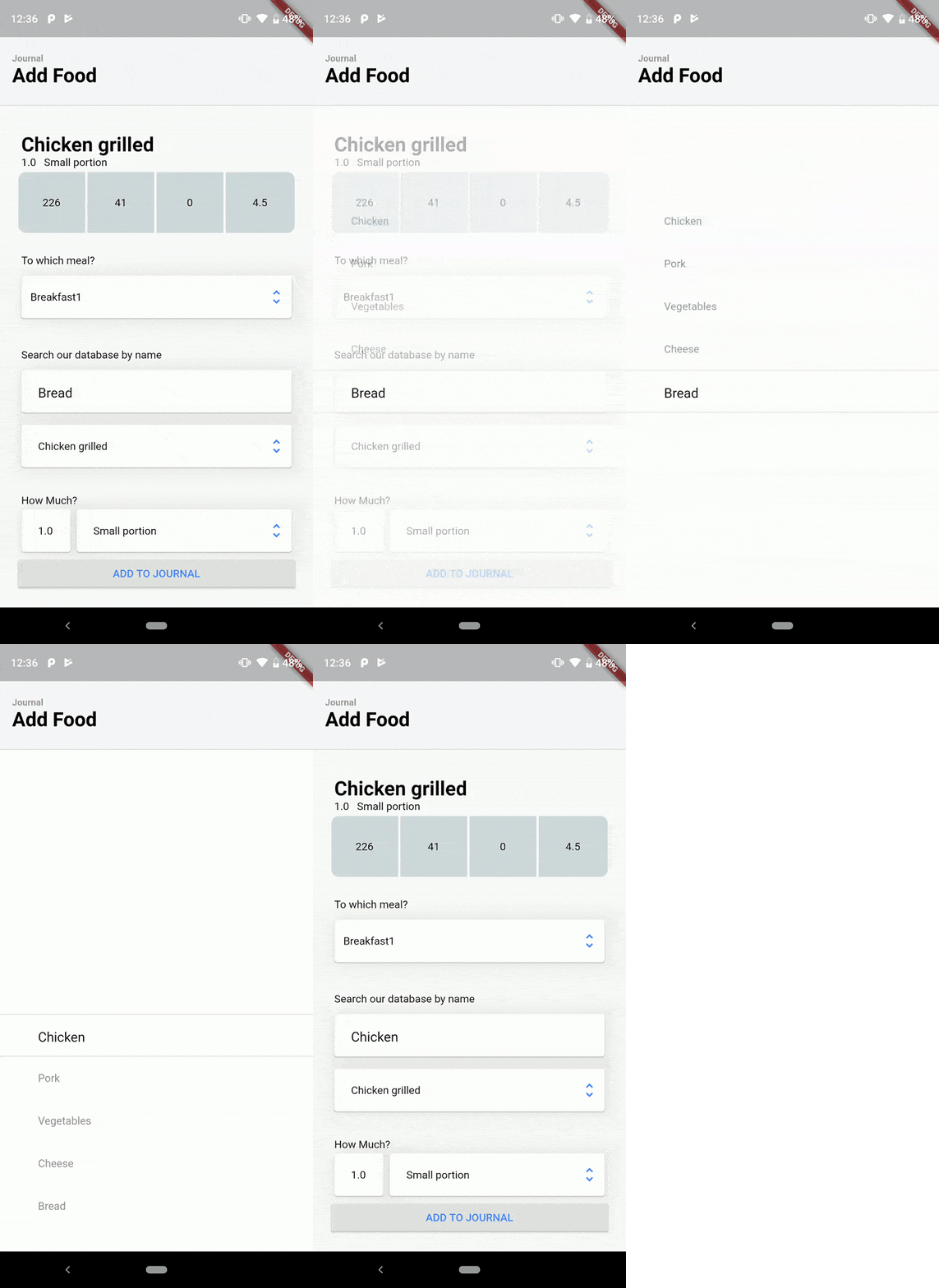
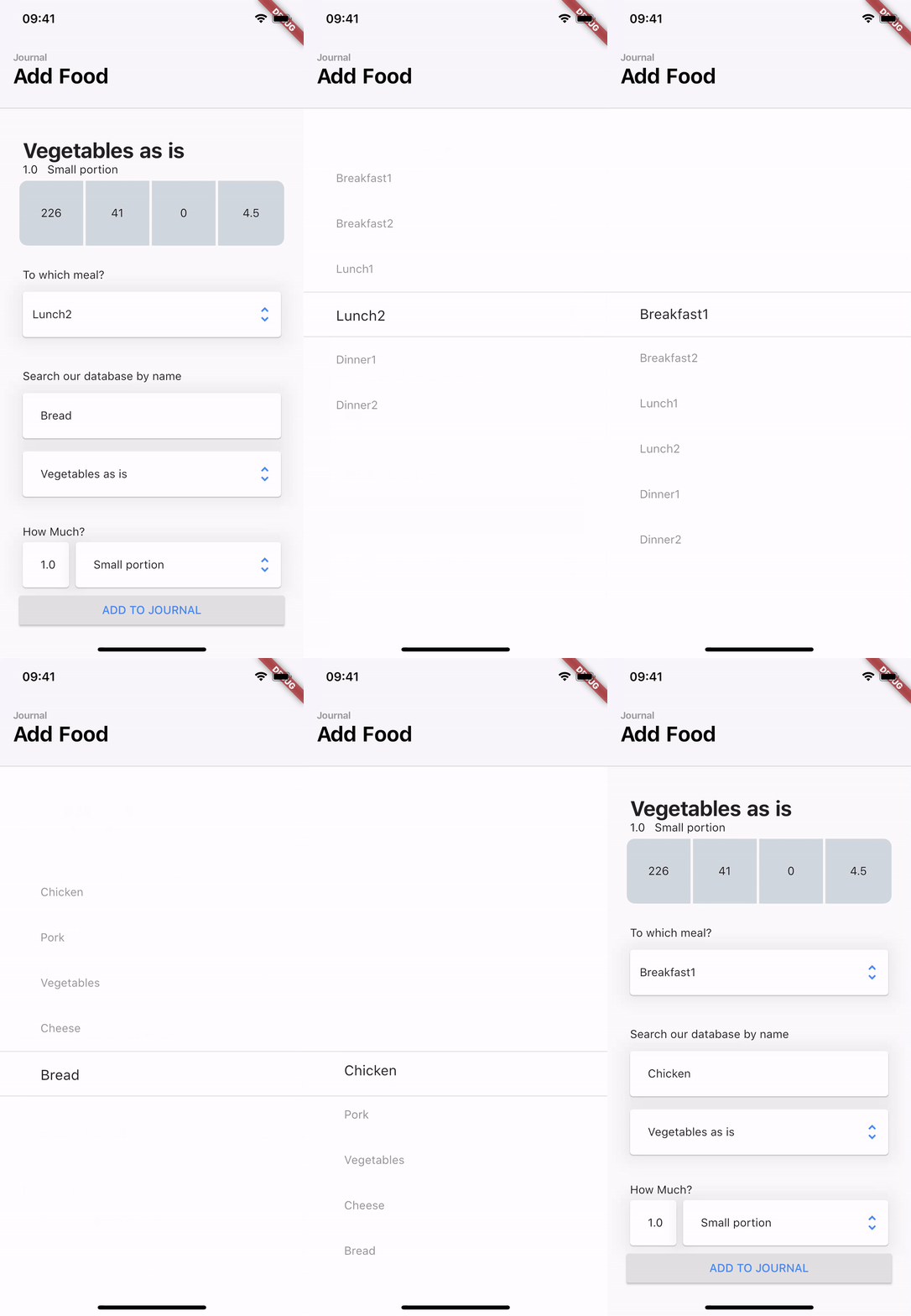
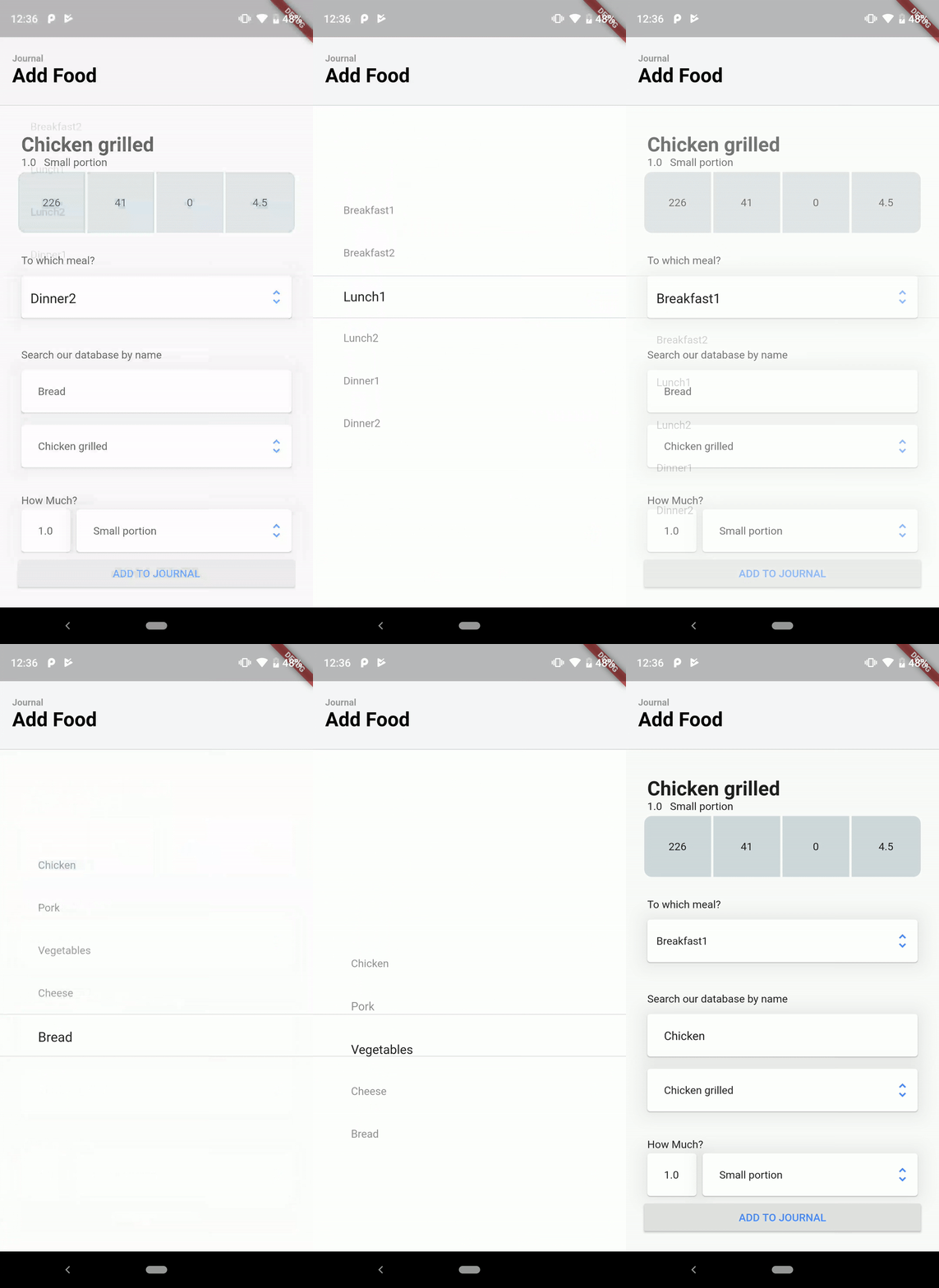
DirectSelect is a selection widget with an ethereal, full-screen modal popup displaying the available choices when the widget is interact with. Inspired by dribble shot.

Made in lanars.com.

pub package Awesome Flutter

iOS

Android

Usage

Create DirectSelectList and fill it with items using itemBuilder

    final dsl = DirectSelectList<String>(
        values: _cities,
        defaultItemIndex: 3,
        itemBuilder: (String value) => getDropDownMenuItem(value),
        focusedItemDecoration: _getDslDecoration(),
        onItemSelectedListener: (item, index, context) {
          Scaffold.of(context).showSnackBar(SnackBar(content: Text(item)));
        });

Create items like this

  DirectSelectItem<String> getDropDownMenuItem(String value) {
    return DirectSelectItem<String>(
        itemHeight: 56,
        value: value,
        itemBuilder: (context, value) {
          return Text(value);
        });
  }

Create decorations for focused items

  _getDslDecoration() {
   return BoxDecoration(
     border: BorderDirectional(
       bottom: BorderSide(width: 1, color: Colors.black12),
       top: BorderSide(width: 1, color: Colors.black12),
     ),
   );
 }

Create DirectSelectContainer and fill it with your data

Scaffold(
      appBar: appBar,
      body: DirectSelectContainer(
        child: Padding(
          padding: const EdgeInsets.all(16.0),
          child: Column(
            mainAxisSize: MainAxisSize.min,
            verticalDirection: VerticalDirection.down,
            children: <Widget>[
              SizedBox(height: 150.0),
              Padding(
                padding: const EdgeInsets.all(8.0),
                child: Column(
                  children: <Widget>[
                    Container(
                      alignment: AlignmentDirectional.centerStart,
                      margin: EdgeInsets.only(left: 4),
                      child: Text("City"),
                    ),
                    Padding(
                      padding: const EdgeInsets.fromLTRB(0, 8, 0, 0),
                      child: Card(
                        child: Row(
                          mainAxisSize: MainAxisSize.max,
                          children: <Widget>[
                            Expanded(
                                child: Padding(
                                    child: DirectSelectList<String>(
                                                     values: _cities,
                                                     defaultItemIndex: 3,
                                                     itemBuilder: (String value) => getDropDownMenuItem(value),
                                                     focusedItemDecoration: _getDslDecoration(),
                                                     onItemSelectedListener: (item, index, context) {
                                                       Scaffold.of(context).showSnackBar(SnackBar(content: Text(item)));
                                                     }),
                                    padding: EdgeInsets.only(left: 12))),
                            Padding(
                              padding: EdgeInsets.only(right: 8),
                              child: Icon(
                                Icons.unfold_more,
                                color: Colors.black38,
                              ),
                            )
                          ],
                        ),
                         ),
                    ),
                  ],
                ),
              ),
            ],
          ),
        ),
      ),
    );

所属分类

源码仓库

使用此插件的项目

暂无相关数据。