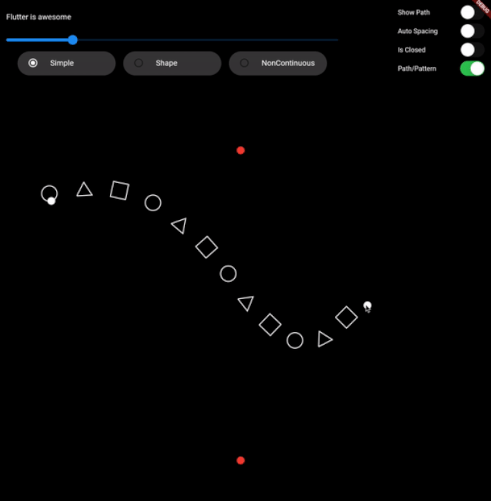
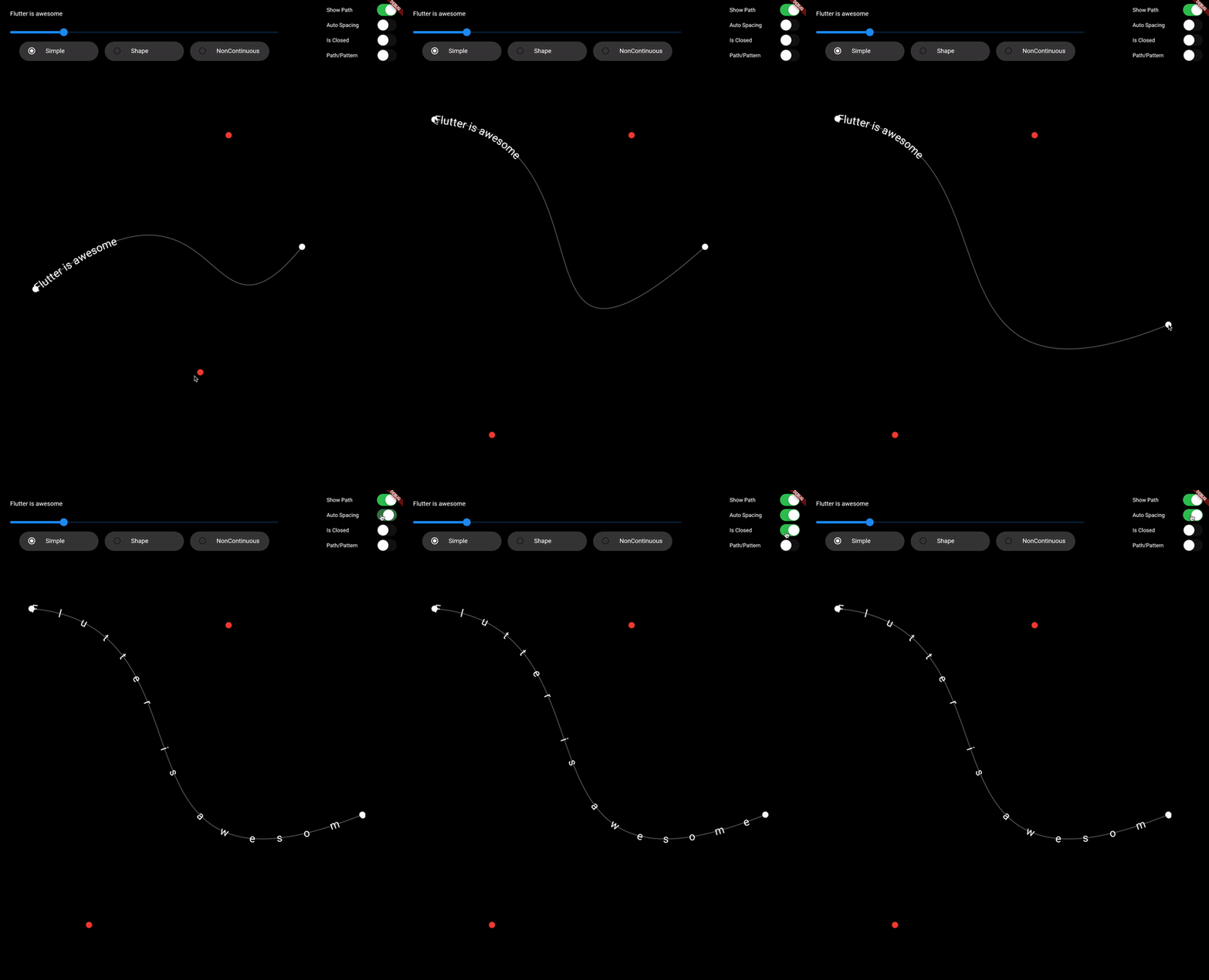
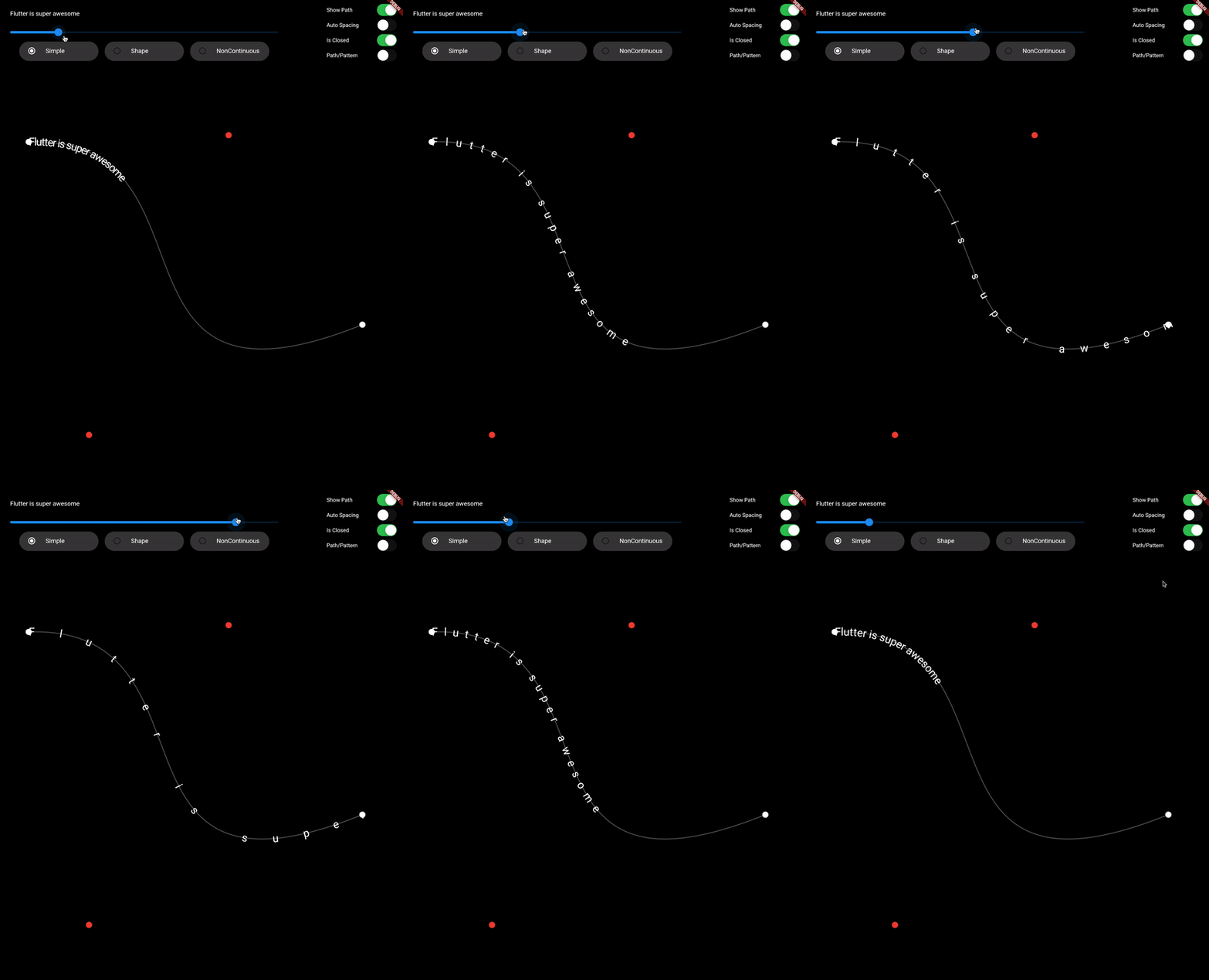
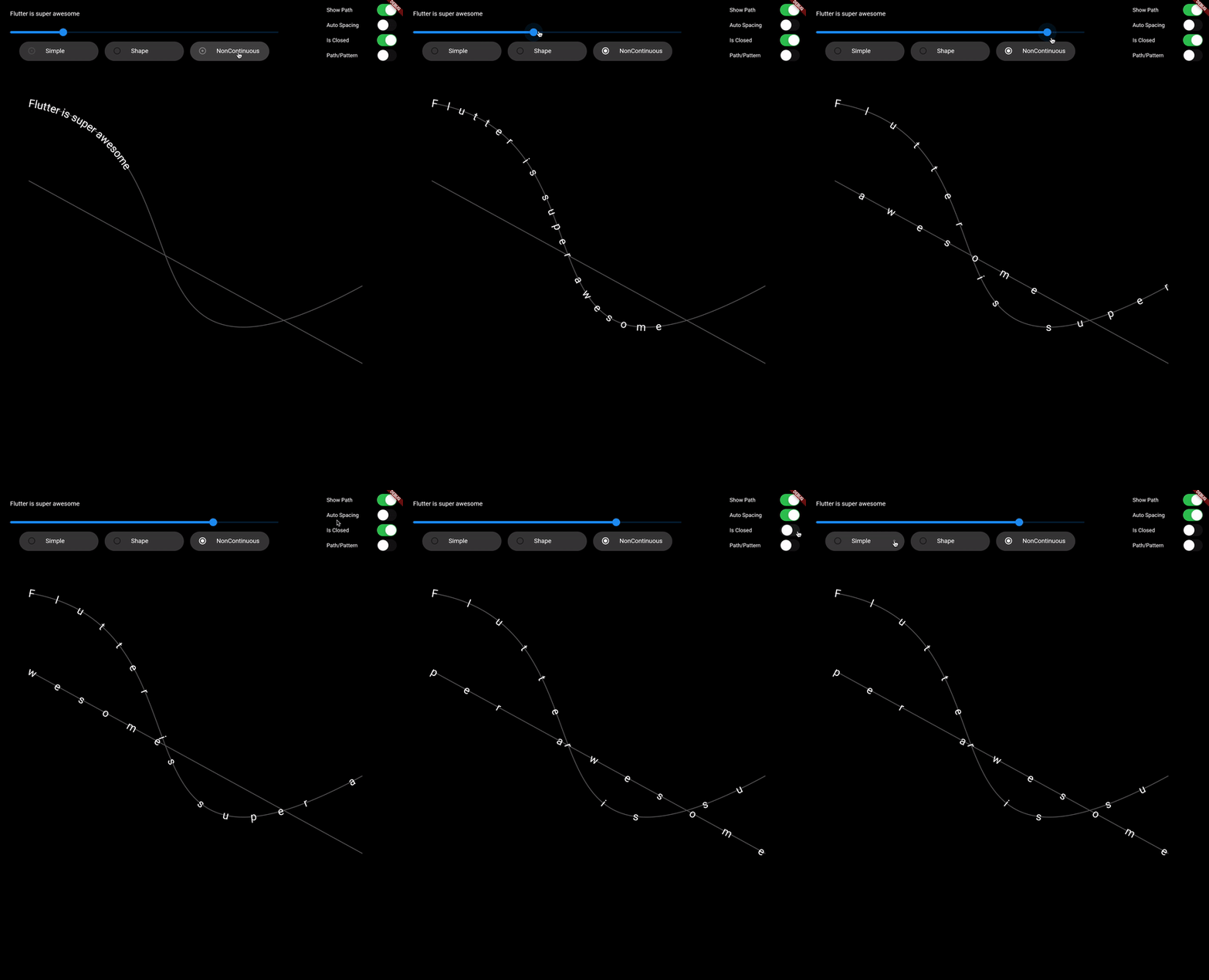
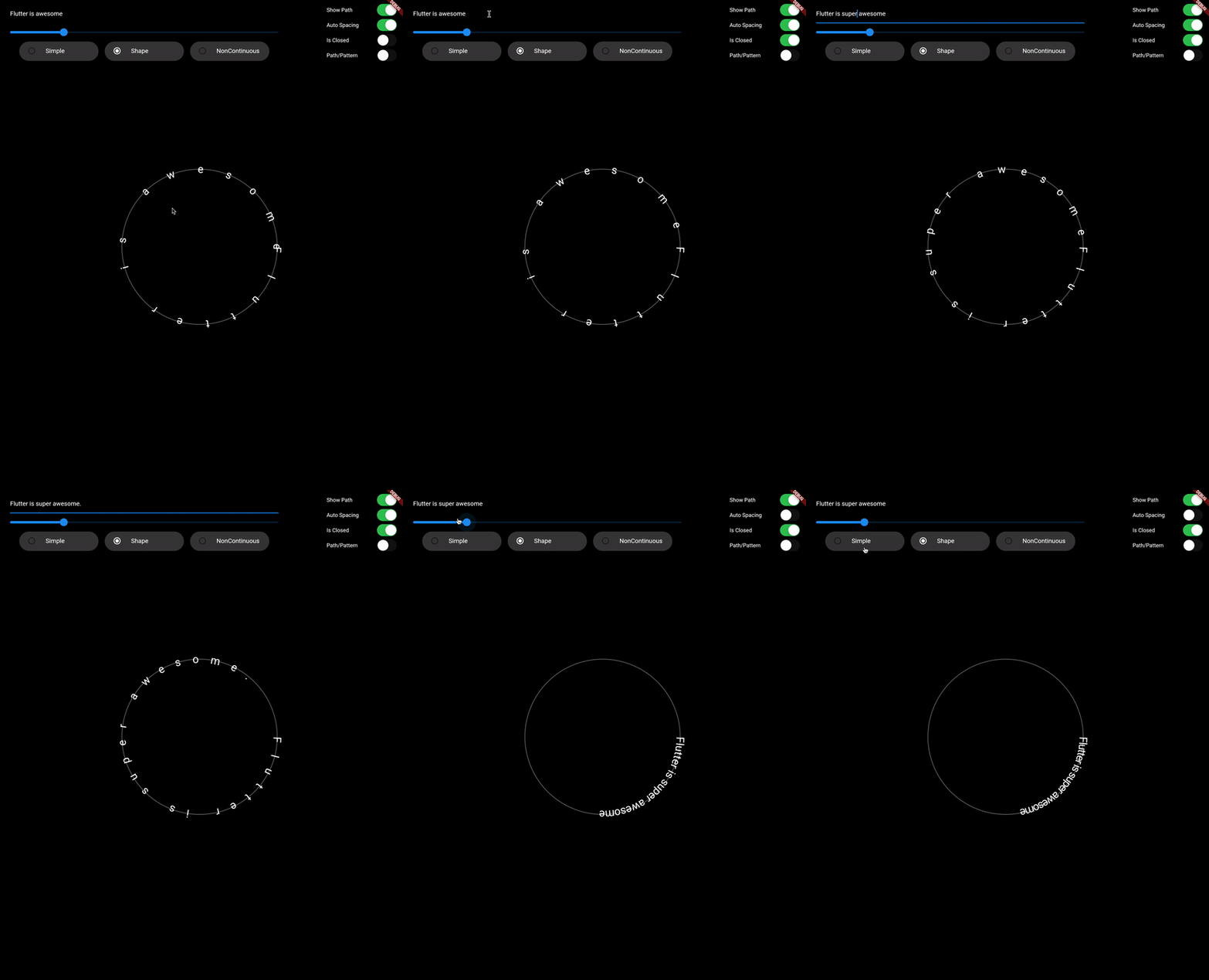
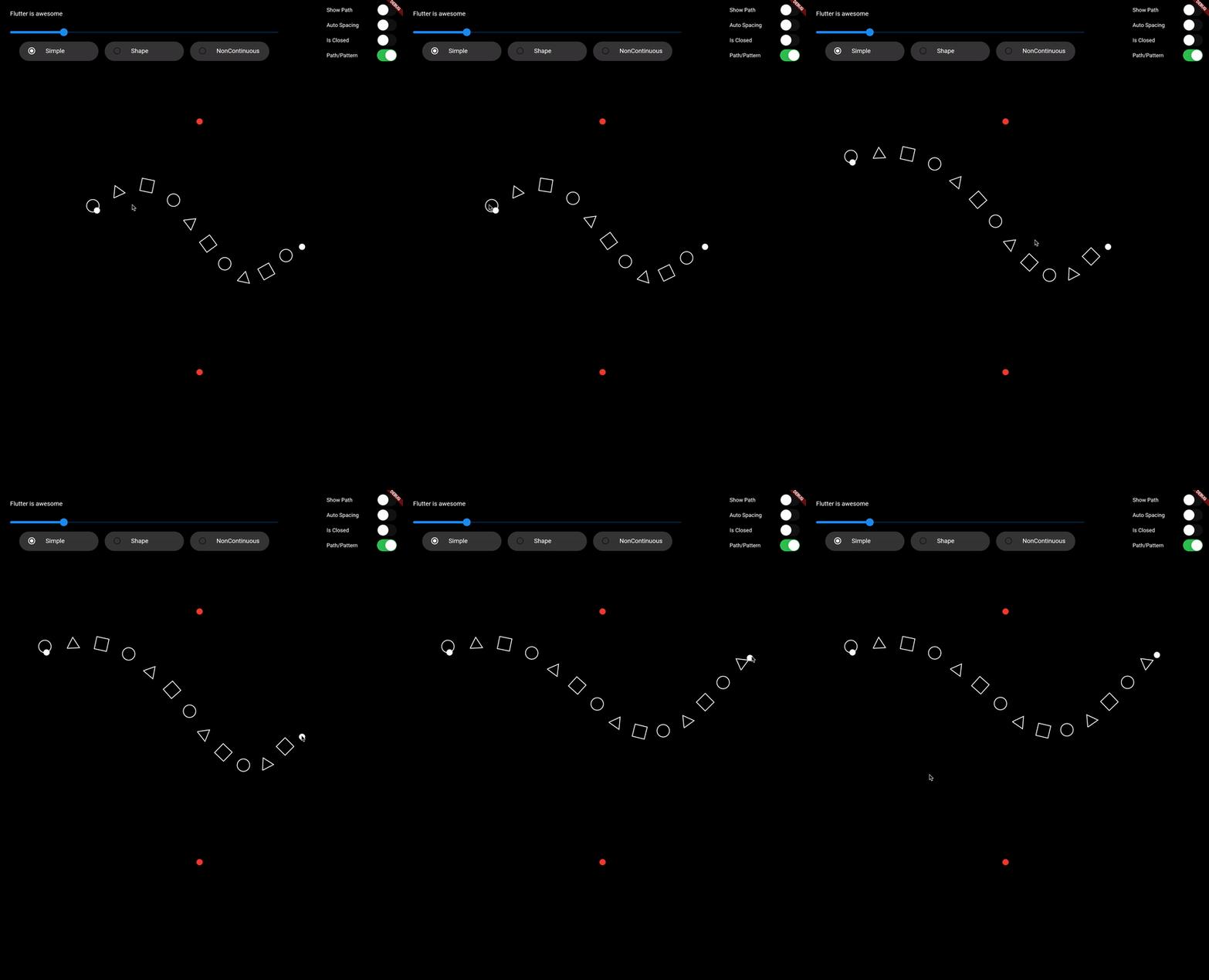
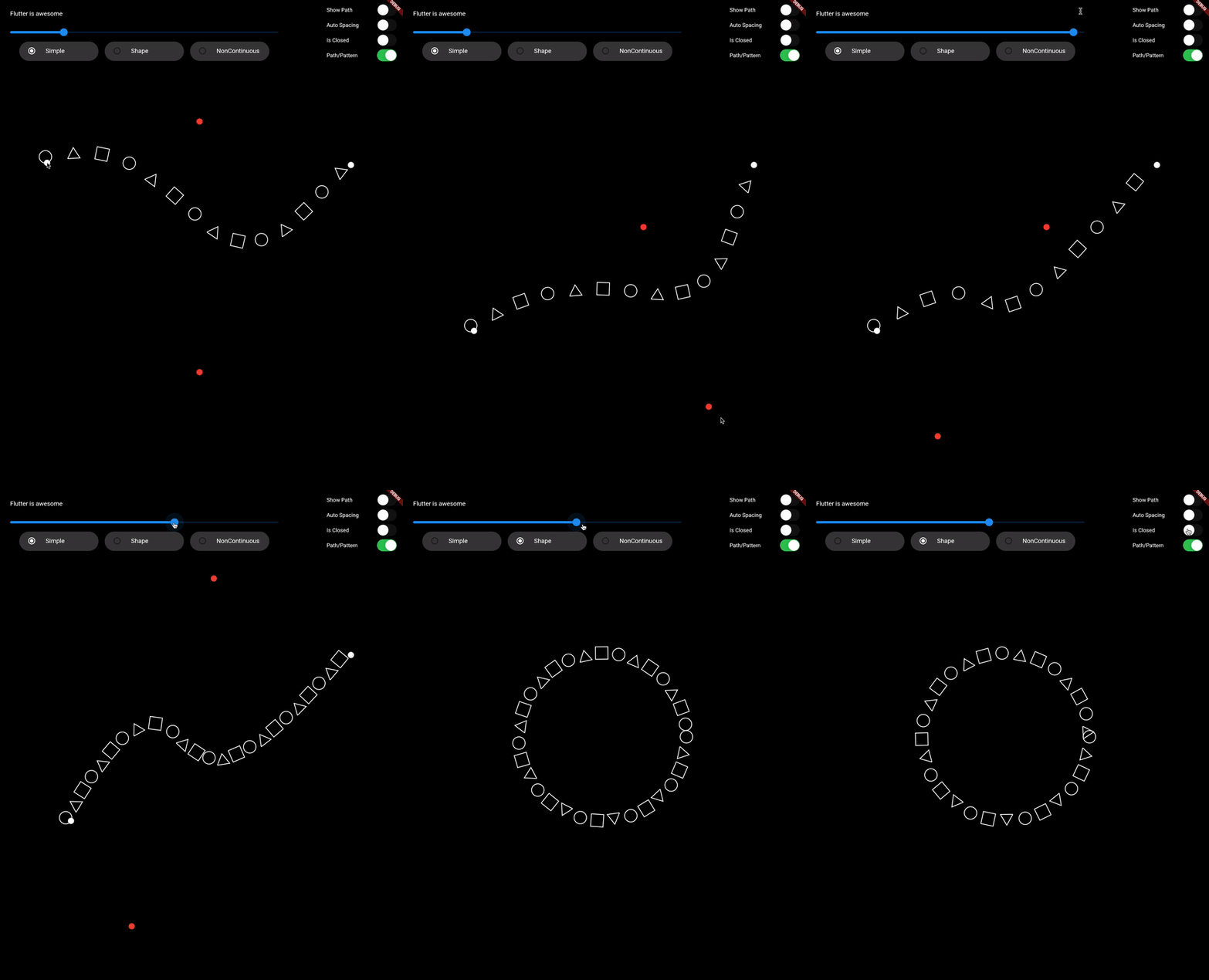
一个 Flutter 包,可沿指定路径绘制文本或图案,提供对布局和对齐的精确控制。非常适合在 UI 设计中创建弯曲或自定义形状的文本效果。该包支持 Android、iOS、Web、macOS、Windows 和 Linux 等多个平台,适用于跨平台应用。它与 Flutter 的渲染系统无缝集成,并提供直观的 API 来定义路径并在其上放置内容。
适合场景
创建弯曲文本布局
设计装饰性字体
构建基于路径的自定义动画
通过艺术文字增强UI元素
在形状上实现标签放置
沿非线性路径可视化数据
主要特点
沿任意自定义路径绘制文本
对模式和字形的支持
跨平台兼容性
与 Flutter 小部件的轻松集成
灵活的对齐和间距选项
高性能渲染
适合对象
UI设计师寻求创意文字效果
开发交互式图形的开发者
需要动态文本定位的应用程序
教育或可视化工具
艺术或品牌导向的应用程序
使用建议
需要理解 Flutter 中的 Path 类
可能会影响复杂路径的性能
限制为2D渲染
文本清晰度取决于路径的曲率
未针对大规模文本渲染进行优化
原始 README
以下为关联源码仓库的 README 原文快照,最新内容请访问源码仓库。
Draw on Path
A Flutter package that is used to draw text or patterm along the given path.
Features
Draw text along path
Draw pattern along path
Support non-continuous path
Demo Video: https://youtu.be/TZAKSanD73k
Showcase
Usage
drawTextOnPath function is used to draw text along path.
canvas.drawTextOnPath(text, path);
drawOnPath function is used to draw pattern along path. index can be used to draw different element at different position based on some logic. Use canvas to draw anything at position. The next position is calculated based on spacing provided.
spacing should be greater than 0. Ideally spacing is the sum of one element width and spacing between two elements (spacing between starting points of two consecutive elements)
Note: If the text (for given textStyle) is larger than the path, then it will clip extra text.
Contributing
1. Fork it (<https://github.com/himanshugarg08/draw_on_path/fork>)
2. Create your feature branch (`git checkout -b feature/fooBar`)
3. Commit your changes (`git commit -am 'Add some fooBar'`)
4. Push to the branch (`git push origin feature/fooBar`)
5. Create a new Pull Request