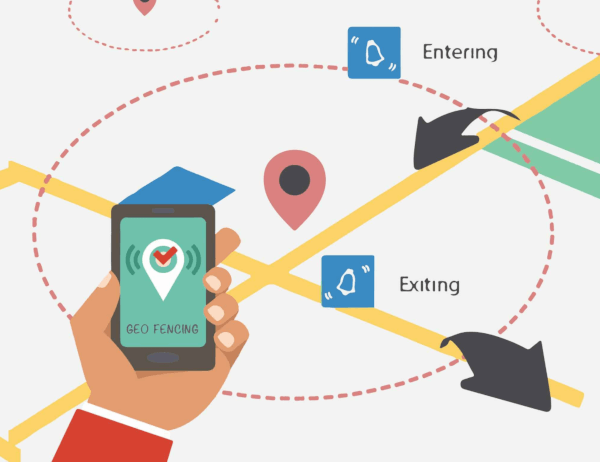
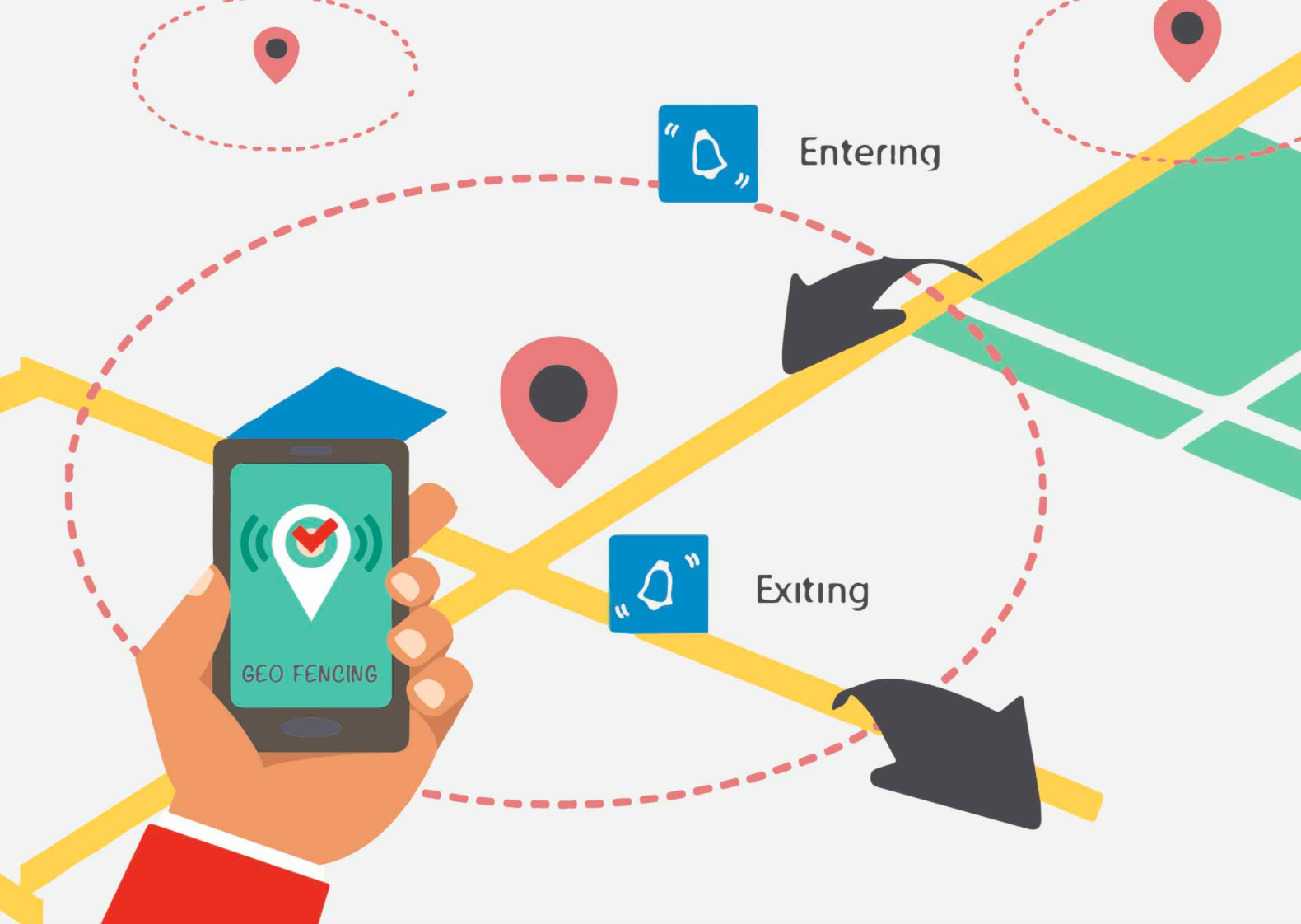
Easy Geofencing is a flutter geofencing package for flutter application (android & ios) which provides geofencing functionalities.It is completely written in pure dart language.
FEATURES
Geofence status triggered on location changes[init,enter,exit] as a geofence Status
Get continuous geofence status updates
Optimized dart code
battery optimized dart package
USAGE
To add the easy_geofencing to your flutter application read the install instructions. Below are some Android and iOS specifics that are required for the easy_geofencing to work correctly.
FOR ANDROID
AndroidX
The easy_geofencing plugin requires the AndroidX version of the Android Support Libraries. This means you need to make sure your Android project supports AndroidX. Detailed instructions can be found here.
The TL;DR version is:
Add the following to your "gradle.properties" file:
Make sure you set the compileSdkVersion in your "android/app/build.gradle" file to 30:
android {
  compileSdkVersion 30

  ...
}
Make sure you replace all the android. dependencies to their AndroidX counterparts (a full list can be found here: https://developer.android.com/jetpack/androidx/migrate).
Permissions
On Android you'll need to add either the ACCESS_COARSE_LOCATION or the ACCESS_FINE_LOCATION permission to your Android Manifest. To do so open the AndroidManifest.xml file (located under android/app/src/main) and add one of the following two lines as direct children of the <manifest> tag (when you configure both permissions the ACCESS_FINE_LOCATION will be used):
Starting from Android 10 you need to add the ACCESS_BACKGROUND_LOCATION permission (next to the ACCESS_COARSE_LOCATION or the ACCESS_FINE_LOCATION permission) if you want to continue receiving updates even when your App is running in the background (note that the easy_geofencing plugin doesn't support receiving an processing geofence status updates while running in the background):
On iOS you'll need to add the following entries to your Info.plist file (located under ios/Runner) in order to access the device's location. Simply open your Info.plist file and add the following:
<key>NSLocationWhenInUseUsageDescription</key><string>This app needs access to location when open.</string><key>NSLocationAlwaysUsageDescription</key><string>This app needs access to location when in the background.</string>
If you would like to receive updates when your App is in the background, you'll also need to add the Background Modes capability to your XCode project (Project > Signing and Capabilities > "+ Capability" button) and select Location Updates. Be careful with this, you will need to explain in detail to Apple why your App needs this when submitting your App to the AppStore. If Apple isn't satisfied with the explanation your App will be rejected.
API
START EASY GEOFENCING SERVICES
At first you need to start the geofence service and for that you need to pass the following arguments:
pointedLatitude: the latitude of the geofence area center
pointedLongitude: the longitude of the geofence area center
radiusInMeter: the radius of the geofence area in meters
eventPeriodInSeconds: geofence status stream period in seconds
To get the stream geofence Status updates on location changes, you need to subscribe getGeofenceStream to listen geofence status streams on current location updates.
Also, stop GeofenceStatus stream subscription listener which is geofenceStatusStream in our case
geofenceStatusStream.cancel();
Issues
Please file any issues, bugs or feature requests as an issue on our GitHub page.
Dependencies
This plugin is depended on geolocator plugin of baseflow.com
Want to contribute
If you would like to contribute to the plugin (e.g. by improving the documentation, solving a bug or adding a cool new feature), feel free to send your pull request.
Author
This easy_geofencing plugin for Flutter is developed by uzairleo.