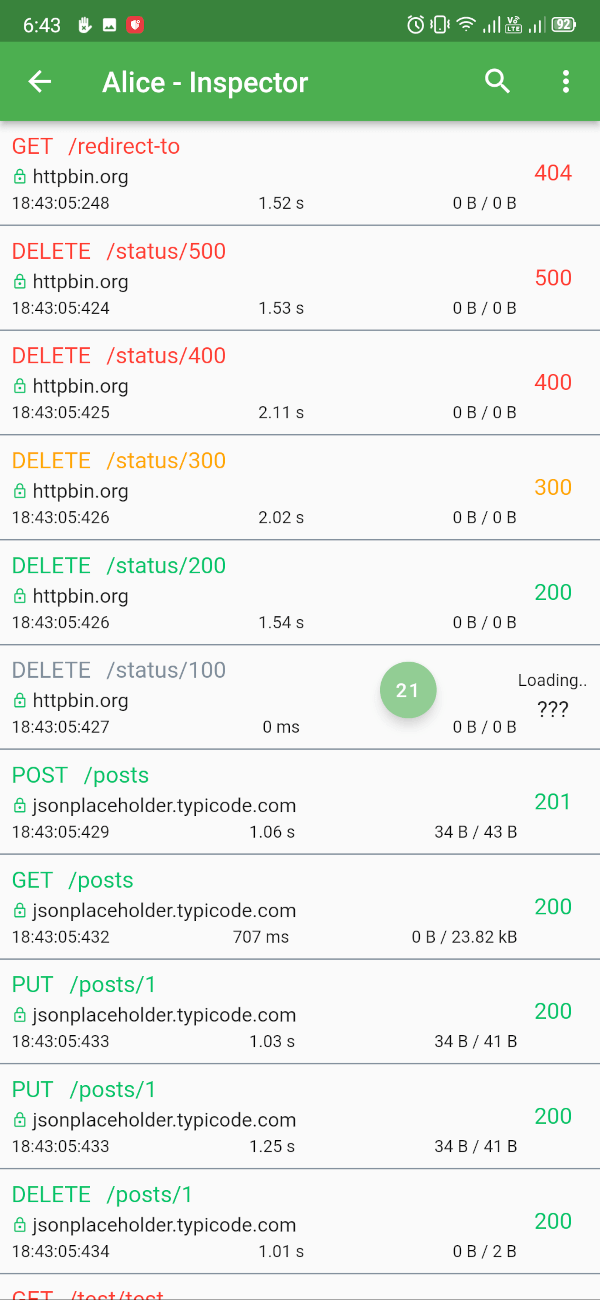
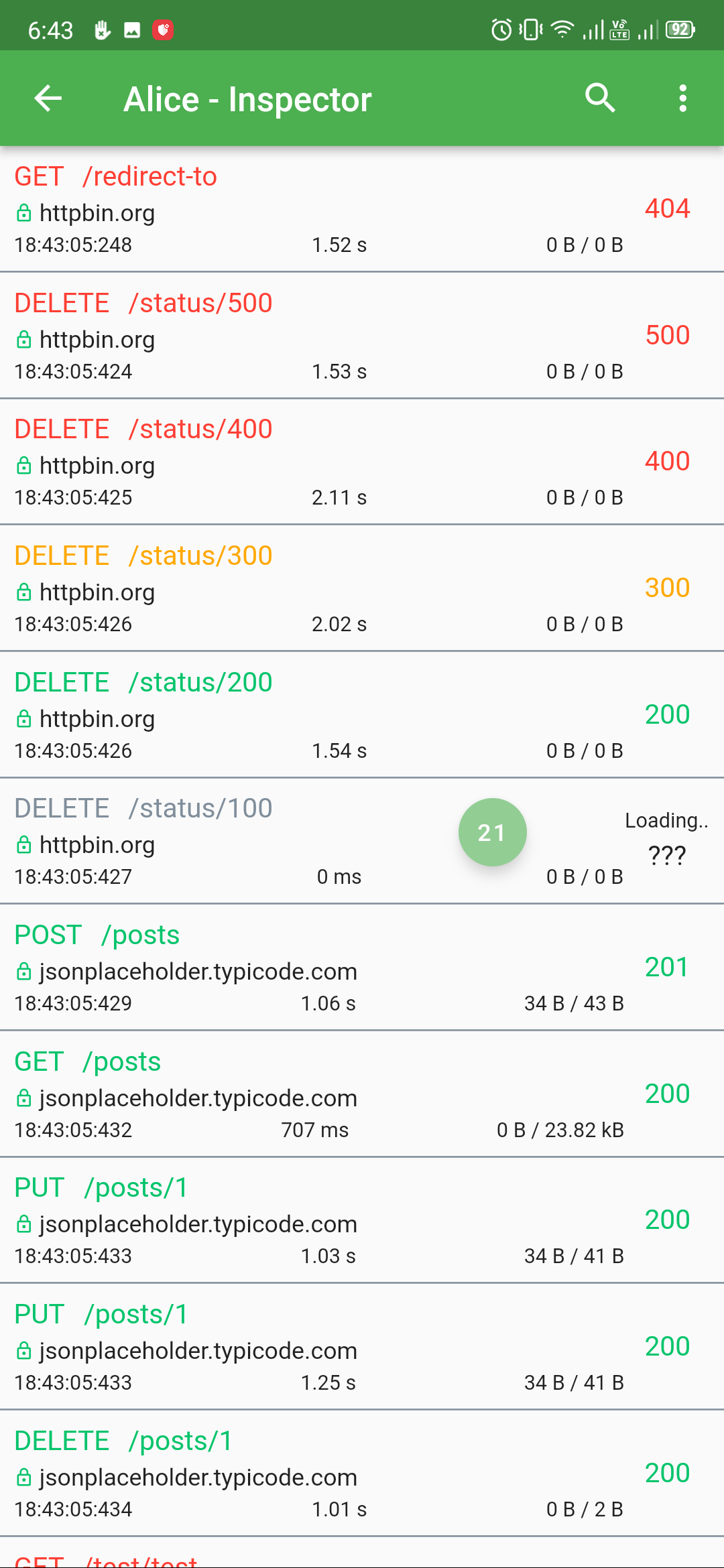
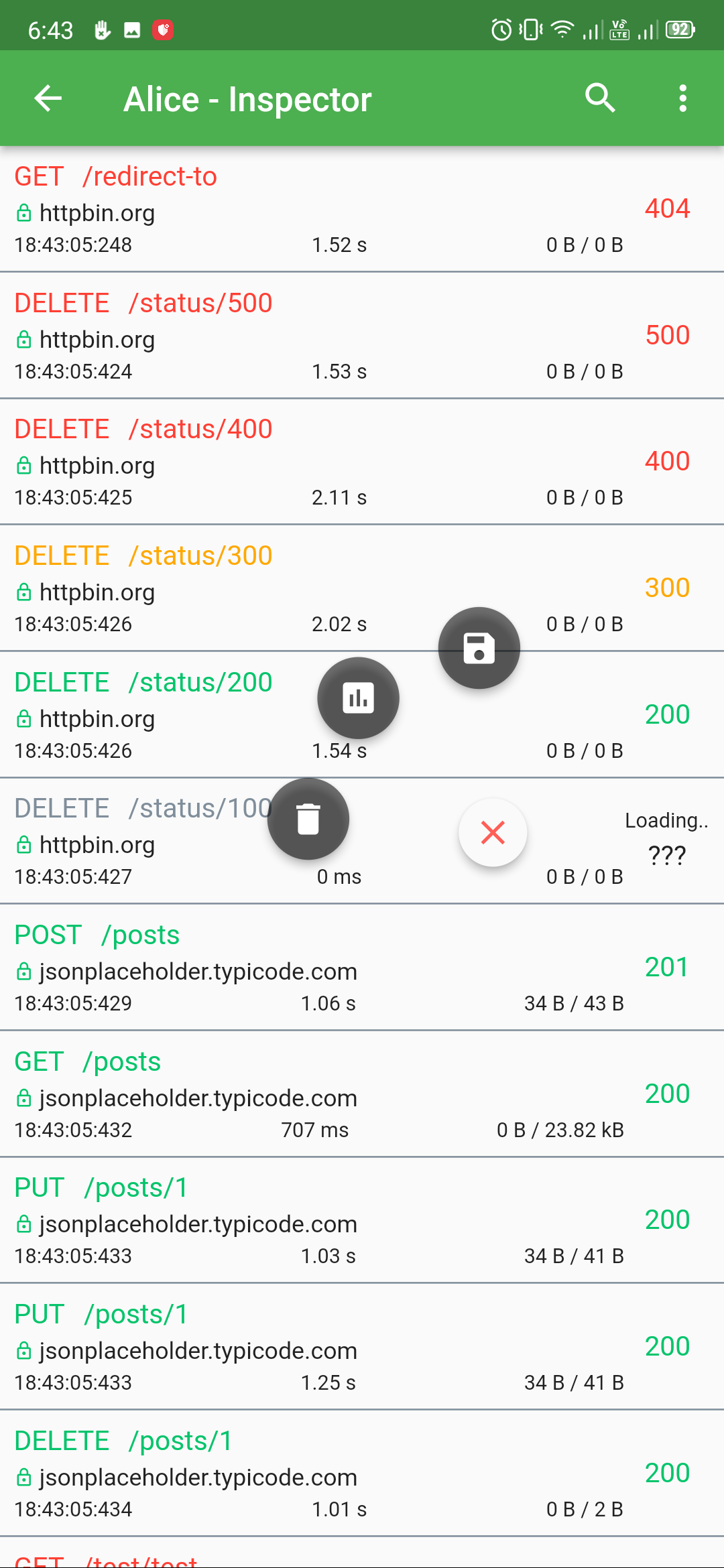
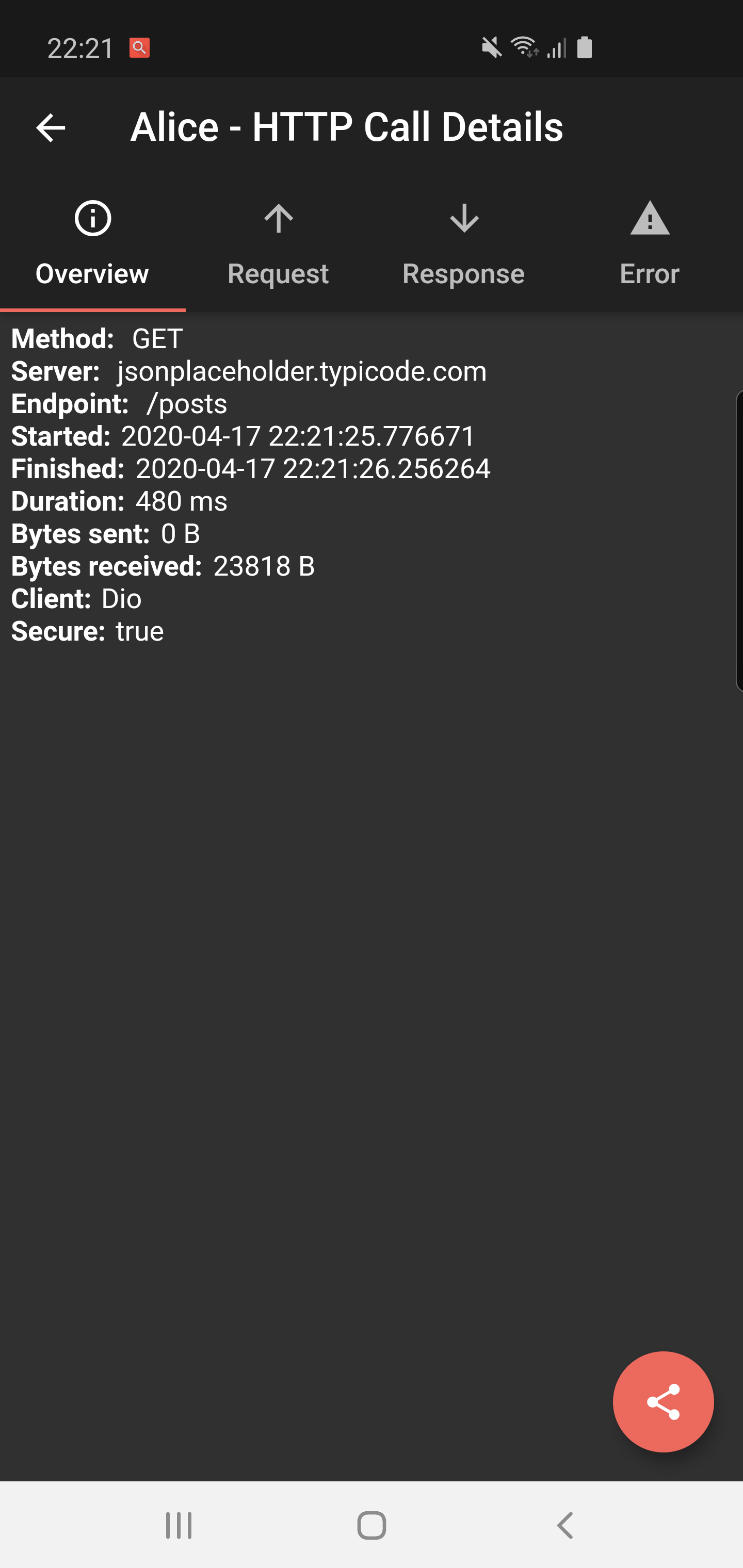
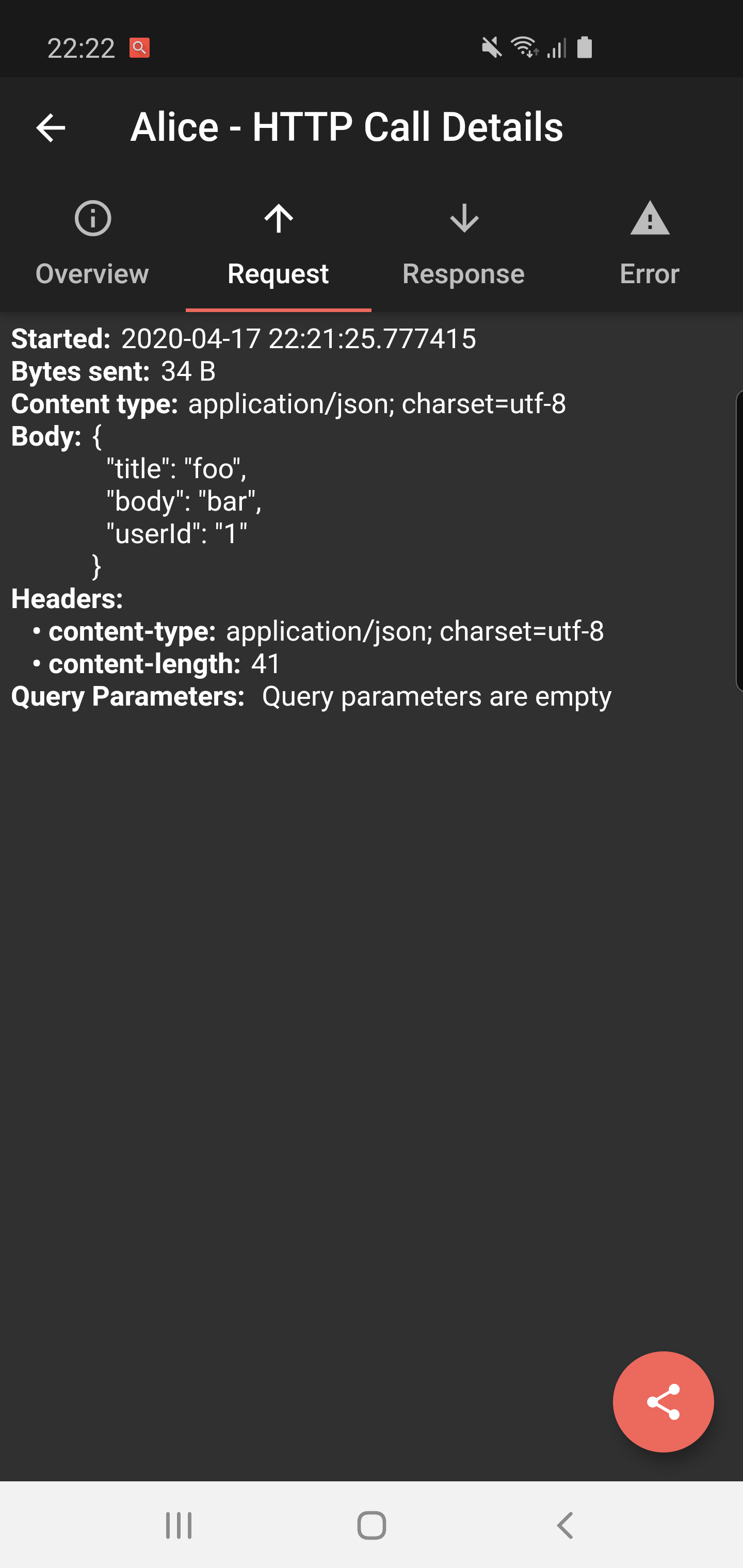
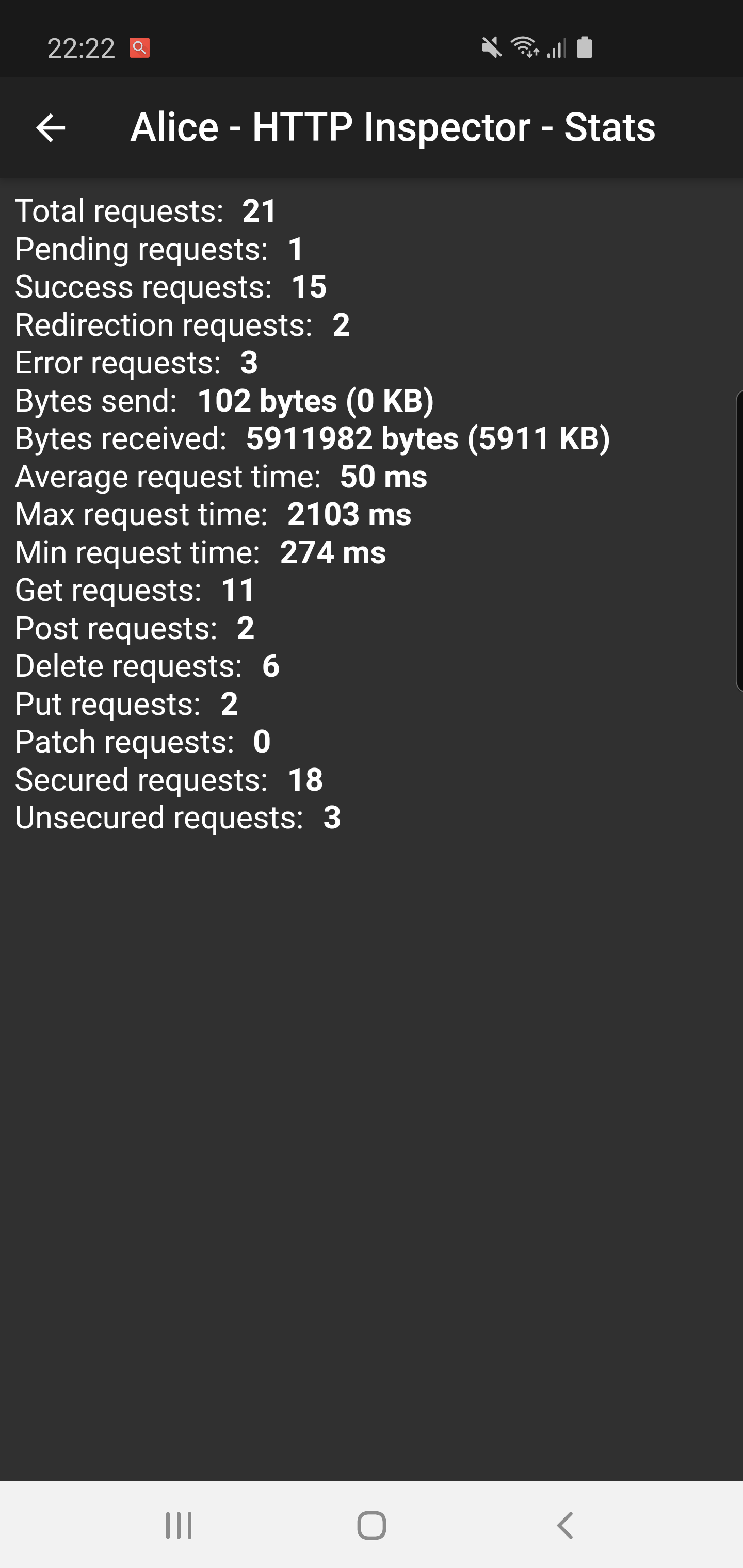
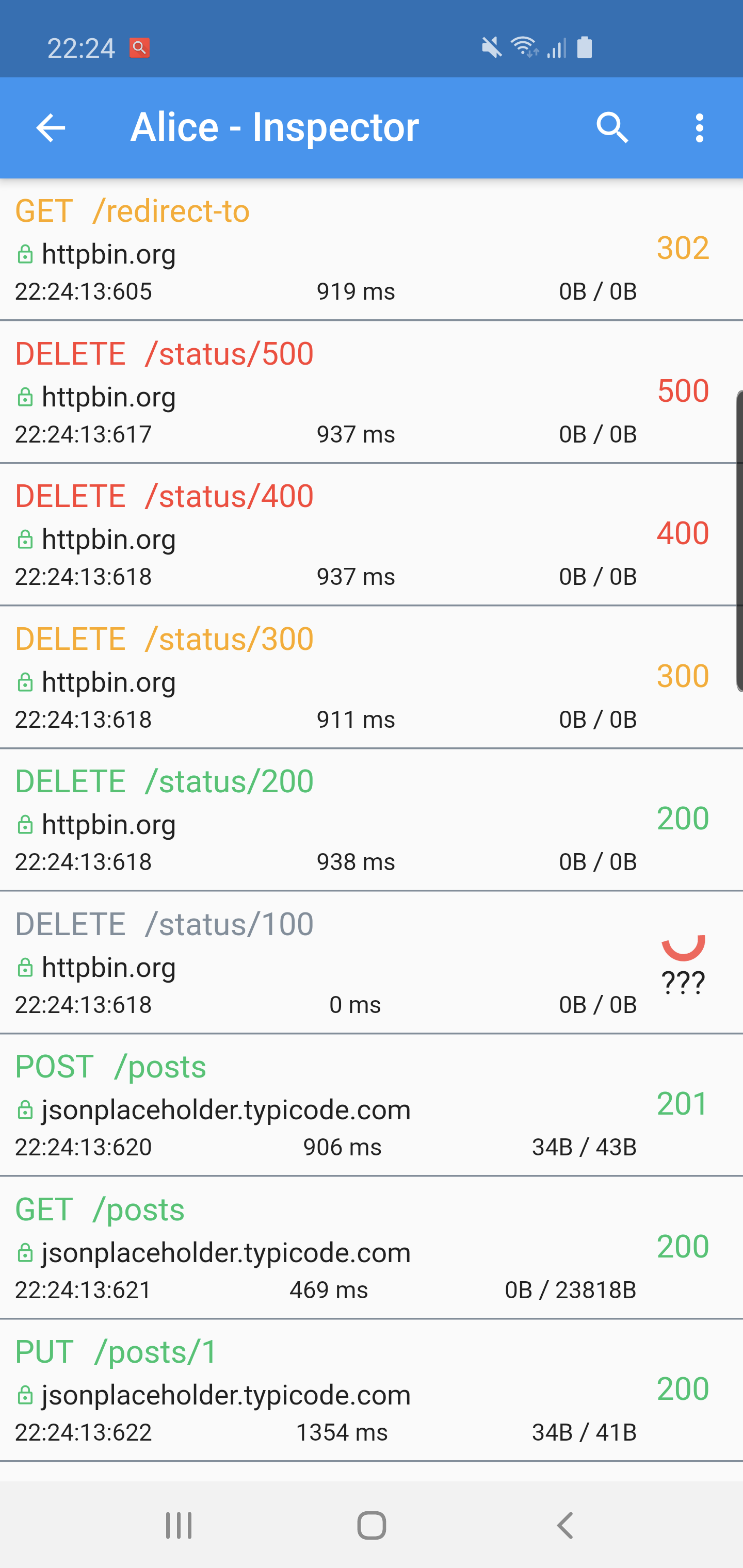
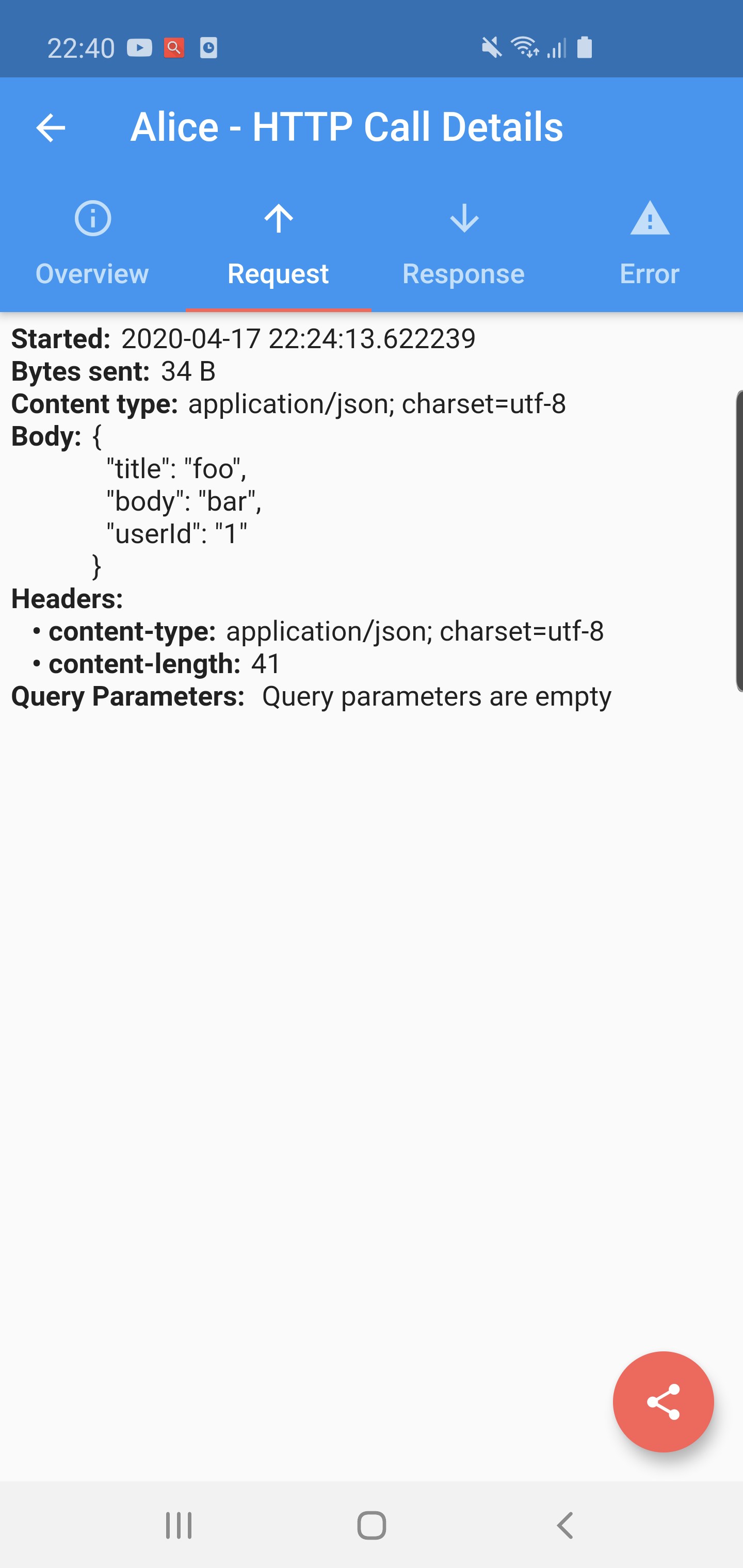
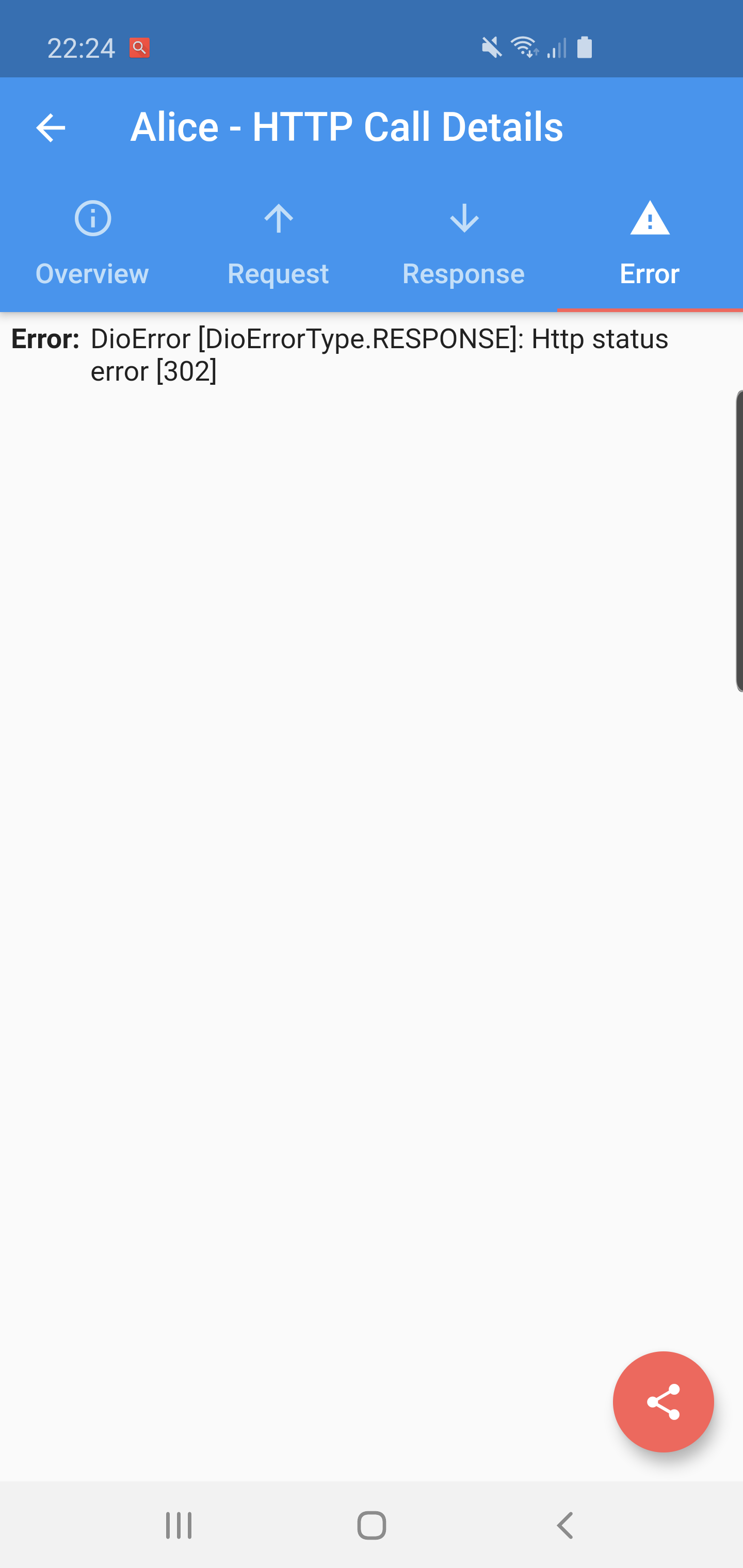
Flutter Alice 是一个用于 HTTP 请求的调试工具,可捕获并存储所有传出请求及其响应。它提供了一个简单直观的用户界面,用于检查每个请求和响应的完整详细信息,包括标头、正文、状态码和时间。非常适合在应用开发和测试期间使用,可快速识别 API 通信中的问题。该工具可无缝集成到 Flutter 应用中,并支持多个平台,可在 Android、iOS、macOS、Windows 和 Linux 上使用。其开源性质确保了透明度和社区贡献。
适合场景
开发过程中调试 API 调用
检查请求/响应标头和正文
监控网络性能
测试 RESTful 服务
排查失败的 HTTP 请求
主要特点
实时 HTTP 请求日志
基于网络的交互式检查用户界面
支持所有主要平台
通过 pub.dev 实现轻松集成
开源且可定制
适合对象
Flutter 开发者
API 测试人员
移动应用调试器
前端工程师
团队协作解决网络问题
使用建议
不建议用于生产构建
需要在开发模式下手动激活
用户界面可能不适合复杂的数据结构
仅限HTTP流量
在高负载使用期间可能轻微影响性能
原始 README
以下为关联源码仓库的 README 原文快照,最新内容请访问源码仓库。
A ⭐ star on GitHub repo is the greatest motivation for me
to keep improving this project! 💖
Alice
Alice is an HTTP Inspector tool for Flutter which helps debugging http requests.
It catches and stores http requests and responses, which can be viewed via simple UI.
It is inspired from Chuck (https://github.com/jgilfelt/chuck) and Chucker (https://github.com/ChuckerTeam/chucker).
Overlay bubble version of Alice: https://github.com/jhomlala/alice
Supported Dart http client plugins:
Dio
HttpClient from dart:io package
Http from http/http package
Generic HTTP client
Features:
✔️ Detailed logs for each HTTP calls (HTTP Request, HTTP Response)
✔️ Inspector UI for viewing HTTP calls
✔️ Statistics
✔️ Support for top used HTTP clients in Dart
✔️ Error handling
✔️ HTTP calls search
✔️ Bubble overlay entry
Install
Add this to your pubspec.yaml file:
dependencies:flutter_alice:^1.0.1
Install it
$ flutter pub get
Import it
import'package:flutter_alice/alice.dart';
Usage
Alice configuration
Create Alice instance:
// Define a navigator keyfinal navigatorKey = GlobalKey<NavigatorState>();
// Create Alice with the navigator keyfinal alice = Alice(navigatorKey: navigatorKey);
final dio = Dio();
dio.interceptors.add(alice.getDioInterceptor());
For HTTP package
You can use extension methods for cleaner code:
// Import extensionsimport'package:flutter_alice/core/alice_http_extensions.dart';
// Use extension methods
http
.get(Uri.parse('https://jsonplaceholder.typicode.com/posts'))
.interceptWithAlice(alice);
// For POST requests with body
http
.post(Uri.parse('https://jsonplaceholder.typicode.com/posts'), body: body)
.interceptWithAlice(alice, body: body);
Or use the standard approach:
http.get(Uri.parse('https://jsonplaceholder.typicode.com/posts')).then((response) {
  alice.onHttpResponse(response);
});

// For POST requests with body
http.post(Uri.parse('https://jsonplaceholder.typicode.com/posts'), body: body).then((response) {
  alice.onHttpResponse(response, body: body);
});
For HttpClient from dart:io
You can use extension methods:
// Import extensionsimport'package:flutter_alice/core/alice_http_client_extensions.dart';
// Use extension methods
httpClient
.getUrl(Uri.parse("https://jsonplaceholder.typicode.com/posts"))
.interceptWithAlice(alice);
// For POST requests with body
httpClient
.postUrl(Uri.parse("https://jsonplaceholder.typicode.com/posts"))
.interceptWithAlice(alice, body: body, headers: Map());
### Opening the InspectorYou can open the inspector UI in different ways:
```dart
// Open directlyElevatedButton(
child: Text("Open Inspector"),
onPressed: alice.showInspector,
)
// Or call from anywhere in your code
alice.showInspector();