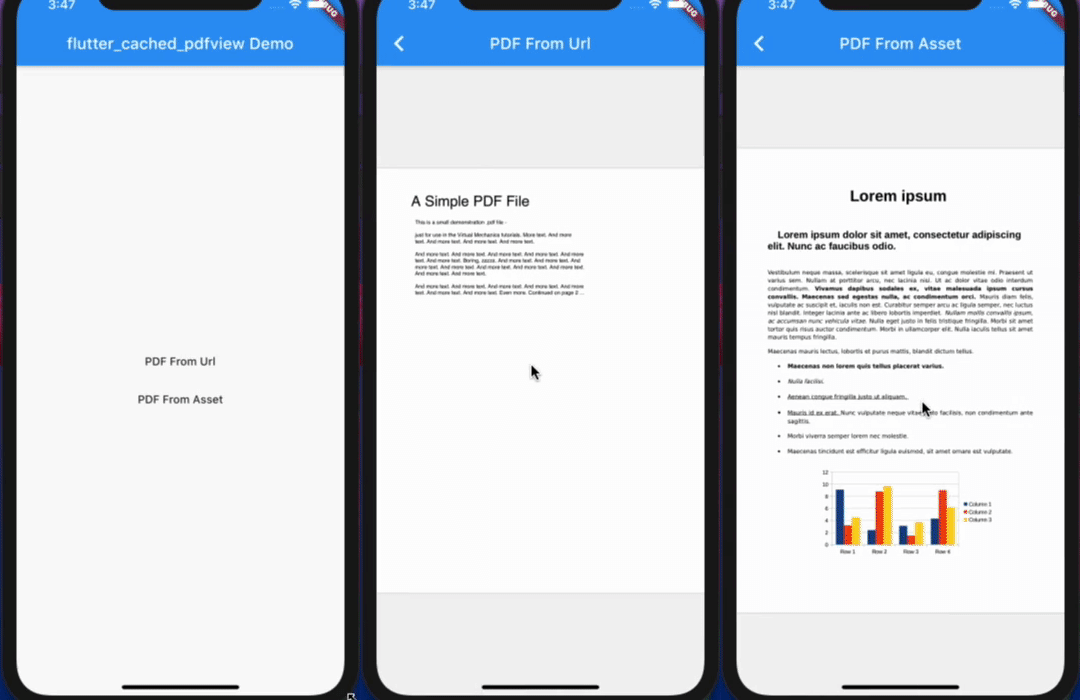
flutter_cached_pdfview
📖 Read the case study step-by-step usage guide
Open Pdf From Path(local file)
Open Pdf From Asset
Open Pdf From URl and Cache it
Display horizontally or vertically
Drag and zoom
Double tap for zoom
Support password protected pdf
Jump to a specific page in the pdf
Setup
iOS
Opt-in to the embedded views preview by adding a boolean property to the app's Info.plist file
with the key io.flutter.embedded_views_preview and the value YES.
iOS (only support> 11.0) you need to add this line in your ios/Podfile
platform :ios, '11.0'
ready-made in the Example
Import it
Now in your Dart code, you can use:
import 'package:flutter_cached_pdfview/flutter_cached_pdfview.dart' ;
Options
Name
Android
iOS
Default
defaultPage
✅
✅
0
onViewCreated
✅
✅
null
onRender
✅
✅
null
onPageChanged
✅
✅
null
onError
✅
✅
null
onPageError
✅
❌
null
onLinkHandle
✅
✅
null
gestureRecognizers
✅
✅
null
filePath
✅
✅
fitPolicy
✅
❌
FitPolicy.WIDTH
enableSwipe
✅
✅
true
swipeHorizontal
✅
✅
false
password
✅
✅
null
nightMode
✅
❌
false
autoSpacing
✅
✅
true
pageFling
✅
✅
true
pageSnap
✅
❌
true
preventLinkNavigation
✅
✅
false
bockgroundColor
✅
✅
null
Controller Options
Name
Description
Parameters
Return
getPageCount
Get total page count
-
Future<int>
getCurrentPage
Get current page
-
Future<int>
setPage
Go to/Set page
int pageFuture<bool>
from Asset
PDF(
enableSwipe: true ,
swipeHorizontal: true ,
autoSpacing: false ,
pageFling: false ,
backgroundColor: Colors .grey,
onError: (error) {
print (error.toString ());
},
onPageError: (page, error) {
print ('$page : ${error.toString()} ' );
},
onPageChanged: (int page, int total) {
print ('page change: $page /$total ' );
},
).fromAsset ('assets/pdf/file-example.pdf' ),
cached From Url
PDF(
swipeHorizontal: true ,
).cachedFromUrl ('https://ontheline.trincoll.edu/images/bookdown/sample-local-pdf.pdf' ),
with placeholder until pdfFile download and errorWidget if there are problem
PDF().cachedFromUrl (
'https://ontheline.trincoll.edu/images/bookdown/sample-local-pdf.pdf' ,
placeholder: (progress) => Center (child: Text ('$progress %' )),
errorWidget: (error) => Center (child: Text (error.toString ())),
)
For production usage
If you use proguard, you should include this line [ready-made in the Example ].
-keep class com .shockwave .**
Dependencies
Flutter
flutter_pdfview
flutter_cache_manager
Android (only support >= api 20)
AndroidPdfViewer
iOS (only support> 11.0)
PDFKit
Video
Developer