搜索插件、代码仓与 APP 分类

flutter_dialpad 封面
插件详情v1.0.5

flutter_dialpad

一个电话拨号器小部件,可添加到任何 Flutter 应用程序中,以实现拨打电话号码的功能。此功能可与 VoIP 应用程序结合使用,以实现拨打电话。

AndroidiOSWeb
近 30 天下载
218
喜欢数
37
Pub 分数
125

安装插件

flutter pub add flutter_dialpad

插件介绍

基于插件公开信息、社区数据与项目使用情况整理的选型参考。

一个 Flutter 小部件,提供电话拨号界面,使用户能够在任何 Flutter 应用中输入和拨打号码。专为与 VoIP 服务或电话功能集成而设计,支持 Android、iOS 和 Web 平台上的标准拨号盘功能。该包轻量且可自定义,允许开发者无缝嵌入通话功能到其应用中。它包含一个简洁、响应式的键盘布局,针对触摸交互进行了优化。

适合场景

  • 将拨号器集成到VoIP应用程序中
  • 在通讯应用中添加电话号码输入功能
  • 在客户支持工具中启用呼叫发起
  • 为网页和移动应用构建电话功能

主要特点

  • 响应式拨号盘 UI
  • 跨平台兼容性(Android、iOS、Web)
  • 与现有 Flutter 项目的简单集成
  • 可自定义的键布局和样式
  • 支持数字输入和拨号触发
  • 内置触控反馈和用户体验优化

适合对象

  • 开发 VoIP 或通信应用的开发者
  • 需要输入电话号码和拨打电话功能的应用程序
  • 针对多个平台且具有统一用户界面的项目
  • 希望获得轻量级拨号器解决方案的团队

使用建议

  • 需要外部逻辑来处理实际呼叫的发起
  • 不包括音频或网络呼叫管理
  • 调用可能需要特定于平台的权限
  • 仅限UI;后端调用处理必须单独实现

原始 README

以下为关联源码仓库的 README 原文快照,最新内容请访问源码仓库。

flutter_dialpad

A phone dialer widget that can be added to any Flutter Application to enable the ability to dial a number. This could be combined with a VoIP application to enable placing calls.

This is a purely Dart widget with no dependency on Android or iOS except for the flutter_dtmf package it uses for DTMF tone generation on pressing a button. You can turn it off by setting enableDtmf: false

Getting Started

@override  
  Widget build(BuildContext context) {  
    return Scaffold(  
      backgroundColor: Colors.black,  
      body: SafeArea(  
        child:  
            DialPad(  
                // temporarily disabled  
                // enableDtmf: true,  
                outputMask: "(000) 000-0000",  
                backspaceButtonIconColor: Colors.red,  
                makeCall: (number){  
                    print(number);  
                }  
            )  
        ),  
    );  
  }  

Pre-built UIs

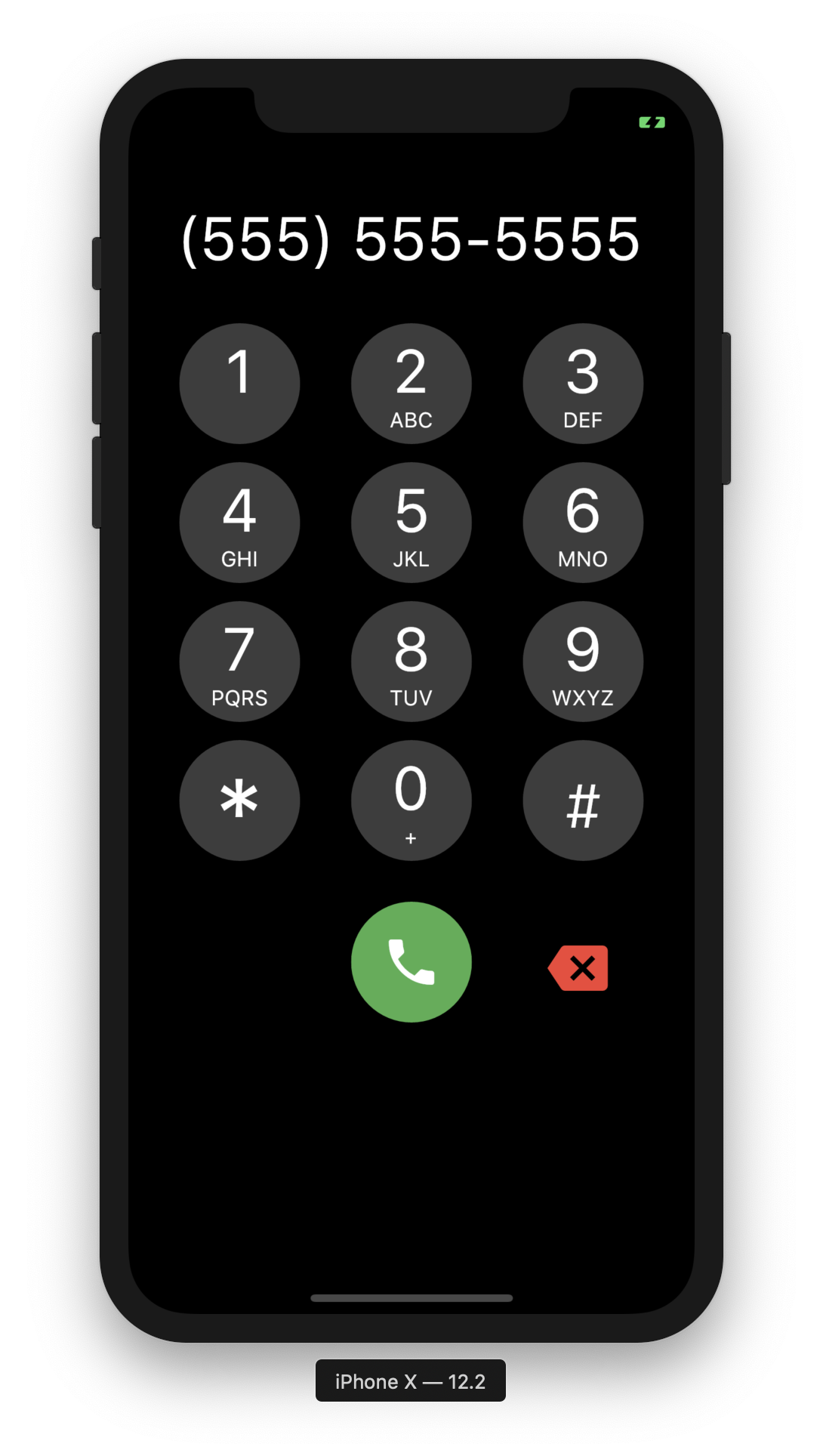
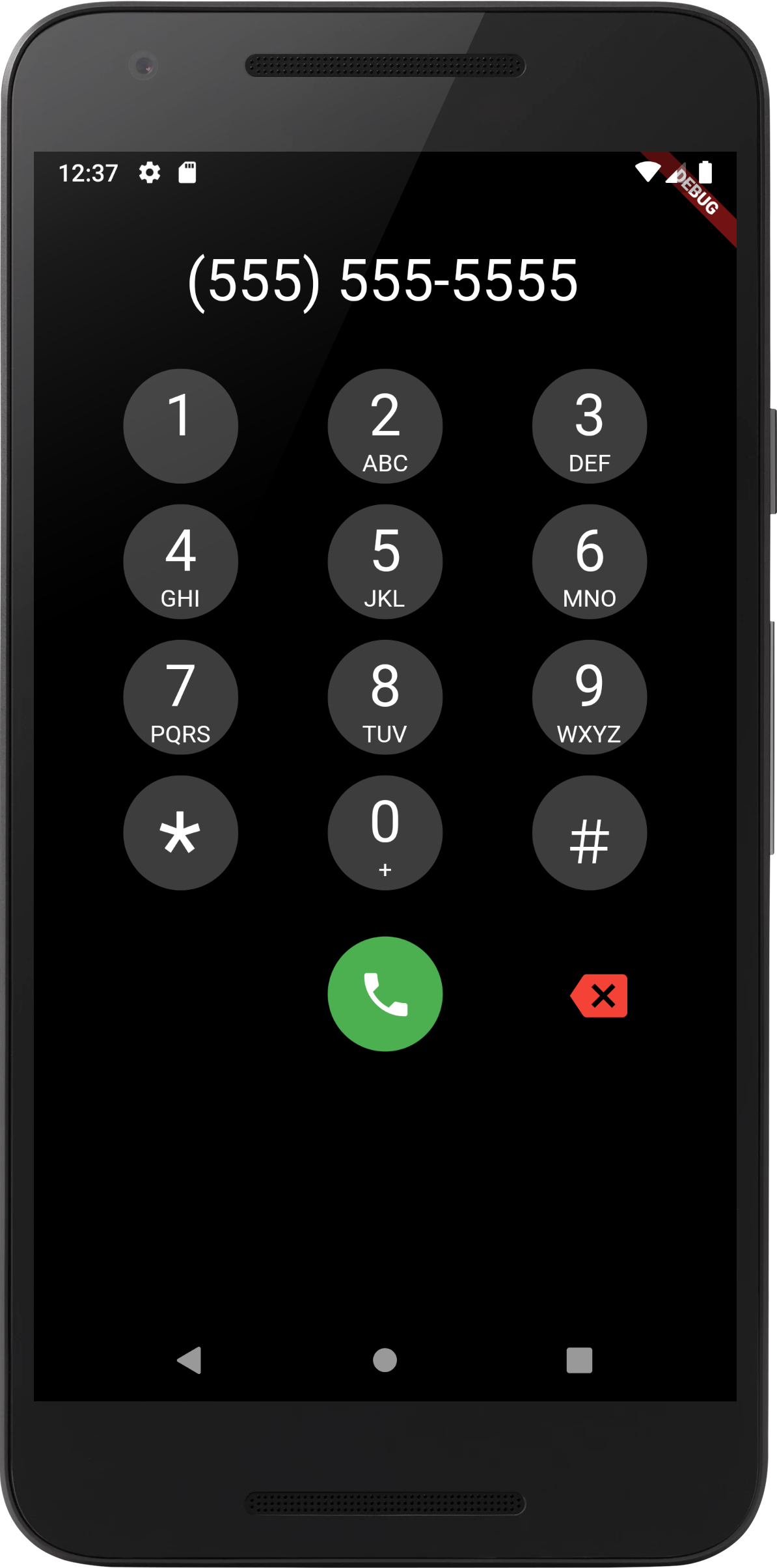
Support has been added for custom UIs, using Dialpad.ios for iOS style keypad or DialPad.metro metro theme. Additional customization is available with many different options.

UI Scaling

A few considerations:

ScalingType

DialPad supports dynamic scaling of UI. Using either a ScalingType.fixed approach will use preset text & icon sizes. If you are using flutter_web_frame with some window constraints, you may wish to use ScalingType.height. For most cases ScalingType.min should suffice.

ScalingSize

Scaling Size provides an easy way to specify the scalar multiplier for the scaling calculation. Instead of using a predefined value of e.g. 0.001, the ScalingSize.small is now used. Customization for buttons allows making the dial button large with a small backspace button.

Scalable

If you wish to add your own Scalable button, feel free to create a widget with Scalable to make use of the rescale function.

Clamping

Scaled UI elements may become extremely small, using minScalingSize and maxScalingSize you can clamp the scaling to a percentage of the original size. This is useful for ensuring the UI is still usable.

Screenshots

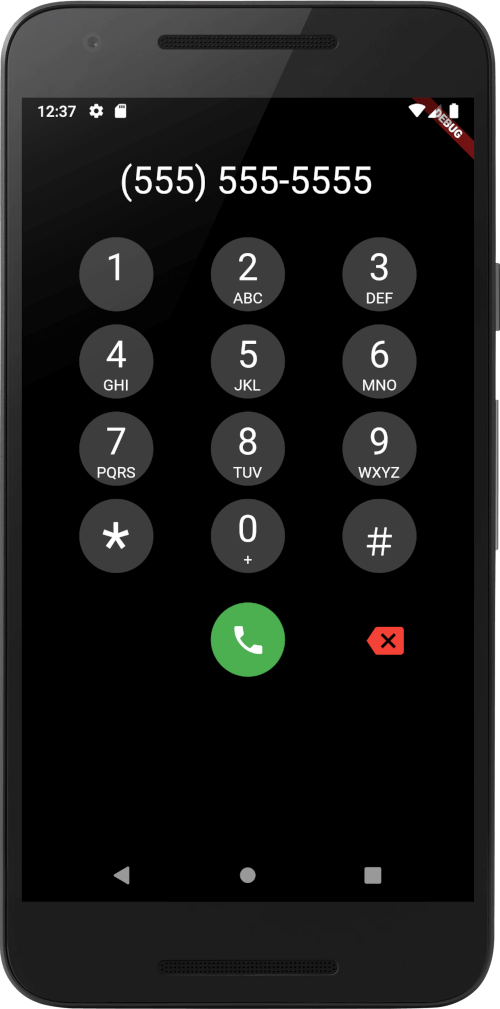
iOS Screenshot Android Screenshot

To Do

[Done] Add DTMF Tones

  • Shrink Ouput to Fit
  • Support for Local Numbers in Text Input Mask

所属分类

依赖

依赖清单 2 项

源码仓库

使用此插件的项目

暂无相关数据。