搜索插件、代码仓与 APP 分类

flutter_splash_screen 封面
插件详情v4.0.0

flutter_splash_screen

一个适用于 Flutter 的启动画面 API,可编程地隐藏和显示启动画面。适用于 Android 和 iOS。

AndroidiOS
近 30 天下载
193
喜欢数
70
Pub 分数
140

安装插件

flutter pub add flutter_splash_screen

插件介绍

基于插件公开信息、社区数据与项目使用情况整理的选型参考。

一个 Flutter 包,提供用于在 Android 和 iOS 上控制启动画面的程序化 API。它允许开发者在应用启动期间动态显示和隐藏启动画面,实现流畅的过渡效果和自定义启动画面逻辑。该包与原生平台无缝集成,支持 iOS 和 Android,无需额外配置。非常适合需要延迟启动画面显示或根据应用状态进行条件性启动画面处理的应用。

适合场景

  • 动态启动画面控制
  • 应用初始化延迟
  • 条件式 splash 显示
  • 入职集成
  • 自定义启动画面过渡
  • 登录后启动画面管理

主要特点

  • 程序化显示/隐藏
  • Android 和 iOS 支持
  • 最小设置
  • 原生平台集成
  • 无需额外配置
  • 平滑过渡处理

适合对象

  • 带有入门流程的应用程序
  • 需要延迟启动画面的应用
  • 开发人员管理启动画面显示时间
  • 跨平台启动画面需要
  • 具有复杂启动逻辑的应用程序

使用建议

  • 需要原生平台设置才能实现完整功能
  • 仅限启动画面
  • 不适合复杂的UI叠加
  • 可能需要额外的样式来支持自定义设计
  • 依赖于正确的初始化顺序

原始 README

以下为关联源码仓库的 README 原文快照,最新内容请访问源码仓库。

flutter_splash_screen

Download PRs Welcome flutter_splash_screen release License MIT RN

A splash screen API for flutter which can programatically hide and show the splash screen. Works on Android and iOS.

Content

Changes

Examples

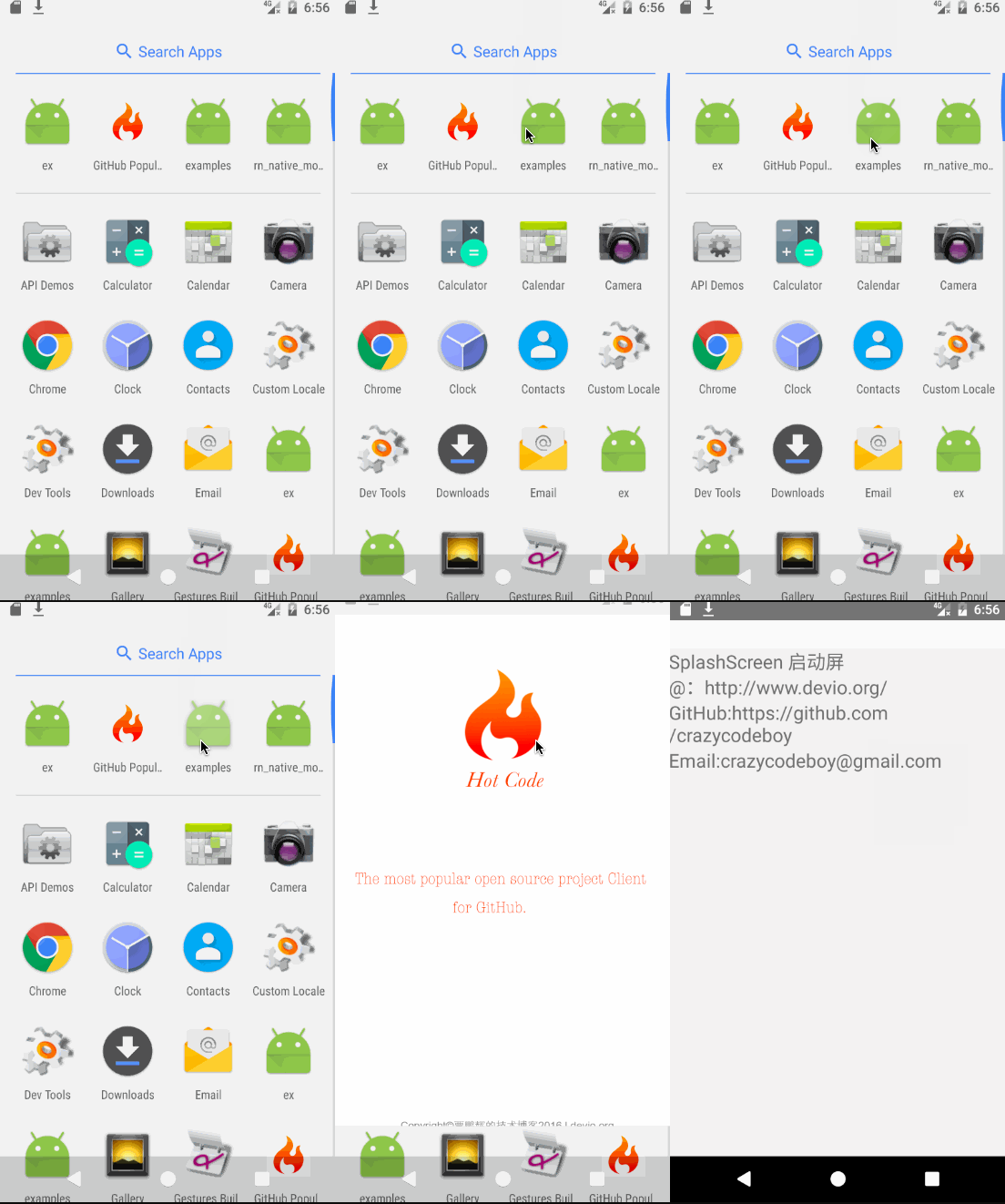
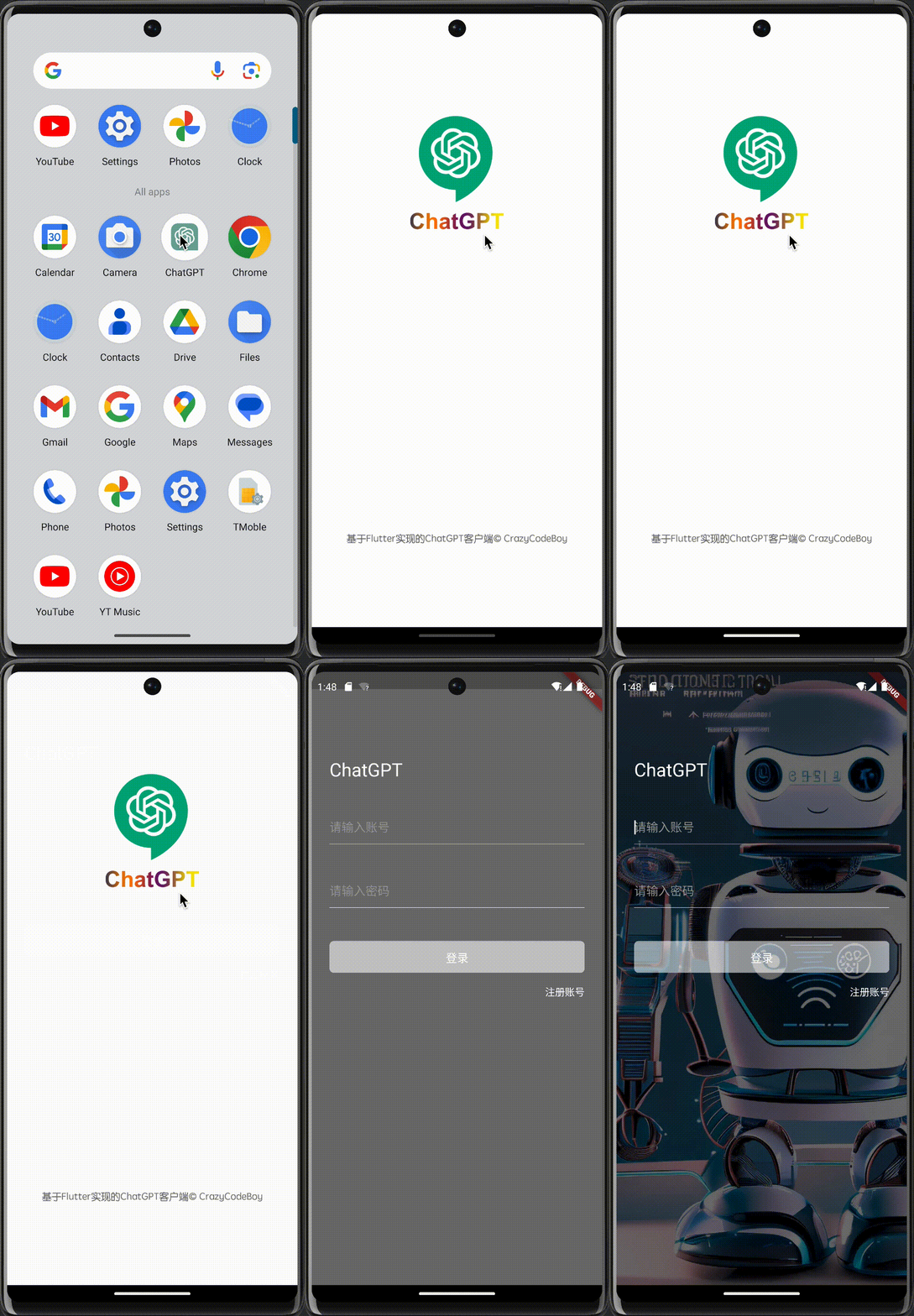
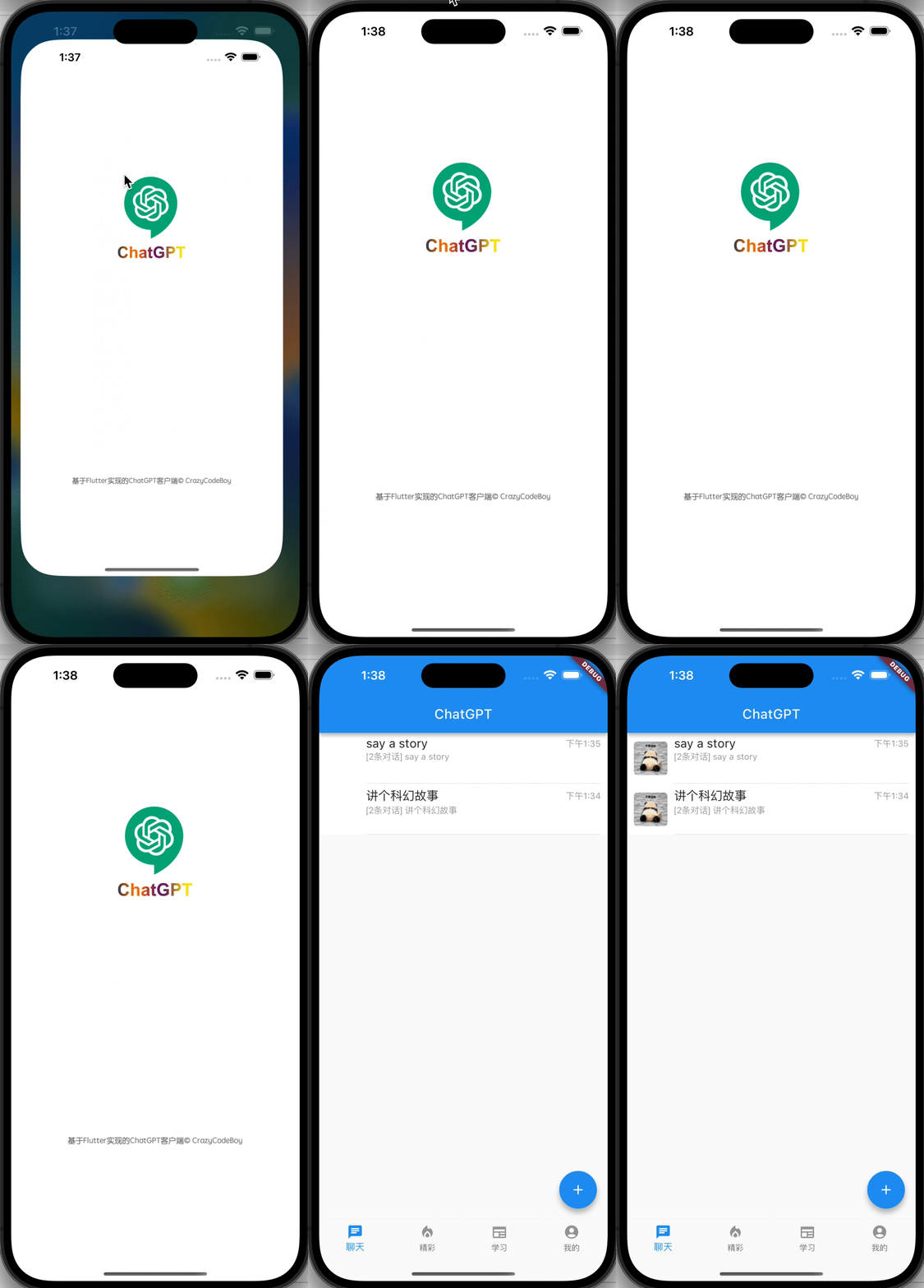
Screenshots Screenshots
flutter_splash_screen-Android flutter_splash_screen-iOS

1. Installation

Depend on it

Run this command:

flutter pub add flutter_splash_screen

2. Plugin Configuration

Android
Update the MainActivity.kt

Update the MainActivity.kt to use flutter_splash_screen via the following changes:

package org.devio.flutter.splashscreen.example

import android.os.Bundle
import io.flutter.embedding.android.FlutterActivity

import org.devio.flutter.splashscreen.SplashScreen // add

class MainActivity : FlutterActivity() {
    override fun onCreate(savedInstanceState: Bundle?) {
        // SplashScreen.show(this) 
        // or enable full screen
        SplashScreen.show(this, true)
        super.onCreate(savedInstanceState)
    }
}
Create launch_screen.xml file

Create a file called launch_screen.xml in app/src/main/res/layout (create the layout-folder if it doesn't exist). The contents of the file should be the following:

<?xml version="1.0" encoding="utf-8"?>
<FrameLayout xmlns:android="http://schemas.android.com/apk/res/android"
    android:layout_width="match_parent" android:layout_height="match_parent"
    android:background="@android:color/white">

    <ImageView android:layout_width="match_parent" android:layout_height="match_parent"
        android:layout_gravity="center|top" android:scaleType="centerCrop"
        android:src="@mipmap/launch_screen" />
</FrameLayout>

Customize your launch screen by creating a launch_screen.png-file and placing it in an appropriate mipmap-folder. Android automatically scales drawable, so you do not necessarily need to provide images for all phone densities. You can create splash screens in the following folders:

  • mipmap-ldpi
  • mipmap-mdpi
  • mipmap-hdpi
  • mipmap-xhdpi
  • mipmap-xxhdpi
  • mipmap-xxxhdpi

Add a color called primary_dark in app/src/main/res/values/colors.xml

<?xml version="1.0" encoding="utf-8"?>
<resources>
    <color name="primary_dark">#000000</color>
</resources>

Optional steps:

If you want the splash screen to be transparent, follow these steps.

Open android/app/src/main/res/values/styles.xml and add <item name="android:windowIsTranslucent">true</item> to the file. It should look like this:


<resources>
    <!-- Base application theme. -->
    <style name="AppTheme" parent="Theme.AppCompat.Light.NoActionBar">
        <!-- Customize your theme here. -->
        <!--设置透明背景-->
        <item name="android:windowIsTranslucent">true</item>
    </style>
</resources>

To learn more see examples

If you want to customize the color of the status bar when the splash screen is displayed:

Create android/app/src/main/res/values/colors.xml and add

<?xml version="1.0" encoding="utf-8"?>
<resources>
    <color name="status_bar_color"><!-- Colour of your status bar here --></color>
</resources>

Create a style definition for this in android/app/src/main/res/values/styles.xml:

<?xml version="1.0" encoding="utf-8"?>
<resources>
    <style name="SplashScreenTheme" parent="SplashScreen_SplashTheme">
        <item name="colorPrimaryDark">@color/status_bar_color</item>
    </style>
</resources>

Change your show method to include your custom style:

SplashScreen.show(this,R.style.SplashScreenTheme);
iOS

Customize your splash screen via LaunchScreen.storyboard,

Learn more to see examples

Usage

Use like so:

import 'dart:async';

import 'package:flutter/material.dart';
import 'package:flutter_splash_screen/flutter_splash_screen.dart';

void main() => runApp(MyApp());

class MyApp extends StatefulWidget {
  @override
  _MyAppState createState() => _MyAppState();
}

class _MyAppState extends State<MyApp> {
  @override
  void initState() {
    super.initState();
    hideScreen();
  }

  ///hide your splash screen
  Future<void> hideScreen() async {
    Future.delayed(Duration(milliseconds: 1800), () {
      FlutterSplashScreen.hide();
    });
  }

  ...

API

Method Type Optional Description
show() function false Open splash screen (Native Method )
hide() function false Close splash screen

Testing

Contribution

Issues are welcome. Please add a screenshot of you bug and a code snippet. Quickest way to solve issue is to reproduce it in one of the examples.

Pull requests are welcome. If you want to change the API or do something big it is best to create an issue and discuss it first.


MIT Licensed

所属分类

源码仓库

使用此插件的项目