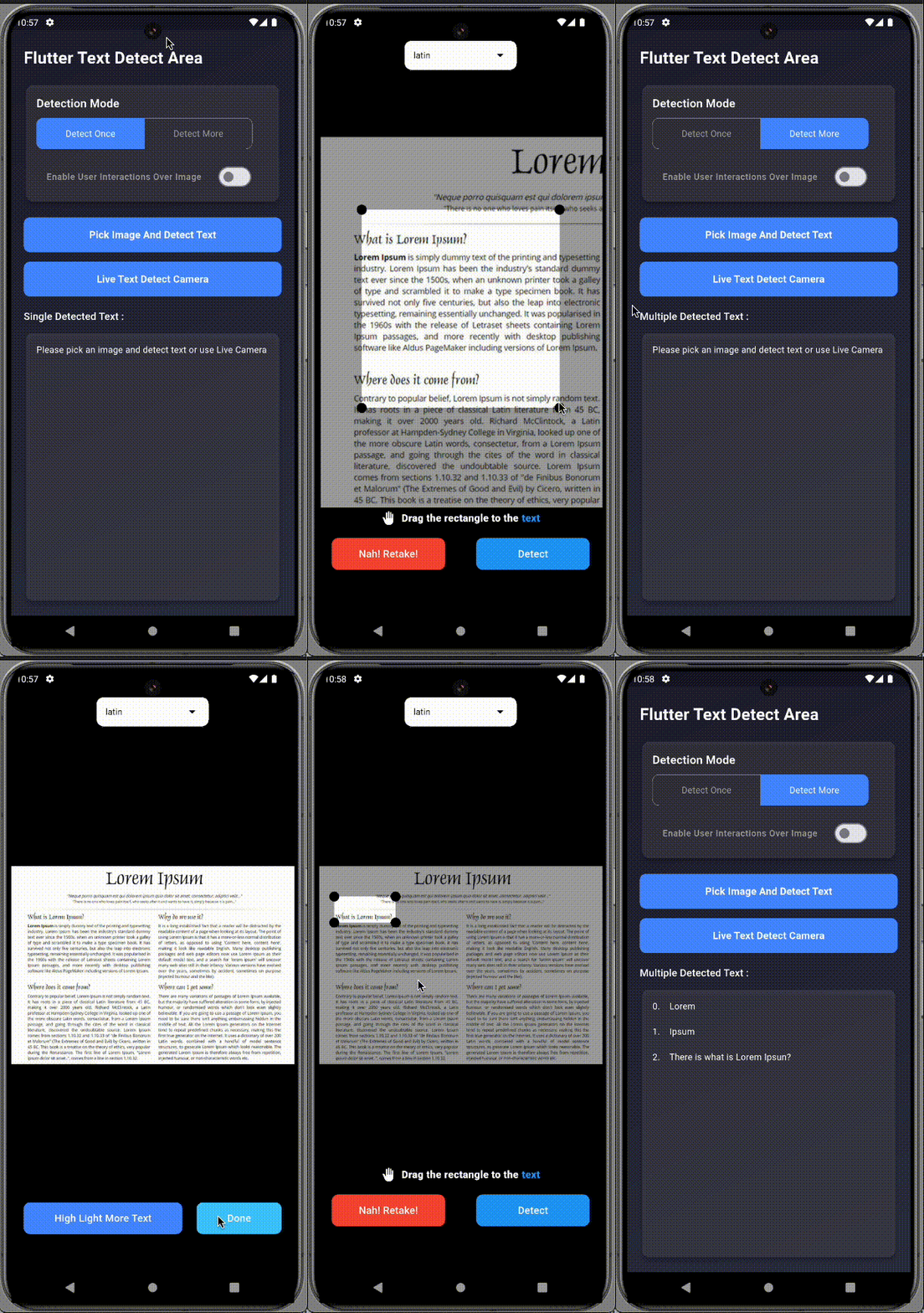
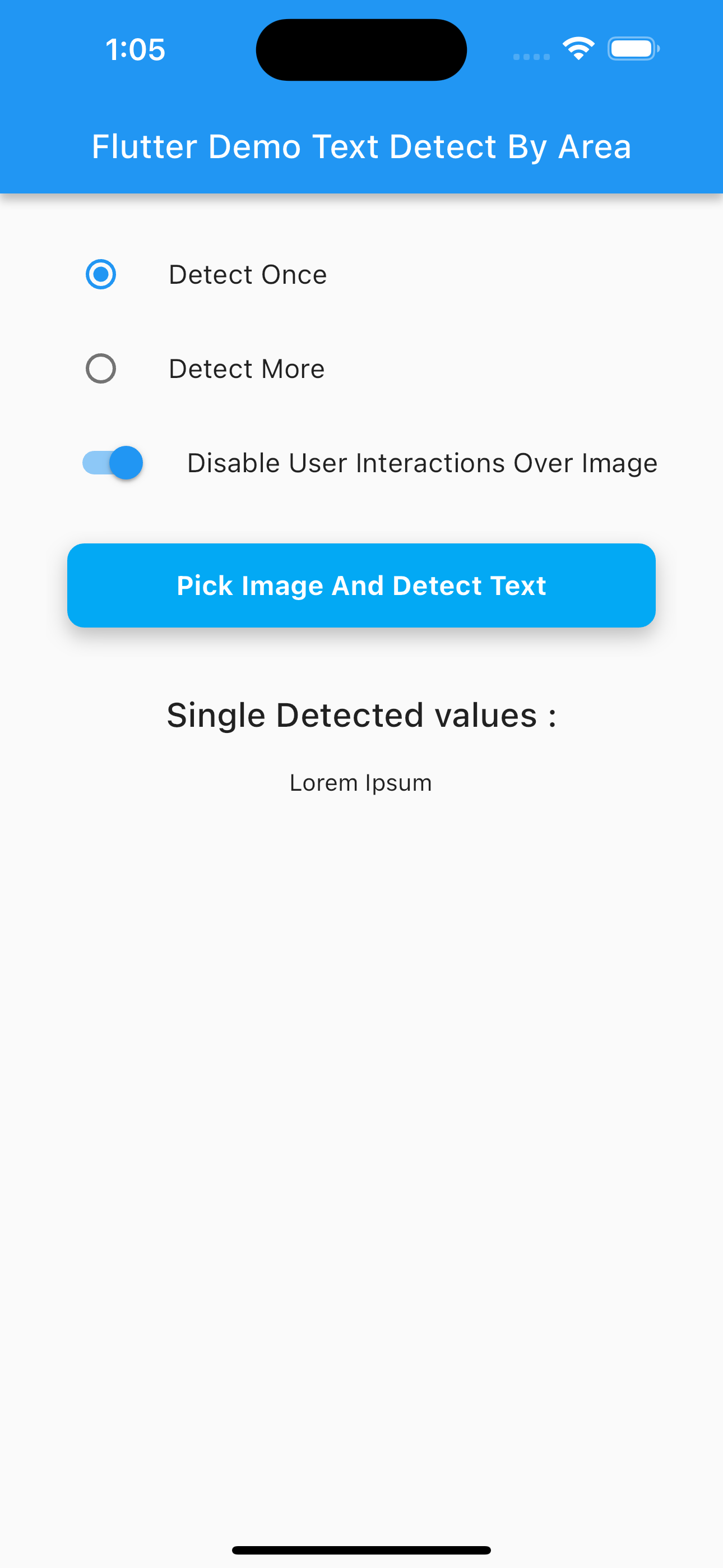
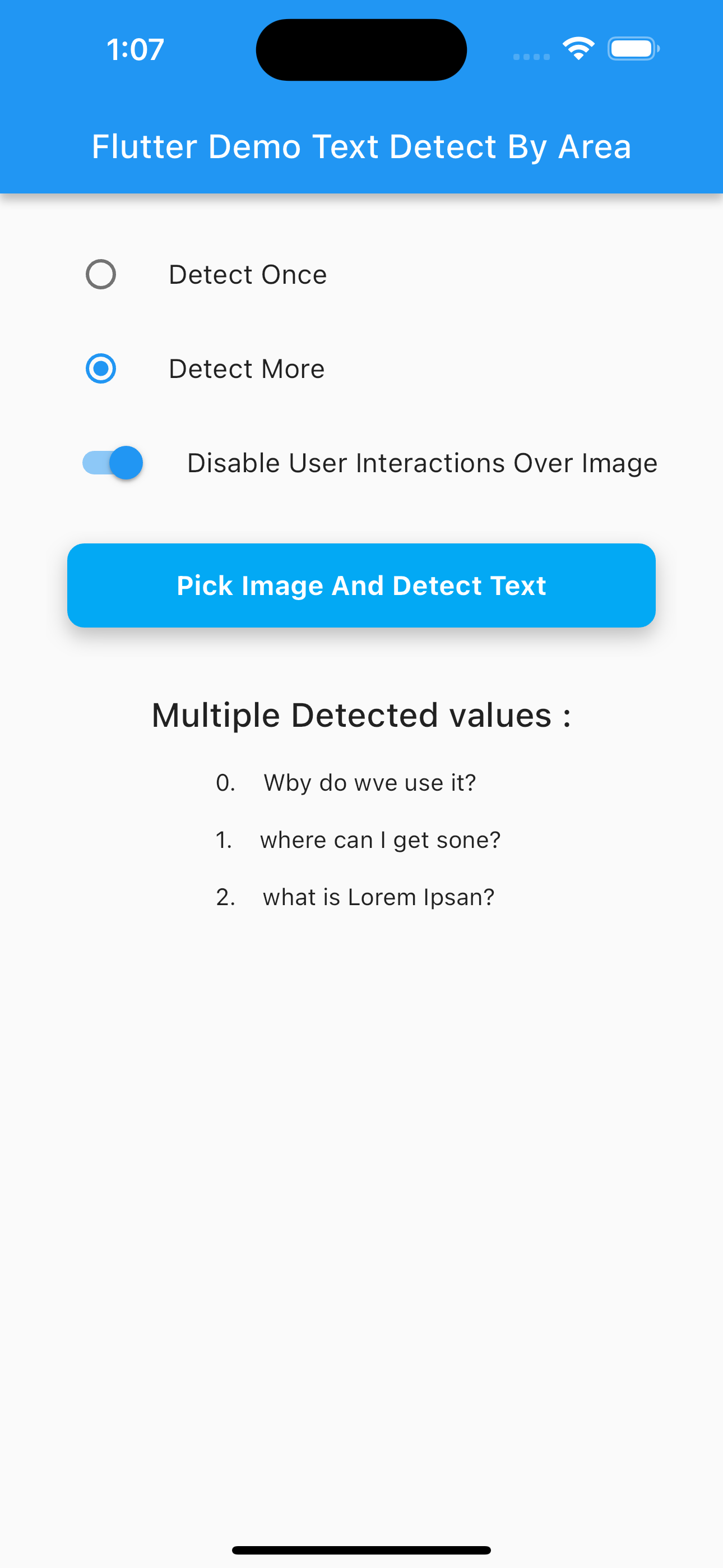
Flutter Text Detect Area 是一个专为在图像特定区域中精确识别文本而设计的 Flutter 包。通过允许用户拖动、移动或平移选择器覆盖图像,它可以隔离并检测选定区域内的文本。适用于需要聚焦 OCR 的应用,例如文档扫描或从图像中提取数据,该包利用机器学习和计算机视觉技术。该包支持 Android 和 iOS 平台,使其可在各种移动设备上使用。它可通过 pub.dev 无缝集成到 Flutter 项目中。
适合场景
文档扫描
基于图像的数据提取
选择性文本识别
移动OCR应用
图像中的实时文本检测
主要特点
拖拽并平移区域选择
精确的基于区域的文本检测
跨平台支持(Android 和 iOS)
与 Flutter 的轻松集成
实时OCR处理
适合对象
开发 OCR 功能的开发者
需要选择性文本提取的应用
带有图像分析的移动应用
带有图像识别的教育工具
字段数据采集应用
使用建议
需要相机或图像输入
性能取决于设备功能
准确度随图像质量而变化
限制在选定区域内的文本
可能需要对低质量图像进行额外预处理
原始 README
以下为关联源码仓库的 README 原文快照,最新内容请访问源码仓库。
Flutter Text Detect Area
A Flutter plugin that enables text detection from specific areas of an image or live camera preview. Just drag/select the area you want to scan, and let it extract the text using ML Kit.
Perfect for scanning:
🧾 Receipts image
📄 Documents image
📘 PDFs image
🧠 Custom fields in images
🚀 Features
📸 Supports both live camera and gallery image input
✍️ Manual area selection (drag, resize, pan, freeze)
final pickedFile = awaitImagePicker().pickImage(source: ImageSource.gallery);
✨ Example Usage
Navigator.of(context).push(
MaterialPageRoute(
builder: (context) => SelectImageAreaTextDetect(
detectOnce: true, // Set to false for continuous scan
enableImageInteractions: true,
imagePath: pickedFile?.path ?? '',
onDetectText: (value) {
if (value isString) {
print("Detected: $value");
} elseif (value isList<String>) {
for (int i = 0; i < value.length; i++) {
print("${i + 1}. ${value[i]}");
}
}
},
onDetectError: (error) {
if (error isPlatformException &&
(error.message?.contains("InputImage width and height should be at least 32!") ?? false)) {
ScaffoldMessenger.of(context).showSnackBar(
constSnackBar(content: Text("Selected area must be at least 32x32 pixels.")),
);
}
},
),
),
);
<key>NSCameraUsageDescription</key><string>Need camera access for live scanning</string><key>NSPhotoLibraryUsageDescription</key><string>Need photo access to pick images</string>