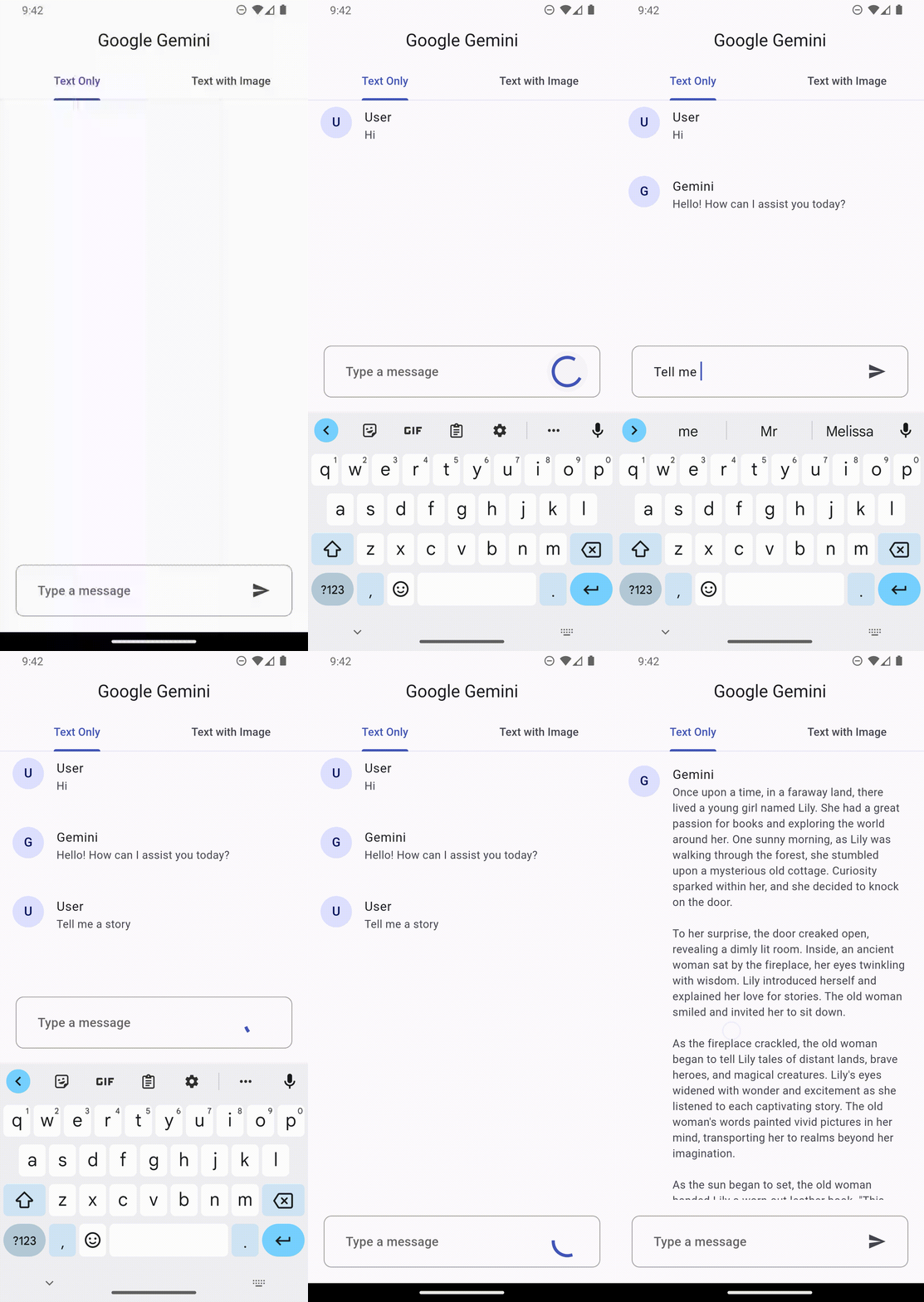
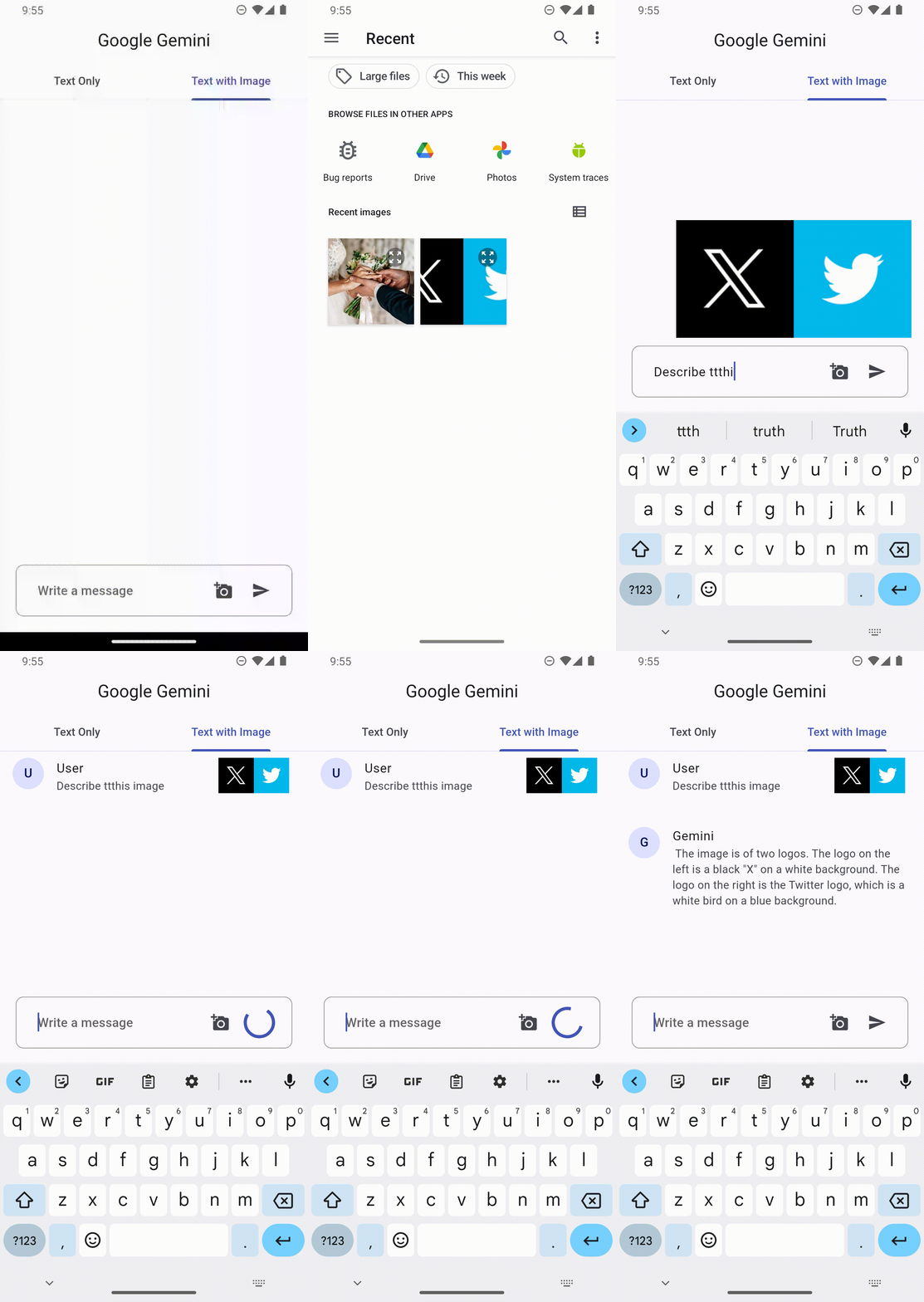
Google Gemini SDK for Flutter 可实现 Google 高级 Gemini AI 与 Flutter 应用的无缝集成。它提供了一个强大的桥梁,使开发者能够直接在移动和桌面应用中利用生成式 AI 功能,如自然语言理解、文本生成和多模态推理。该包专为寻求前沿 AI 功能的开发者设计,支持 Android、iOS、macOS、Windows 和 Linux 平台。通过 pub add 简单配置,赋能应用实现智能且上下文感知的交互。
适合场景
AI 驱动的聊天界面
应用中的内容生成
多模态图像和文本分析
智能助手功能
实时语言翻译
主要特点
与 Google Gemini 的原生集成
对多个平台的支持
简单 pub add 安装
实时AI回复
跨平台兼容性
适合对象
开发 AI 增强应用程序的开发者
集成生成式AI的团队
移动和桌面应用程序创建者
生产力和内容工具
使用建议
需要互联网连接以进行API调用
依赖 Google Cloud 凭据
可能会产生基于使用的费用
有限的离线功能
API 调用频率限制适用
原始 README
以下为关联源码仓库的 README 原文快照,最新内容请访问源码仓库。
Google DeepMind Gemini
Google Gemini is a set of cutting-edge large language models (LLMs) designed to be the driving force behind Google's future AI initiatives.
This package provides a powerful bridge between your Flutter application and Google's revolutionary Gemini AI. It empowers you to seamlessly integrate Gemini's capabilities into your app, unlocking a world of possibilities for building innovative, intelligent, and engaging experiences that redefine user interaction.
To get the API key you have to create a Gemini account on the ai.google.dev. Once you have to Gemini API key, you are ready to start building.
Create Gemini Instance
final gemini = GoogleGemini(
  apiKey: "--- Your Gemini Api Key --- ",
);
Generate content
With Gemini you use both text and image data for prompting, depending on what model variation you use.
For example, you can generate text using text prompt with the gemini-pro model and use both text and image data to prompt the gemini-pro-vision model
Text only input
This feature lets you perform natural language processing (NLP) tasks such as text completion and summarization.
gemini.generateFromText("Tell me a story")
.then((value) => print(value.text))
.catchError((e) => print(e));
Text and image input
You can send a text prompt with an image to the gemini-pro-vision model to perform a vision related task. For example, captioning an image or identifying what's in an image.
File image = File("assets/images.png")

gemini.generateFromTextAndImages(
  query: "What is this picture?",
  image: image
)
.then((value) => print(value.text))
.catchError((e) => print(e));
Configuration
Every prompt you send to the model includes parameter values that control how the model generates a response. The model can generate different results for different parameter values.
Model parameters
The most common model parameters are:
Max output tokens: Specifies the maximum number of tokens that can be generated in the response. A token is approximately four characters. 100 tokens correspond to roughly 60-80 words.
Temperature: The temperature controls the degree of randomness in token selection. Lower temperatures are good for prompts that require a more deterministic or less open-ended response, while higher temperatures can lead to more diverse or creative results.
topK: The topK parameter changes how the model selects tokens for output.
topP: The topP parameter changes how the model selects tokens for output.
stop_sequences: Set a stop sequence to tell the model to stop generating content. A stop sequence can be any sequence of characters. Try to avoid using a sequence of characters that may appear in the generated content.
Example
// Generation Configurationfinal config = GenerationConfig(
temperature: 0.5,
maxOutputTokens: 100,
topP: 1.0,
topK: 40,
stopSequences: []
);
// Gemini Instancefinal gemini = GoogleGemini(
apiKey: "--- Your Gemini Api Key ---",
config: config // pass the config here
);
Safety settings
Safety settings are part of the request you send to the text service. It can be adjusted for each request you make to the API.
Categories
These categories cover various kinds of harms that developers may wish to adjust.