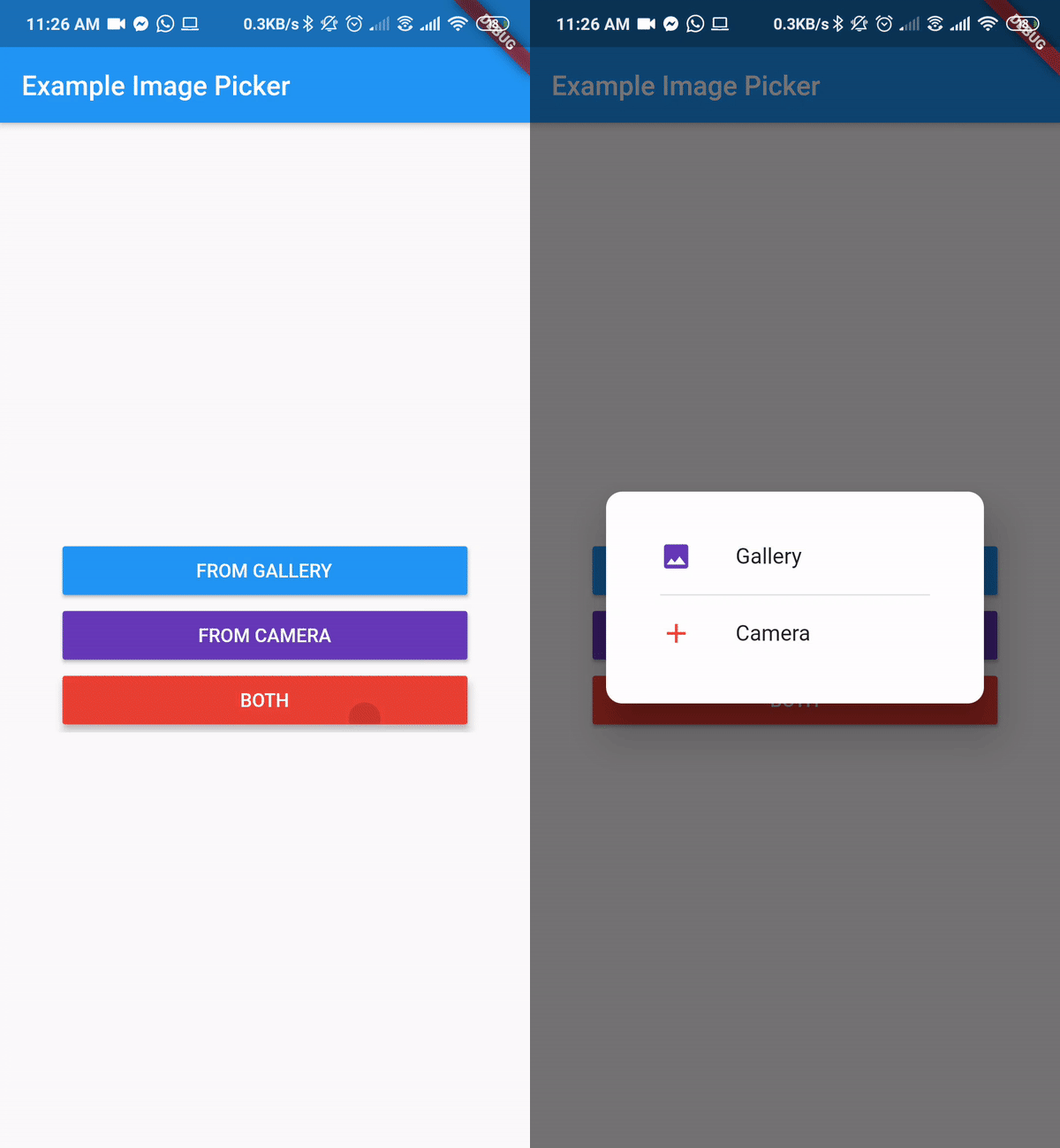
一个 Flutter 包,允许用户从设备相册、相机或两者中选择图片。它在 Android、iOS 和 Web 平台上提供简单且一致的界面。该包可无缝集成到需要图像输入的 Flutter 应用中,用于个人资料、上传或媒体处理。支持单张和多张图片选择,非常适合表单、社交功能和内容创作工具。以易用性为核心设计,抽象了平台特定的复杂性。
适合场景
用户资料图片上传
社交媒体帖子创建
使用摄像头进行文档扫描
电子商务产品图像捕捉
基于表单的图像提交
主要特点
从相册或相机中选择
支持相册和相机模式
跨平台兼容性(Android、iOS、Web)
简单的 API 集成
多图选择
内置权限处理
适合对象
移动应用开发人员
需要图像输入的Web应用
需要用户生成内容的应用
带图像附件的表单
内容管理系统
使用建议
Android 和 iOS 需要适当的权限
Web 支持可能因浏览器而存在限制
大尺寸图像可能影响性能
选择器 UI 的自定义功能有限
无内置图像编辑功能
依赖于底层平台的相机/图库 API
原始 README
以下为关联源码仓库的 README 原文快照,最新内容请访问源码仓库。
image_picker_gallery_camera
Flutter Package to Pick Image From Gallery or Camera
Getting Started
A Flutter plugin for iOS and Android for picking images from the image library, and taking new pictures with the camera.
You can use both Camera and Gallery Option.
Installation
First, add image_picker_gallery_camera as a dependency in your pubspec.yaml file.
iOS
Add the following keys to your Info.plist file, located in /ios/Runner/Info.plist:
NSPhotoLibraryUsageDescription - describe why your app needs permission for the photo library. This is called Privacy - Photo Library Usage Description in the visual editor.
NSCameraUsageDescription - describe why your app needs access to the camera. This is called Privacy - Camera Usage Description in the visual editor.
NSMicrophoneUsageDescription - describe why your app needs access to the microphone, if you intend to record videos. This is called Privacy - Microphone Usage Description in the visual editor.
Android
No configuration required - the plugin should work out of the box.