搜索插件、代码仓与 APP 分类

inview_notifier_list 封面
插件详情v4.1.0

inview_notifier_list

一个构建 ListView 并在小部件出现在屏幕上来通知的 Flutter 包。

AndroidiOSWebmacOSWindowsLinux
近 30 天下载
4380
喜欢数
501
Pub 分数
160

安装插件

flutter pub add inview_notifier_list

插件介绍

基于插件公开信息、社区数据与项目使用情况整理的选型参考。

一个高效的 Flutter 包,用于构建可滚动列表,并在列表项进入或退出可视屏幕区域时提供实时通知。它利用了 ListView 的强大功能,同时添加了反应式机制来检测可见状态,从而实现优化渲染、懒加载和性能提升。适用于图像加载、分析跟踪或由可见性触发的动画等场景。该包支持所有主要平台,包括移动设备、网页和桌面端。

适合场景

  • 懒加载图片或内容
  • 用于分析的视图可读性跟踪
  • 触发可见性动画
  • 在长列表中优化资源使用
  • 实现带有可见性检查的无限滚动

主要特点

  • 实时在视图内检测
  • 使用 ListView 实现高效的 widget 重用
  • 跨平台支持
  • 基于回调的简单 API
  • 集成所需的最少样板代码

适合对象

  • 开发性能敏感列表的开发者
  • 需要基于可见性操作的应用程序
  • 内容密集型应用,包含动态数据
  • 优先考虑流畅滚动和响应速度的团队

使用建议

  • 如果有很多监听器处于活动状态,可能会增加内存使用量
  • 需要仔细处理回调以避免泄漏
  • 对于非常短的列表来说并不理想,因为开销超过了收益
  • 最适合频繁更新或大型数据集的列表

原始 README

以下为关联源码仓库的 README 原文快照,最新内容请访问源码仓库。

inview_notifier_list

pub package CI codecov

A Flutter package that builds a ListView or CustomScrollView and notifies when the widgets are on screen within a provided area.

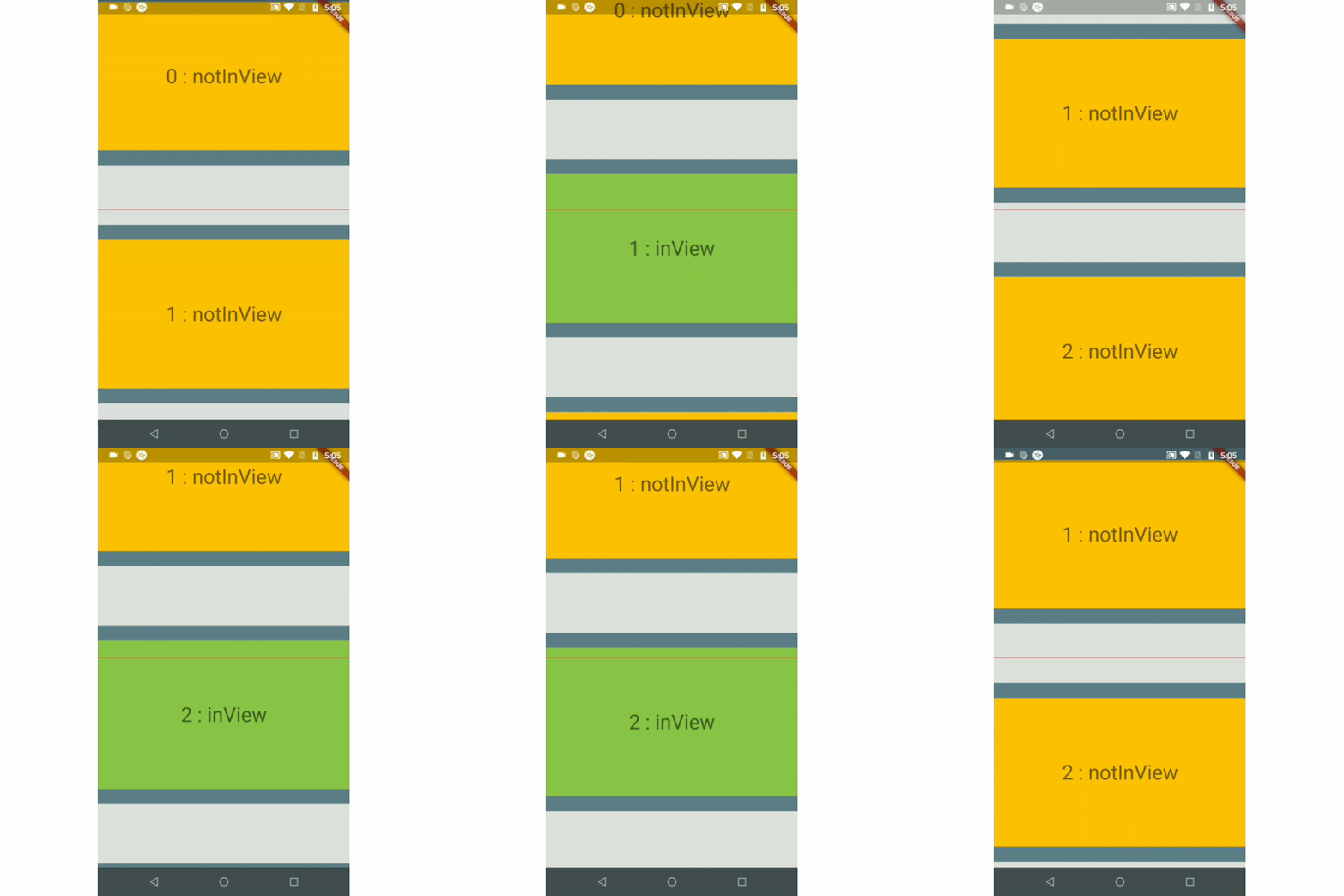
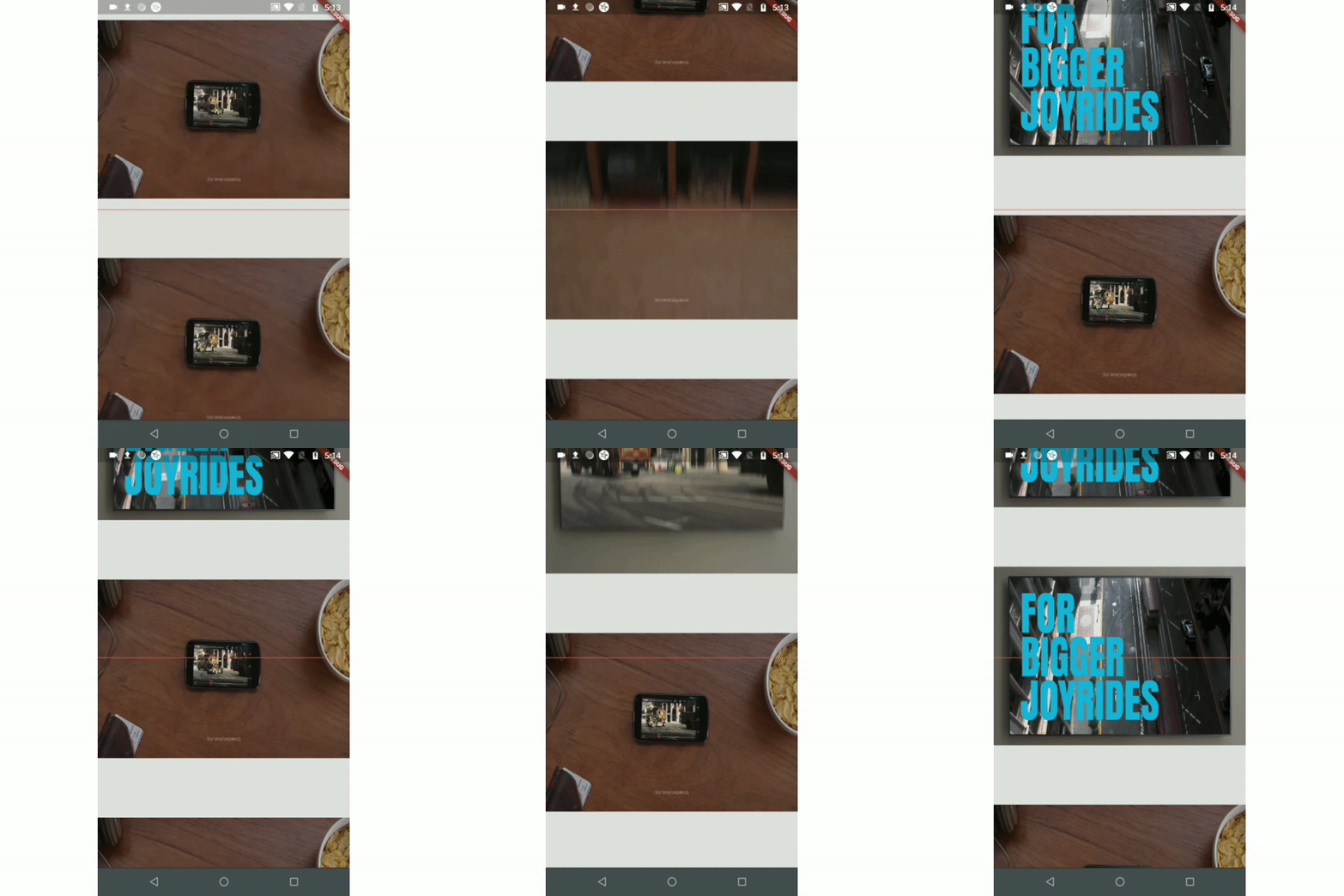
Example 1 Example 2 Example 3(Auto-play video)
ezgif com-gif-maker (1) ezgif com-video-to-gif (1) ezgif com-video-to-gif (2)
Example 4(Custom Scroll View)
csv_example

Index

Use-cases

  • To auto-play a video when a user scrolls.

  • To add real-time update listeners from database to the posts/content only within an area visible to the user.

    Note: If you have other use cases please update this section and create a PR.

Installation

Just add the package to your dependencies in the pubspec.yaml file:

dependencies:
  inview_notifier_list: ^4.1.0

Basic Usage

Step 1:

Add the InViewNotifierList to your widget tree

import 'package:flutter/material.dart';
import 'package:inview_notifier_list/inview_notifier_list.dart';

class MyApp extends StatelessWidget {
  @override
  Widget build(BuildContext context) {
    return Scaffold(
      body: InViewNotifierList(
		...
      ),
    );
  }
}

Step 2:

Add the required property isInViewPortCondition to the InViewNotifierList widget. This is the function that defines the area which the widgets overlap should be notified as currently in-view.

typedef IsInViewPortCondition = bool Function(
  double deltaTop,
  double deltaBottom,
  double viewPortDimension,
);

It takes 3 parameters:

  1. deltaTop: It is the distance from top of the widget to be notified in the list view to top of the viewport(0.0).

  2. deltaBottom: It is the distance from bottom of the widget to be notified in the list view to top of the viewport(0.0).

  3. viewPortDimension: The height or width of the viewport depending on the srollDirection property provided. The image below showcases the values if the srollDirection is Axis.vertical.

    Untitled Diagram

Here is an example that returns true only when the widget's top is above the halfway of the viewport and the widget's bottom is below the halfway of the viewport. It is shown in example1.

InViewNotifierList(
  isInViewPortCondition:
      (double deltaTop, double deltaBottom, double viewPortDimension) {
    return deltaTop < (0.5 * viewPortDimension) &&
        deltaBottom > (0.5 * viewPortDimension);
  },
),

step 3:

Add the IndexedWidgetBuilder , which builds the children on demand. It is just like the ListView.builder.

InViewNotifierList(
    isInViewPortCondition:(...){...},
    itemCount: 10,
    builder: (BuildContext context, int index) {
      return child;
    }

),
step 4:

Use the InViewNotifierWidget to get notified if the required widget is currently in-view or not.

The InViewNotifierWidget consists of the following properties:

  1. id: a required String property. This should be unique for every widget that wants to get notified.
  2. builder : Signature for a function that creates a widget for a given index. The function that defines and returns the widget that should be notified as inView. See InViewNotifierWidgetBuilder.
  3. child: The child widget to pass to the builder.
InViewNotifierWidget(
  id: 'unique-Id',
  builder: (BuildContext context, bool isInView, Widget child) {
    return Container(
      child: Text(
        isInView ? 'in view' : 'not in view',
      ),
    );
  },
)

That's it, done!

A complete code:

InViewNotifierList(
  isInViewPortCondition:
      (double deltaTop, double deltaBottom, double vpHeight) {
    return deltaTop < (0.5 * vpHeight) && deltaBottom > (0.5 * vpHeight);
  },
  itemCount: 10,
  builder: (BuildContext context, int index) {
    return InViewNotifierWidget(
      id: '$index',
      builder: (BuildContext context, bool isInView, Widget child) {
        return Container(
          height: 250.0,
          color: isInView ? Colors.green : Colors.red,
          child: Text(
            isInView ? 'Is in view' : 'Not in view',
          ),
        );
      },
    );
  },
);

Run the example app provided and check out the folder for complete code.

Types of Notifiers

  1. InViewNotifierList: builds a ListView and notifies when the widgets are on screen within a provided area.
  2. InViewNotifierCustomScrollView: builds a CustomScrollView and notifies when the widgets are on screen within a provided area.

Properties

  • isInViewPortCondition: [Required] The function that defines the area within which the widgets should be notified as in-view.

  • initialInViewIds: The String list of unique ids of the child widgets that should be initialized as in-view when the list view is built for the first time.

  • endNotificationOffset: The distance from the bottom of the list where the onListEndReached should be invoked. Defaults to the end of the list i.e 0.0.

  • onListEndReached: The function that is invoked when the list scroll reaches the end or the endNotificationOffset if provided.

  • throttleDuration: The duration to be used for throttling the scroll notification. Defaults to 200 milliseconds.

  • scrollDirection: The axis along which the scroll view scrolls.

  • scrollViewWrapper: An optional callback that wraps the internal scroll view with an additional widget, such as a pull-to-refresh or shimmer wrapper, while keeping in-view detection working. It receives the fully built scroll view and must return a widget that contains it.

    InViewNotifierList(
      scrollViewWrapper: (scrollView) => RefreshIndicator(
        onRefresh: _onRefresh,
        child: scrollView,
      ),
      // ...
    )
    

    Note: The wrapper must let ScrollNotification events bubble up from the inner scroll view (most widgets do by default). If the wrapper provides its own ScrollController, make sure it does not conflict with the one passed to InViewNotifierList.

Credits:

Thanks to Didier Boelens for the raw solution.

所属分类

依赖

依赖清单 1 项

源码仓库

使用此插件的项目