搜索插件、代码仓与 APP 分类

radio_group_v2 封面
插件详情v3.3.2

radio_group_v2

一个将单选按钮分组的控件,使它们能够协同工作,为用户提供在应用中进行选择时的良好体验。

近 30 天下载
883
喜欢数
32
Pub 分数
160

安装插件

flutter pub add radio_group_v2

插件介绍

基于插件公开信息、社区数据与项目使用情况整理的选型参考。

radio_group_v2 是一个 Flutter 小部件,可简化分组单选按钮的创建,确保互斥性并提供一致的用户体验。它允许用户从一组选项中选择一个,内置了自定义、状态管理和流畅交互的支持。适用于需要单选的表单和设置场景,通过直观的设计和跨平台的一致行为提升可用性。

适合场景

  • 单选表单输入
  • 用户偏好设置
  • 调查或测验界面
  • 引导流程
  • 动态选项组

主要特点

  • 互斥选择
  • 可自定义外观
  • 内置状态管理
  • 与现有控件的轻松集成
  • 响应式设计支持

适合对象

  • 开发表单的开发者
  • 寻求一致性的UI设计师
  • 需要单选输入的应用程序
  • Flutter 初学者学习状态处理
  • 需要轻量级单选按钮组解决方案的项目

使用建议

  • 仅限单选
  • 无内置验证
  • 需要手动处理选择回调
  • 不适用于多选场景
  • 依赖于父级组件的布局约束

原始 README

以下为关联源码仓库的 README 原文快照,最新内容请访问源码仓库。

Radio Group

A widget that groups radio buttons so they can work together to give the user a pleasant experience when making selections within the app.

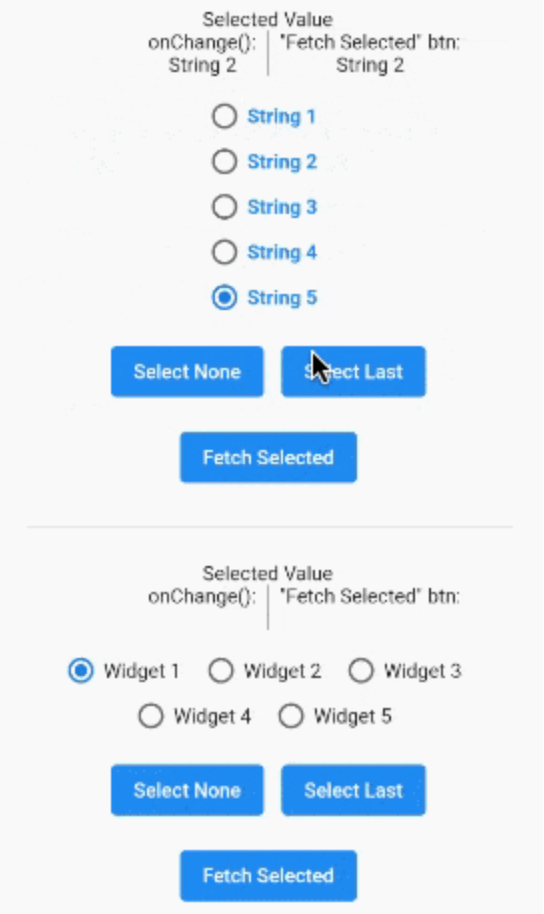
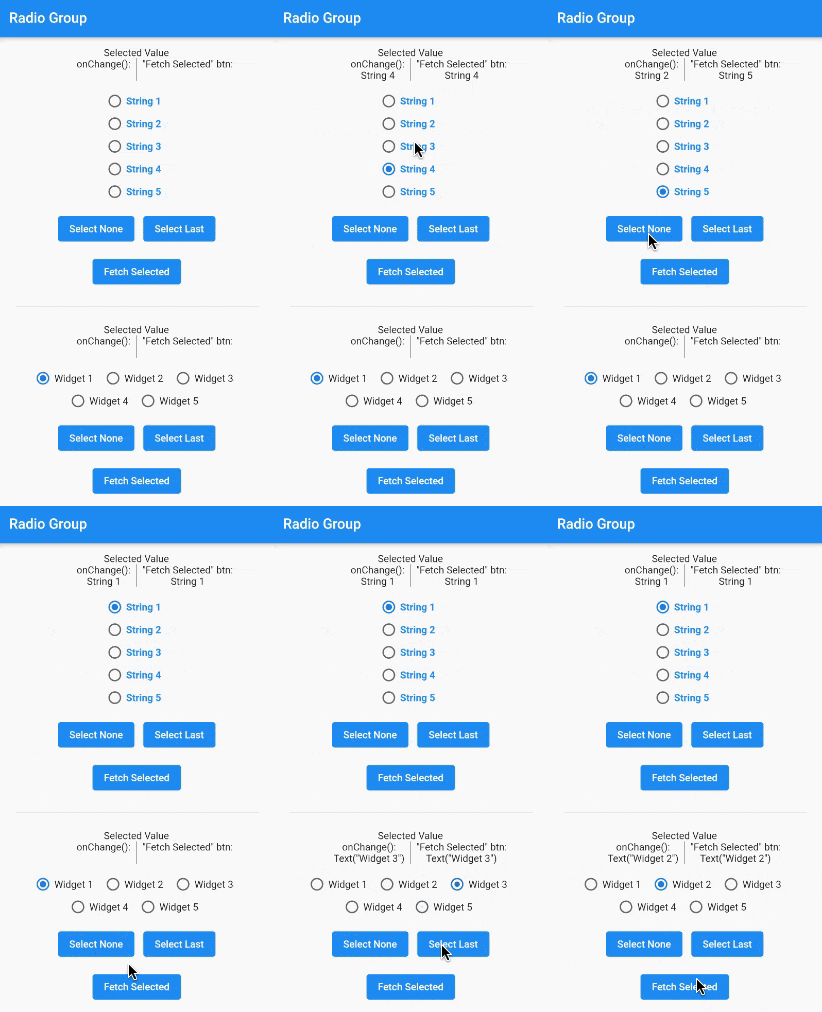
A gif demonstrating the radio group in action.

Installation

In the pubspec.yaml of your flutter project, add the following dependency:

dependencies:
  radio_group_v2: ^3.3.1

Import it to each file you use it in:

import 'package:radio_group_v2/radio_group_v2.dart';

Usage

Example 1

This example is a very basic, vertical radio group.

RadioGroupController myController = RadioGroupController();

RadioGroup(
  controller: myController,
  values: ["Choice1", "Choice2", "Choice3"],
)
Example 2

This example is a horizontal radio group with some decoration, and it starts with the first button selected.

RadioGroupController myController = RadioGroupController();

RadioGroup(
  controller: myController,
  values: ["Choice1", "Choice2", "Choice3"],
  indexOfDefault: 0,
  orientation: RadioGroupOrientation.Horizontal,
  decoration: RadioGroupDecoration(
    spacing: 10.0,
    labelStyle: TextStyle(
      color: Colors.blue,
    ),
    activeColor: Colors.amber,
  ),
)
Example 3

This example shows how to programmatically select an item using two different methods.

RadioGroupController myController = RadioGroupController();

List<String> items = ["Choice1", "Choice2", "Choice3"];

RadioGroup(
  controller: myController,
  values: items,
)

// Method 1 - Selects a specific item from the list.
myController.value = items[1]; // Selects Choice2

// Method 2 - Selects whatever item is at the given
//            index in the list.
myController.selectAt(2); // Selects Choice3
Example 4

This example shows how to programmatically select an item using two different silent methods. This means, when the new value in is selected in the list, the onChanged method will not be called.

RadioGroupController myController = RadioGroupController();

List<String> items = ["Choice1", "Choice2", "Choice3"];

RadioGroup(
  controller: myController,
  values: items,
)

// Method 1 - Selects a specific item from the list.
myController.setValueSilently(items[1]); // Selects Choice2

// Method 2 - Selects whatever item is at the given
//            index in the list.
myController.selectSilentlyAt(2); // Selects Choice3
Example 5

This example shows how to retrieve the selected value.

RadioGroupController myController = RadioGroupController();

RadioGroup(
  controller: myController,
  values: ["Choice1", "Choice2", "Choice3"],
)

String selected = myController.value.toString();

If you found this helpful, please consider donating. Thanks!

buy me a coffee      paypal      venmo


所属分类

源码仓库

使用此插件的项目

暂无相关数据。