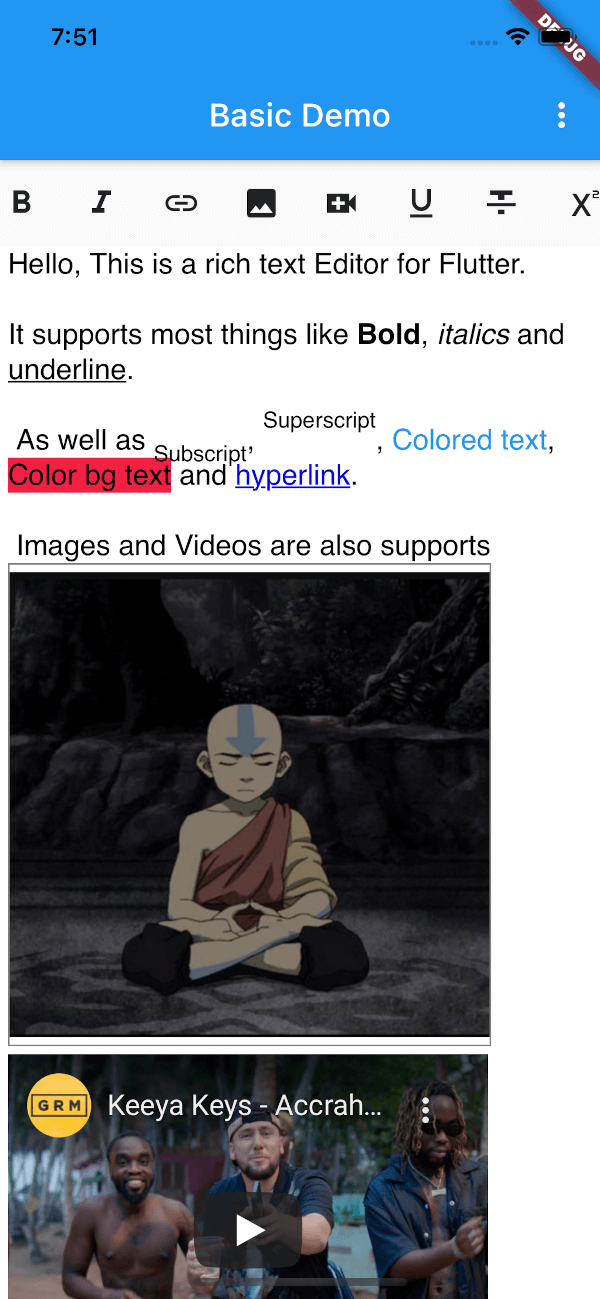
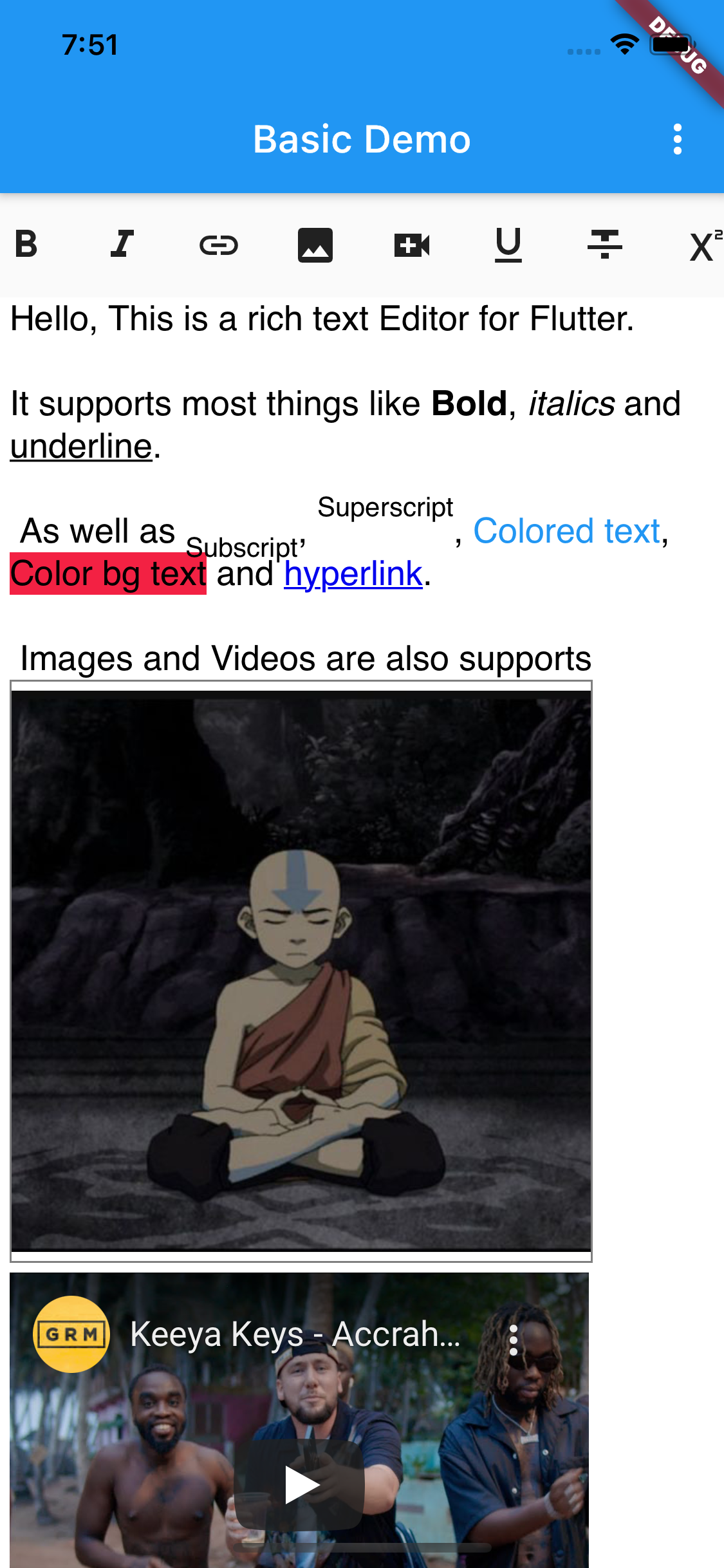
[x] Heading 1 - 6, Text body, Preformatted, Block quote
[x] Font (reads all system fonts) (Android only)
[x] Font Size
[x] Text Color
[x] Text Background Color
[x] Highlight text
[x] Justify Left, Center, Right, Blockquote
[x] Indent, Outdent
[x] Undo, Redo
[x] Unordered List (Bullets)
[x] Ordered List (Numbers)
[x] Insert local or remote Image
[x] Insert Link
[x] Insert Checkbox
[ ] Search
[ ] Icon indicators
📸 Screenshots
Usage
// Insert widget into treeRichEditor(
key: keyEditor,
value: 'initial html here',
editorOptions: RichEditorOptions(
placeholder: 'Start typing',
// backgroundColor: Colors.blueGrey, // Editor's bg color// baseTextColor: Colors.white,// editor padding
padding: EdgeInsets.symmetric(horizontal: 5.0),
// font name
baseFontFamily: 'sans-serif',
// Position of the editing bar (BarPosition.TOP or BarPosition.BOTTOM)
barPosition: BarPosition.TOP,
),
// You can return a Link (maybe you need to upload the image to your// storage before displaying in the editor or you can also use base64
getImageUrl: (image) {
String link = 'https://avatars.githubusercontent.com/u/24323581?v=4';
String base64 = base64Encode(image.readAsBytesSync());
String base64String = 'data:image/png;base64, $base64';
return base64String;
},
)
Get current HTML from editor
String? html = await keyEditor.currentState?.getHtml();
print(html);
If you're interested in creating your own toolbar check the
custom_toolbar_demo.dart in the example
License
Copyright 2021 JideGuru

Licensed under the Apache License, Version 2.0 (the "License");
you may not use this file except in compliance with the License.
You may obtain a copy of the License at

   http://www.apache.org/licenses/LICENSE-2.0

Unless required by applicable law or agreed to in writing, software
distributed under the License is distributed on an "AS IS" BASIS,
WITHOUT WARRANTIES OR CONDITIONS OF ANY KIND, either express or implied.
See the License for the specific language governing permissions and
limitations under the License.