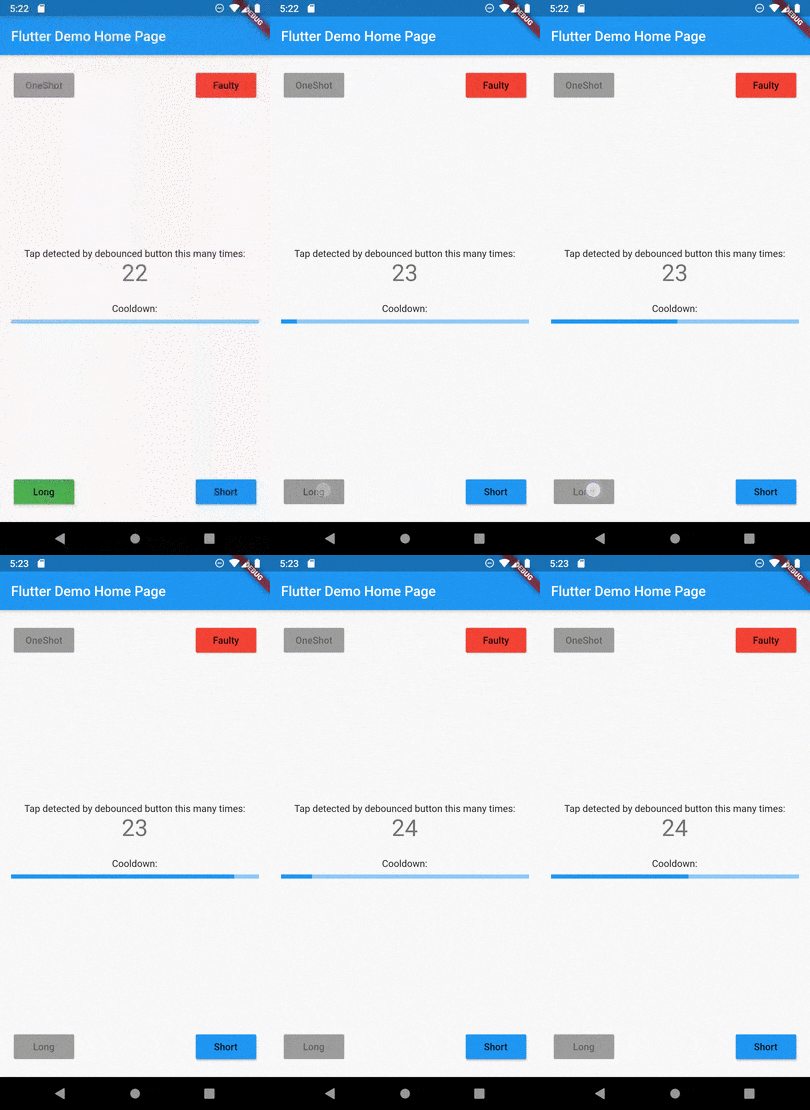
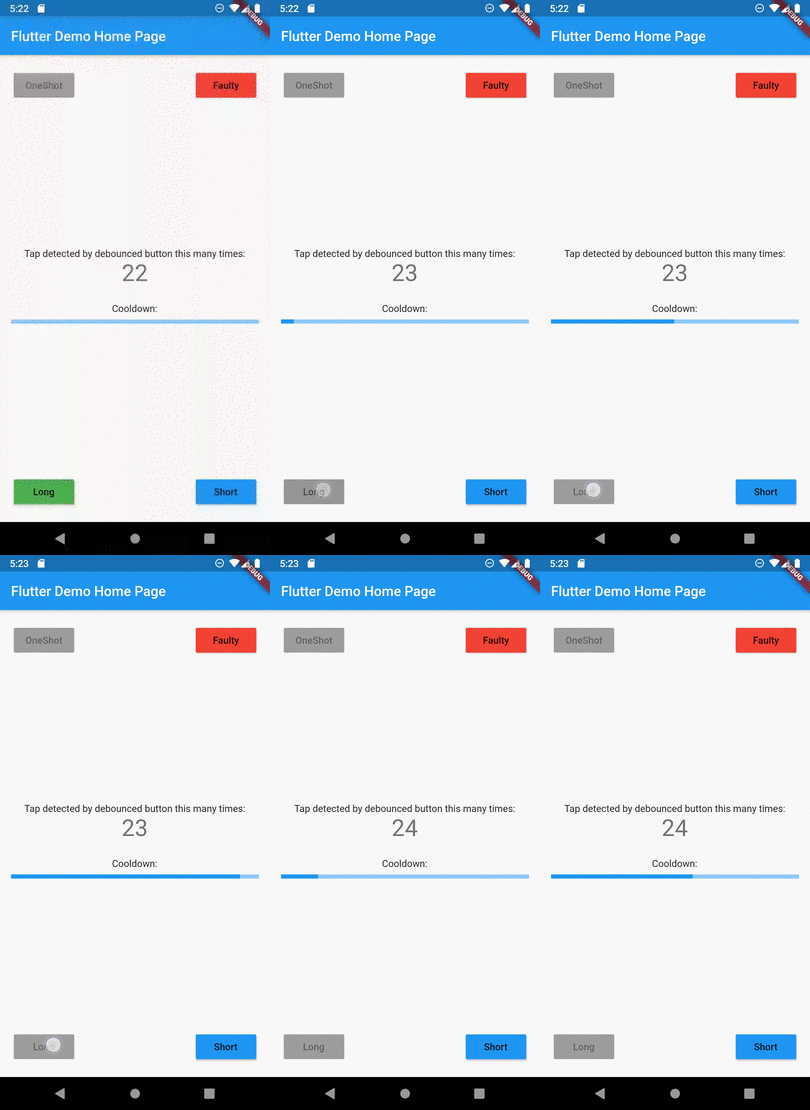
Tap debounce simplifying widget. Wrap your button widget in TapDebounce widget and any taps will be
disabled while tap callback is in progress.
Manual
Initial code
Assume your code with some button look like this:
//...
child: RaisedButton(
color: Colors.blue,
disabledColor: Colors.grey,
onPressed: () async => awaitsomeLongOperation(), // your tap handler
child: constText('Short'),
);
//...
and you do not want user to be able to press the button again several times and start other
someLongOperation functions. Example is a Navigator pop function - it can take a few hundred of
millis to navigate and user can press the button several times, and that will lead to undesired pop
several screens back instead of one.
Wrap code to TapDebouncer
Wrap this code to Debouncer and move RaisedButton onPressed contents to Debouncer onTap:
//...
child: TapDebouncer(
onTap: () async => awaitsomeLongOperation(), // your tap handler moved here
builder: (BuildContext context, TapDebouncerFunc? onTap) {
returnRaisedButton(
color: Colors.blue,
disabledColor: Colors.grey,
onPressed: onTap, // It is just onTap from builder callback
child: constText('Short'),
);
},
),
//...
Debouncer will disable the RaisedButton by setting onPressed to null while onTap is being executed.
Add delay after tap process
You can add optional delay to be sure that the button is disabled some time after someOperation is
called.
You can fill optional cooldown field with some Duration and avoid adding of Future.delayed at
the end of onTap callback, this will be done automatically:
//...
child: TapDebouncer(
cooldown: constDuration(milliseconds: 1000),
onTap: () async => awaitsomeLongOperation(), // your tap handler moved here
builder: (BuildContext context, TapDebouncerFunc? onTap) {
returnRaisedButton(
color: Colors.blue,
disabledColor: Colors.grey,
onPressed: onTap, // It is just onTap from builder callback
child: constText('Short'),
);
},
),
//...