搜索插件、代码仓与 APP 分类

stickereditor 封面
插件详情v0.0.8

stickereditor

一个可让你根据边界修改和移动文本及图像的组件。

近 30 天下载
27
喜欢数
58
Pub 分数
60

安装插件

flutter pub add stickereditor

插件介绍

基于插件公开信息、社区数据与项目使用情况整理的选型参考。

StickerEditor 是一个 Flutter 小部件,旨在让用户自由修改、移动和定位文本和图像在定义的边界内。它提供了一个交互式界面来编辑贴纸,非常适合需要动态内容叠加的应用程序。该包支持直观的拖放功能和边界约束,确保元素保持在所需区域内。该组件以简单性和性能为核心设计,可无缝集成到多媒体应用中,用于创建自定义贴纸或注释。

适合场景

  • 在社交媒体应用中创建自定义贴纸
  • 向图像添加可编辑的文字叠加层
  • 设计可移动元素的用户生成内容
  • 构建交互式照片编辑工具
  • 在即时通讯应用中实现实时贴纸操作

主要特点

  • 拖放文本和图像定位
  • 边界约束强制
  • 贴纸内容的交互式编辑
  • 与现有 Flutter 项目的简单集成
  • 支持动态调整大小和重新定位

适合对象

  • 开发照片编辑功能的开发者
  • 需要用户创建贴纸的应用程序
  • 带有互动内容的社交媒体平台
  • 带有视觉注释的教育工具
  • 可自定义表情包的通讯应用

使用建议

  • 仅限基本文本和图像操作
  • 没有内置的导出或保存功能
  • 需要手动实现保存逻辑
  • 未针对复杂的多层设计进行优化
  • 依赖外部库进行高级图像处理

原始 README

以下为关联源码仓库的 README 原文快照,最新内容请访问源码仓库。

Sticker Editor

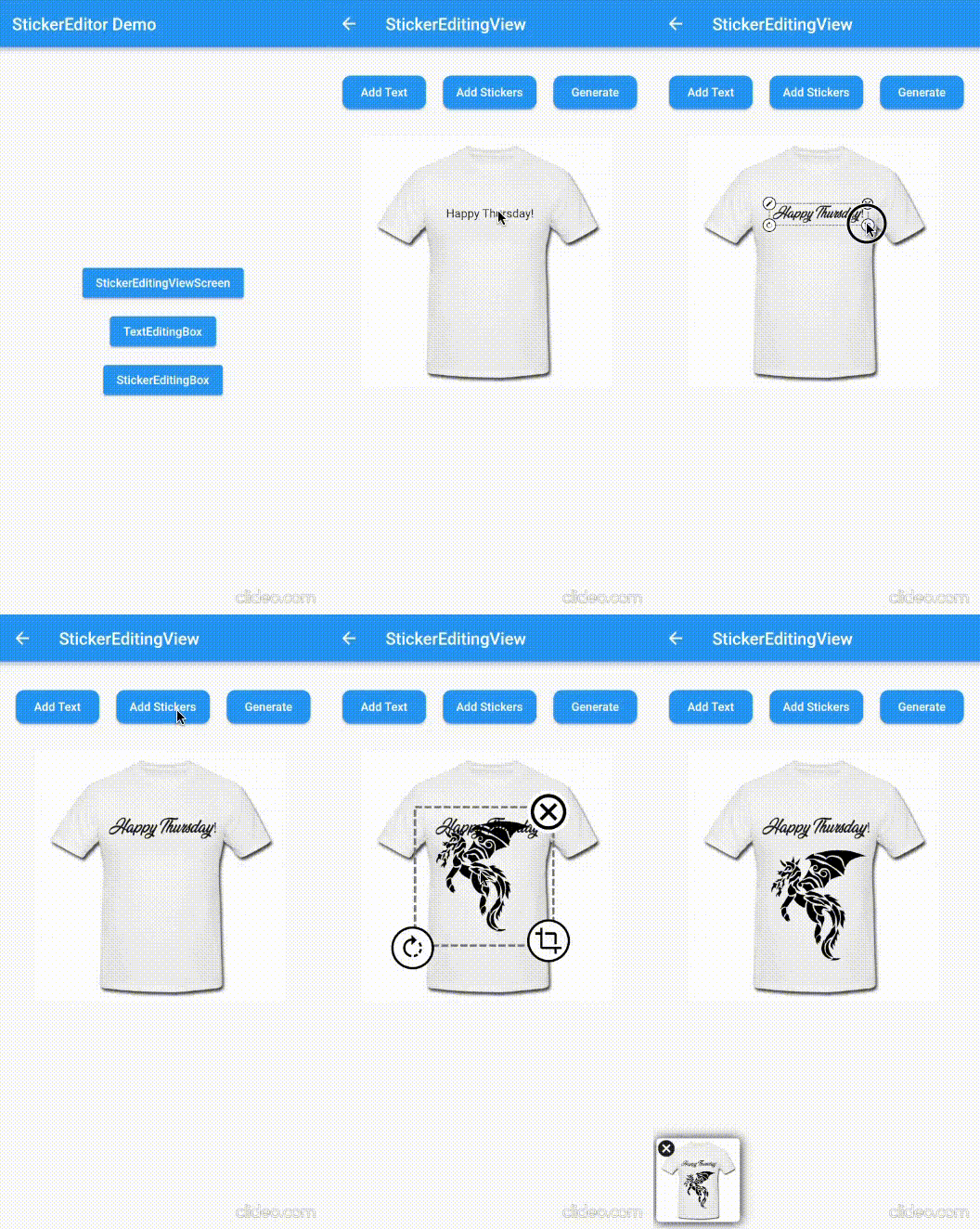
A flutter plugin for iOS, Android and Mac for Rotate, Scaling, Moving and Editing Text, Photo, Stickers


Sticker Editor


Only Text Only Photo

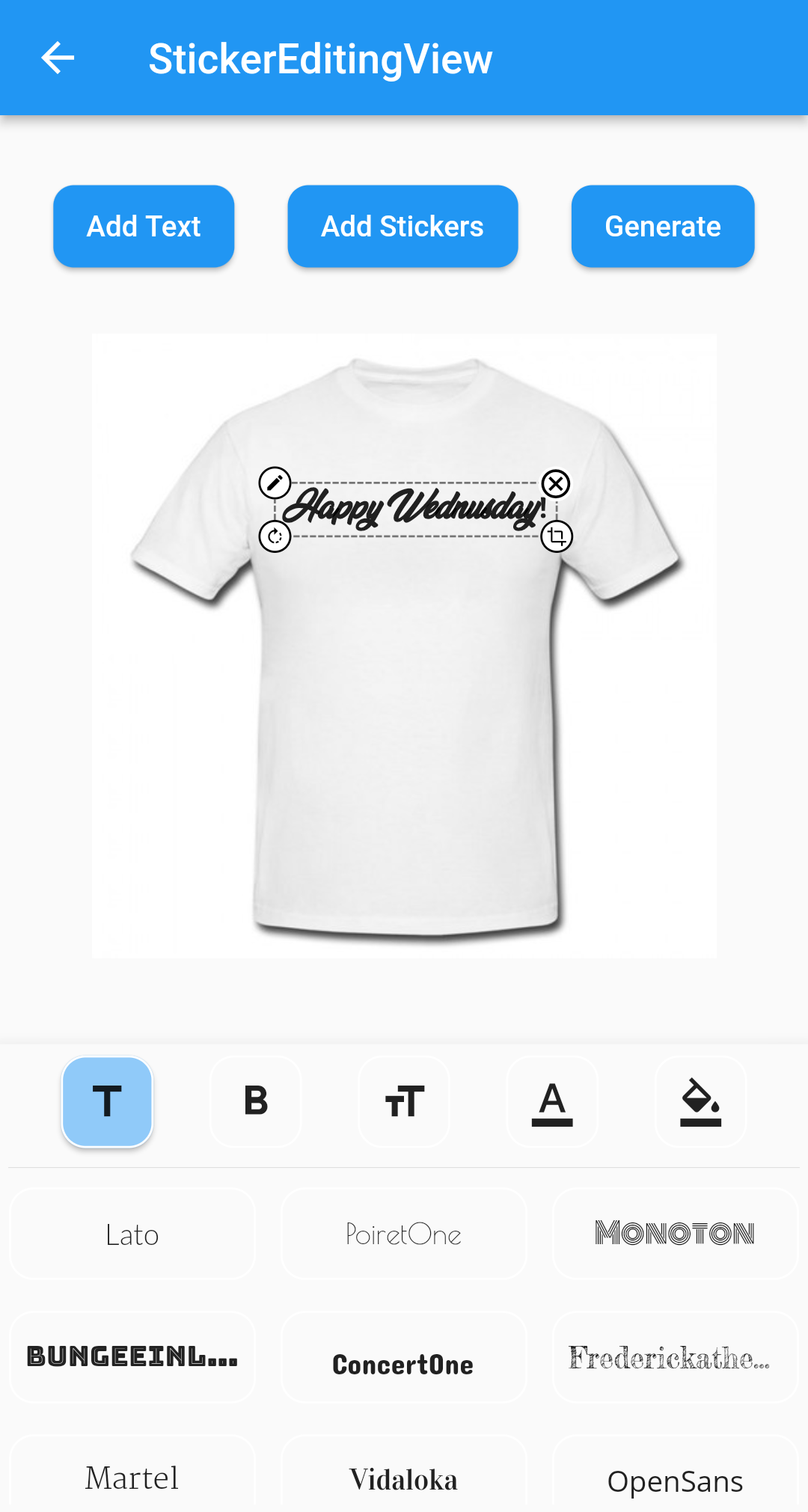
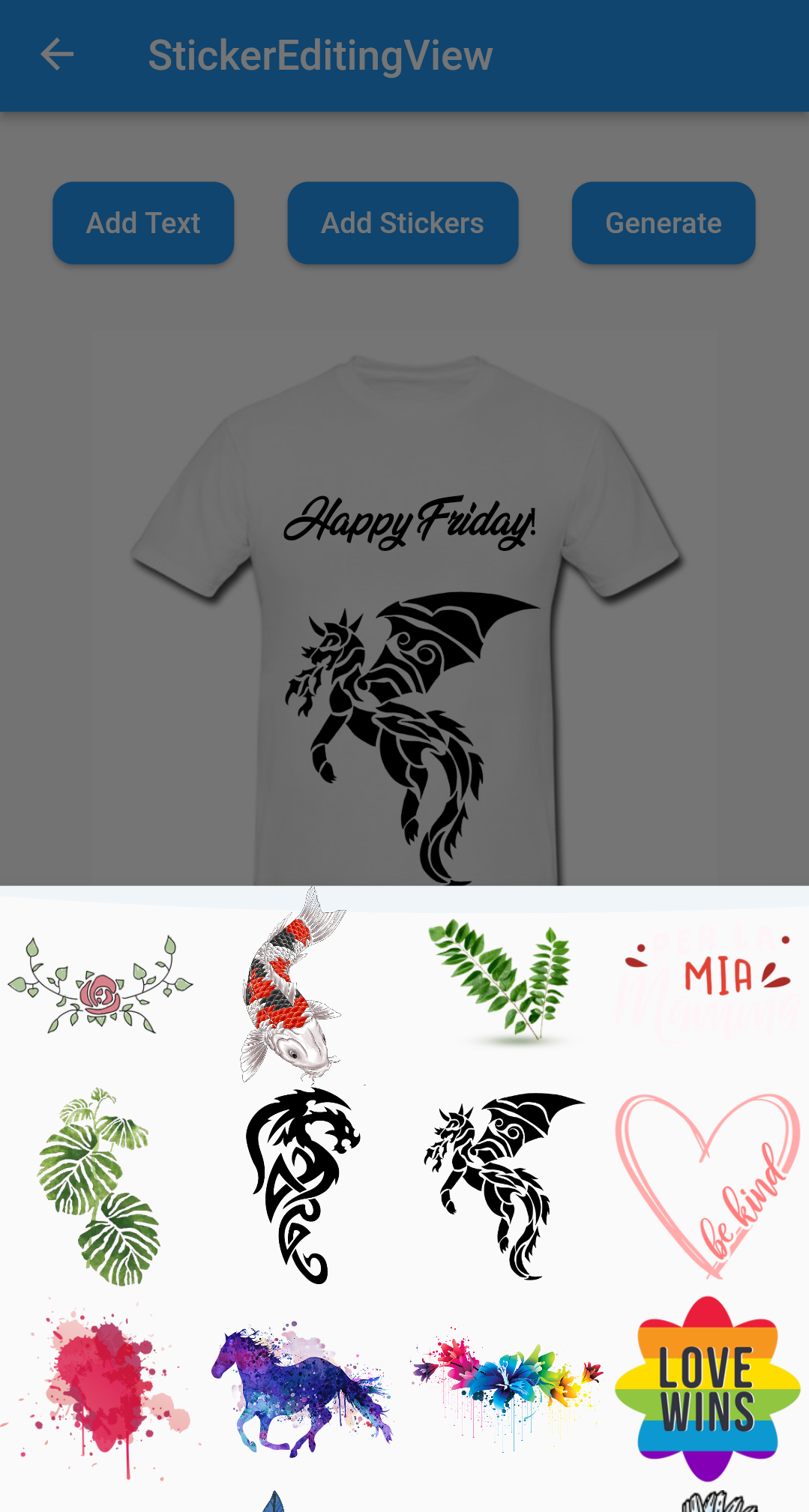
A flutter package Sticker Editor which will help you to create editable and scalable text or sticker widget that can be dragged around the area you given in screen.

License: MIT

Features 💚

  • Manually Control the position of the widget along with drags.
  • You can bound the dragarea of your widget using boundHeight and boundWidth parameters
  • onTap and onCancel function where user's can use there own function
  • You can resizes widget using scaling function
  • Highly customizable
  • You can use whole sticker view or particular widgets

Installation

First, add stickereditor as a dependency in your pubspec.yaml file.

MacOs

Fore NetworkImage, macOS needs you to request a specific entitlement in order to access the network. To do that open macos/Runner/DebugProfile.entitlements and add the following key-value pair.

<key>com.apple.security.network.client</key>
<true/>

How to use

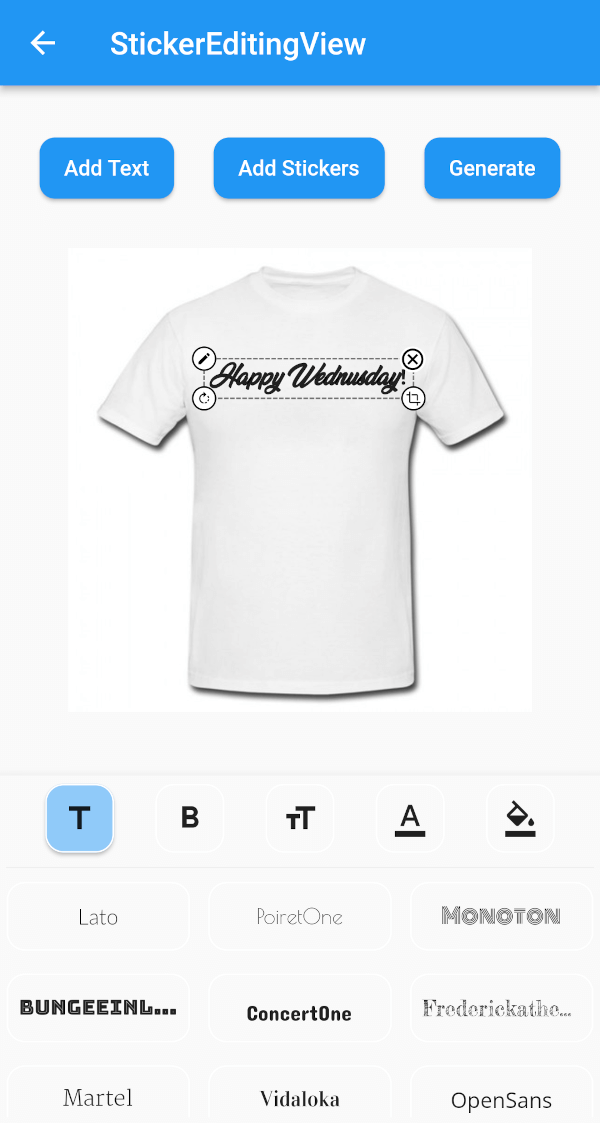
  • Sticker View
StickerEditingView(
  isnetwork: false,
  height: 300,
  width: 300,
  imgUrl: backgroundImageUrl,
  fonts: fonts,
  palletColor: colorPallet,
  assetList: stickerList,
),
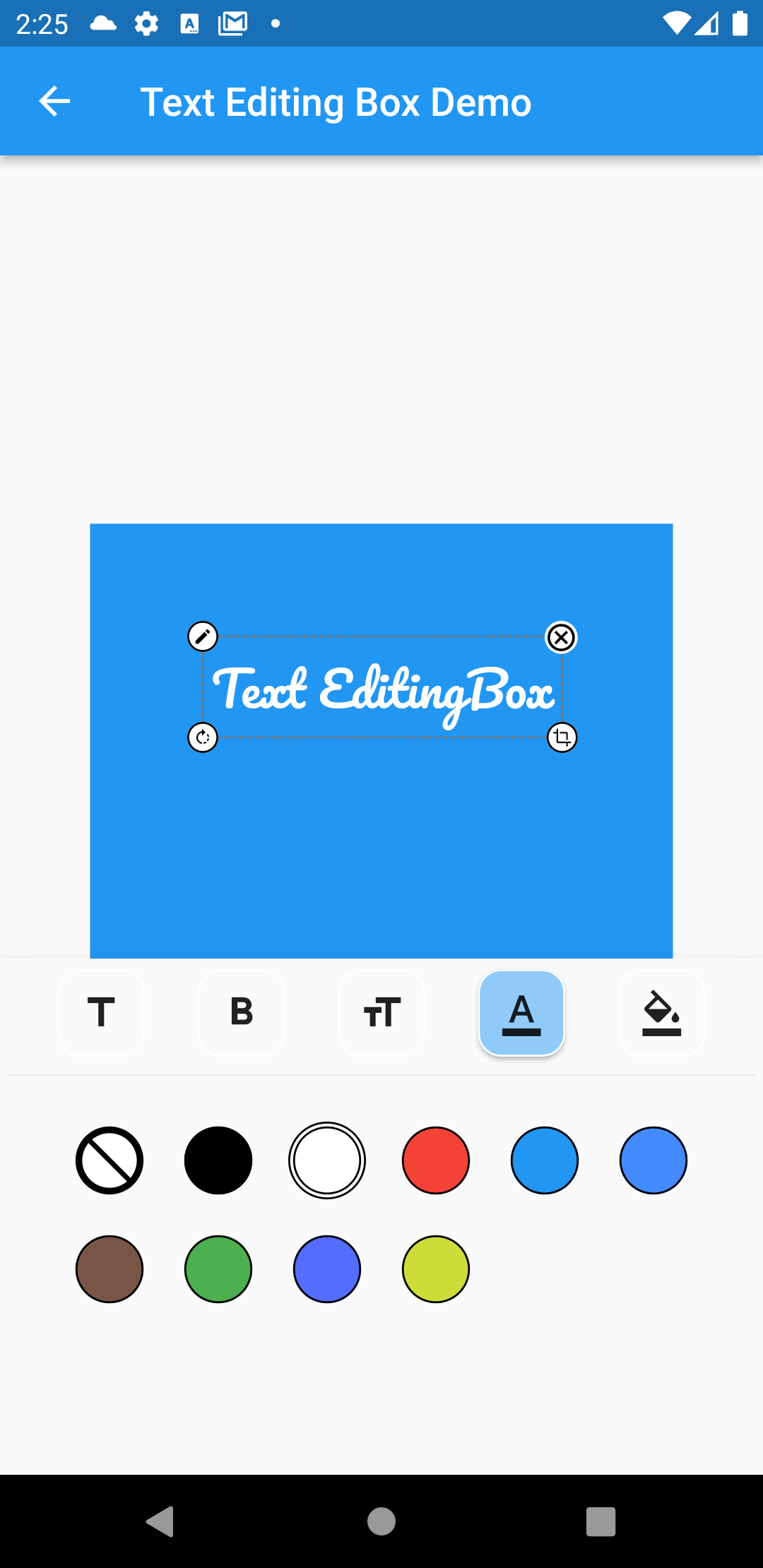
  • Text Editing Box
Container(
  height: 300,
  width: 300,
  color: Colors.blue,
  child: Stack(
    children: [
      TextEditingBox(
        fonts: fonts,
        boundHeight: 200,
        boundWidth: 100,
        isSelected: true,
        palletColor: colorPallet,
        newText: TextModel(
            name: 'Text EditingBox',
            textStyle:
                GoogleFonts.pacifico(fontSize: 25, color: Colwhite),
            top: top,
            isSelected: true,
            textAlign: TextAlign.center,
            scale: 1,
            left: left),
      ),
    ],
  ),
),
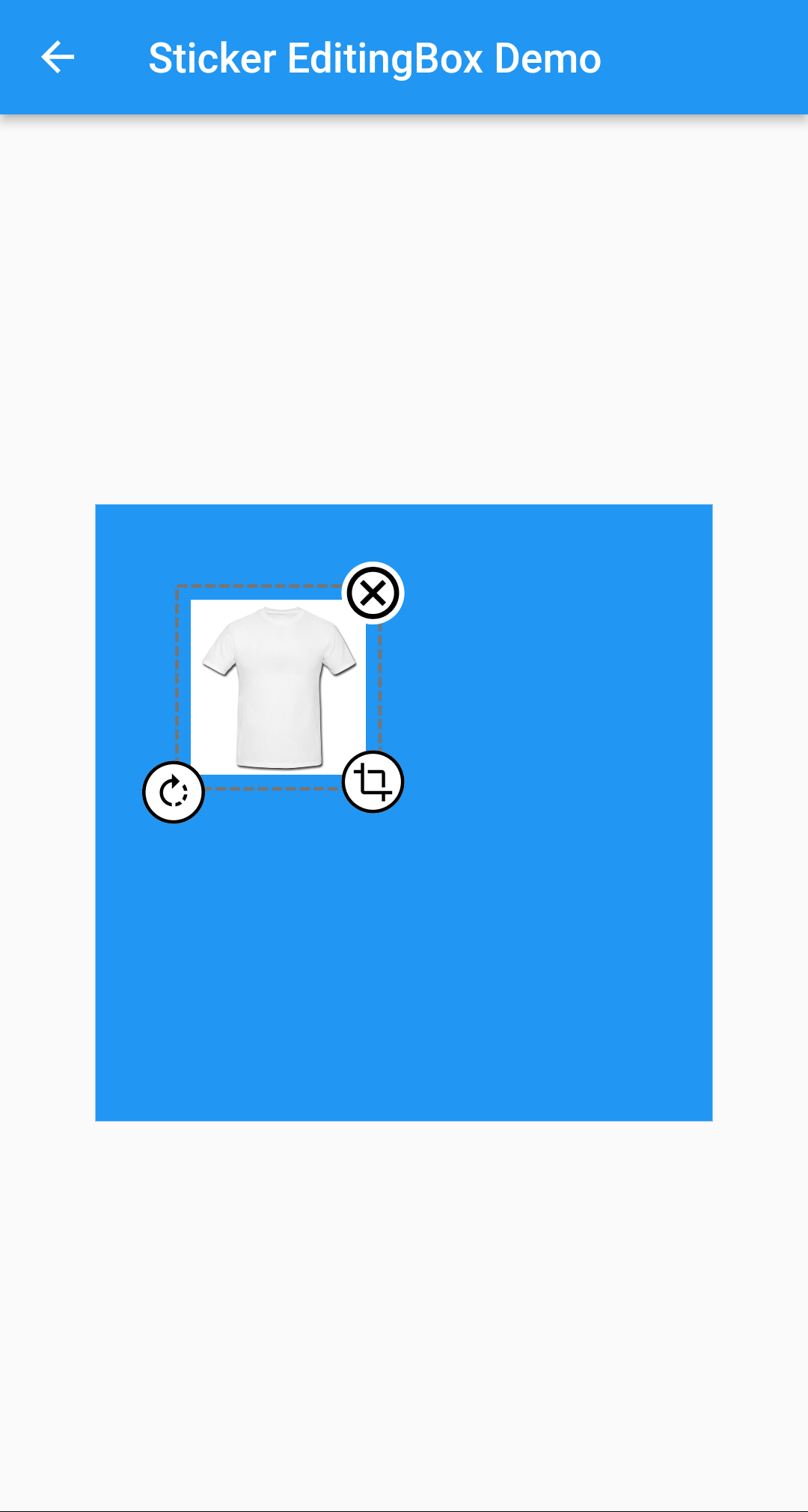
  • Picture Editing Box
Container(
  height: 300,
  width: 300,
  color: Colors.blue,
  child: Stack(
    children: [
      StickerEditingBox(
          boundHeight: 200,
          boundWidth: 200,
          pictureModel: PictureModel(
            isNetwork: true,
            isSelected: false,
            left: 50,
            top: 50,
            scale: 1,
            stringUrl:
                'https://raw.githubusercontent.com/Harsh-Radadiya/sticker_editor/master/assets/t-shirt.jpeg',
          )),
    ],
  ),
)

Run the example app in the exmaple folder to find out more about how to use it.

所属分类

依赖

依赖清单 4 项

源码仓库

使用此插件的项目

暂无相关数据。