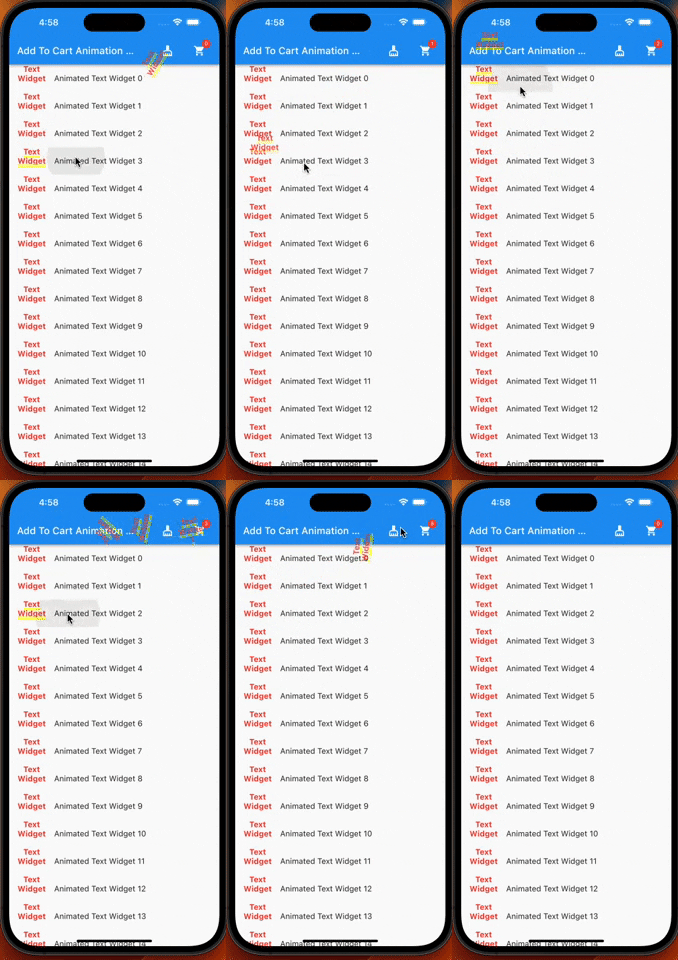
A flutter plugin which provide you add to cart animation. I have prepared it to special to shopping apps however you can use it on the others apps too.
Package selection guidance compiled from public package information, community data, and project usage.
A Flutter plugin that provides a smooth add-to-cart animation, ideal for shopping applications. It enables users to visualize items being added to a cart with a dynamic, engaging motion. The animation can be customized and integrated into various UI components. While designed specifically for e-commerce apps, it's flexible enough for use in other contexts requiring intuitive cart interactions. The package supports all major platforms including Android, iOS, Web, macOS, Windows, and Linux.
Use cases
E-commerce app product additions
Interactive shopping cart experiences
Visual feedback for item selection
Enhancing user engagement in retail apps
Custom animations in mobile and web apps
Key features
Smooth add-to-cart animation
Cross-platform compatibility
Easy integration with existing UI
Customizable animation behavior
Supports multiple target destinations
Suitable for
Shopping and retail apps
Apps needing visual cart feedback
Developers seeking simple animation solutions
Flutter projects targeting multiple platforms
UI/UX enhancement focused developers
Considerations
Requires proper positioning of cart icon or target
May need performance tuning on low-end devices
Limited to basic cart animation patterns
Not suitable for complex interactive flows
Depends on correct widget hierarchy for optimal results
Original README
Original README snapshot from the linked source repository. Visit the repository for the latest content.
Add To Cart Animaiton
A flutter plugin which provide you add to cart animation. I have prepared it to special to shopping apps however you can use it on the others apps too, becasue it accept every widget to drag as in the gif. So It can be useful at shopping, game, news and other category apps.
| |
Features
Product container accepts every widget.
The cart and cart's badge can be invisible.
The product animation is fully controlled(duration, curve)
The first jump animation is fully controlled(active, duration, curve)
If you need it, you can add it to your project easily. It is easy to use
Add the dependency to your pubspec.yaml:
add_to_cart_animation:^2.0.4
And check the example code to solve how it works.
import'package:add_to_cart_animation/add_to_cart_animation.dart';
import'package:flutter/material.dart';
voidmain() {
runApp(constMyApp());
}
classMyAppextendsStatelessWidget{
constMyApp({super.key});
// This widget is the root of your application.@overrideWidgetbuild(BuildContext context) {
returnMaterialApp(
title: 'Add To Cart Animation Example',
theme: ThemeData(
primarySwatch: Colors.blue,
),
home: constMyHomePage(title: 'Add To Cart Animation Example'),
debugShowCheckedModeBanner: false,
);
}
}
classMyHomePageextendsStatefulWidget{
constMyHomePage({Key? key, requiredthis.title}) : super(key: key);
finalString title;
@overrideMyHomePageStatecreateState() => MyHomePageState();
}
classMyHomePageStateextendsState<MyHomePage> {
// We can detect the location of the cart by this GlobalKey<CartIconKey>GlobalKey<CartIconKey> cartKey = GlobalKey<CartIconKey>();
lateFunction(GlobalKey) runAddToCartAnimation;
var _cartQuantityItems = 0;
@overrideWidgetbuild(BuildContext context) {
returnAddToCartAnimation(
// To send the library the location of the Cart icon
cartKey: cartKey,
height: 30,
width: 30,
opacity: 0.85,
dragAnimation: constDragToCartAnimationOptions(
rotation: true,
),
jumpAnimation: constJumpAnimationOptions(),
createAddToCartAnimation: (runAddToCartAnimation) {
// You can run the animation by addToCartAnimationMethod, just pass trough the the global key of the image as parameterthis.runAddToCartAnimation = runAddToCartAnimation;
},
child: Scaffold(
appBar: AppBar(
title: Text(widget.title),
centerTitle: false,
actions: [
// Adding 'clear-cart-button'IconButton(
icon: constIcon(Icons.cleaning_services),
onPressed: () {
_cartQuantityItems = 0;
cartKey.currentState!.runClearCartAnimation();
},
),
constSizedBox(width: 16),
AddToCartIcon(
key: cartKey,
icon: constIcon(Icons.shopping_cart),
badgeOptions: constBadgeOptions(
active: true,
backgroundColor: Colors.red,
),
),
constSizedBox(
width: 16,
)
],
),
body: ListView(
children: List.generate(
15,
(index) => AppListItem(
onClick: listClick,
index: index,
),
),
),
),
);
}
voidlistClick(GlobalKey widgetKey) async {
awaitrunAddToCartAnimation(widgetKey);
await cartKey.currentState!
.runCartAnimation((++_cartQuantityItems).toString());
}
}
classAppListItemextendsStatelessWidget{
finalGlobalKey widgetKey = GlobalKey();
finalint index;
finalvoidFunction(GlobalKey) onClick;
AppListItem({super.key, requiredthis.onClick, requiredthis.index});
@overrideWidgetbuild(BuildContext context) {
// Container is mandatory. It can hold images or whatever you wantContainer mandatoryContainer = Container(
key: widgetKey,
width: 60,
height: 60,
color: Colors.transparent,
child: Image.network(
"https://cdn.jsdelivr.net/gh/omerbyrk/add_to_cart_animation/example/assets/apple.png",
width: 60,
height: 60,
),
);
returnListTile(
onTap: () => onClick(widgetKey),
leading: mandatoryContainer,
title: Text(
"Animated Apple Product Image $index",
),
);
}
}
By the way, you can run the example project in the plugin to check it deeply.

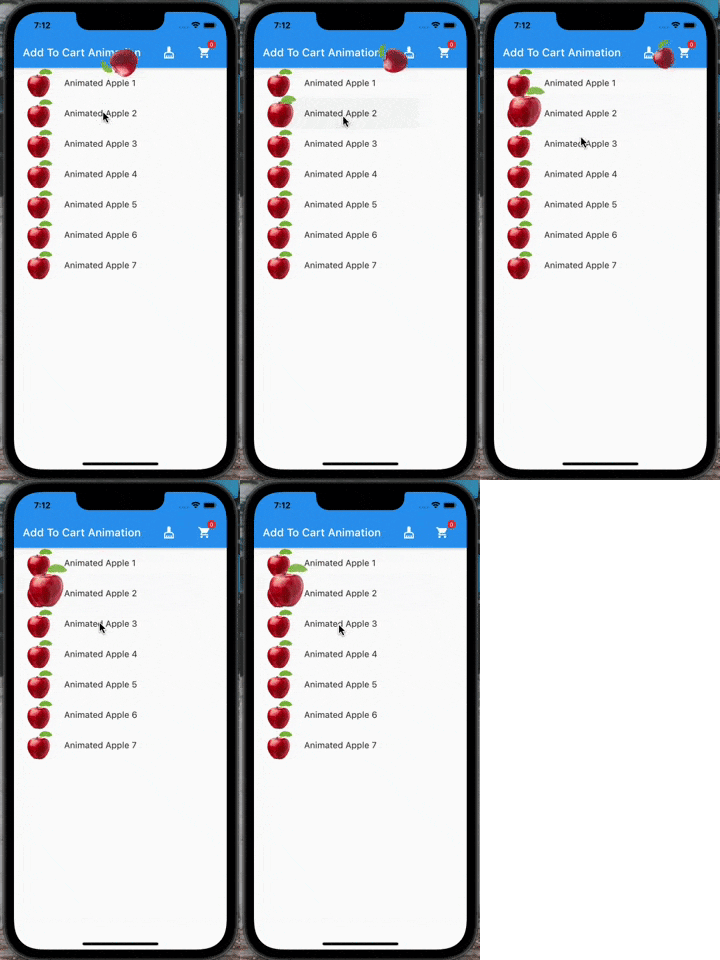
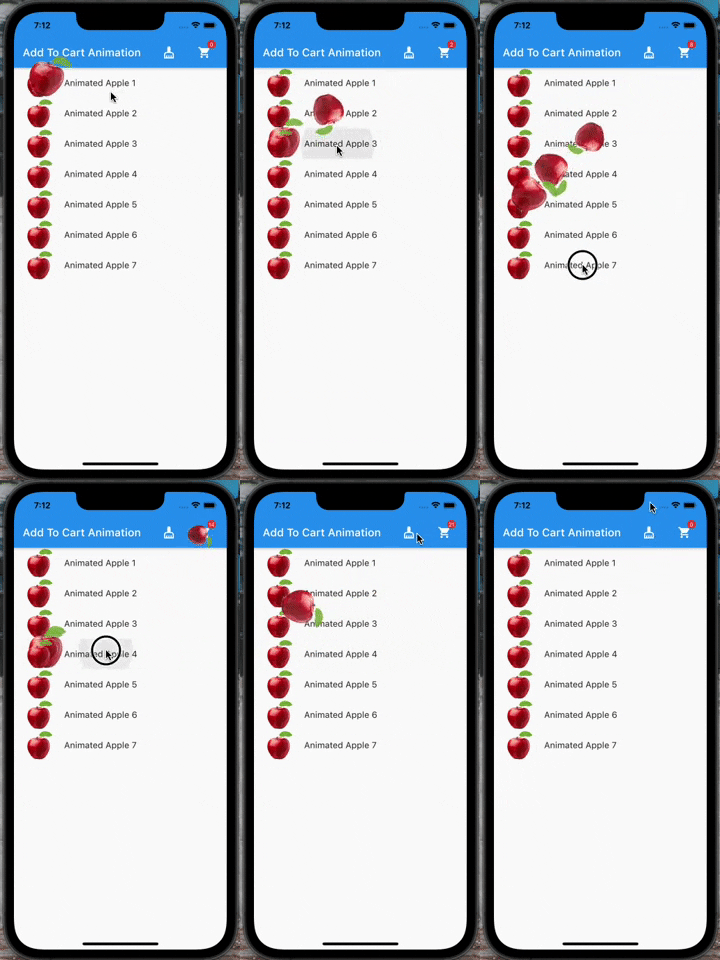 |
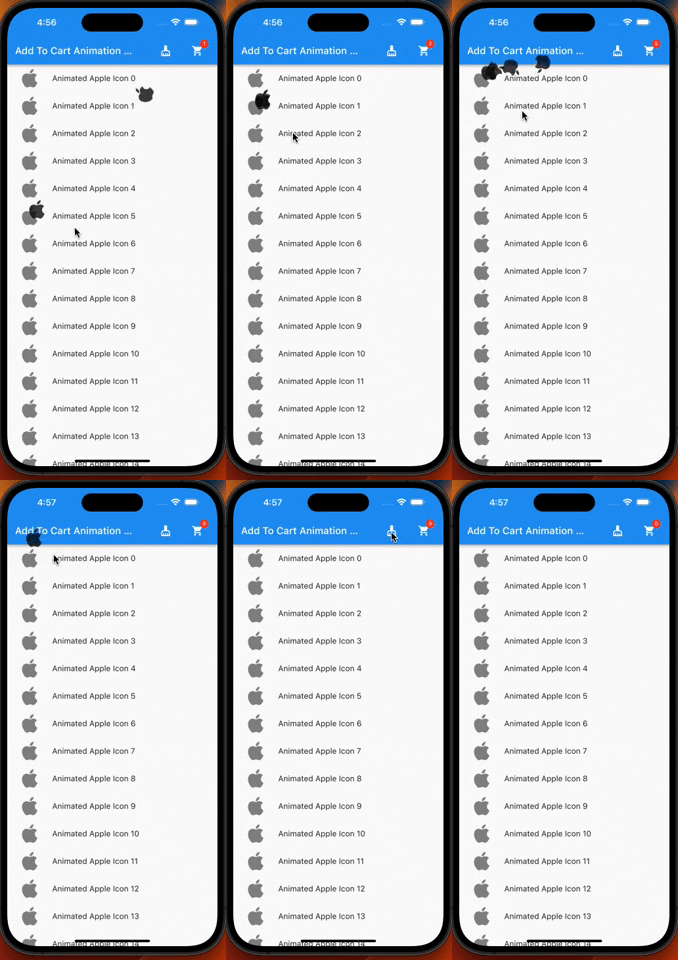 |