Package selection guidance compiled from public package information, community data, and project usage.
The add_to_gallery package enables Flutter applications to save images and videos to the native photo galleries on Android and iOS devices. It provides a simple interface to export media files, ensuring they appear in the user's default gallery app. This is particularly useful for apps that generate or capture media, such as photo editors, camera tools, or content creators. The package handles platform-specific differences seamlessly, offering consistent behavior across both operating systems. It does not modify the original file but creates a copy in the system’s media storage.
Use cases
Saving captured photos from a camera
Exporting edited images from a photo editor
Adding generated videos to the user's library
Sharing user-created content with the system gallery
Automating media backup to native storage
Key features
Cross-platform support for Android and iOS
Saves copies to native galleries
Minimal setup required
Handles platform-specific file paths
Preserves original media files
Suitable for
Photo editing apps
Camera integration features
Content creation tools
Apps needing media sharing
Users wanting automatic gallery sync
Considerations
Requires appropriate permissions on both platforms
Does not support web or desktop
File size may affect performance
Limited customization of gallery metadata
May require user confirmation on some devices
Original README
Original README snapshot from the linked source repository. Visit the repository for the latest content.
Add to Gallery
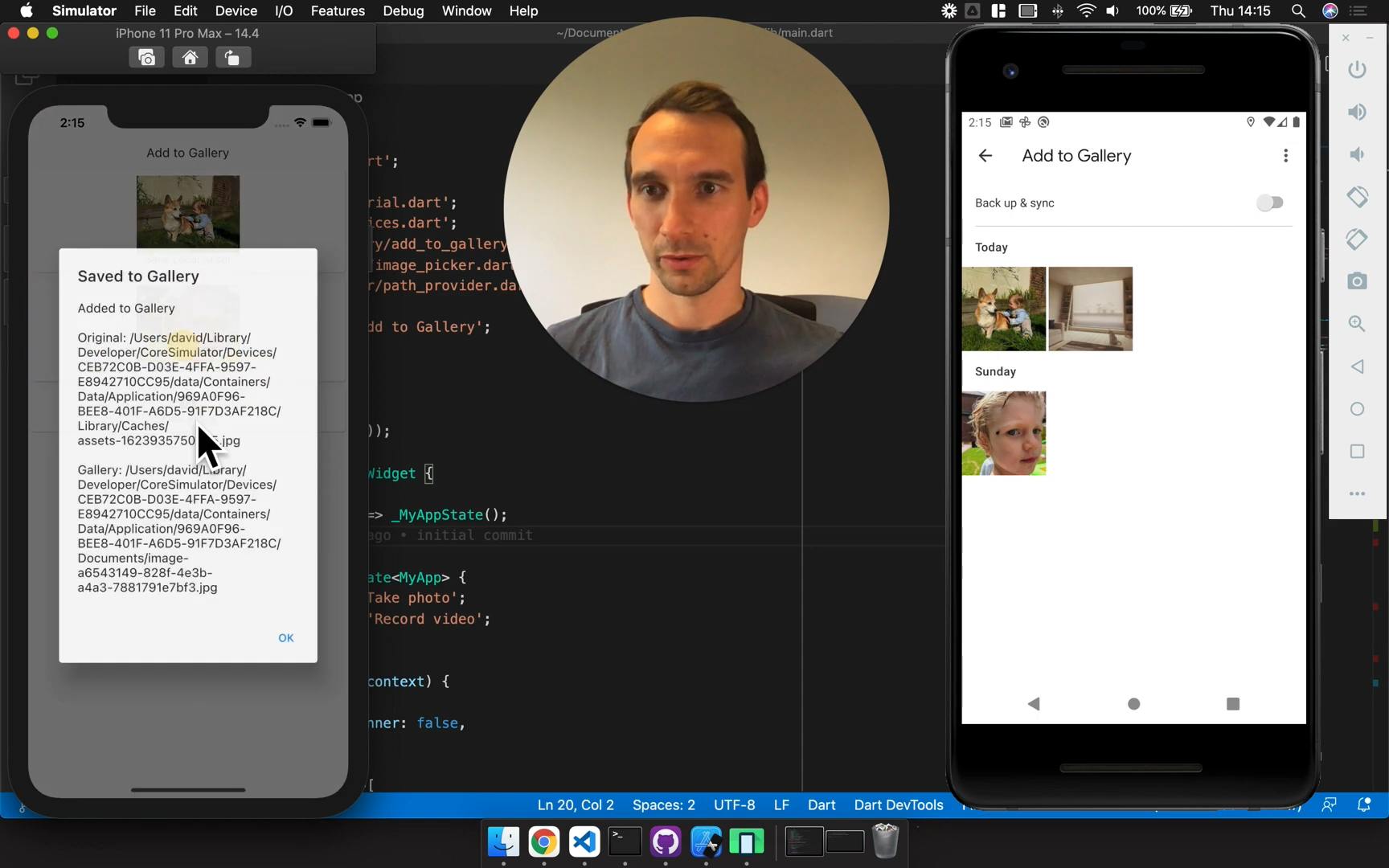
Adds images and videos to the Android Gallery and iOS Photos
View example app
💡 There are a couple of important notes about Google photos and iOS filepaths. Jump to the end of this page for info!
This shows that the assets are still accessible between reboots
Credits & Comparison
Add to Gallery is based on gallery_saver with some notable differences. Enough to warrant a new package rather than a pull-request. Generally speaking, I've simplified the API and unified the behaviour on iOS and Android. It also supports scoped storage on Android (which will be enforced with Android 11)
Big thanks to the Tecocraft LTD team for Android functionality on Android 10 and 11.
Automatically deletes sourceFile - defaults to false
Return Value
Returns bool for the success of the operation
Returns a File pointing to the new file in the gallery
Remote Files
Automatically downloads files that start with http
Does not download files that start with http
Album Name
Optional with default values
Is required
Image Manipulation
Android
Rotates images according to EXIF data
Creates Thumbnails
iOS
Does not manipulate images
Does not manipulate images
Permissions
Handled within the plugin. The first-call fails silently due to permissions race-condition
Not handled within the plugin
💡 An Important Note about Google photos
Google Photos has a built-in feature to remove exact duplicates. It can be confusing to see your media disappearing like this. I considered addressing this behaviour in the plugin, but decided against it. I expect plugin users to be creating unique images with the camera or other methods.
💡 An Important Note about iOS Filepaths
Simply, it will change when new versions of your app are released. For example:
The user installs 1.0.0 of your app, the path is:
.../<A-UNIQUE-DIRECTORY>/Documents/your-file.jpg
The user upgrades to 2.0.0, the path is now:
.../<A-DIFFERENT-UNIQUE-DIRECTORY>/Documents/your-file.jpg
This becomes an issue when you try to access the file later, as the path has changed.
To handle this, you can use the path_provider package to build the path dynamically. Here's an example:
// 1. We used `add_to_gallery` to save a file, and stored the `file.path` locally (in a db, shared preferences etc.)// 2. The user then updated their app// 3. They re-opened the app, and we want to access the file again:import'package:path_provider/path_provider.dart';
final fileName = basename(filePath);
storageDirectory = awaitgetApplicationDocumentsDirectory();
final sourcePath = '${storageDirectory.path}/$fileName'; // This is the new path