
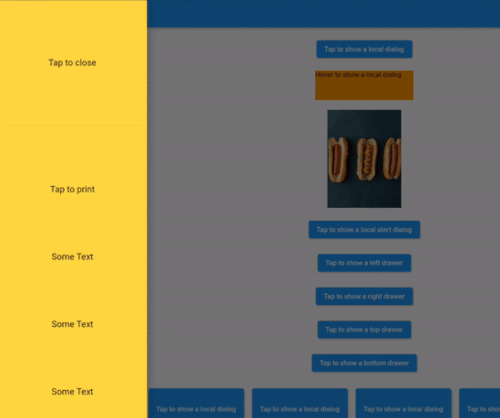
Overview
Aligned Dialog is a Flutter package that enables the display of dialogs aligned to specific positions—either locally within a widget or globally relative to the screen—with customizable transition animations. It provides precise control over dialog placement and smooth entrance/exit effects, enhancing user experience in responsive UIs. Ideal for modals that need to appear near specific elements or at fixed screen locations, it supports all major platforms including mobile, web, and desktop. The package is lightweight and integrates seamlessly with existing Flutter projects.
Use cases
- Displaying context-sensitive modals near buttons
- Creating guided onboarding flows
- Showing tooltips with custom positioning
- Implementing interactive overlays
- Designing responsive dialog layouts
Key features
- Customizable alignment (local or global)
- Smooth transition animations
- Cross-platform support
- Flexible positioning options
- Easy integration with Flutter widgets
Suitable for
- Developers needing precise dialog placement
- UI designers creating interactive flows
- Apps with complex modal interactions
- Projects requiring animated transitions
- Multi-platform Flutter applications
Considerations
- Requires careful handling of alignment offsets
- May need tuning for dynamic screen sizes
- Animation performance should be tested on lower-end devices
- Not suitable for simple, non-interactive dialogs
- Limited documentation beyond basic usage