Search packages, repositories and app categories

alt_sms_autofill cover
Package detailsv1.0.0

alt_sms_autofill

Alt Sms Autofill.

AndroidiOS
30-day downloads
215
Likes
57
Pub points
130

Install package

flutter pub add alt_sms_autofill

Package Overview

Package selection guidance compiled from public package information, community data, and project usage.

Alt Sms Autofill is a Flutter package designed to automatically detect and autofill SMS-based OTPs (One-Time Passwords) in PIN, OTP, and password input fields. It works on both Android and iOS platforms, offering a seamless user experience by retrieving verification codes from incoming SMS messages. The package supports custom SMS message patterns and provides callbacks for handling detected codes. It's ideal for apps requiring secure, fast authentication via SMS verification.

Use cases

  • Auto-filling OTPs from SMS
  • Streamlining user login with SMS verification
  • Reducing manual input errors in PIN fields
  • Supporting multi-platform OTP entry
  • Enhancing form completion speed

Key features

  • Detects and autofills OTPs from SMS
  • Customizable SMS pattern matching
  • Cross-platform support (Android & iOS)
  • Simple integration with text fields
  • Callback for handling detected codes

Suitable for

  • Authentication flows using SMS verification
  • Apps requiring quick OTP input
  • Developers building secure login systems
  • Mobile apps targeting global users
  • Projects needing minimal setup for OTP autofill

Considerations

  • Requires SMS permission on Android
  • May not work if SMS format doesn't match expected pattern
  • Limited to devices with SMS access
  • iOS requires additional configuration for full functionality
  • Depends on device-level SMS handling capabilities
Original README

Original README snapshot from the linked source repository. Visit the repository for the latest content.

alt_sms_autofill

Alt Sms Autofill.

Getting Started

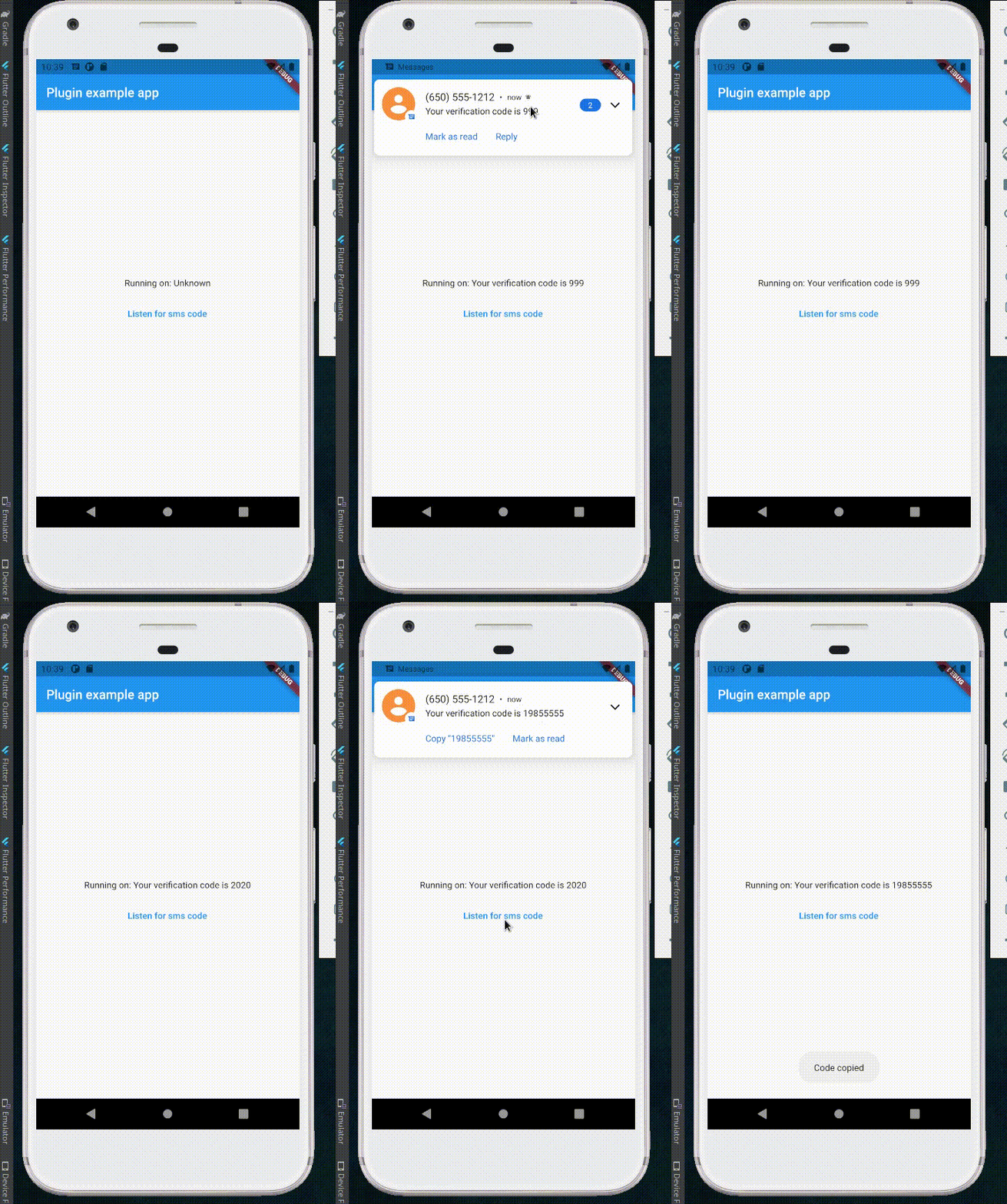
This project is for getting new arrived sms and shows on application. Sms completely return into application and you can split it as you want.

Usage

Add it to your pubspec.yaml file:


dependencies:

alt_sms_autofill: version

In your library add the following import:


import 'package:alt_sms_autofill/alt_sms_autofill.dart';

Here is an example how to use:

class _MyAppState extends State<MyApp> {
  String _commingSms = 'Unknown'; 

  Future<void> initSmsListener() async {

    String commingSms;
    try {
      commingSms = await AltSmsAutofill().listenForSms;
    } on PlatformException {
      commingSms = 'Failed to get Sms.';
    }
    if (!mounted) return;

    setState(() {
      _commingSms = commingSms;
    });

  }

  @override
  void dispose() {

    AltSmsAutofill().unregisterListener();
    super.dispose();

  }

  @override
  Widget build(BuildContext context) {

    return MaterialApp(
      home: Scaffold(
        appBar: AppBar(
          title: const Text('AltAutoFill example app'),
        ),
        body: Column(
          mainAxisAlignment: MainAxisAlignment.center,
          children: [
            Center(
              child: Text('Running on: $_commingSms\n'),
            ),
            TextButton(
              child: Text('Listen for sms code'),
              onPressed: initSmsListener,
            ),
          ],
        ),
      ),
    );

  }

parameters

  • listenForCode() to listen for the SMS code from the native plugin when SMS is received.
  • unregisterListener() to unregister the broadcast receiver, need to be called on your dispose.

#ff packages pub publish

Categories

Source repository

Projects using this package

No data available yet.