Package selection guidance compiled from public package information, community data, and project usage.
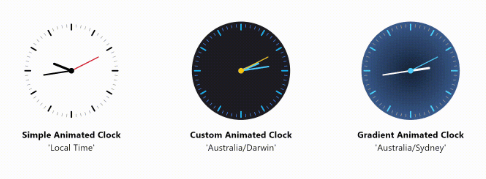
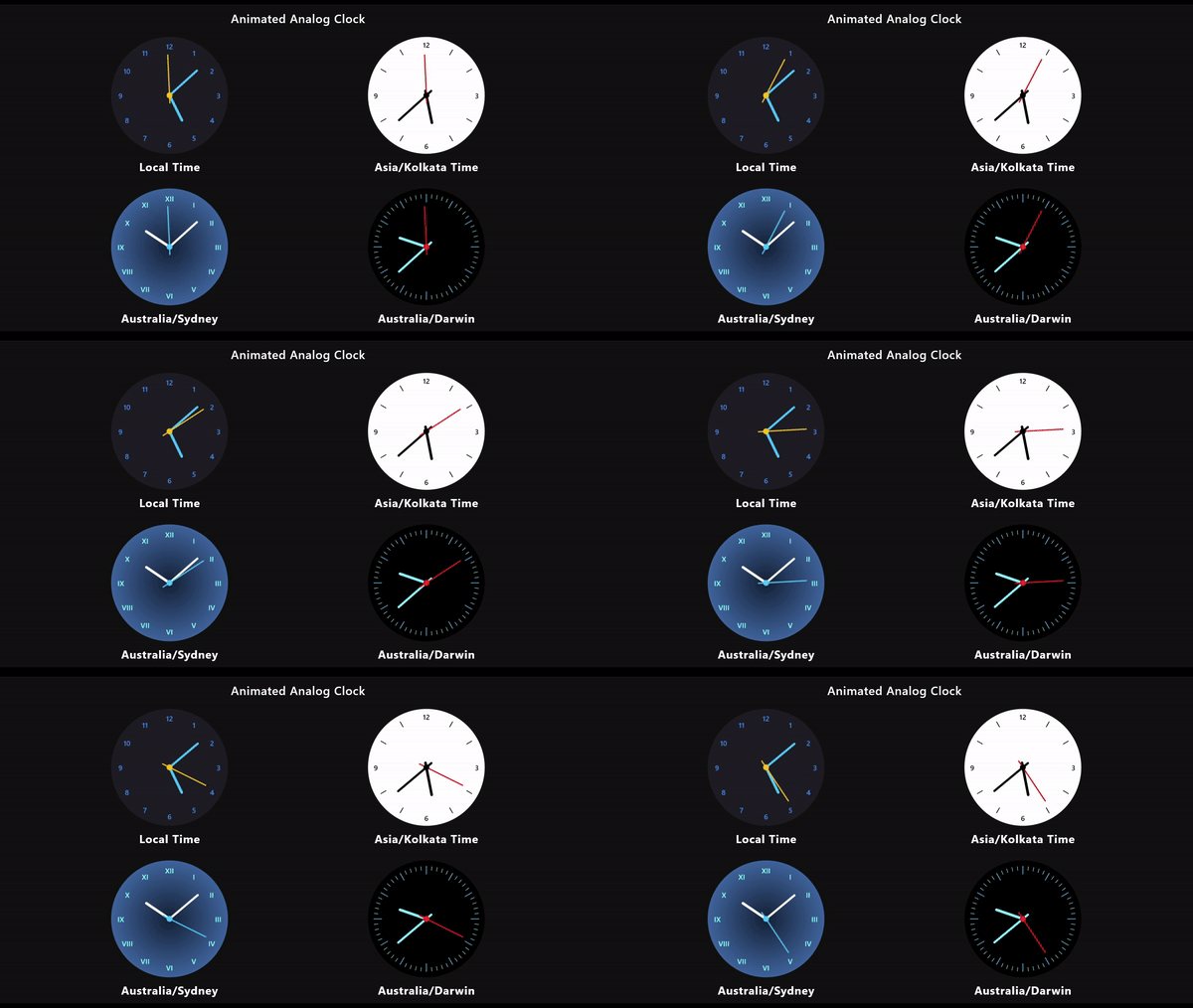
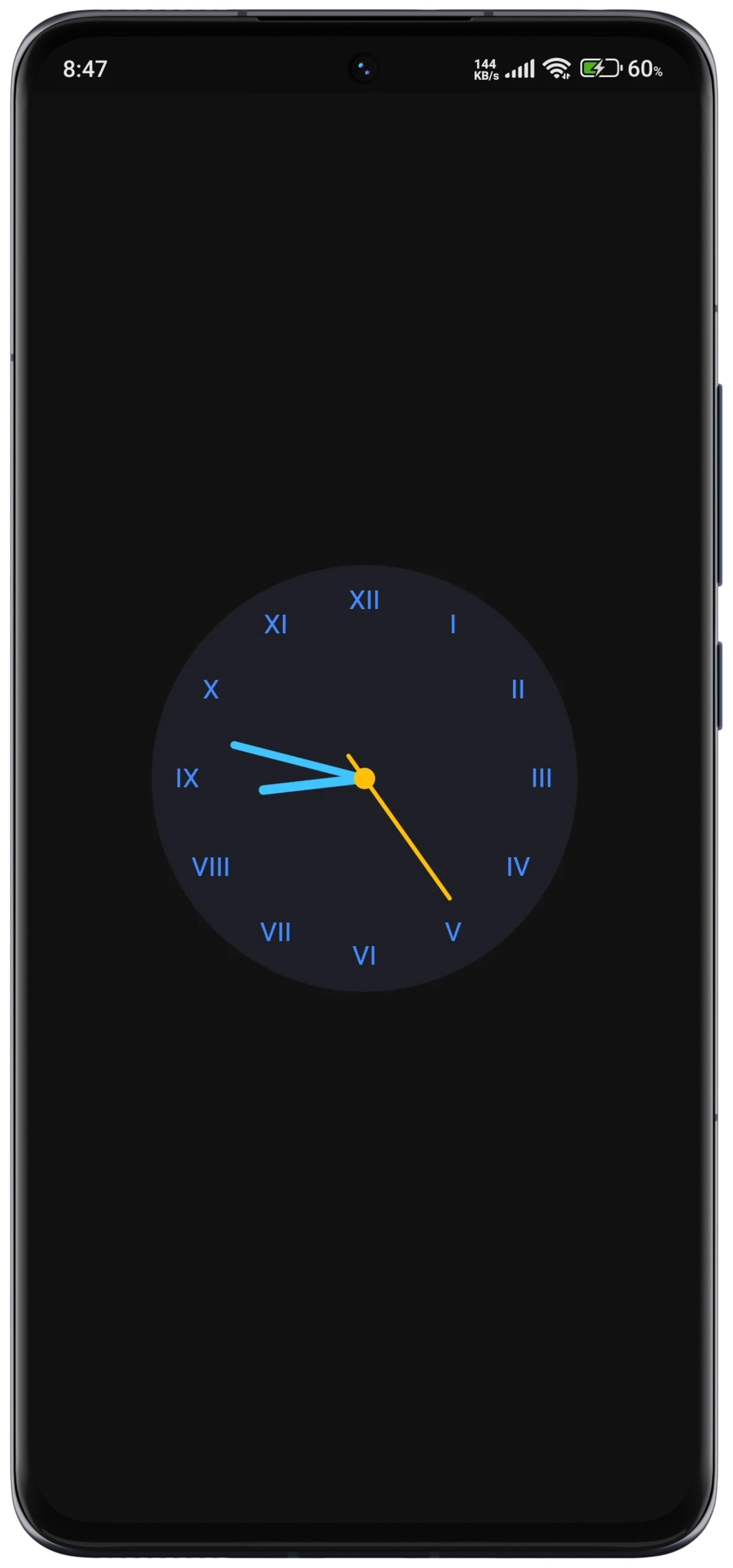
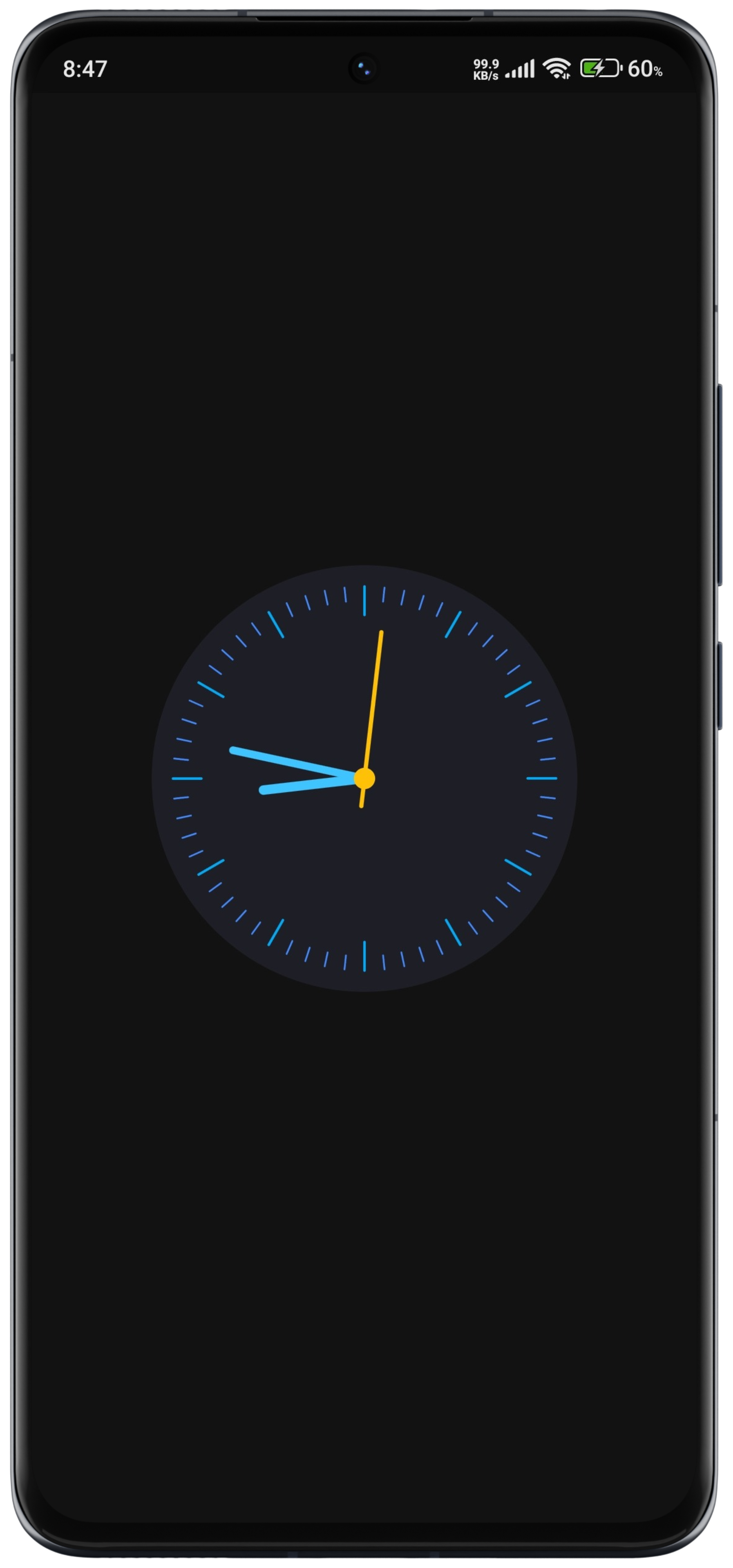
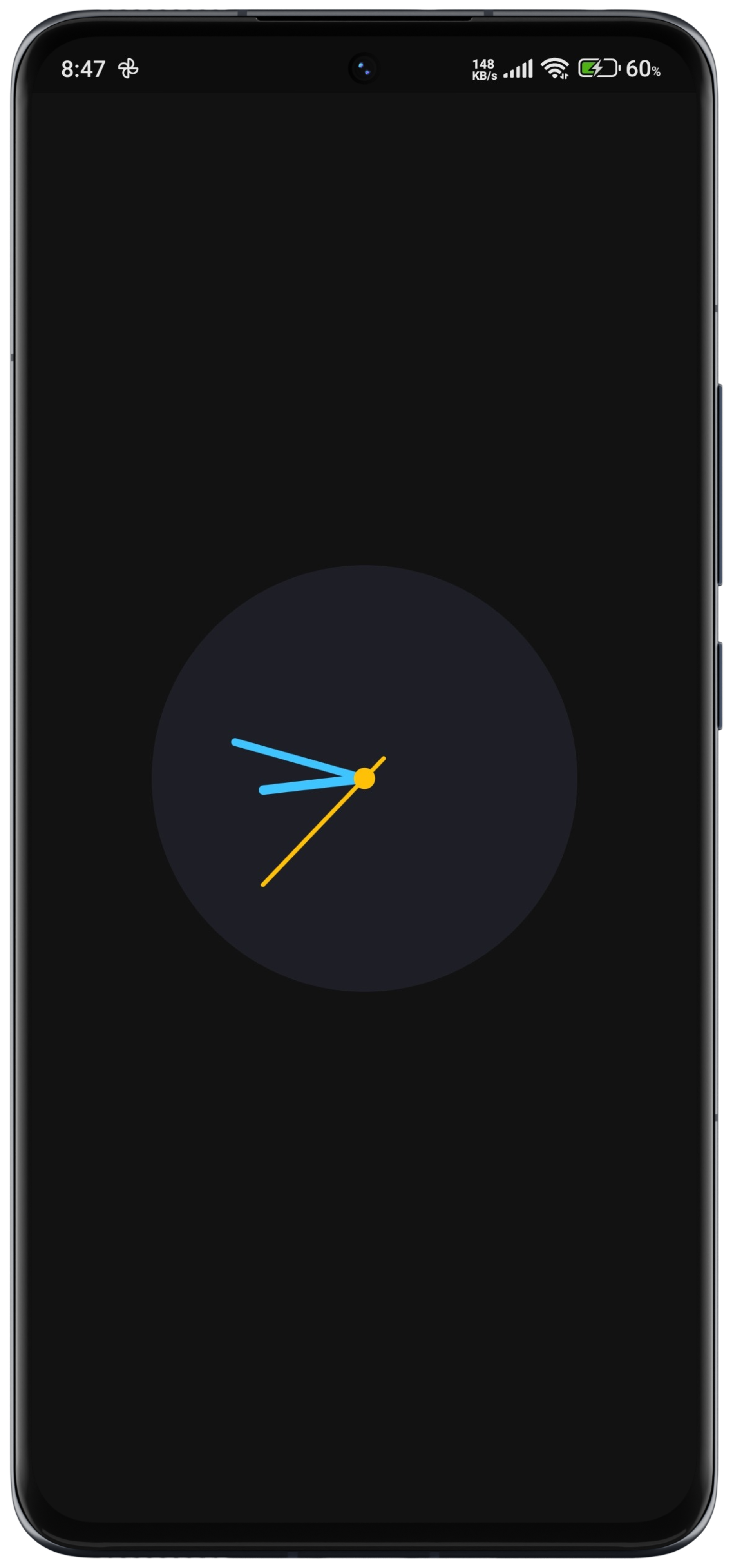
A customizable and animated analog clock widget for Flutter, designed to display time with smooth, real-time animations across multiple platforms. It supports various styling options for the clock face, hands, and markers, allowing developers to tailor its appearance to match app themes. The widget updates dynamically, ensuring accurate timekeeping with minimal performance impact. Ideal for apps requiring a visually appealing time display, such as dashboards, productivity tools, or minimalist interfaces.
Use cases
Dashboard widgets
Productivity apps
Minimalist UIs
Time tracking tools
Digital wellness apps
Key features
Smooth real-time animations
Customizable clock face and hands
Cross-platform compatibility
Configurable hand styles and colors
Automatic time updates
Lightweight performance
Suitable for
Developers building time-focused apps
Designers seeking elegant clock UIs
Apps needing real-time time displays
Projects targeting multiple platforms
Users wanting a simple yet attractive clock
Considerations
May require additional styling for dark mode
Performance depends on animation frame rate
Limited to analog-style time display
Not suitable for digital time-only needs
Customization may need trial and error for optimal look
Original README
Original README snapshot from the linked source repository. Visit the repository for the latest content.
Flutter Animated Analog Clock
A customizable and animated analog clock widget.
This package provides a fully customizable analog clock widget that supports
animation for smooth transitions of clock hands. Users can customize various
aspects of the clock including size, colors, background, and more.
New in Version 0.2.2
Image Dial (New Feature)
You can now use an Image Dial as the clock's face, allowing you to set a background image. This can be a network image or an asset image, making your analog clock even more visually appealing and customizable.
Customizable Design: Users can customize various aspects of the analog clock, including size, colors, background, and more, to match their app's design aesthetics.
Smooth Animations: The analog clock widget supports smooth animations for clock hands, providing a visually pleasing experience for users.
Timezone Support: The clock widget supports displaying time in different timezones, allowing users to customize the clock based on their location or preferences.
Timezone Support with Location Specification: Users can specify a location name, and the clock will display the time according to the timezone associated with that location. To find valid location names for timezones, check out the this documentation.
Lightweight and Efficient: The package is designed to be lightweight and efficient, ensuring smooth performance even on devices with limited resources.
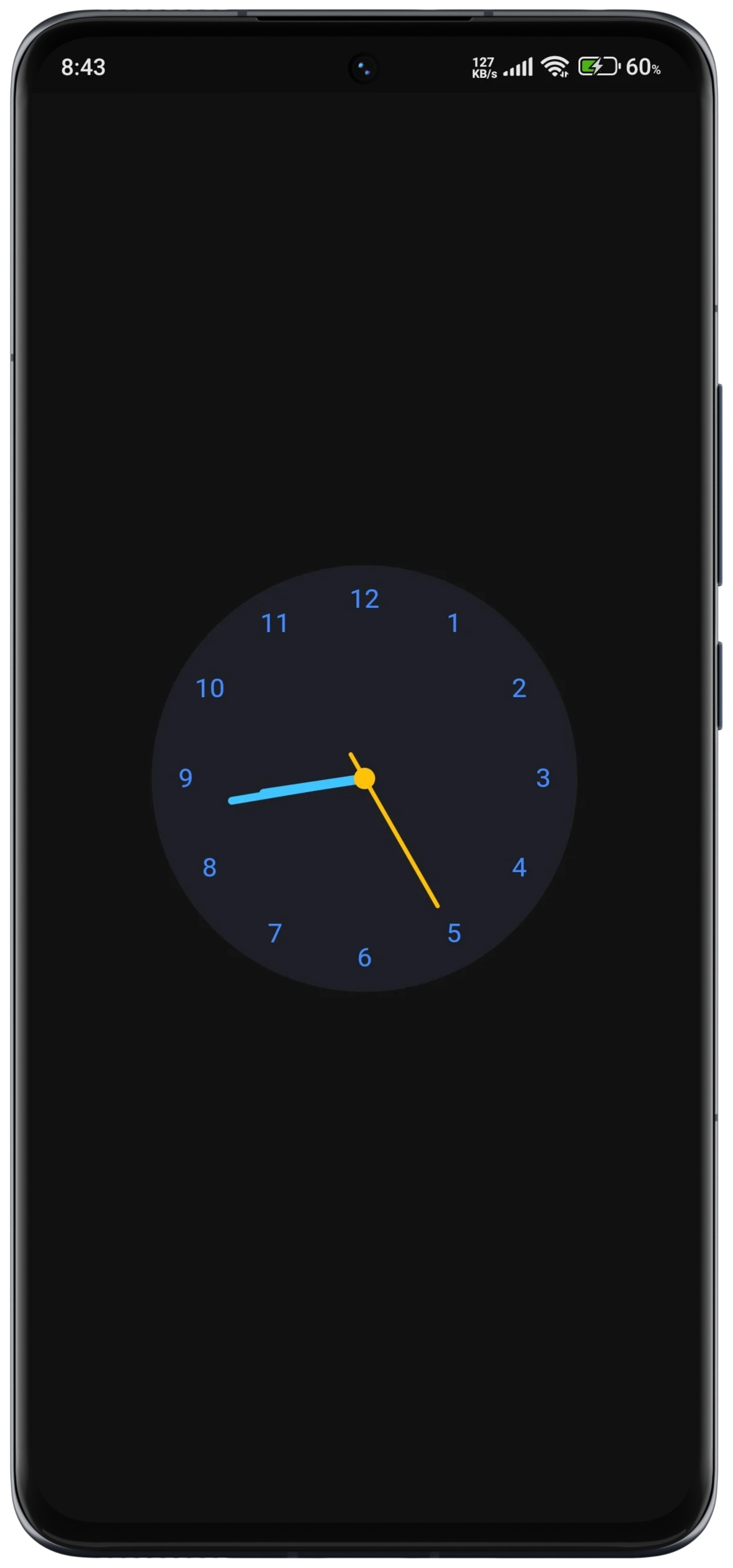
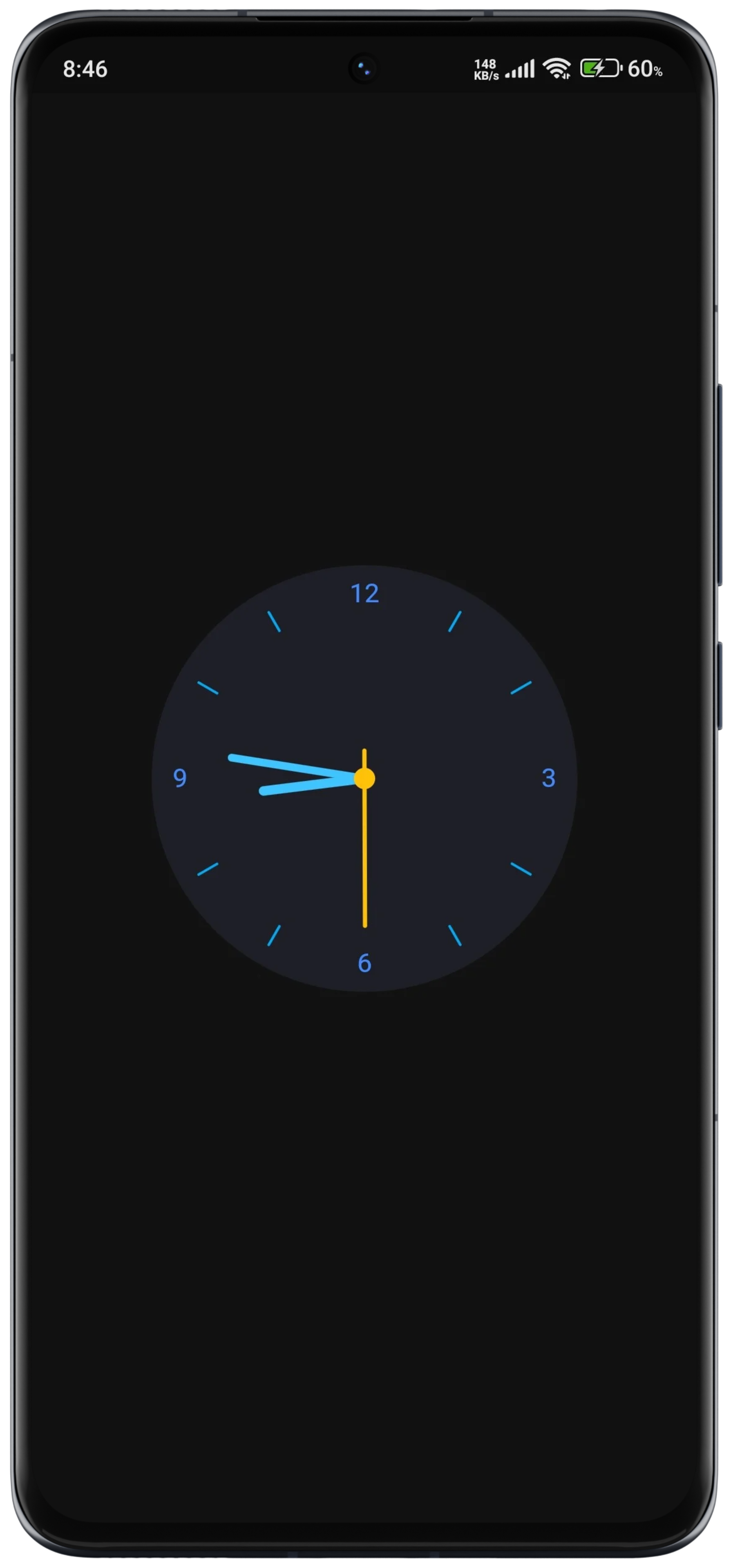
DialType Enum: Introduced the DialType enum to support different dial options: dashes, numbers, numberAndDashes, and none.
Usage
Basic Usage
constAnimatedAnalogClock()
Customization Options
AnimatedAnalogClock(
location: 'Australia/Darwin',
// Gradient Background if you want// backgroundGradient: RadialGradient(colors: []),// Set a network image as the background// backgroundImage: NetworkImage(// 'url',// ),// Alternatively, set an asset image as the background// backgroundImage: AssetImage(// 'path/to/your/asset/image.png',// ),
clock: () => DateTime.now(),
backgroundColor: Color(0xff1E1E26),
hourHandColor: Colors.lightBlueAccent,
minuteHandColor: Colors.lightBlueAccent,
secondHandColor: Colors.amber,
centerDotColor: Colors.amber,
hourDashColor: Colors.lightBlue,
minuteDashColor: Colors.blueAccent,
),
API Documentation
For detailed information about the classes and methods available in this package, refer to the API documentation.
Example
More examples can be found in the example/ folder.
License
This package is distributed under the MIT License. See the LICENSE file for details.
Contact
For questions, feedback, or suggestions regarding this package, please feel free to contact the author at [devhasanzaman@gmail.com](mailto:devhasanzaman@gmail.com).