Search packages, repositories and app categories

Package detailsv3.0.1

anitex

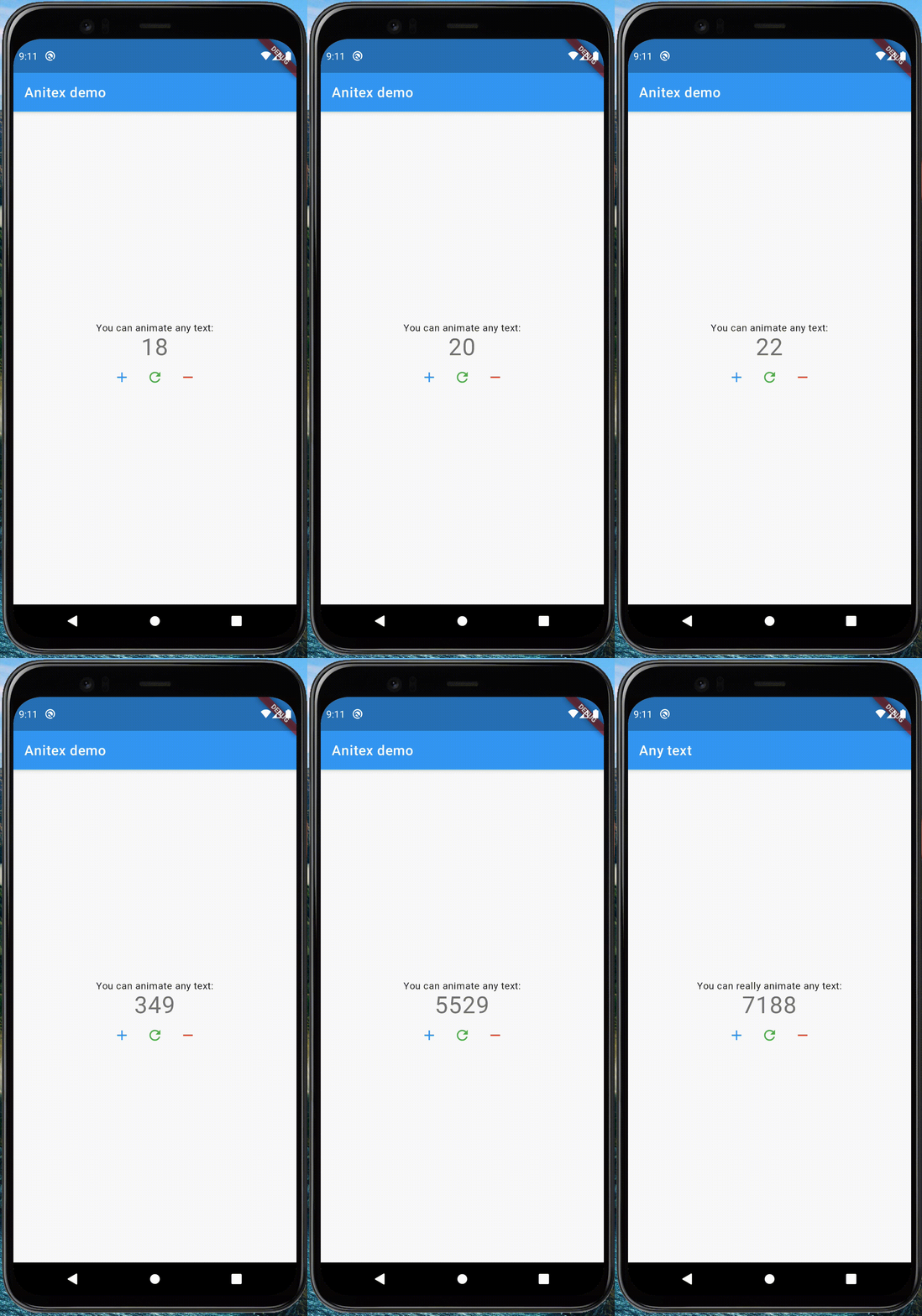
Anitex is a implicitly animated text widget, which animates on passed text changes

AndroidiOSWebmacOSWindowsLinux
30-day downloads
480
Likes
29
Pub points
150

Install package

flutter pub add anitex

Package Overview

Package selection guidance compiled from public package information, community data, and project usage.

Anitex is a Flutter package that provides an implicitly animated text widget, automatically animating transitions when the displayed text changes. It simplifies creating smooth text animations without manual animation controller management. Ideal for dynamic content like counters, live updates, or status indicators, Anitex enhances user experience with subtle visual feedback. The package supports all major platforms including Android, iOS, Web, macOS, Windows, and Linux, making it versatile for cross-platform apps. Built with simplicity in mind, it integrates seamlessly into existing Flutter projects.

Use cases

  • Live counters
  • Dynamic status updates
  • Text transitions in dashboards
  • Animated welcome messages
  • Real-time data displays

Key features

  • Automatic animation on text change
  • Minimal setup required
  • Cross-platform support
  • Smooth fade-in/out transitions
  • No need for AnimationController

Suitable for

  • Developers seeking simple text animations
  • Apps with frequently changing text
  • UIs requiring subtle visual feedback
  • Cross-platform Flutter projects
  • Rapid prototyping

Considerations

  • Best for simple text changes
  • Limited customization beyond basic animations
  • Not suitable for complex animation sequences
  • Performance impact with very frequent updates
  • Depends on Flutter's build system for rendering
Original README

Original README snapshot from the linked source repository. Visit the repository for the latest content.

AnimatedTextWidget

Getting started

Anitex - is a simple package, which give you access to implicitly animate any text. The most impressive animation is achieve if the old and new lines are the same length, or don't differ too much in length.

Example of usage:
  /// ...
  @override
  Widget build(BuildContext context) {
    return Scaffold(
      appBar: AppBar(
        title: AnimatedText(
          title, // This is just a [String]
          style: Theme.of(context).textTheme.headline6.copyWith(color: Colors.white),
          duration: const Duration(seconds: 1),
        ),
      ),
      body: Center(
        child: AnimatedText(
          content,
          reversed: true,
        ),
      ),
    );
  }

Categories

Source repository

Projects using this package

No data available yet.