Package selection guidance compiled from public package information, community data, and project usage.
AppRunner is a Flutter utility package that enables developers to launch their applications with customizable configurations, ensuring controlled and efficient app startup. It simplifies the process of managing launch parameters, environment settings, and initialization workflows across multiple platforms. Ideal for development, testing, and staging environments, AppRunner enhances workflow consistency and reduces setup time. With support for Android, iOS, Web, macOS, Windows, and Linux, it offers cross-platform flexibility for modern Flutter projects.
Use cases
Quick app launches with custom configs
Development and testing environment setup
Staging environment configuration
Cross-platform app initialization
Automated build and run workflows
Key features
Configurable launch settings
Multi-platform support
Environment-aware startup
Simplified initialization
Integration with CI/CD pipelines
Suitable for
Flutter developers
Test automation engineers
DevOps teams
Cross-platform app maintainers
Rapid prototyping
Considerations
Requires manual configuration for each environment
Limited to launch-time customization
No runtime configuration changes
Best suited for pre-launch setup
Dependent on correct project structure
Original README
Original README snapshot from the linked source repository. Visit the repository for the latest content.
AppRunner
Launch your Flutter app like a pro! AppRunner is a configurator for quick and controlled launch of your application, with features that runApp does not have.
We solve problems of brand presence on mobile devices, specializing in development of mobile applications and services in the b2c segment.
Subscribe for the latest updates:
Features
Get your application up and running quickly.
Allows you to run code without blocking your application from launching.
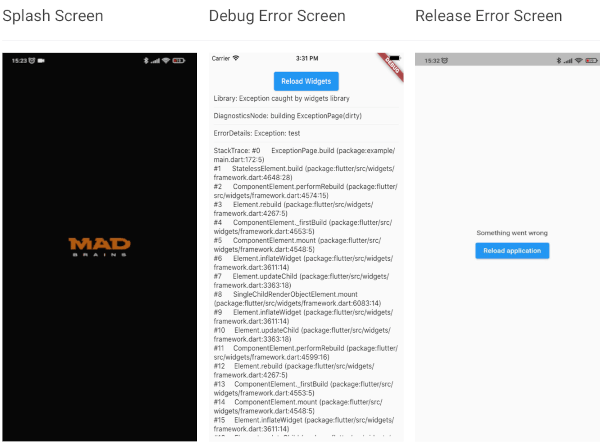
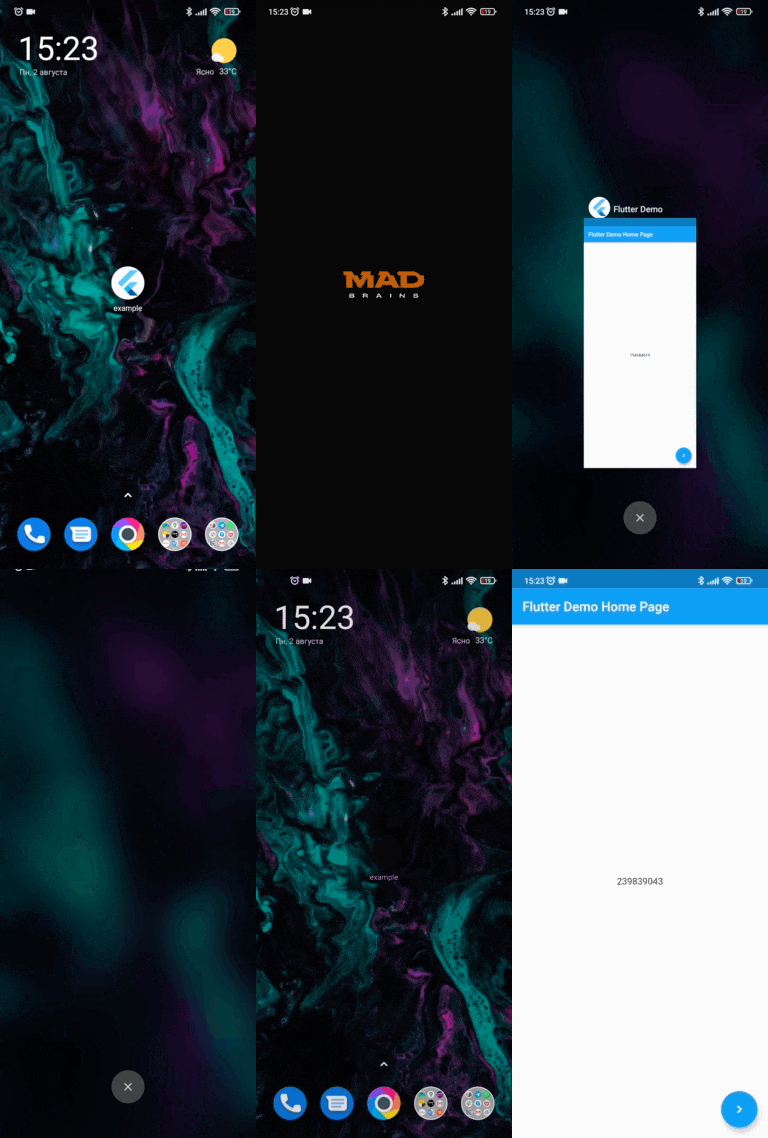
Show your independent splash screen while loading the app. AppRunner does not block the first call of the widget, do you practically won't see the native splash screen.
Allows you to reload the widget tree if you need it.
Your code will run in a safe environment for both Dart code and Flutter code. AppRunner catches and handles errors, preventing your application from breaking at runtime.
Configuring the zone of your application is much easier.
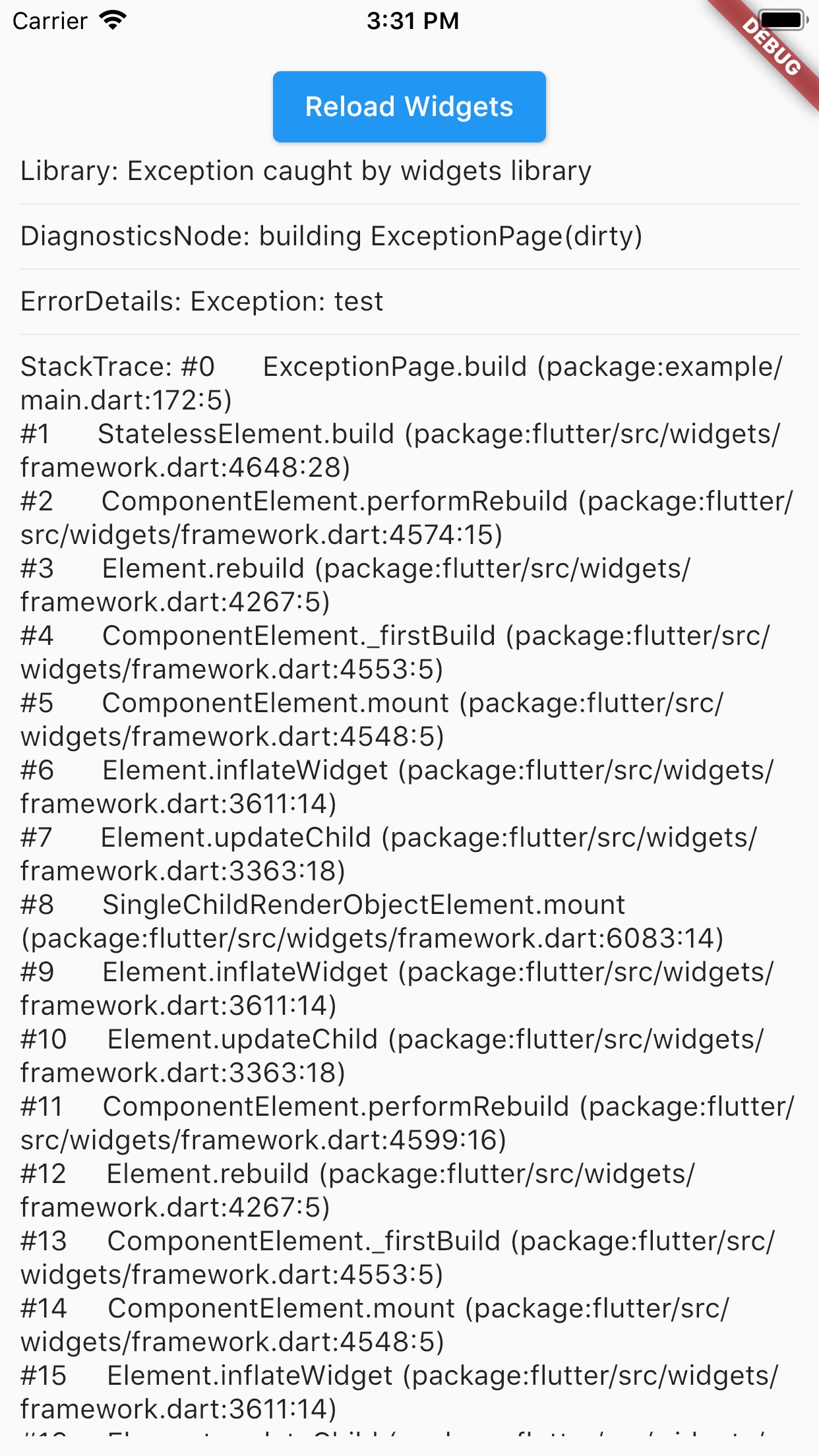
With AppRunner you can easily override ErrorWidget for debug and release mode.
Lets you just use your WidgetsBinding implementation.
And the very last and most important argument to use AppRunner in your application, it is very easy to integrate into your application, and its configuration does not take much time.
Splash Screen
Debug Error Screen
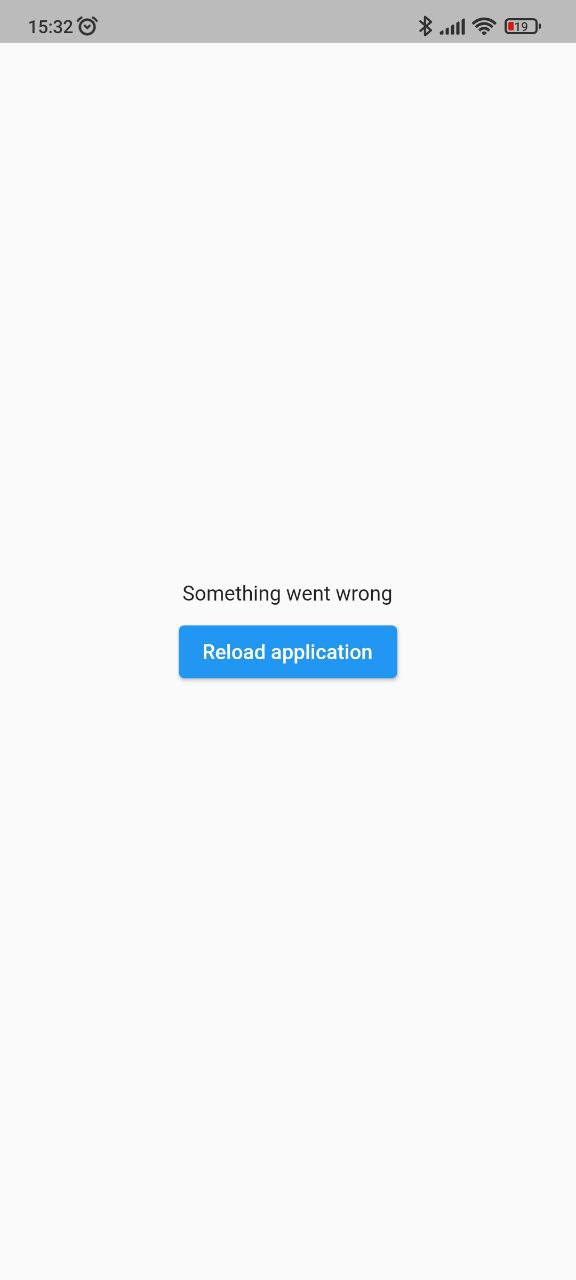
Release Error Screen
Installing
BREAKING: Note, starting with version 2.2.0, Flutter 3.10.0+ is used by default. If you need to use a Flutter version lower than 3.10.0, then use package version 2.1.2 and below.
Add this to your package's pubspec.yaml file:
dependencies:app_runner:<lastversion>
Usage
This is how your application launch looked like before:
It is simply by attaching your widget to the root. But in order to catch errors, it was necessary to use runZonedGuarded, then our code will become like this: