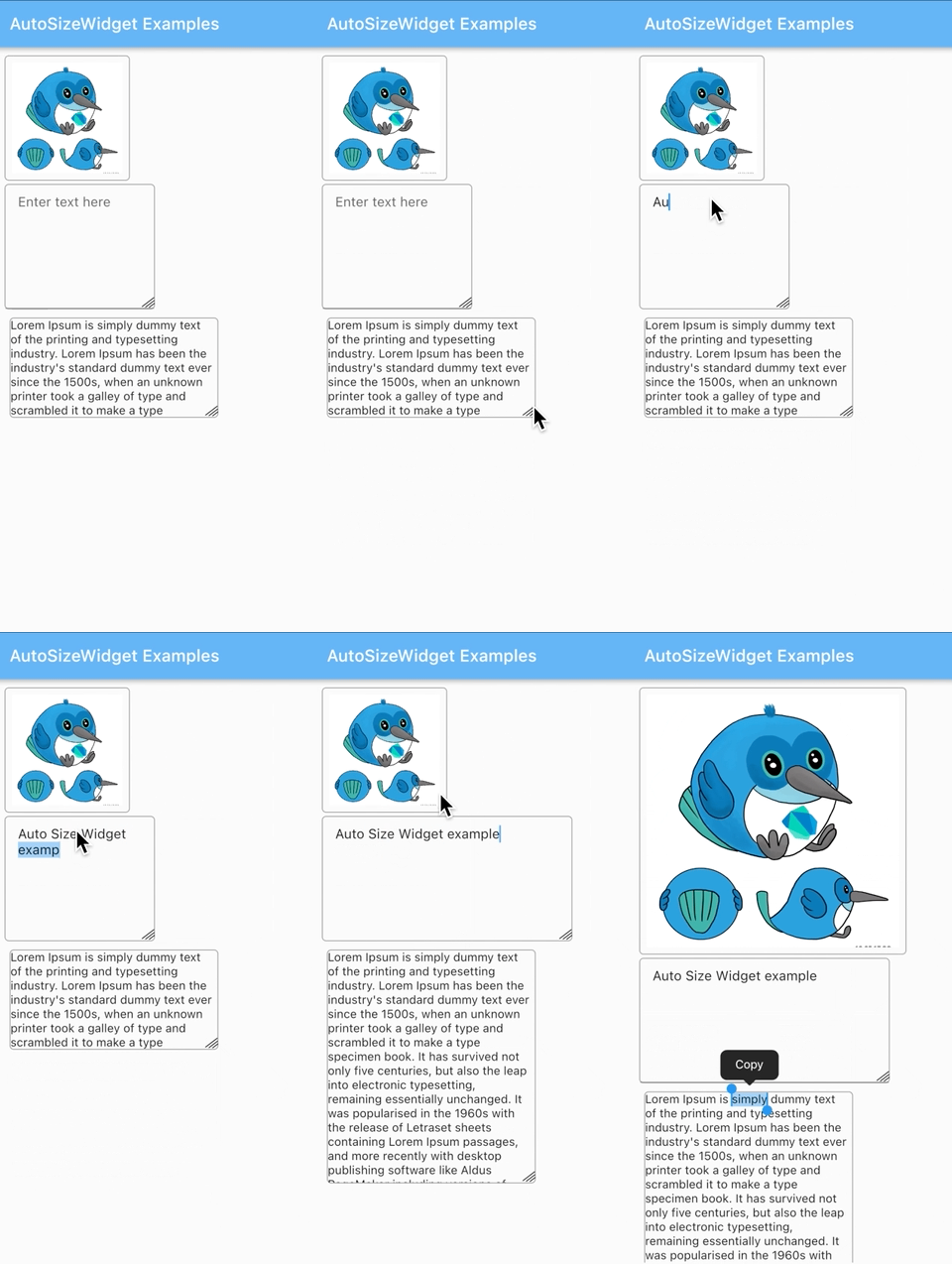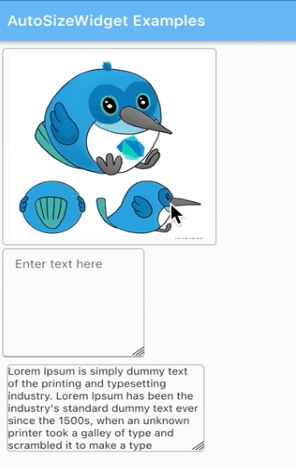
The auto_size_widget package provides a Flutter widget that enables dynamic resizing of its child by dragging the corner, allowing intuitive layout adjustments. It is designed for interactive UIs where users need to manually resize elements within the app. The package supports multiple platforms including Android, iOS, Web, macOS, Windows, and Linux, making it versatile for cross-platform development. It integrates seamlessly with existing Flutter layouts and enhances user experience through direct manipulation.
Use cases
- Interactive UI design
- Dynamic layout adjustment
- User-driven widget resizing
- Cross-platform responsive interfaces
- Prototyping interactive layouts
- Real-time UI customization
Key features
- Corner drag-to-resize functionality
- Cross-platform compatibility
- Easy integration with Flutter widgets
- Supports all major platforms
- Minimal setup required
- Responsive layout behavior
Suitable for
- UI designers prototyping interactive layouts
- Developers building customizable dashboards
- Apps requiring manual widget resizing
- Cross-platform applications with dynamic UIs
- Educational or creative tools with interactive elements
Considerations
- May conflict with other gesture detectors
- Performance impact with complex children
- Requires careful handling in nested layouts
- Not suitable for static or read-only UIs
- Limited to single-child resizing without additional logic
- Potential accessibility challenges with touch gestures