A versatile Flutter package for generating and displaying customizable avatars with random string content. Perfect for user profiles, placeholders, and more.
Package selection guidance compiled from public package information, community data, and project usage.
Avatar Plus is a Flutter package designed to generate and display customizable avatars using random string content. It supports various visual styles and is ideal for user profiles, chat interfaces, and placeholder images. The package integrates seamlessly across multiple platforms, offering flexibility in appearance and ease of use. With minimal setup, developers can quickly implement dynamic avatars that adapt to different contexts and design needs.
Use cases
User profile pictures
Chat head displays
Placeholder images
Dashboard user indicators
Onboarding screens
Team member cards
Key features
Random string-based avatar generation
Customizable shapes and colors
Support for multiple platforms
Easy integration with Flutter
Configurable text and initials
Responsive design
Suitable for
App developers needing quick avatars
UI designers seeking consistent profile visuals
Projects with dynamic user data
Cross-platform applications
Prototyping and MVP development
Considerations
Limited to text-based avatars
No built-in image upload support
Depends on string input for uniqueness
May require custom styling for complex designs
Not optimized for large-scale avatar libraries
Original README
Original README snapshot from the linked source repository. Visit the repository for the latest content.
Avatar Plus
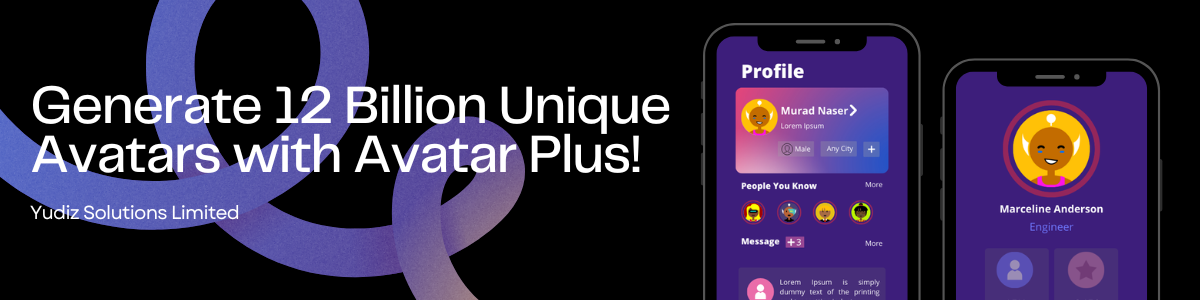
Avatar Plus is a Flutter wrapper for Multiavatar that allows you to generate and customize unique avatars easily. With up to 12 billion unique avatars possible, this package is perfect for creating profile pictures, gaming logos, or adding personalized touches to your design projects.
Features
Generate Unique Avatars: Create avatars based on any text input with just a click or a keyboard shortcut.
Customizable: Integrate and customize avatars in your Flutter applications.
Randomized Associations: Names and words are randomly assigned to avatars, ensuring each one is unique.
Free to Use: Use any generated avatar freely across various applications.
Demo
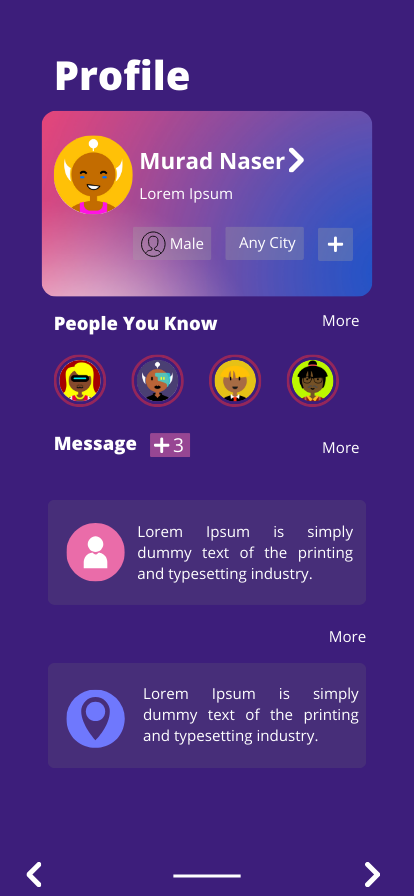
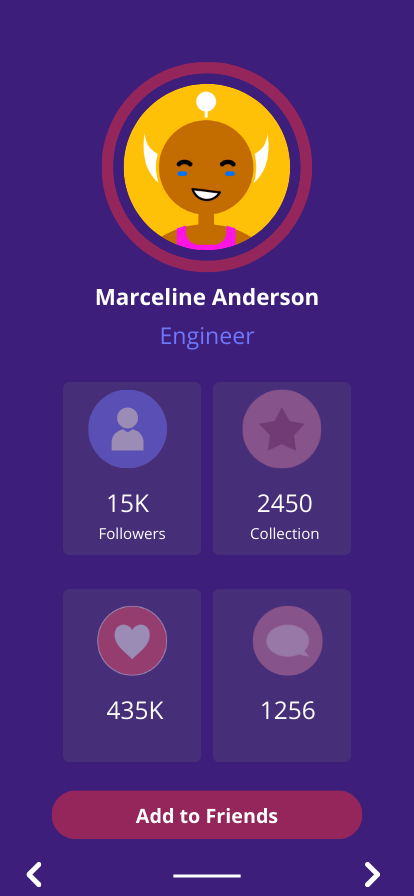
'Screen 1'
'Screen 3'
'Screen 2'
Sample Code
Here is a basic example demonstrating how to use the avatar_plus package with various
customization options:
AvatarPlus("Jonny")
Installation
Add the following line to your pubspec.yaml file under dependencies:
dependencies:avatar_plus:^1.0.0
Then run:
flutter pub get
Usage
To use Avatar Plus in your Flutter application:
Import the Package
import'package:avatar_plus/avatar_plus.dart';
Basic Example
Here's a simple example of how to generate an avatar using Avatar Plus: