
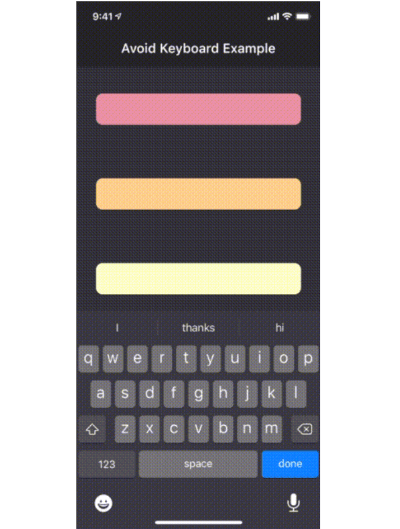
The avoid_keyboard package provides a simple way to manage keyboard avoidance in Flutter apps, allowing specific view regions to adjust when the keyboard appears. Unlike full-screen adjustments, it avoids compressing the entire UI, preserving layout integrity. It works across multiple platforms including Android, iOS, Web, macOS, Windows, and Linux. The package is ideal for forms or input-heavy screens where maintaining visual context is crucial during user interaction.
Use cases
- Form inputs with dynamic layout adjustment
- Chat interfaces with message input fields
- Custom scrollable regions avoiding keyboard overlap
- Mobile-first UIs requiring precise keyboard handling
- Web and desktop apps with responsive input areas
Key features
- Region-specific keyboard avoidance
- No full view compression
- Cross-platform support
- Minimal setup with widget wrapper
- Supports scrollable containers
- Works with existing scroll views
Suitable for
- Developers building input-heavy apps
- Teams targeting multiple platforms
- UI designers needing fine-grained control
- Apps with complex form layouts
- Projects requiring smooth keyboard interactions
Considerations
- May require manual positioning logic for complex layouts
- Not suitable for full-screen keyboard avoidance
- Performance impact on high-frequency updates
- Limited customization beyond basic offset
- Requires careful testing on all target platforms

